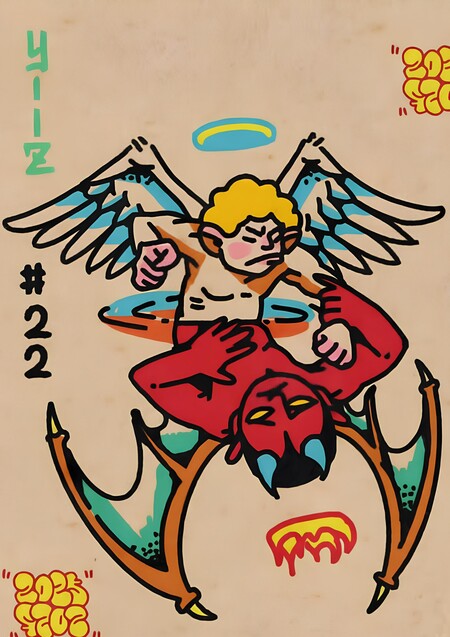
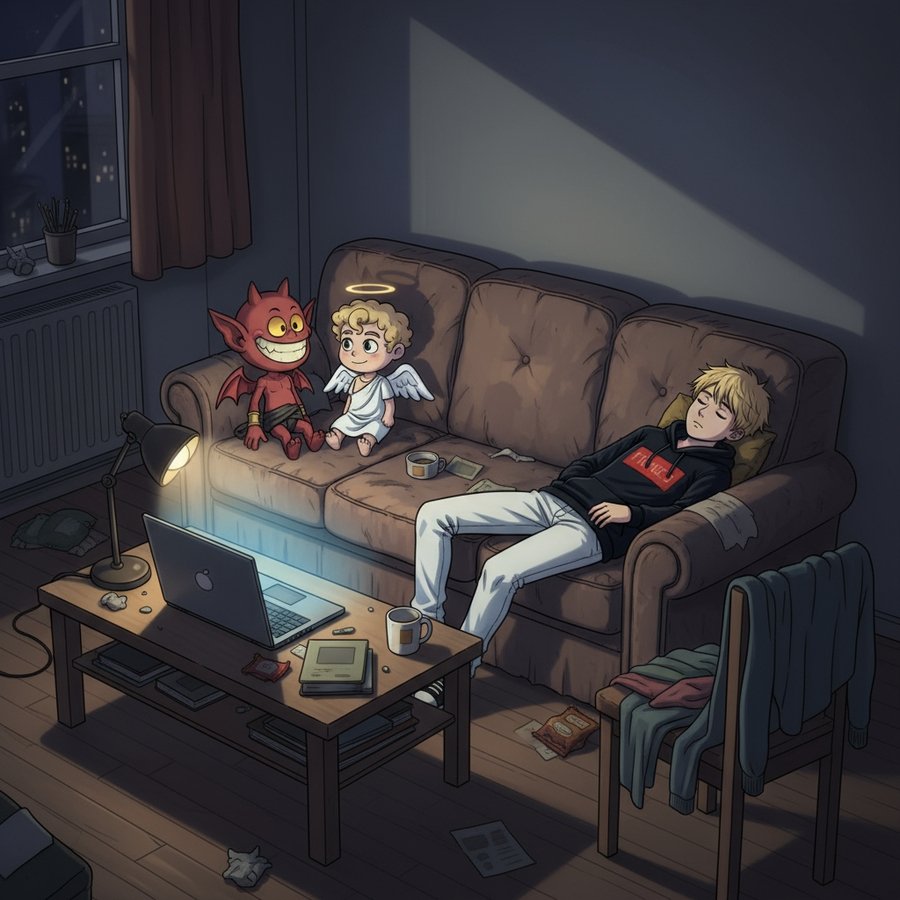
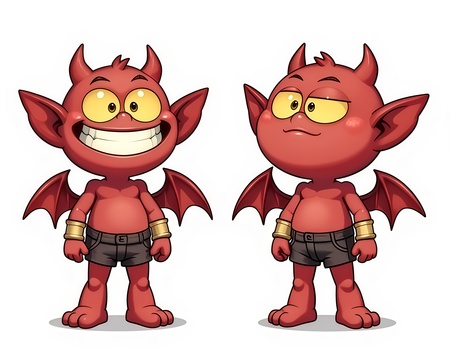
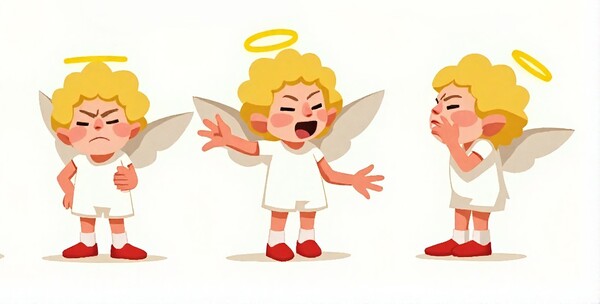
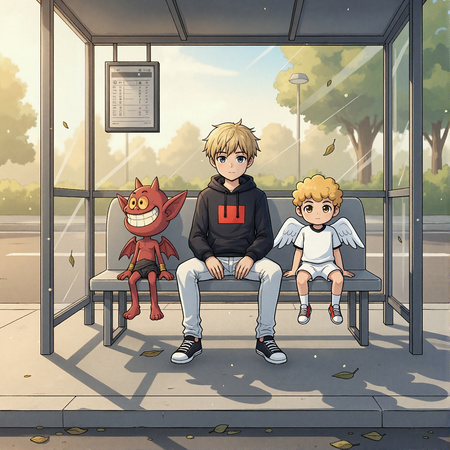
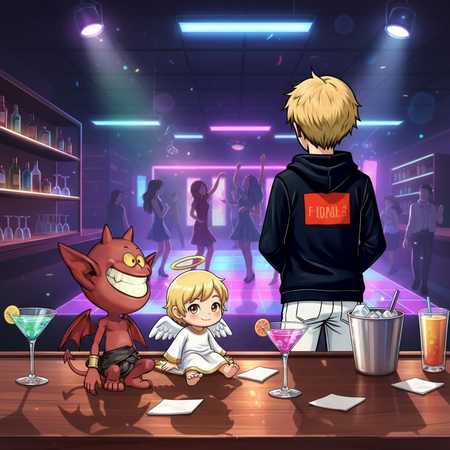
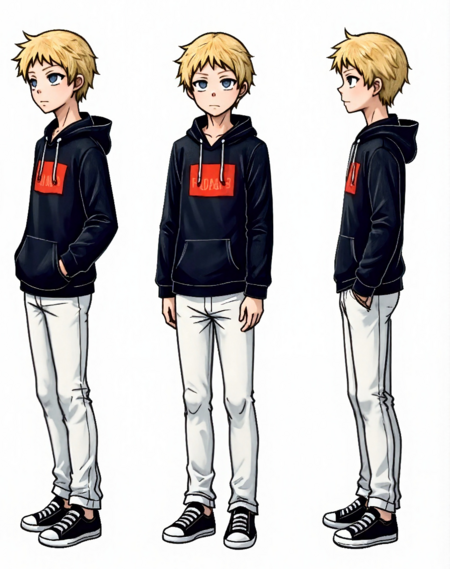
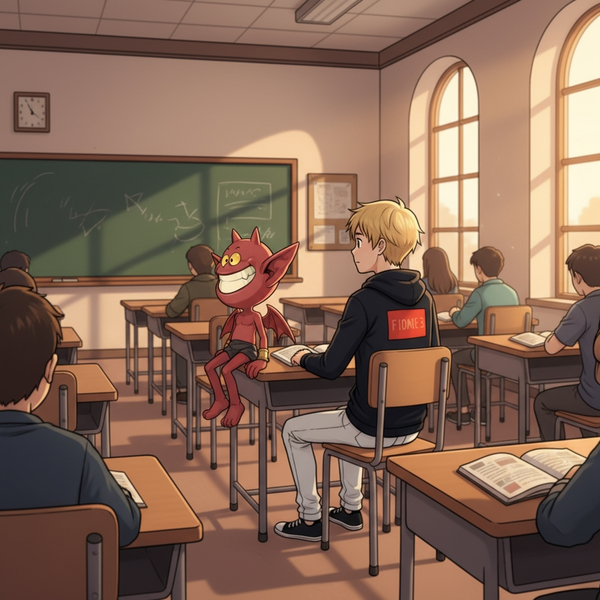
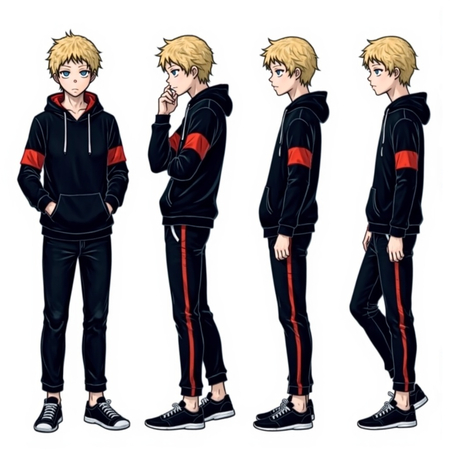
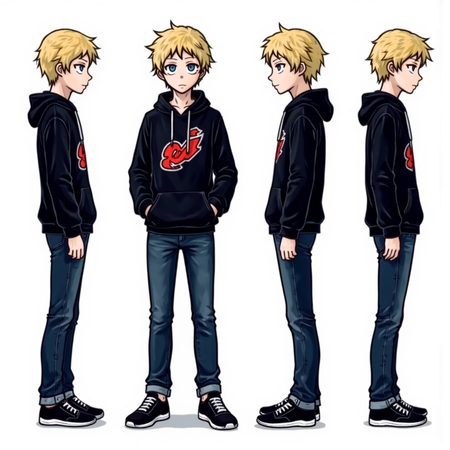
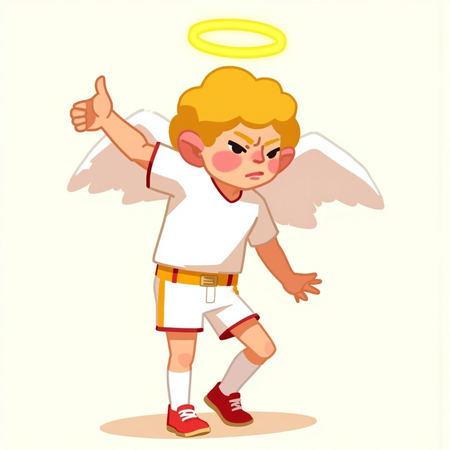
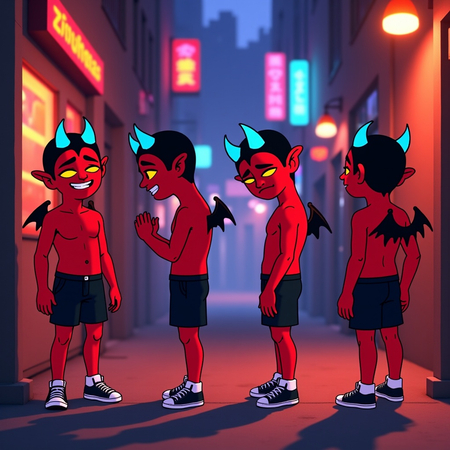
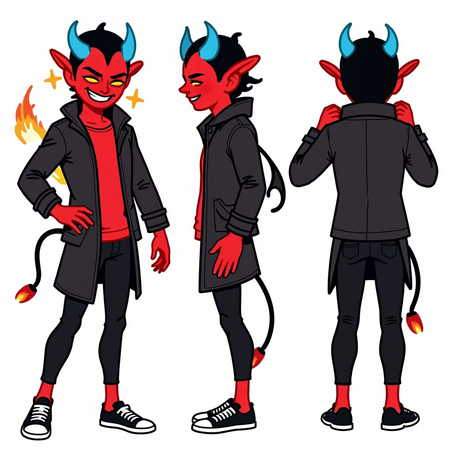
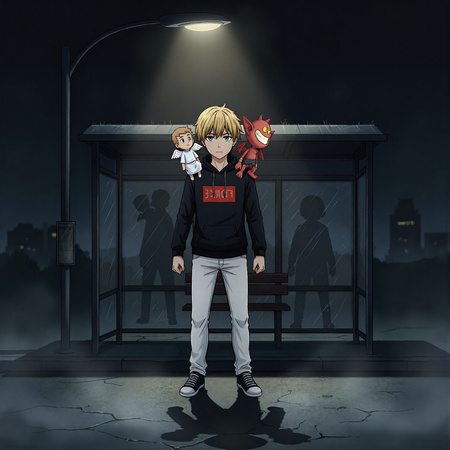
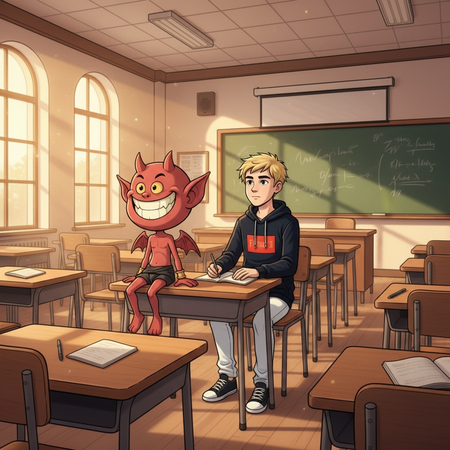
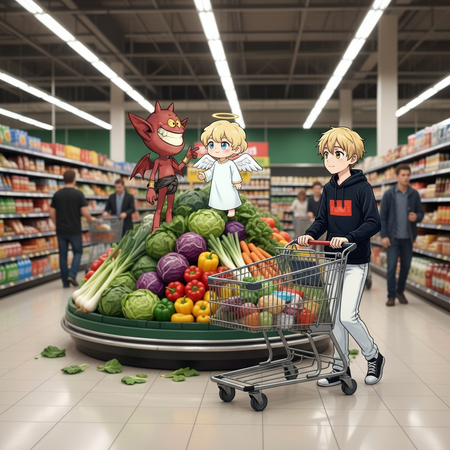
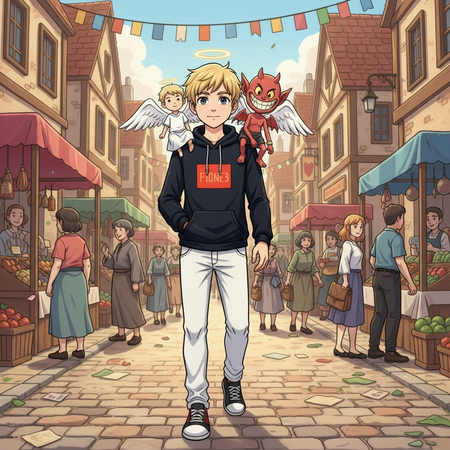
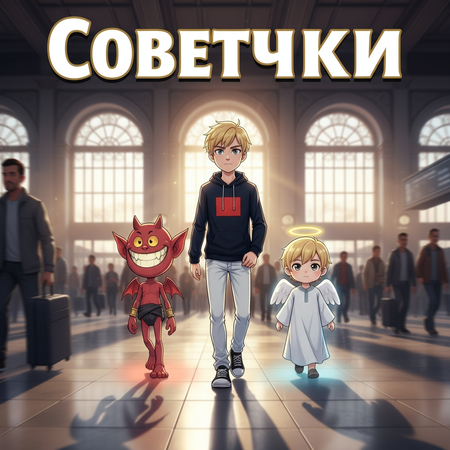
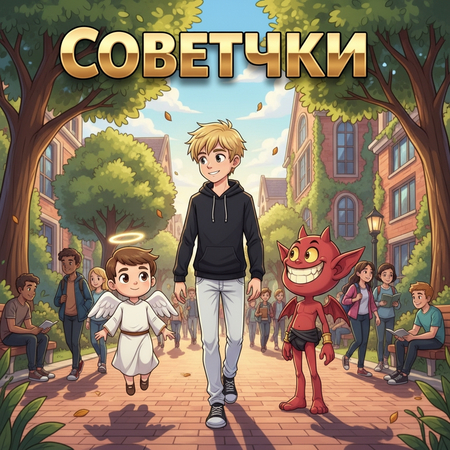
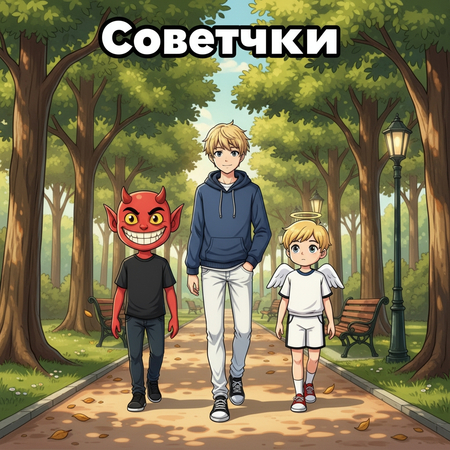
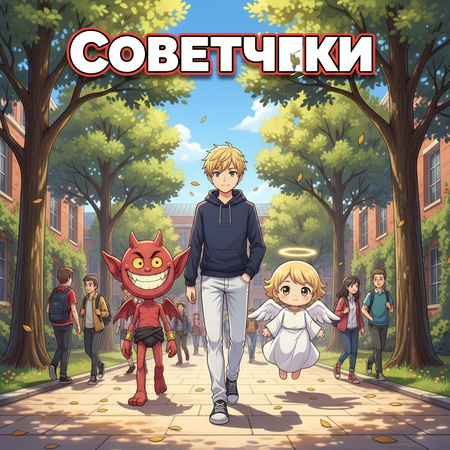
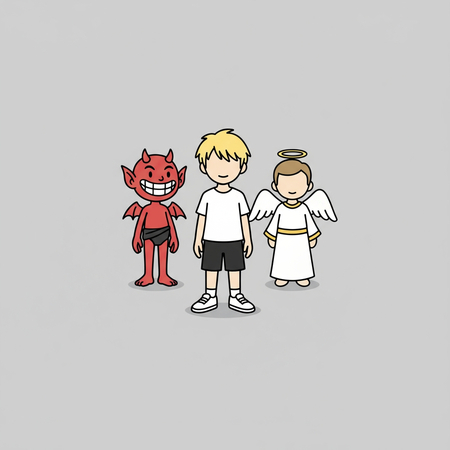
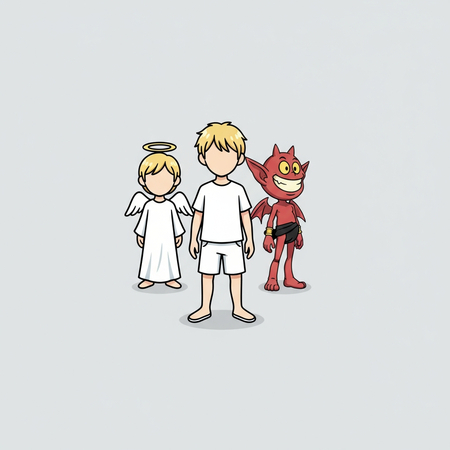
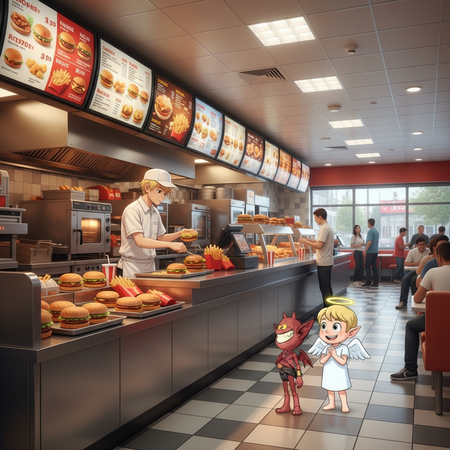
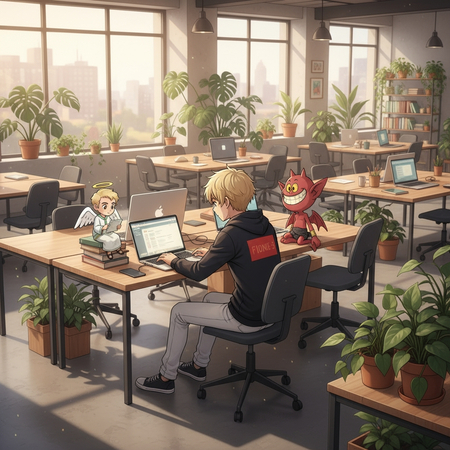
Советчики — это проект, который создается при помощи генеративной анимации в формате коротких вертикальных роликов. Эта повседневная комедия рассказывает о молодом человеке, в голове которого поселились ангел и демон. Эти два персонажа становятся его внутренними голосами, спорящими по каждому поводу, от банальной прогулки до вопросов совести. Каждая серия представляет собой короткий комедийный скетч, где даже повседневные ситуации превращаются в абсурдную битву добра и зла.
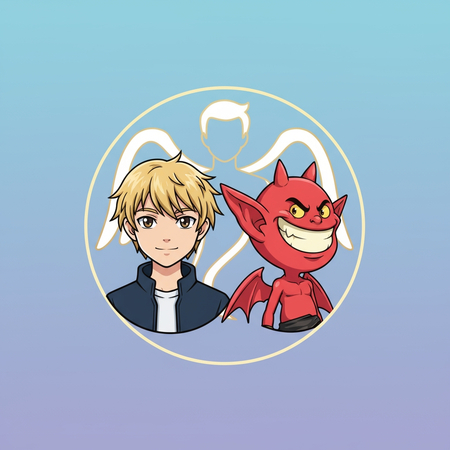
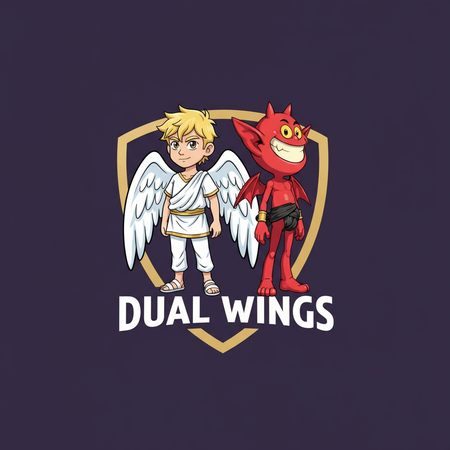
Я выгрузил в нейросеть референсы персонажей, для того, чтобы она «понимала», каких персонажей надо генерировать, после чего, при помощи развернутых промптов (по ссылке) сгенерировал изображения с тремя главными героями. Тоже сделал с постерами и логотипами.
Матвей Куц создал анимационный проект «Советчики» в формате коротких вертикальных роликов. Проект использует генеративную анимацию для создания абсурдных скетчей о внутренней битве добра и зла в голове молодого человека.
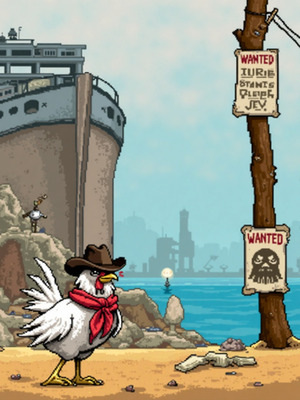
Элиза Чертова создала визуальный дизайн и айдентику для проекта «Вечерний вестерн», где курица отправляется в приключение по Дикому Западу. Проект включает детализированные описания персонажей, локаций и элементов в стиле пиксель-арта с яркими акцентами и западной стилистикой.
Анна Рыбакова создала ребрендинг настольной игры «Steam Disaster» в стиле стимпанк, переосмыслив оригинальный проект «Запретная пустыня». Проект включает детализированные промпты для генерации изображений, описывающие локации, персонажей и визуальный стиль игры в стимпанк-аэстетике.
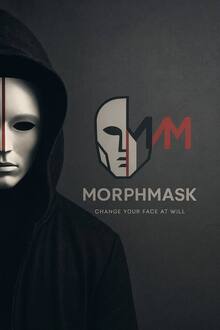
Мария Максимова создала концепцию магазина масок MorphMask, где можно менять внешность с помощью технологий искусственного интеллекта. Проект включает разработку фирменного стиля, включая логотип, цветовую палитру и носители, созданные с использованием нейросетей.
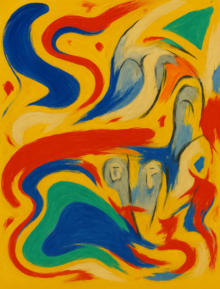
Марьяна Ларичева создала визуальный проект выставки, посвящённой творчеству Виллема де Кунинга в Манеже. Проект включает в себя генерацию изображений, айдентики и мерча с использованием искусственного интеллекта и Adobe Color.
pro.deziiign
Цифровая платформа для создания презентаций. Инновационный онлайн-конструктор, где каждый может эффектно показать свой проект, предложение или образовательный курс.
Press space bar to start a drag.
When dragging you can use the arrow keys to move the item around and escape to cancel.
Some screen readers may require you to be in focus mode or to use your pass through key
Press space bar to start a drag.
When dragging you can use the arrow keys to move the item around and escape to cancel.
Some screen readers may require you to be in focus mode or to use your pass through key
Press space bar to start a drag.
When dragging you can use the arrow keys to move the item around and escape to cancel.
Some screen readers may require you to be in focus mode or to use your pass through key
Press space bar to start a drag.
When dragging you can use the arrow keys to move the item around and escape to cancel.
Some screen readers may require you to be in focus mode or to use your pass through key
Press space bar to start a drag.
When dragging you can use the arrow keys to move the item around and escape to cancel.
Some screen readers may require you to be in focus mode or to use your pass through key
Press space bar to start a drag.
When dragging you can use the arrow keys to move the item around and escape to cancel.
Some screen readers may require you to be in focus mode or to use your pass through key
Press space bar to start a drag.
When dragging you can use the arrow keys to move the item around and escape to cancel.
Some screen readers may require you to be in focus mode or to use your pass through key
Press space bar to start a drag.
When dragging you can use the arrow keys to move the item around and escape to cancel.
Some screen readers may require you to be in focus mode or to use your pass through key
Press space bar to start a drag.
When dragging you can use the arrow keys to move the item around and escape to cancel.
Some screen readers may require you to be in focus mode or to use your pass through key
Press space bar to start a drag.
When dragging you can use the arrow keys to move the item around and escape to cancel.
Some screen readers may require you to be in focus mode or to use your pass through key
Press space bar to start a drag.
When dragging you can use the arrow keys to move the item around and escape to cancel.
Some screen readers may require you to be in focus mode or to use your pass through key
Press space bar to start a drag.
When dragging you can use the arrow keys to move the item around and escape to cancel.
Some screen readers may require you to be in focus mode or to use your pass through key
Press space bar to start a drag.
When dragging you can use the arrow keys to move the item around and escape to cancel.
Some screen readers may require you to be in focus mode or to use your pass through key