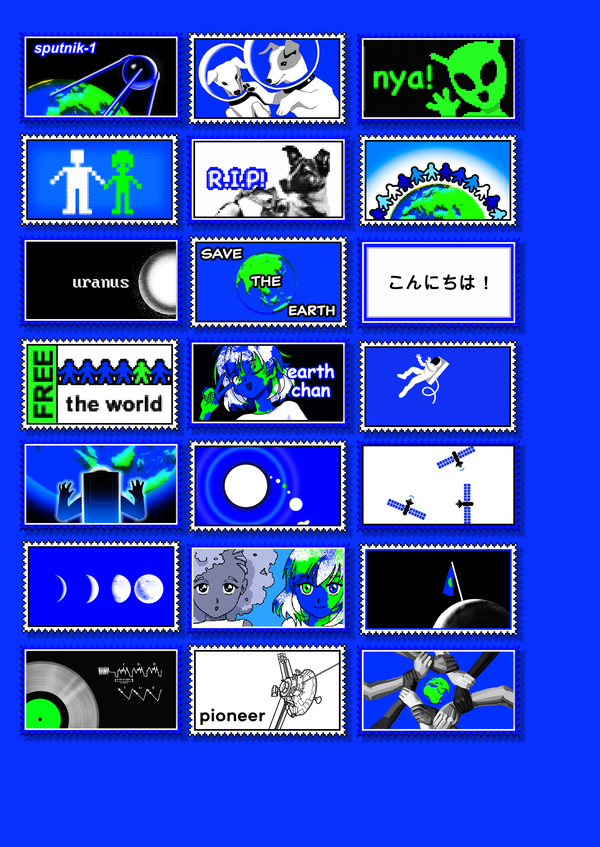
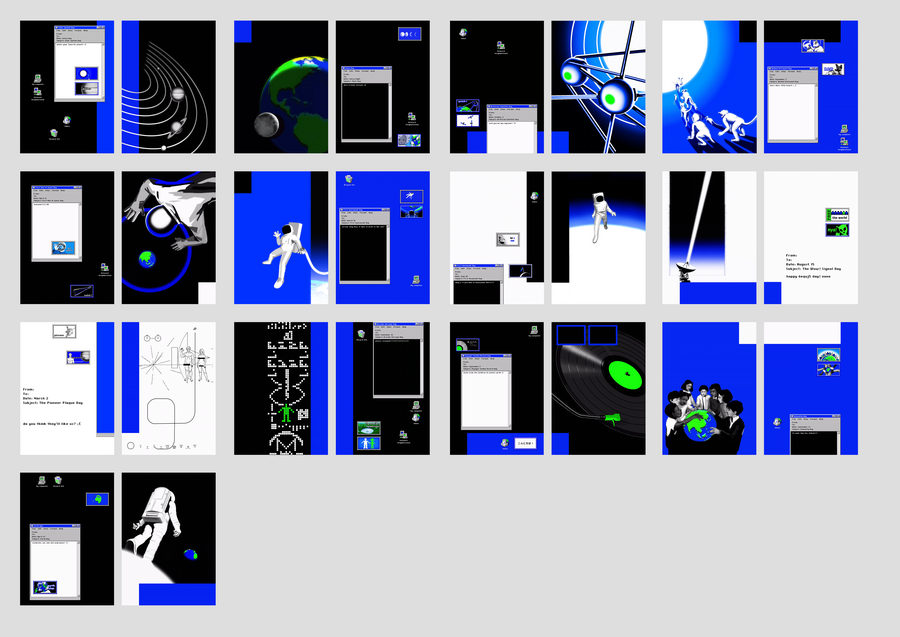
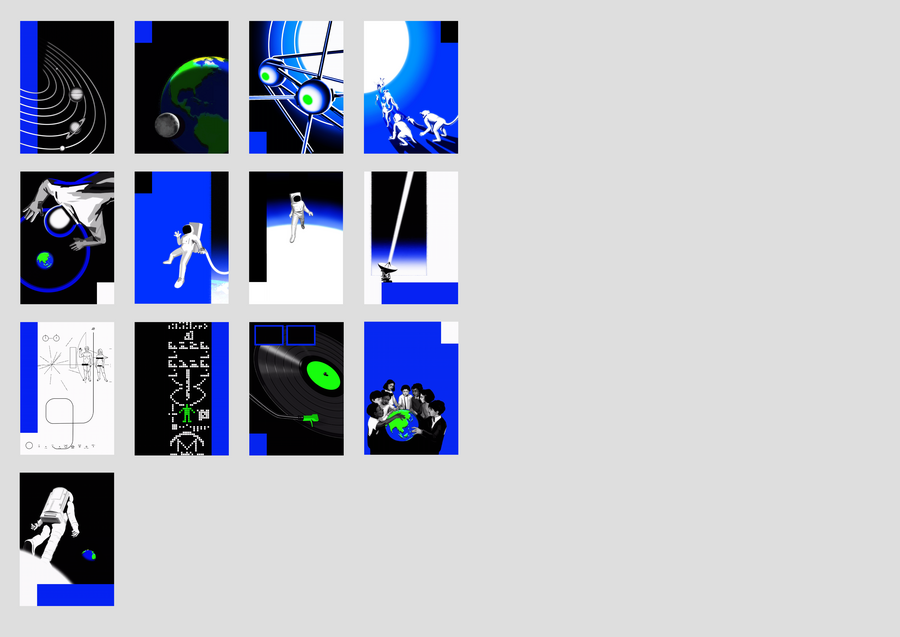
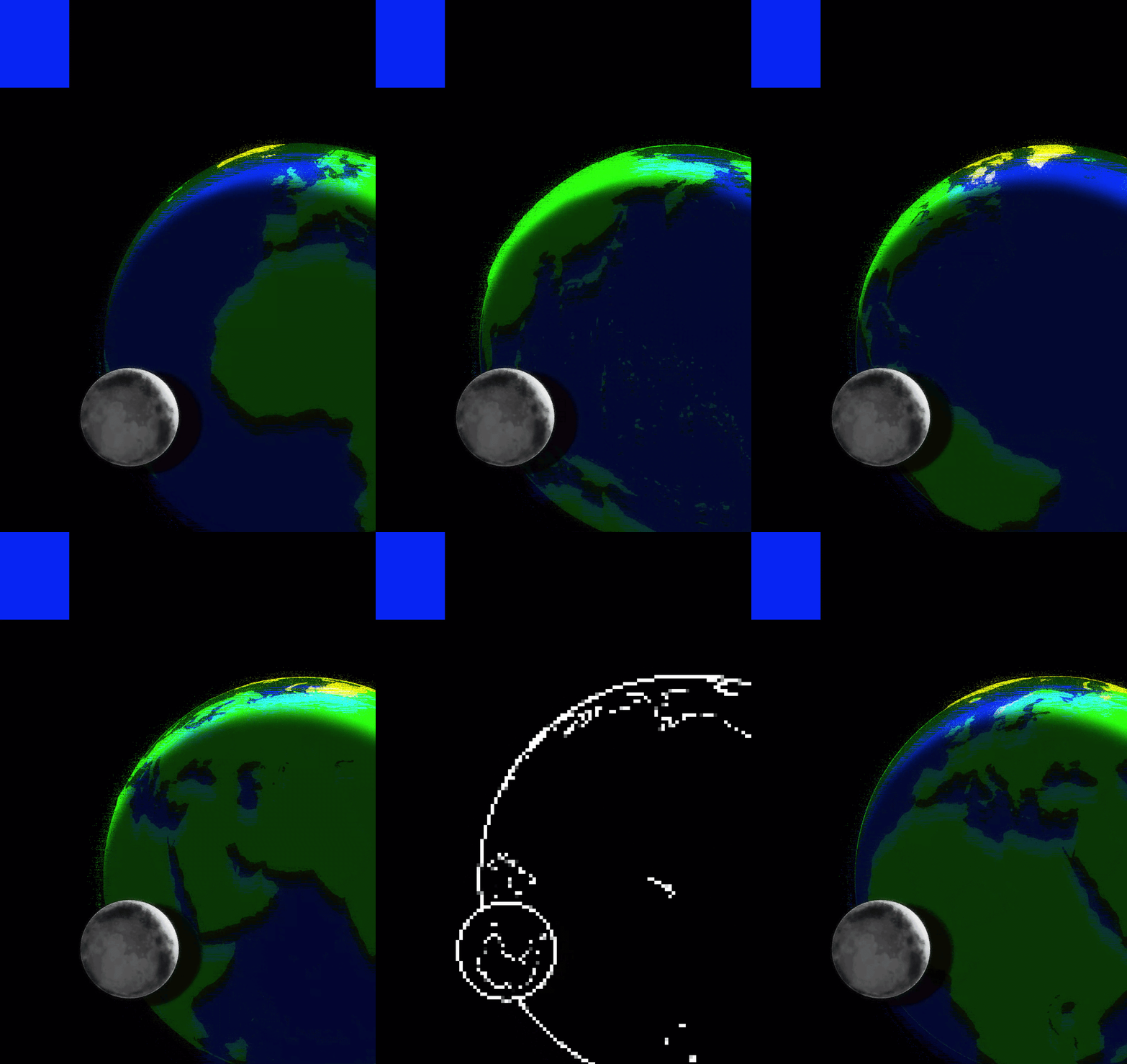
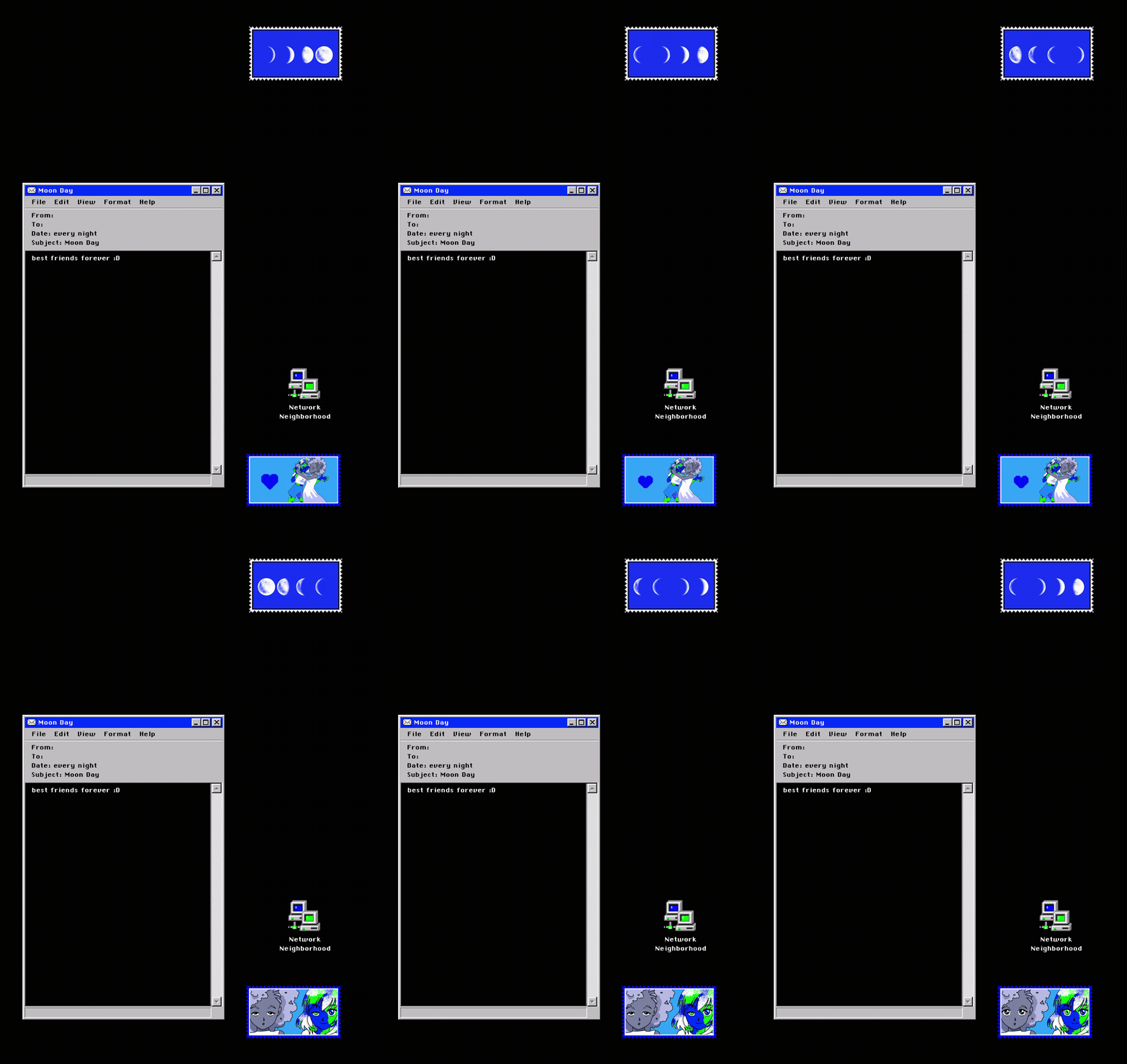
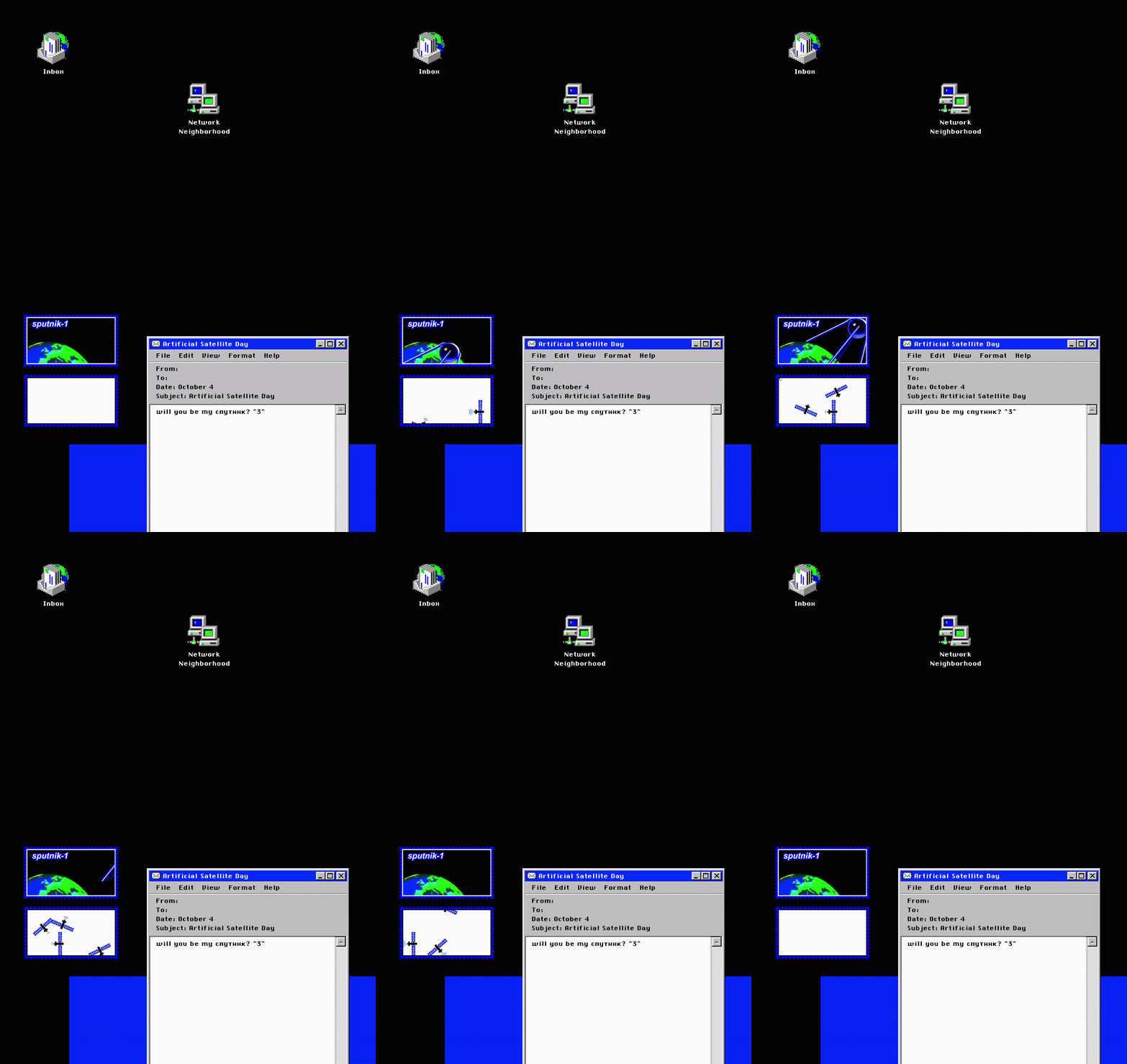
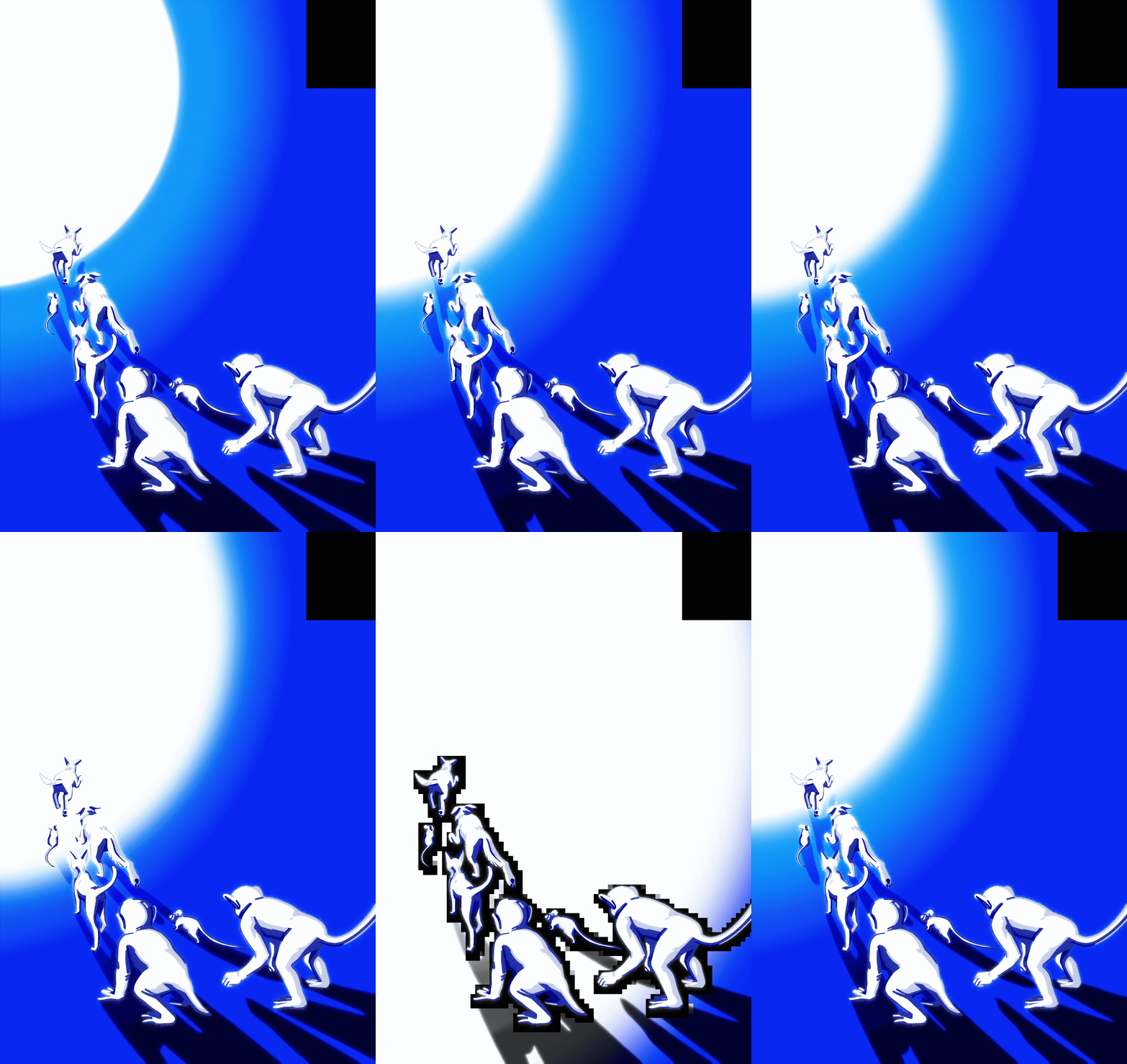
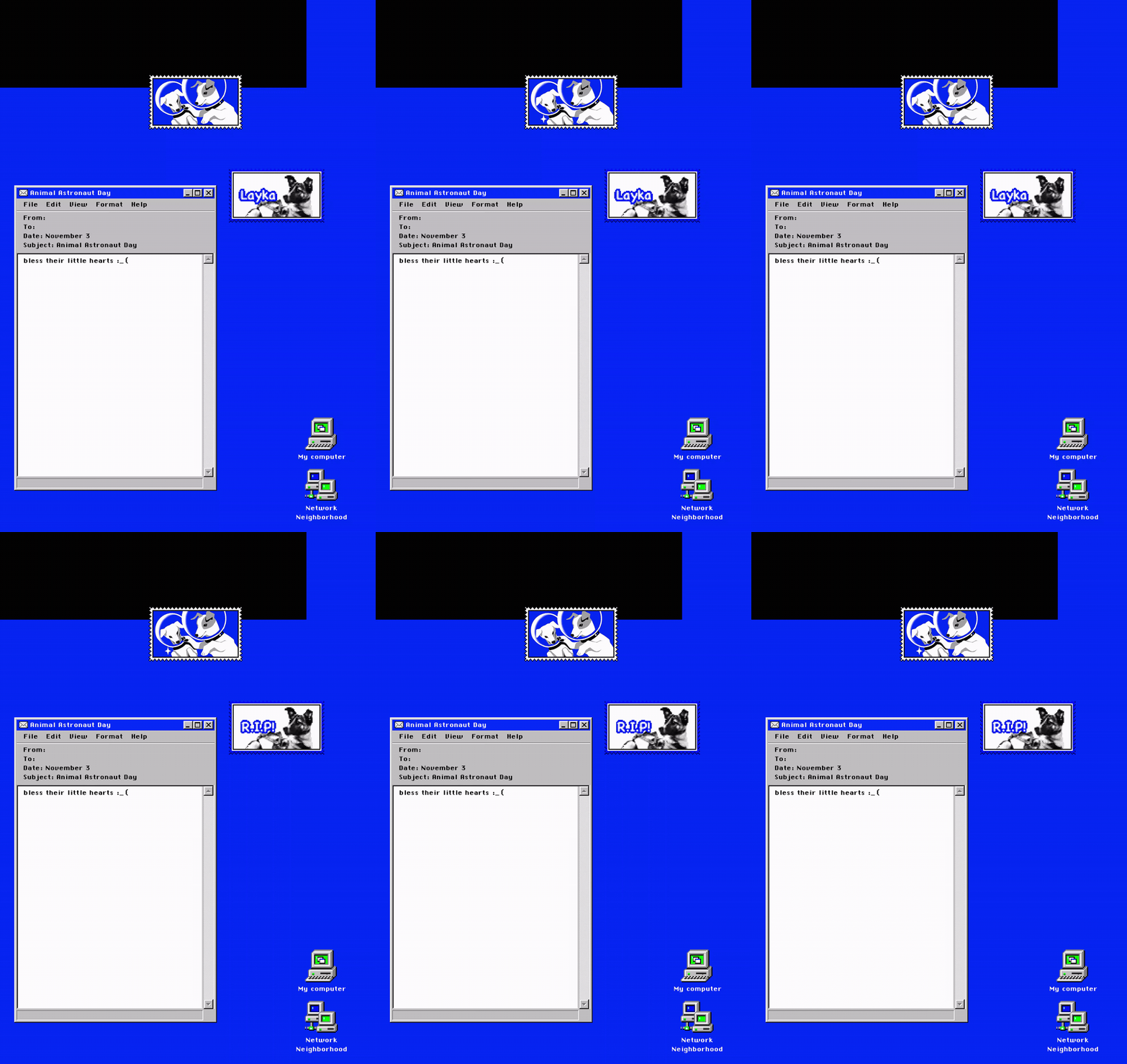
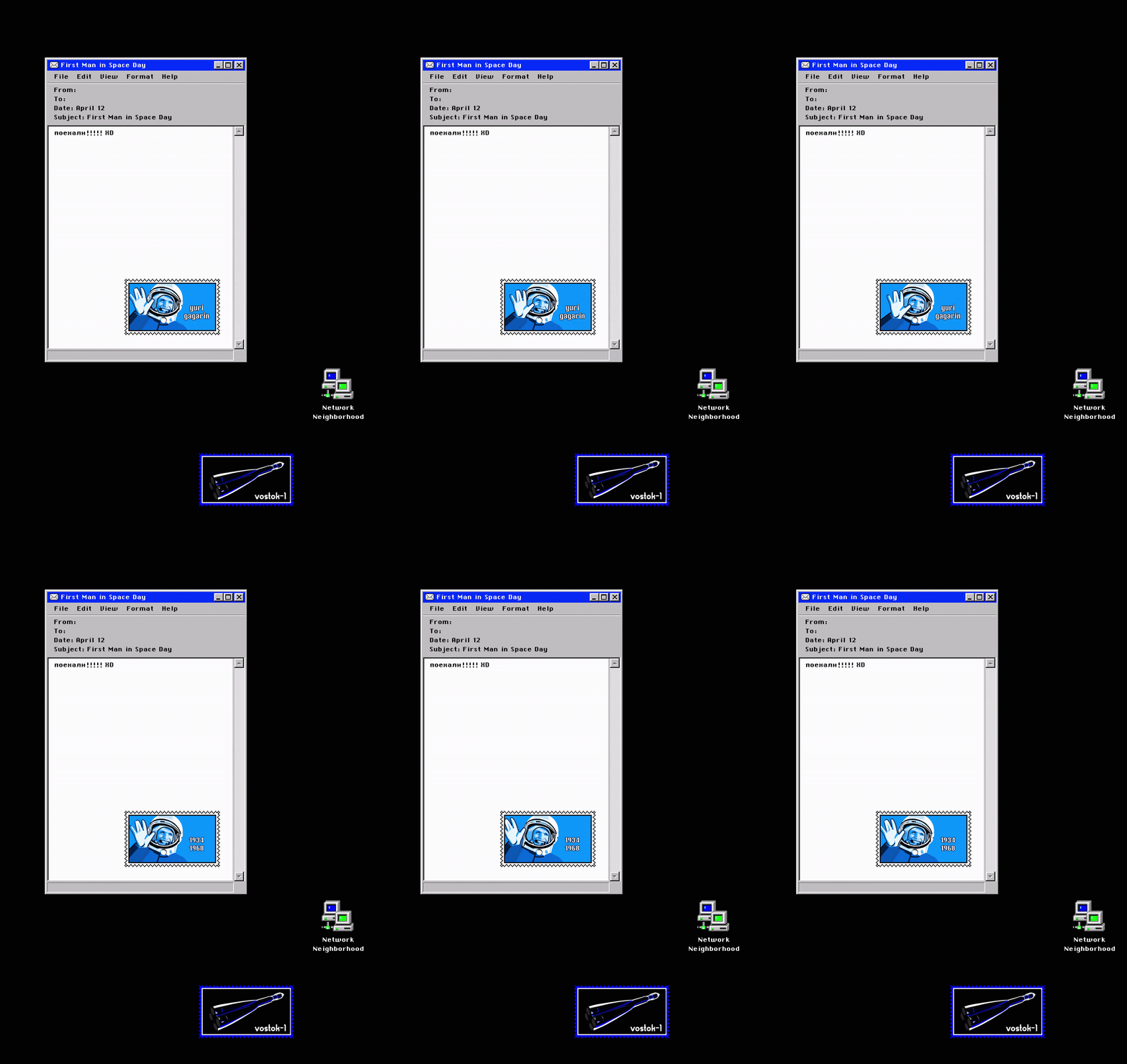
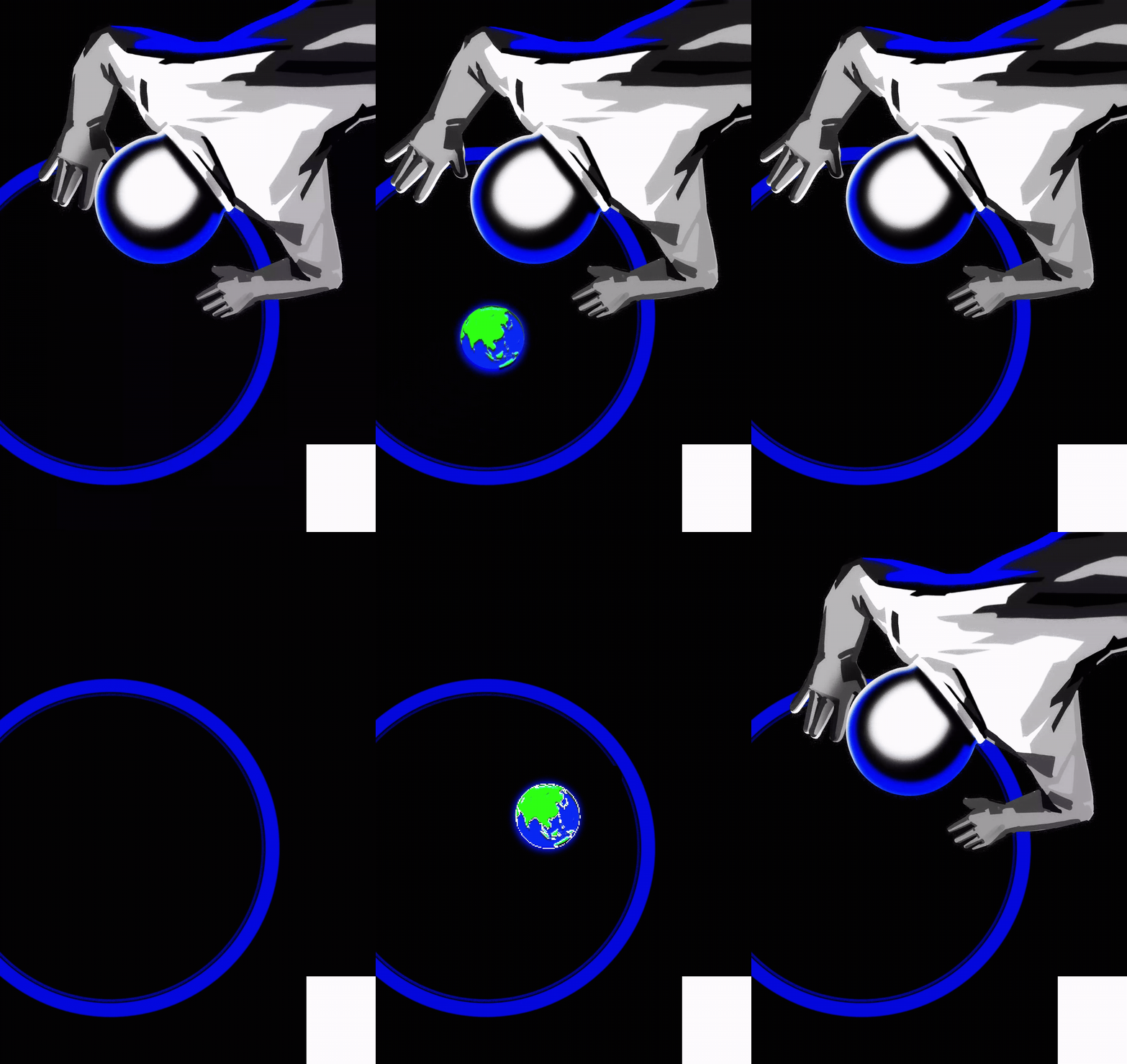
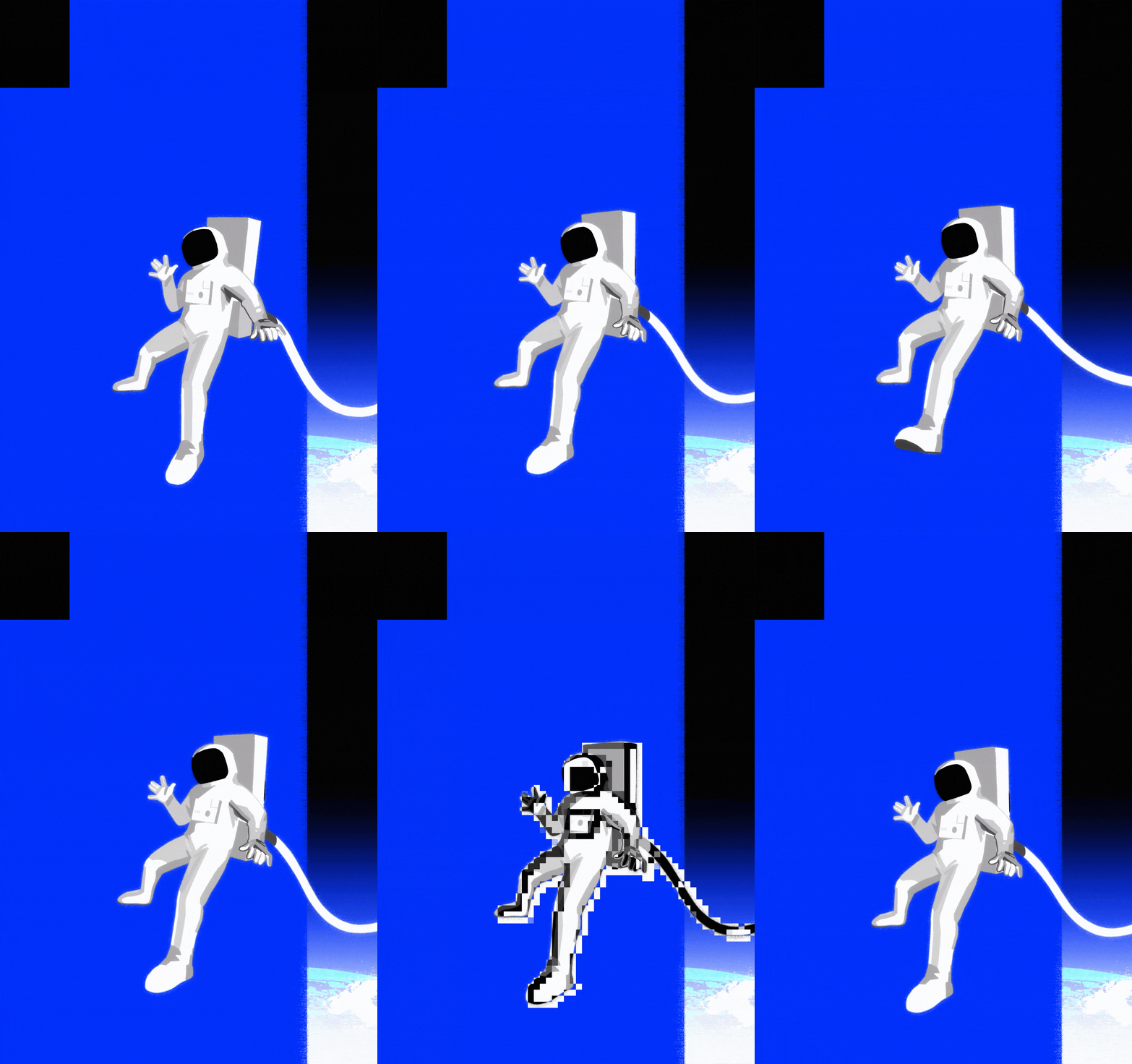
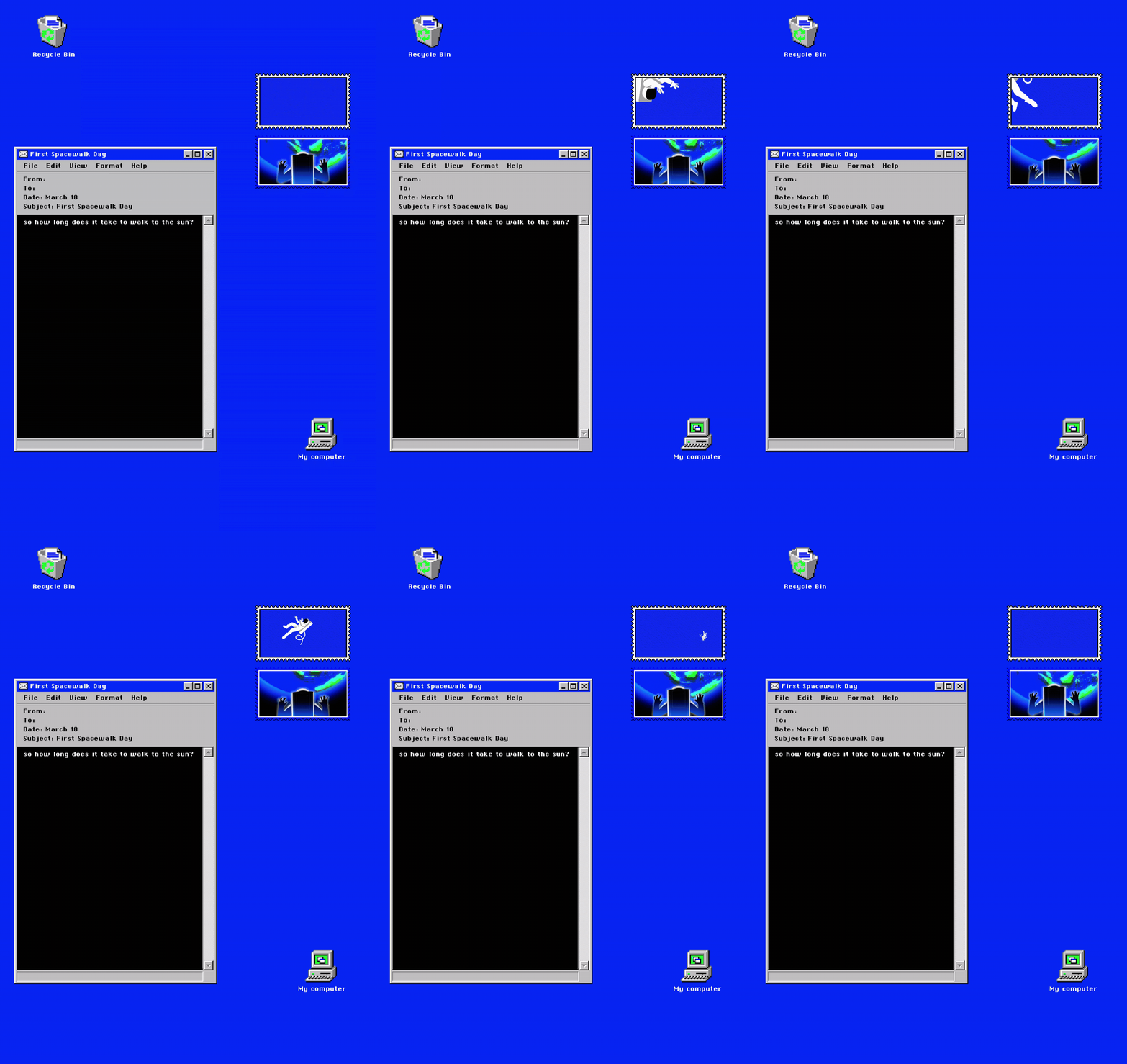
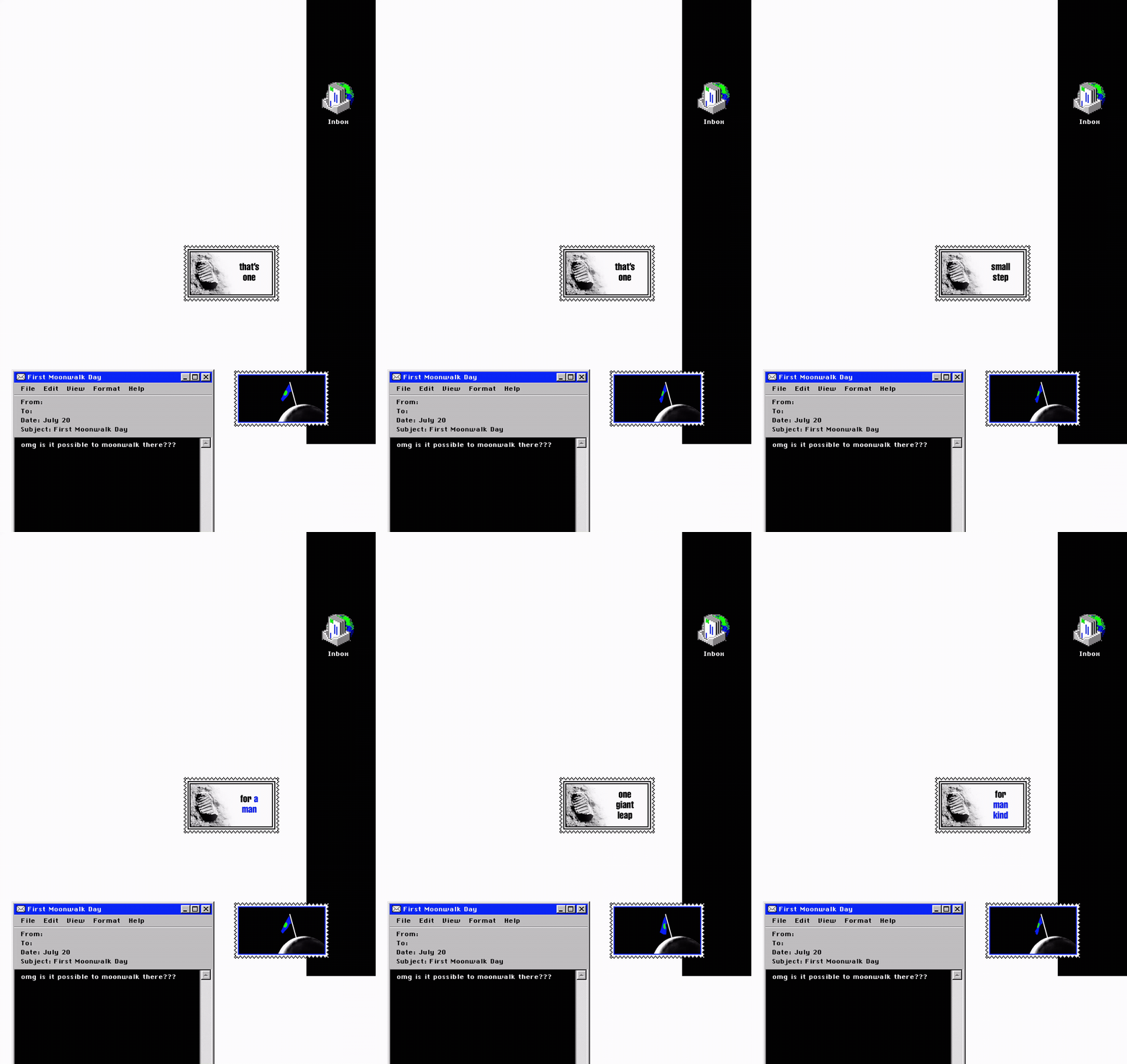
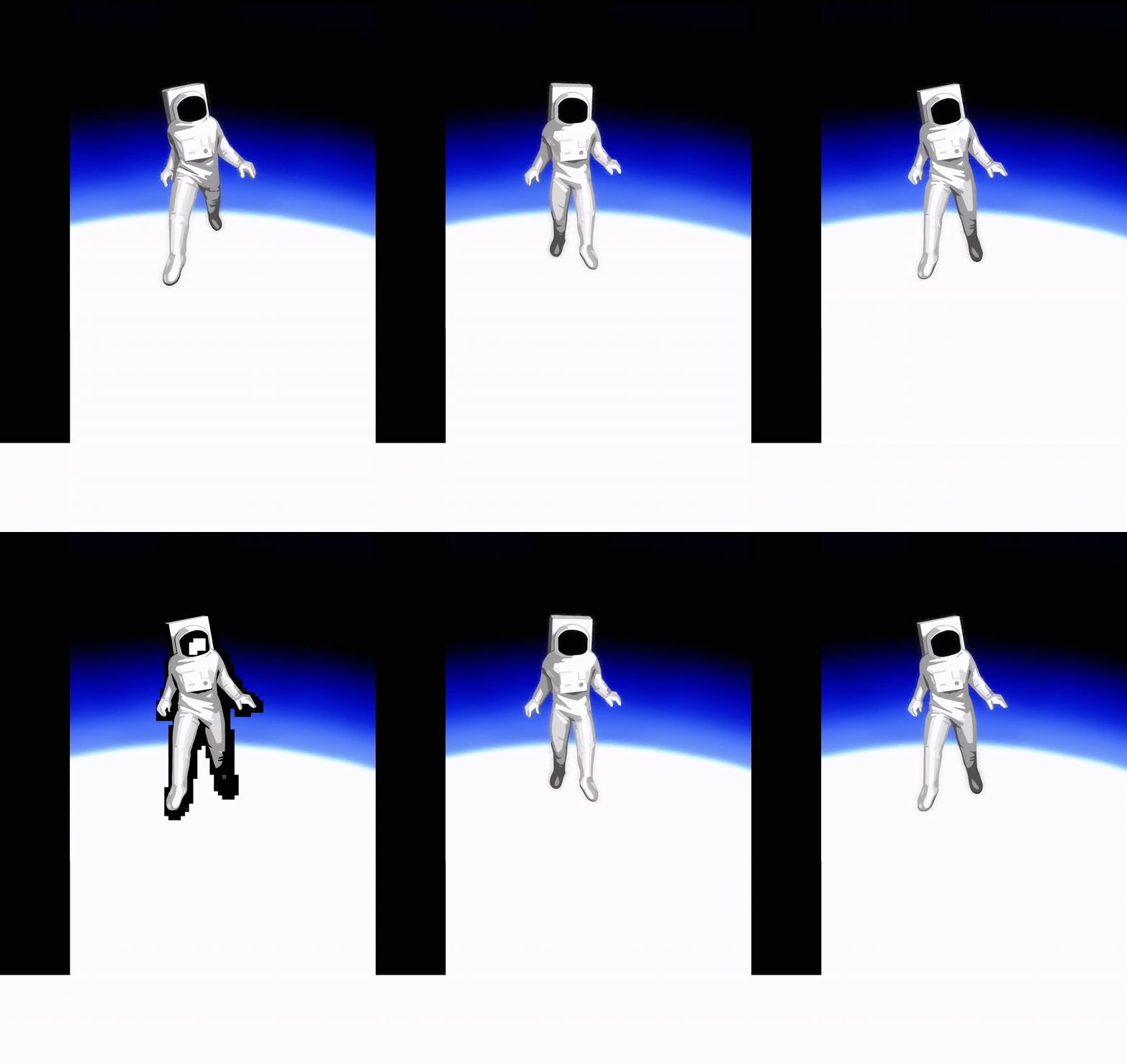
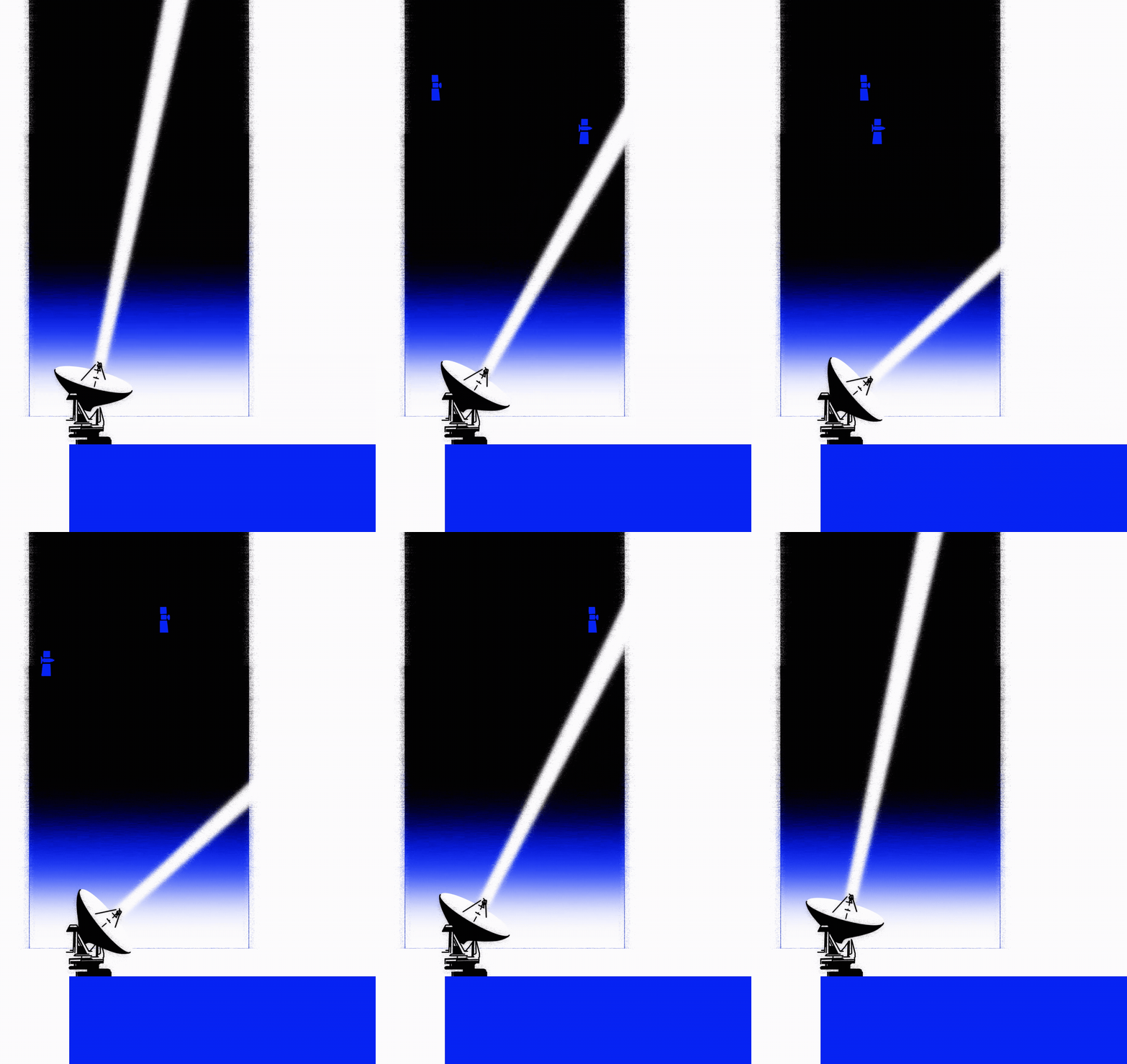
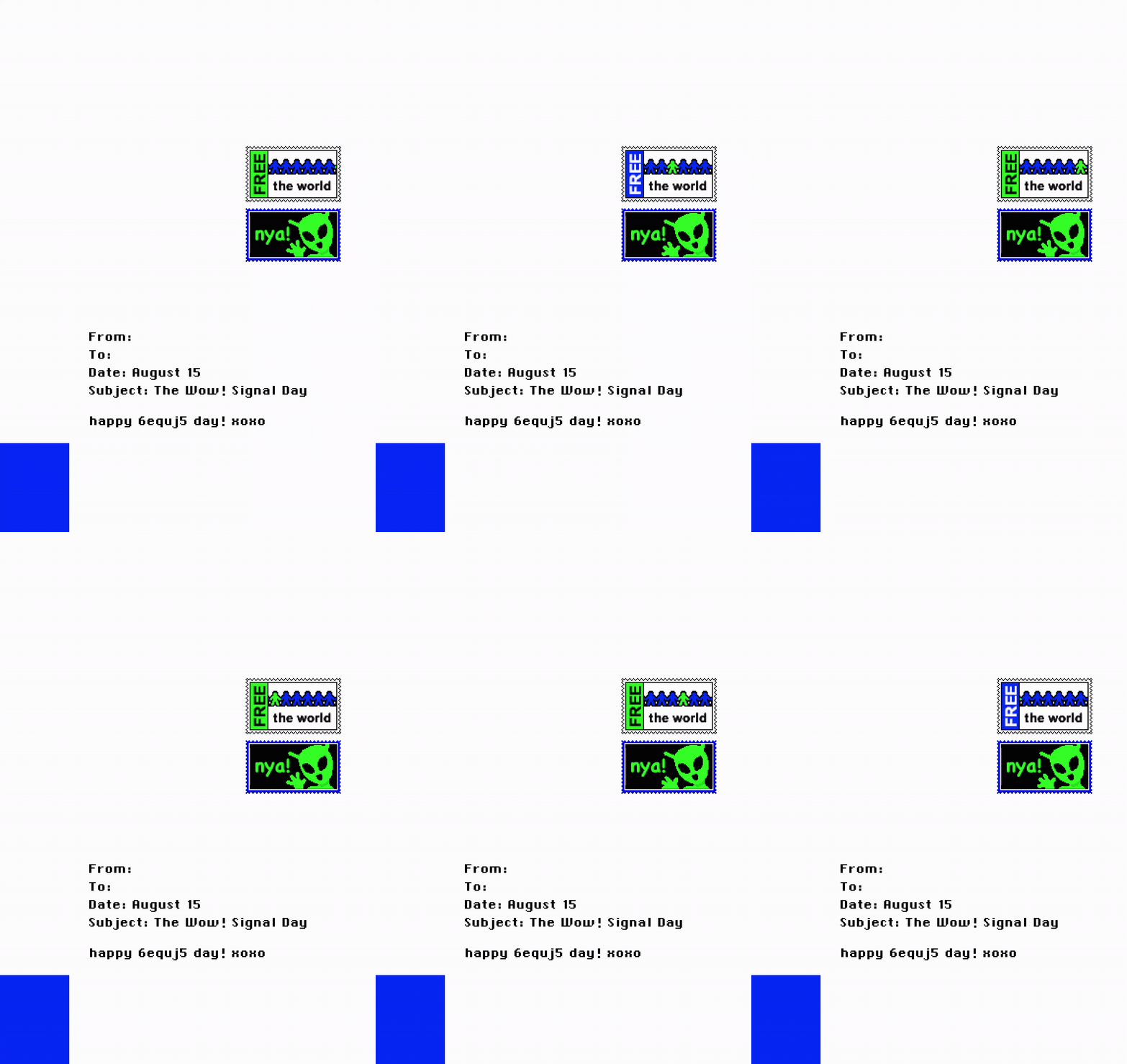
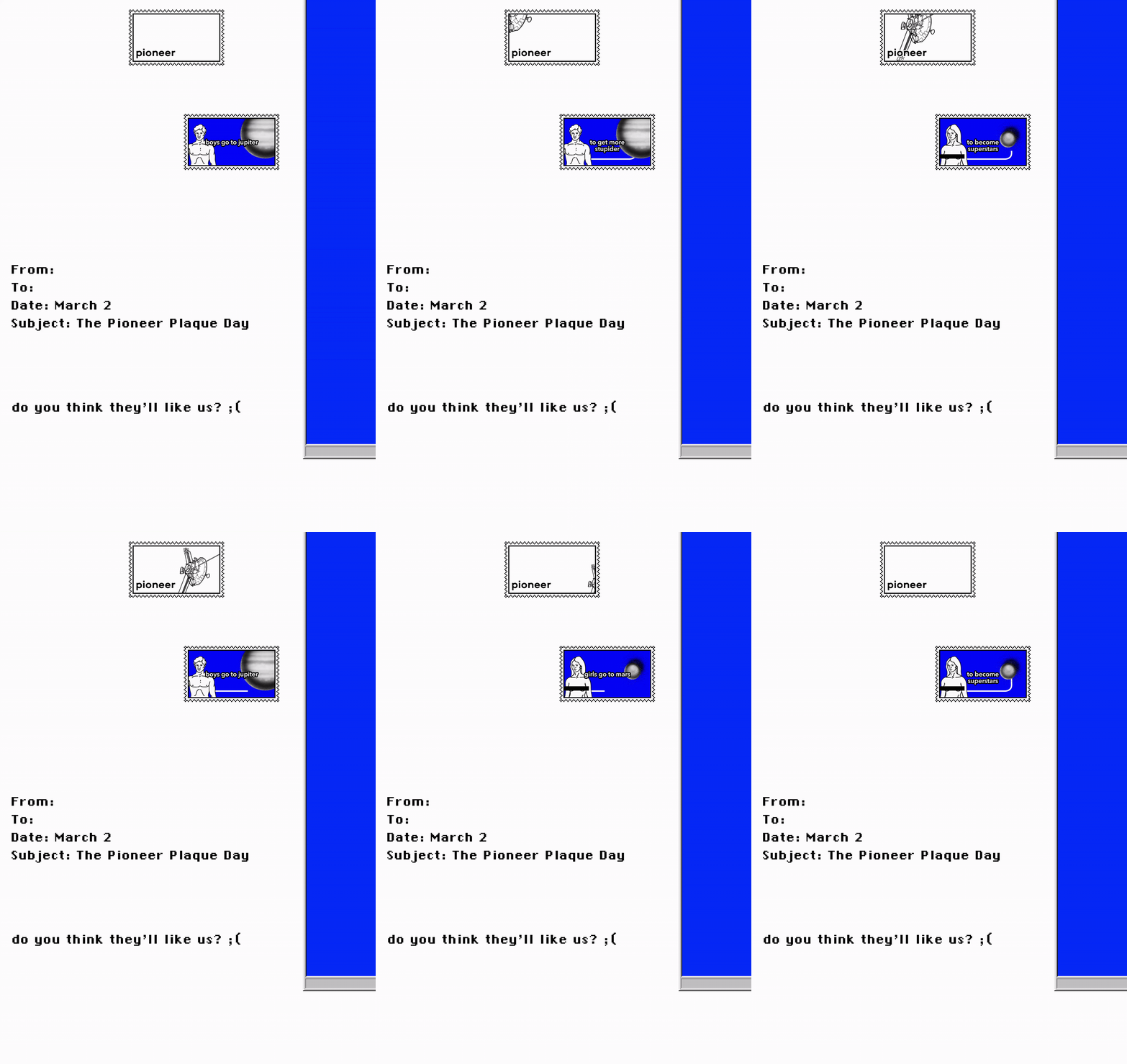
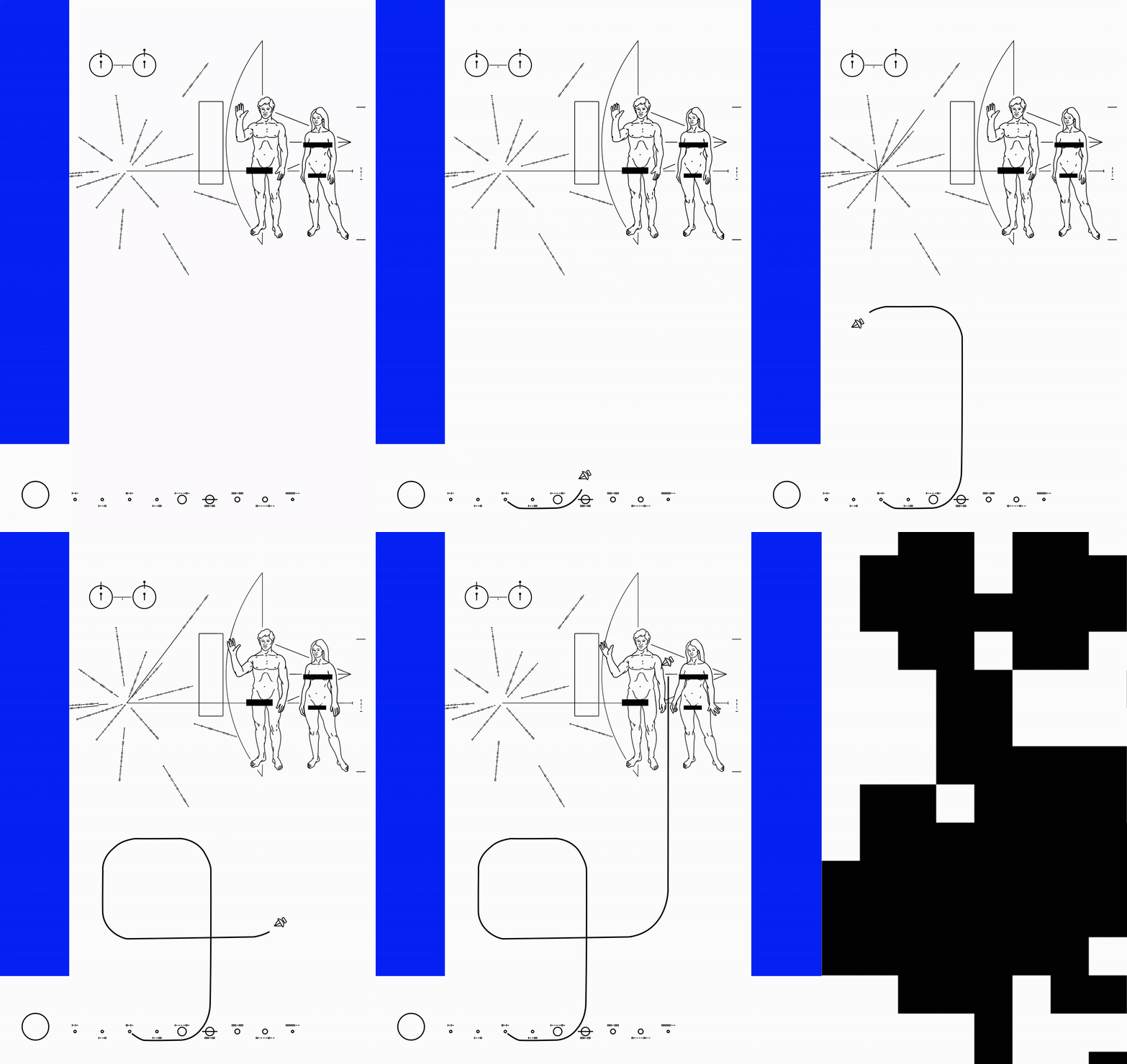
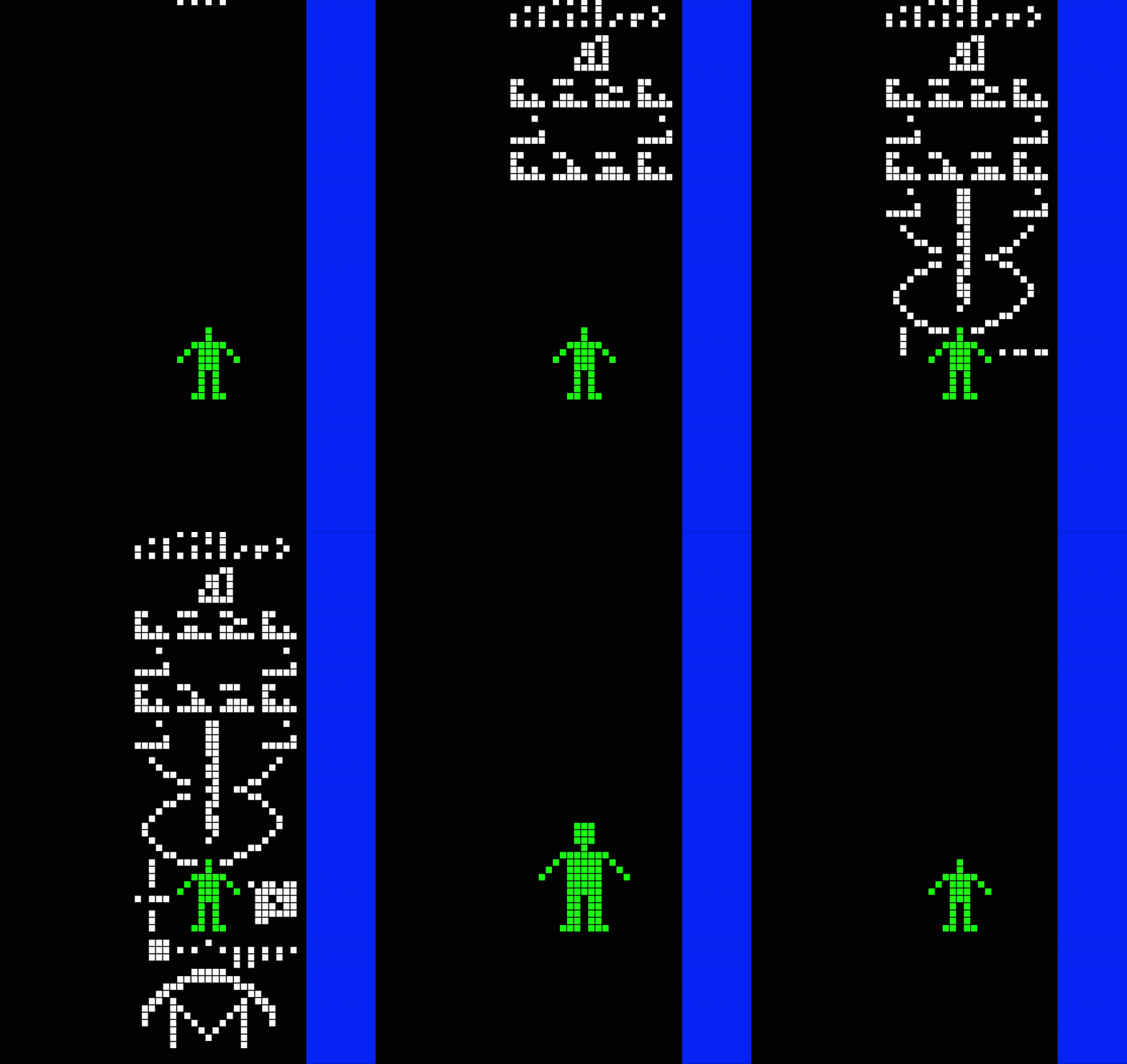
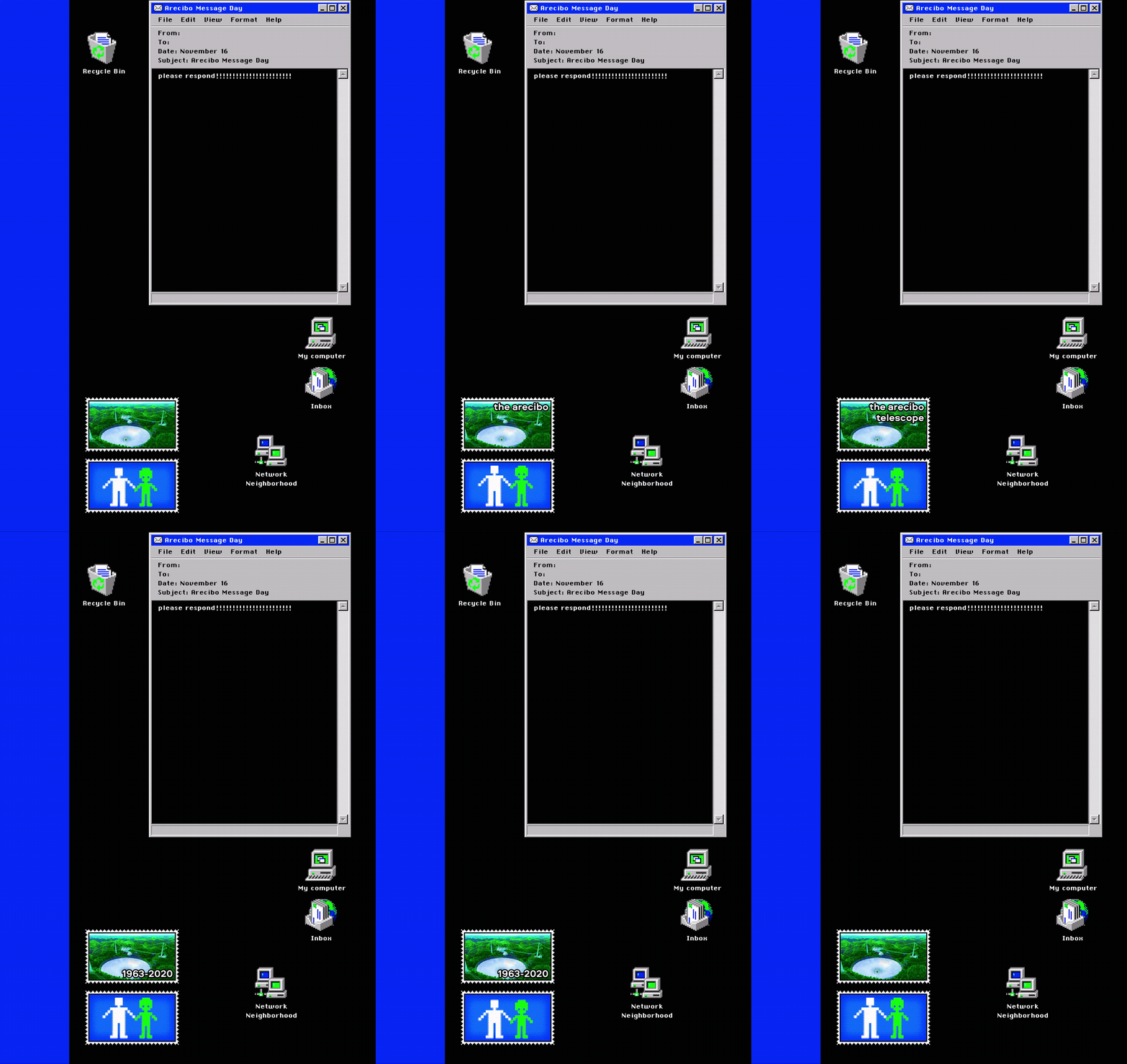
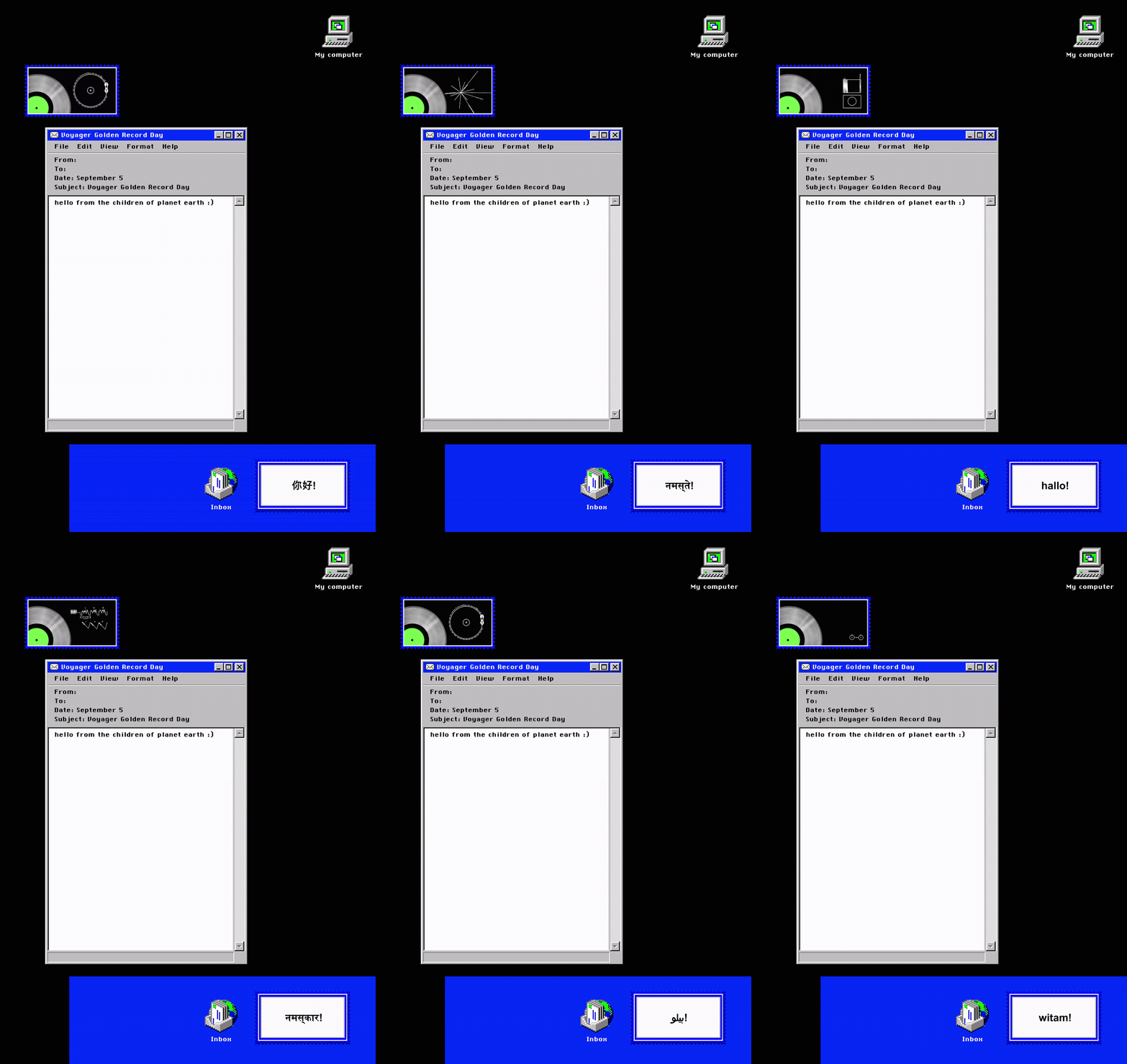
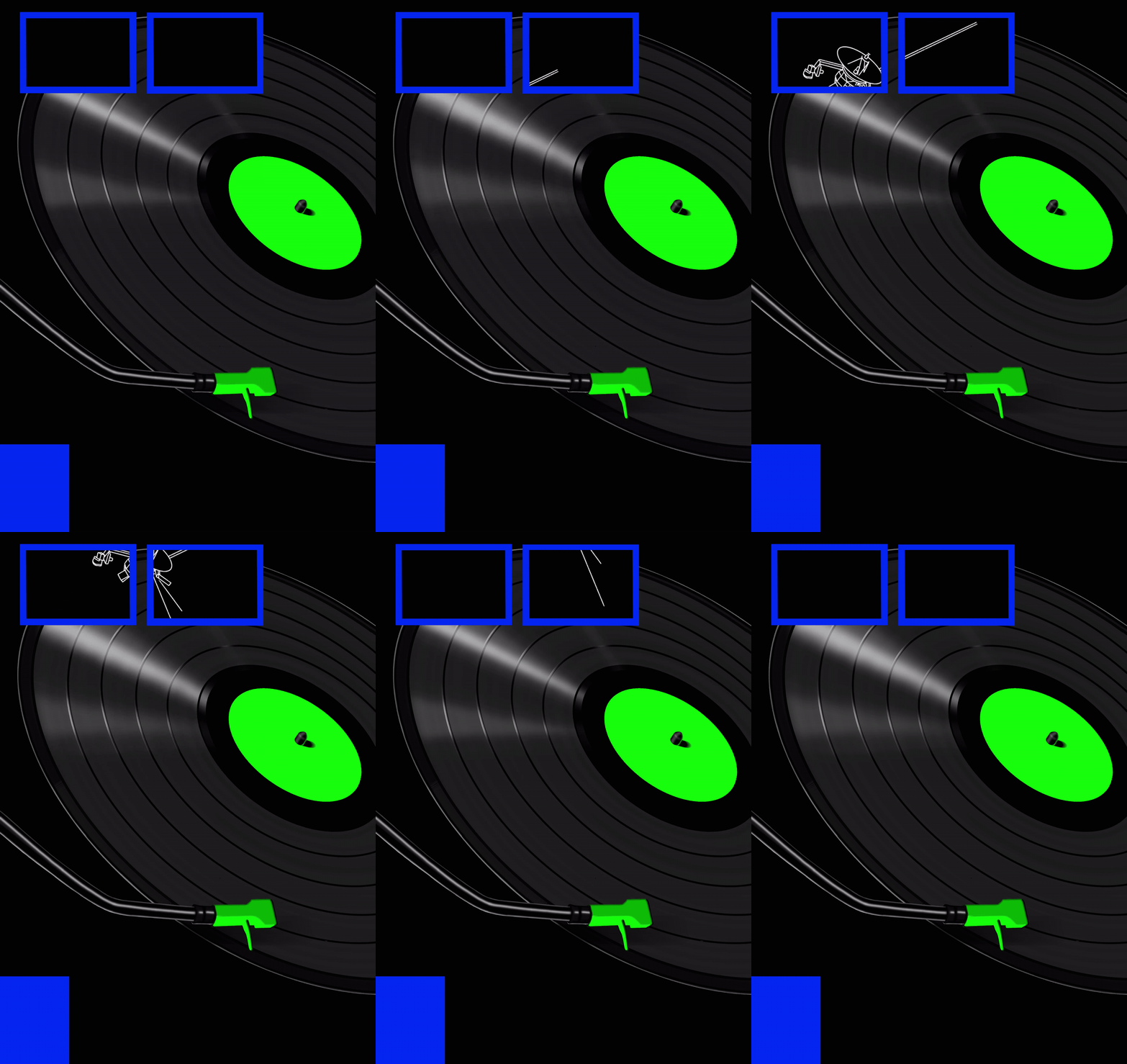
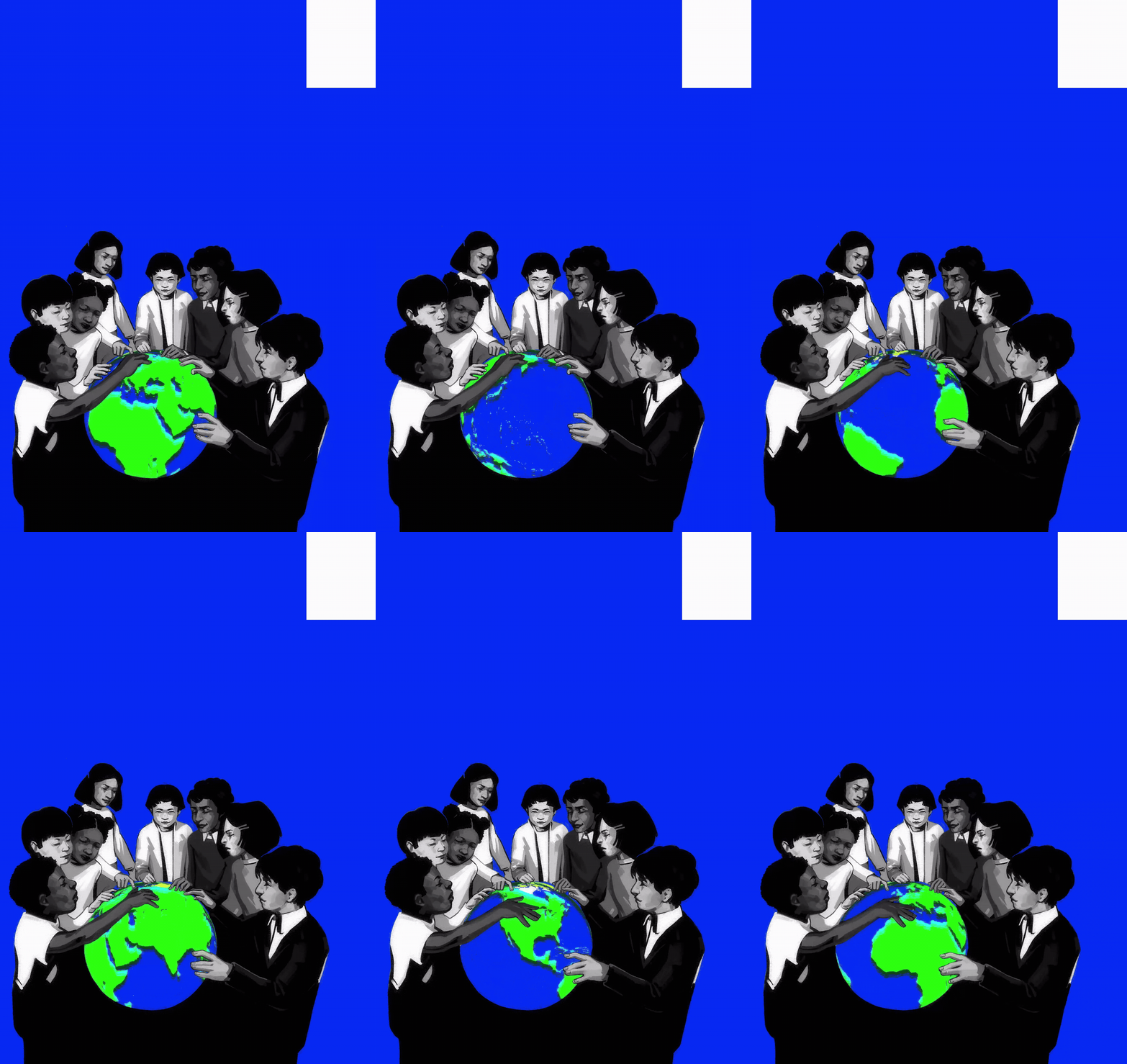
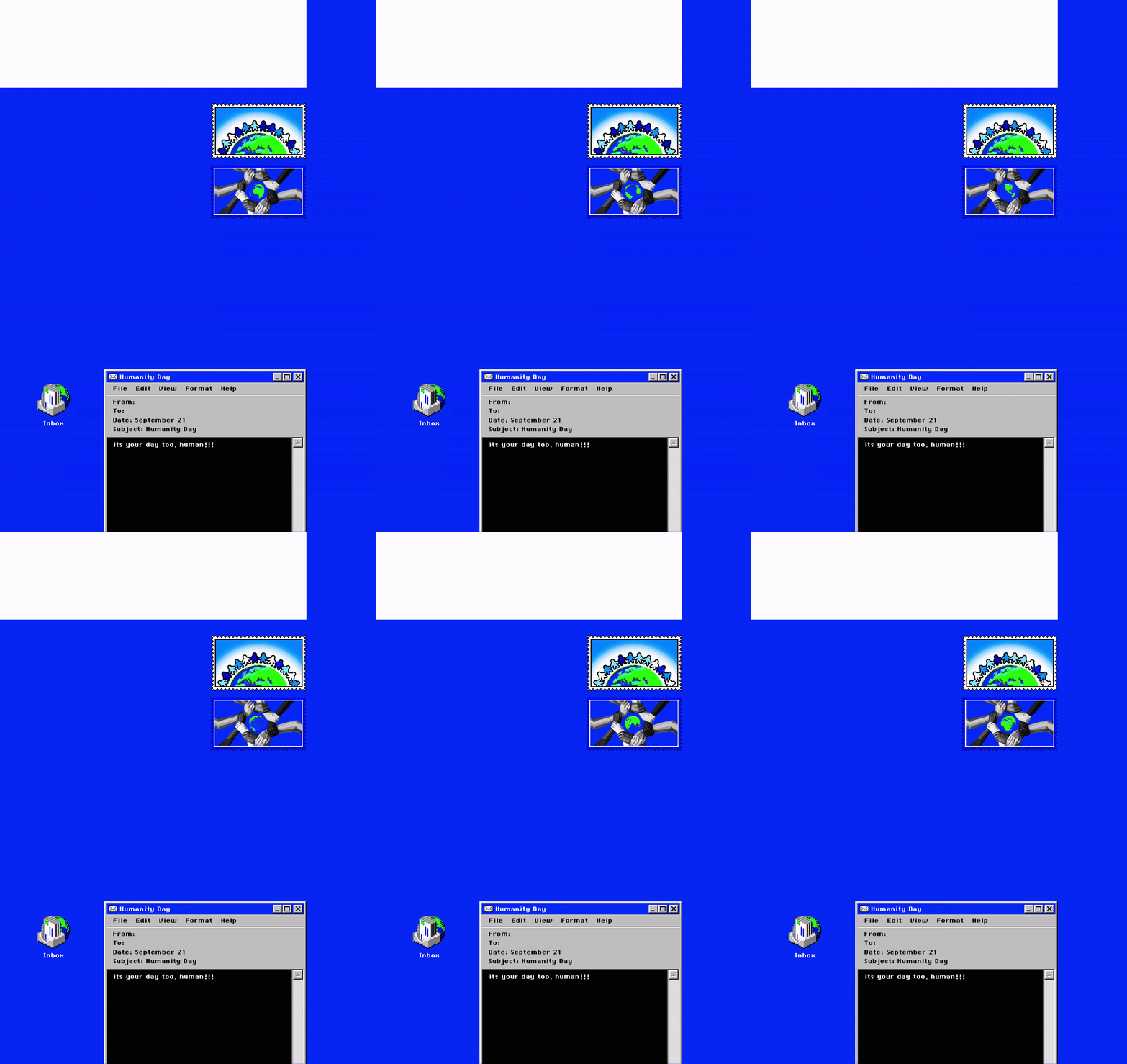
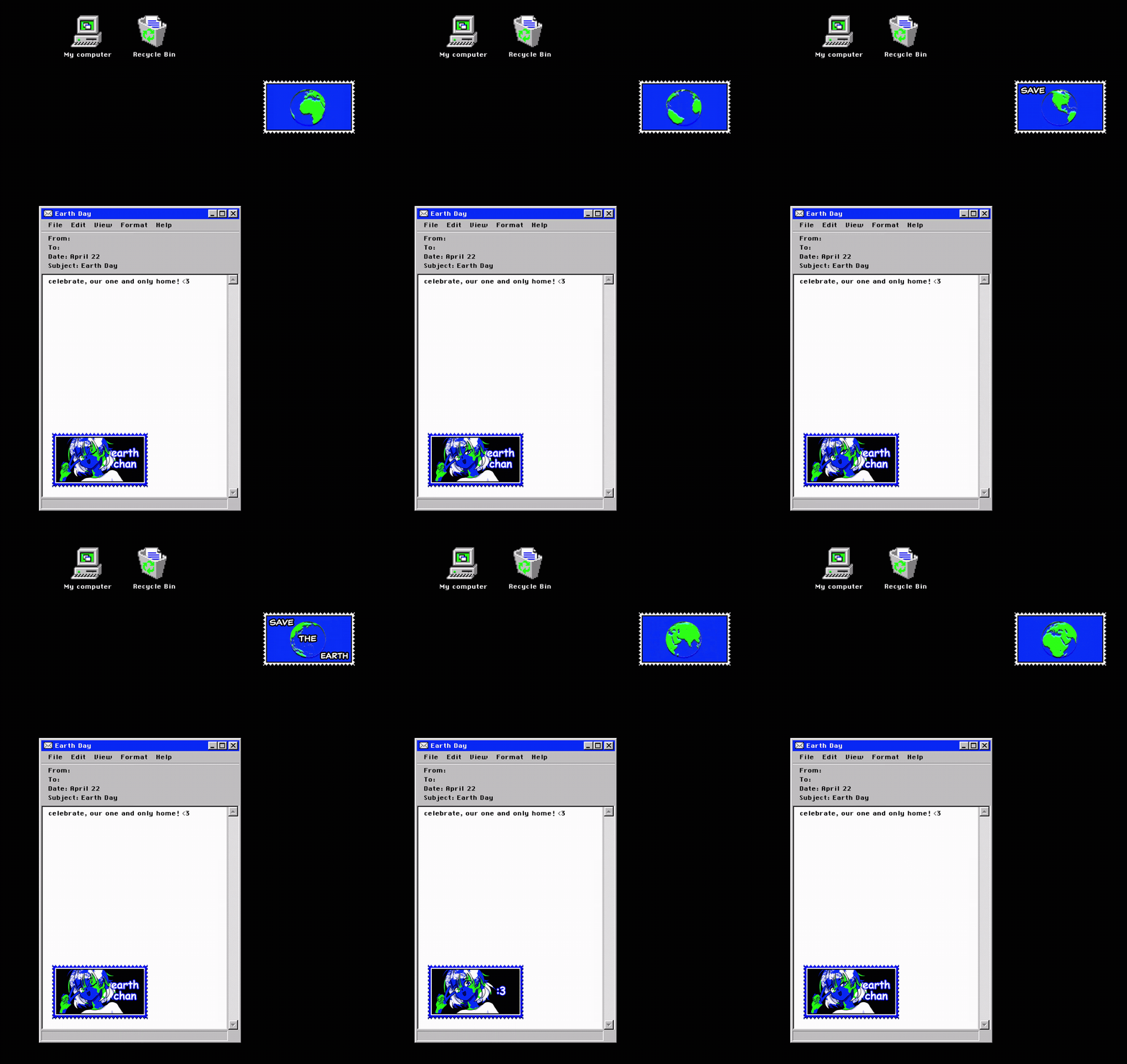
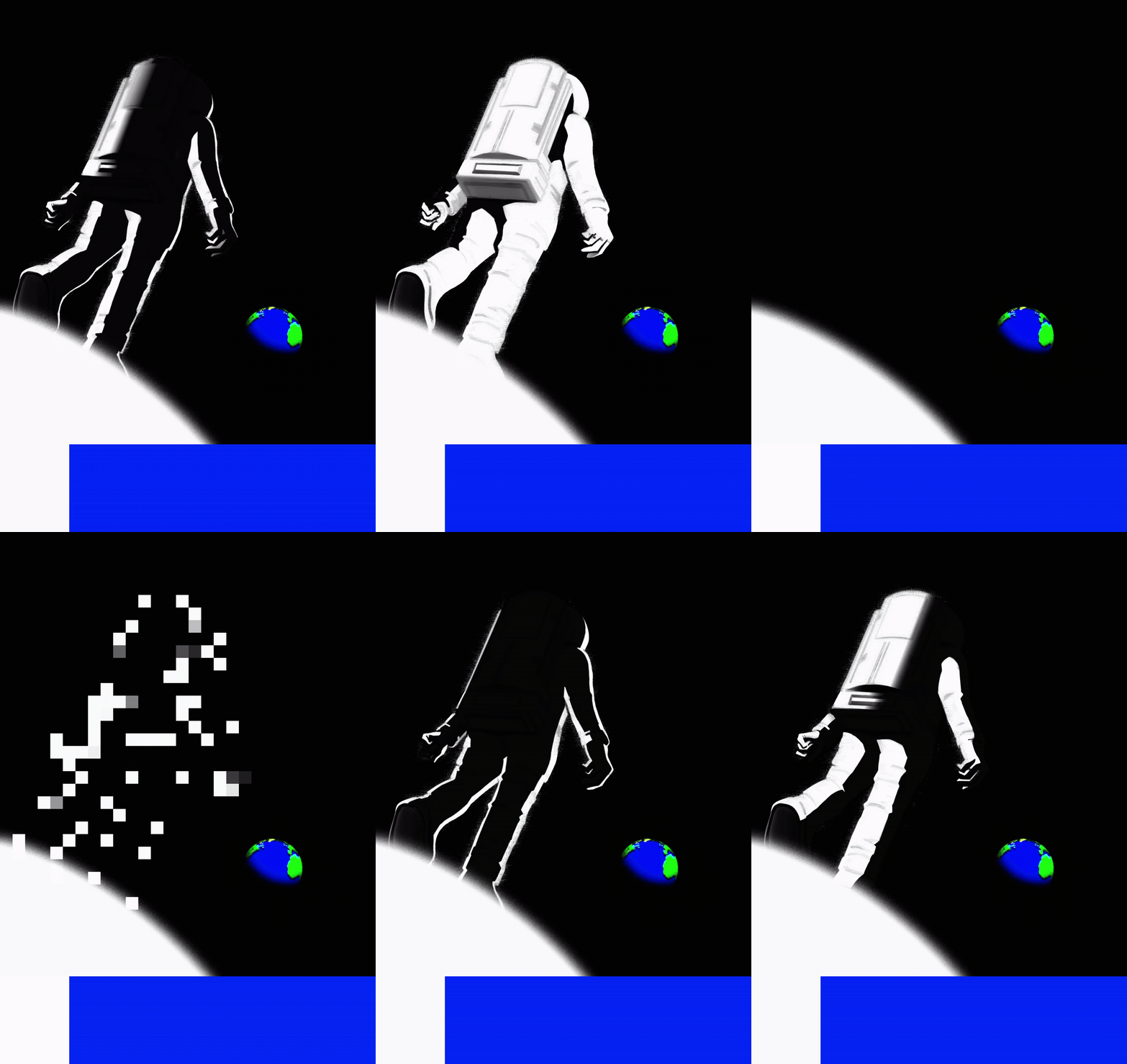
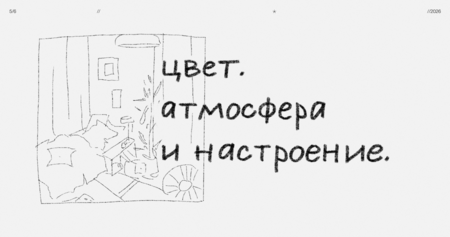
серия из 13-ти двусторонних анимированных открыток, посвященная праздничным дням в честь важных объектов, событий и посланий в космической истории человечества.
0
0
0
0
0
1/2
///открытки
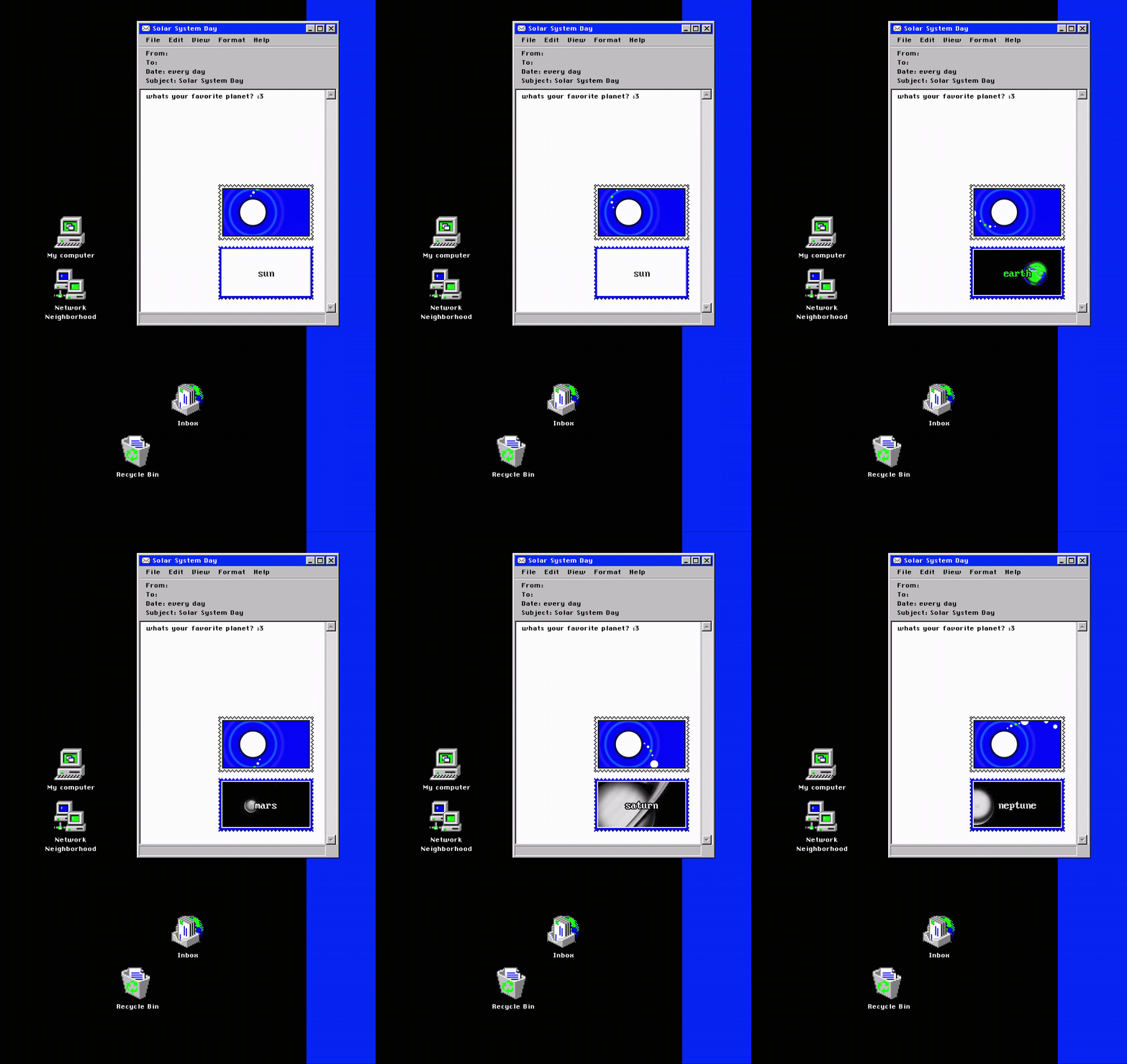
день солнечной системы /// каждый день
день луны /// каждую ночь
день искусственного спутника /// 4 октября
день животных-космонавтов /// 3 ноября
день первого человека в космосе /// 12 апреля
день первого человека в открытом космосе /// 18 марта
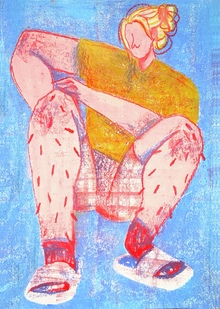
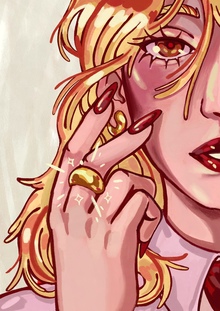
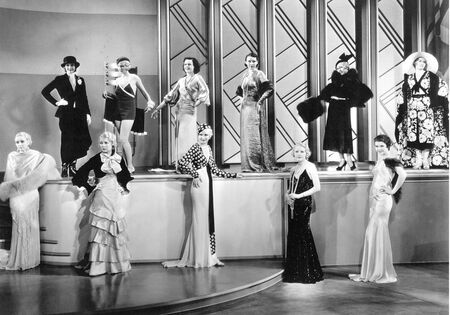
Серия открыток вдохновленная городами Золотого кольца России. Концепция моих иллюстраций заключается в изображении модных героинь в определенных образах или с элементами, которые связаны с выбранными городами Золотого кольца. В дополнение на открытках написаны названия городов рукописными узорчатыми шрифтами.
pro.deziiign
Цифровая платформа для создания презентаций. Инновационный онлайн-конструктор, где каждый может эффектно показать свой проект, предложение или образовательный курс.
Press space bar to start a drag.
When dragging you can use the arrow keys to move the item around and escape to cancel.
Some screen readers may require you to be in focus mode or to use your pass through key
Press space bar to start a drag.
When dragging you can use the arrow keys to move the item around and escape to cancel.
Some screen readers may require you to be in focus mode or to use your pass through key
Press space bar to start a drag.
When dragging you can use the arrow keys to move the item around and escape to cancel.
Some screen readers may require you to be in focus mode or to use your pass through key
Press space bar to start a drag.
When dragging you can use the arrow keys to move the item around and escape to cancel.
Some screen readers may require you to be in focus mode or to use your pass through key
Press space bar to start a drag.
When dragging you can use the arrow keys to move the item around and escape to cancel.
Some screen readers may require you to be in focus mode or to use your pass through key
Press space bar to start a drag.
When dragging you can use the arrow keys to move the item around and escape to cancel.
Some screen readers may require you to be in focus mode or to use your pass through key
Press space bar to start a drag.
When dragging you can use the arrow keys to move the item around and escape to cancel.
Some screen readers may require you to be in focus mode or to use your pass through key
Press space bar to start a drag.
When dragging you can use the arrow keys to move the item around and escape to cancel.
Some screen readers may require you to be in focus mode or to use your pass through key
Press space bar to start a drag.
When dragging you can use the arrow keys to move the item around and escape to cancel.
Some screen readers may require you to be in focus mode or to use your pass through key
Press space bar to start a drag.
When dragging you can use the arrow keys to move the item around and escape to cancel.
Some screen readers may require you to be in focus mode or to use your pass through key
Press space bar to start a drag.
When dragging you can use the arrow keys to move the item around and escape to cancel.
Some screen readers may require you to be in focus mode or to use your pass through key
Press space bar to start a drag.
When dragging you can use the arrow keys to move the item around and escape to cancel.
Some screen readers may require you to be in focus mode or to use your pass through key
Press space bar to start a drag.
When dragging you can use the arrow keys to move the item around and escape to cancel.
Some screen readers may require you to be in focus mode or to use your pass through key