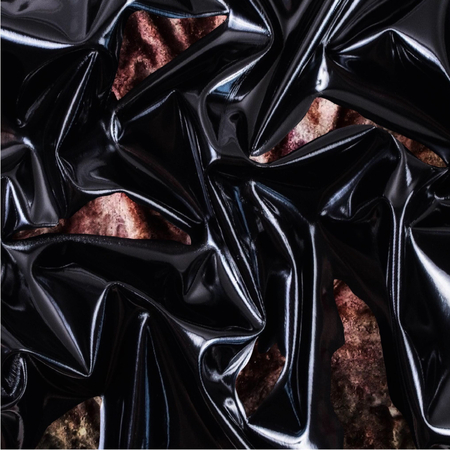
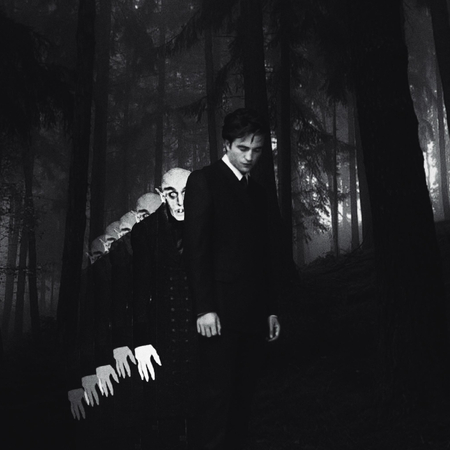
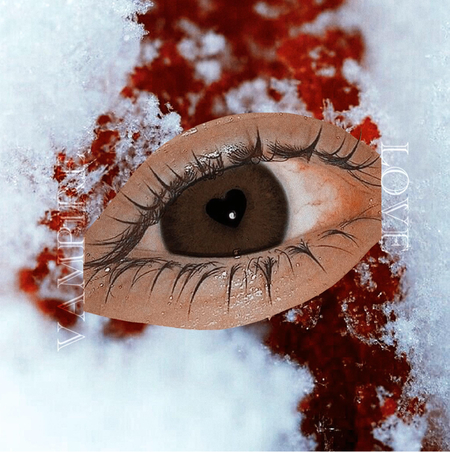
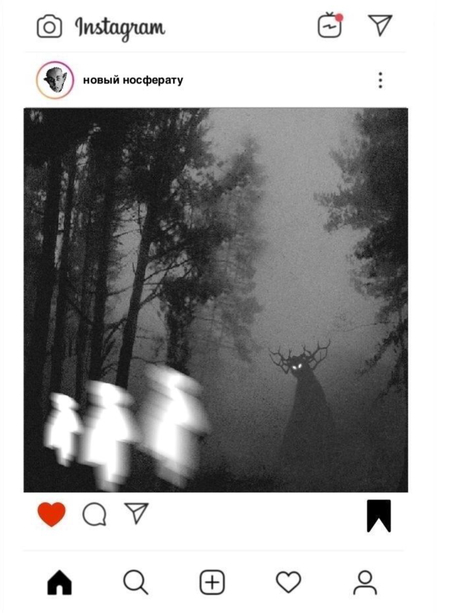
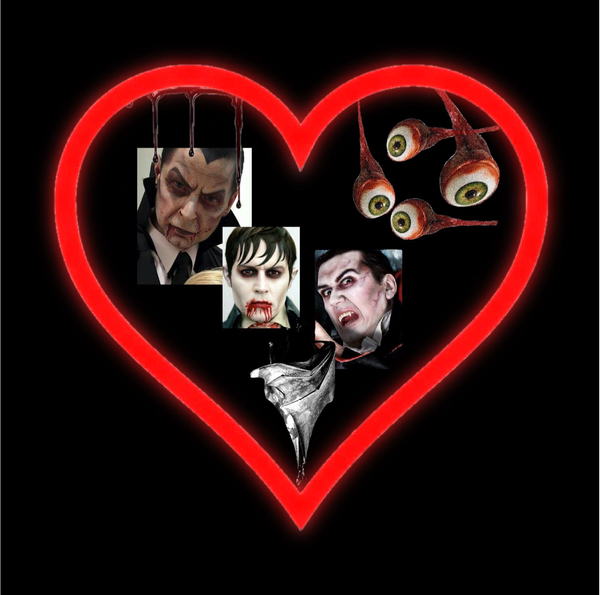
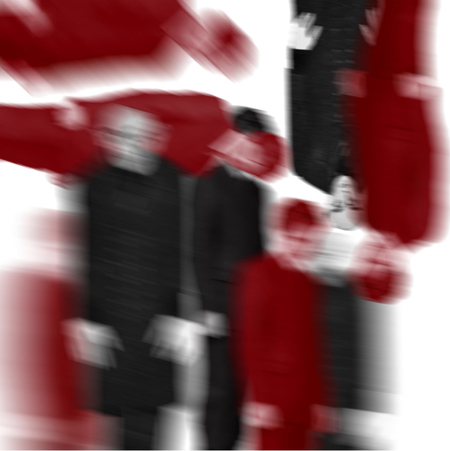
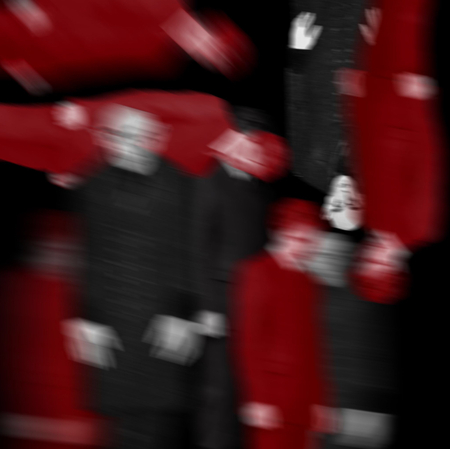
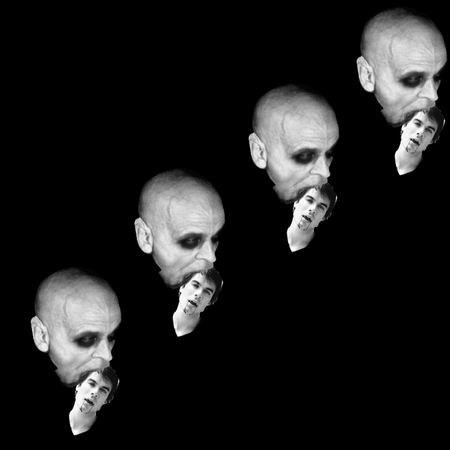
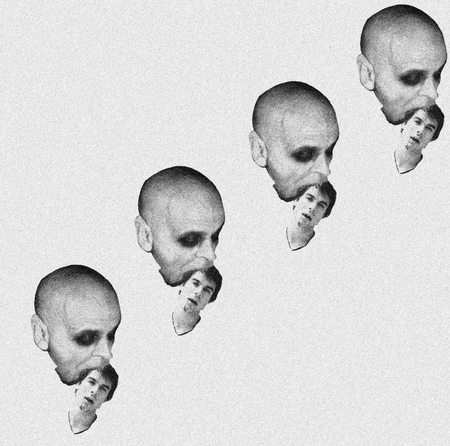
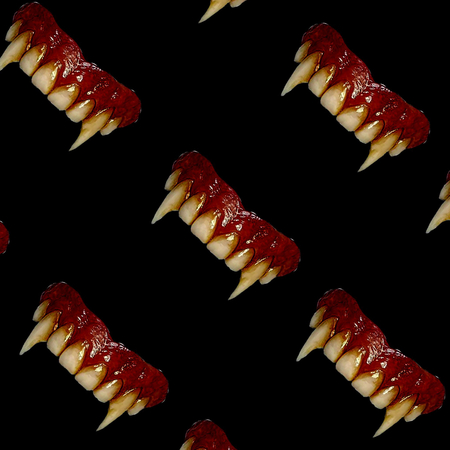
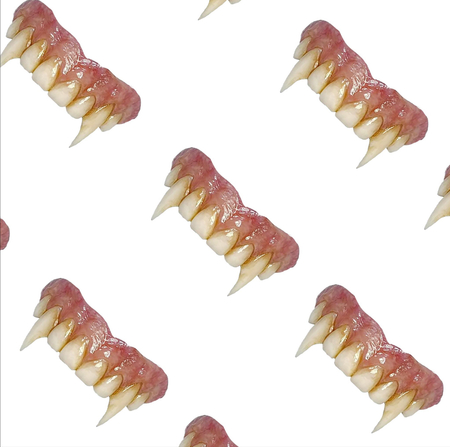
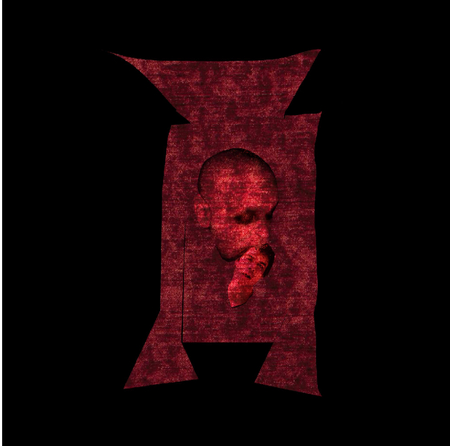
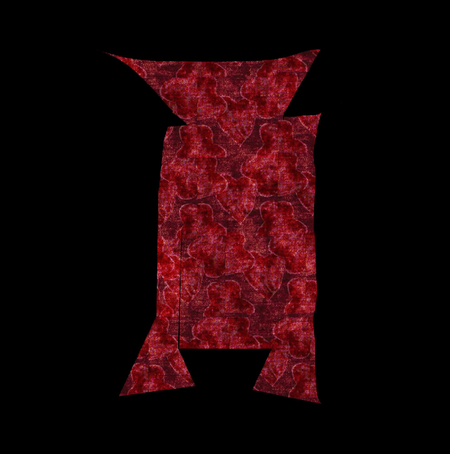
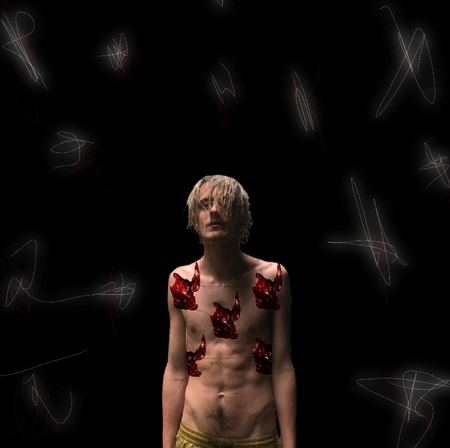
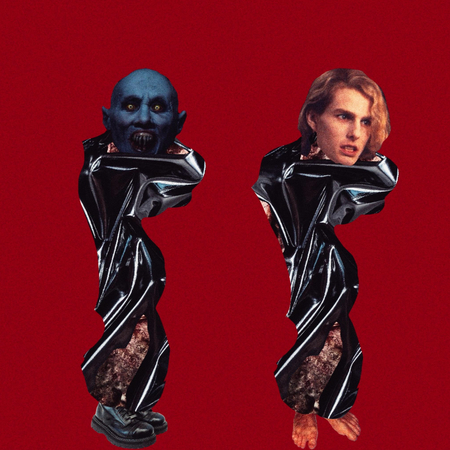
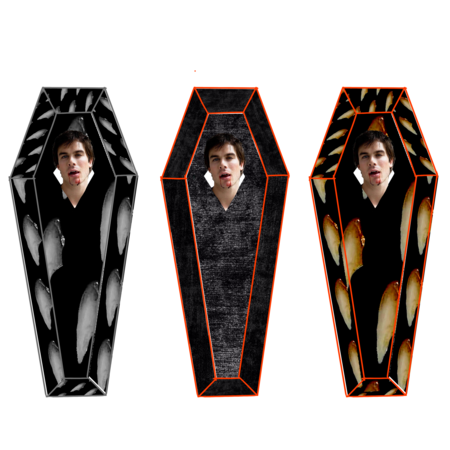
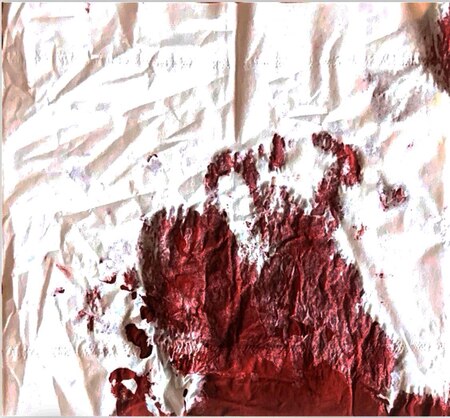
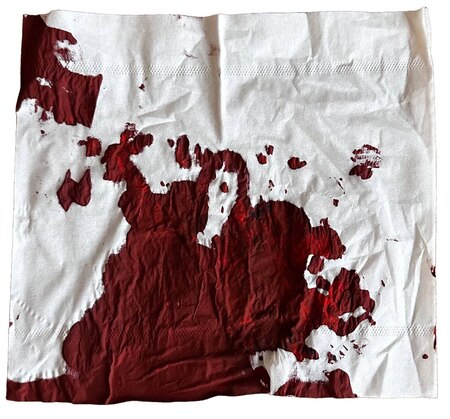
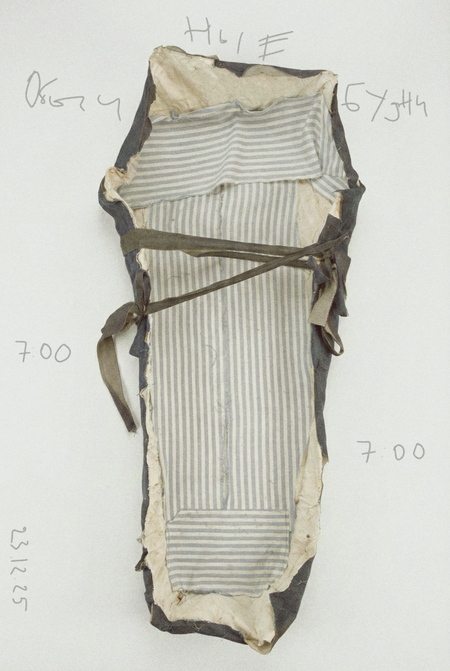
Михаил Щепетов создал проект «Обычные будни» в формате книги. Проект включает в себя тексты, мудборды, принты, эскизы и другие материалы, посвящённые эволюции образа вампира.
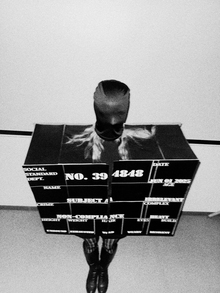
Константин Лямочкин создал проект в формате текста и визуальных материалов, посвящённый социальным конструктам и их влиянию на женщину. Проект включает в себя концепцию, мудборд, принты, коллажи и финальные материалы, раскрывающие тему через разные этапы творческого процесса.
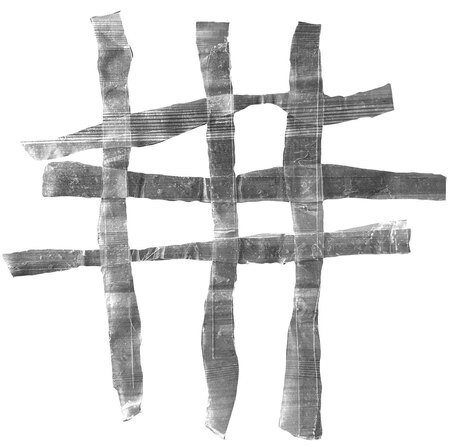
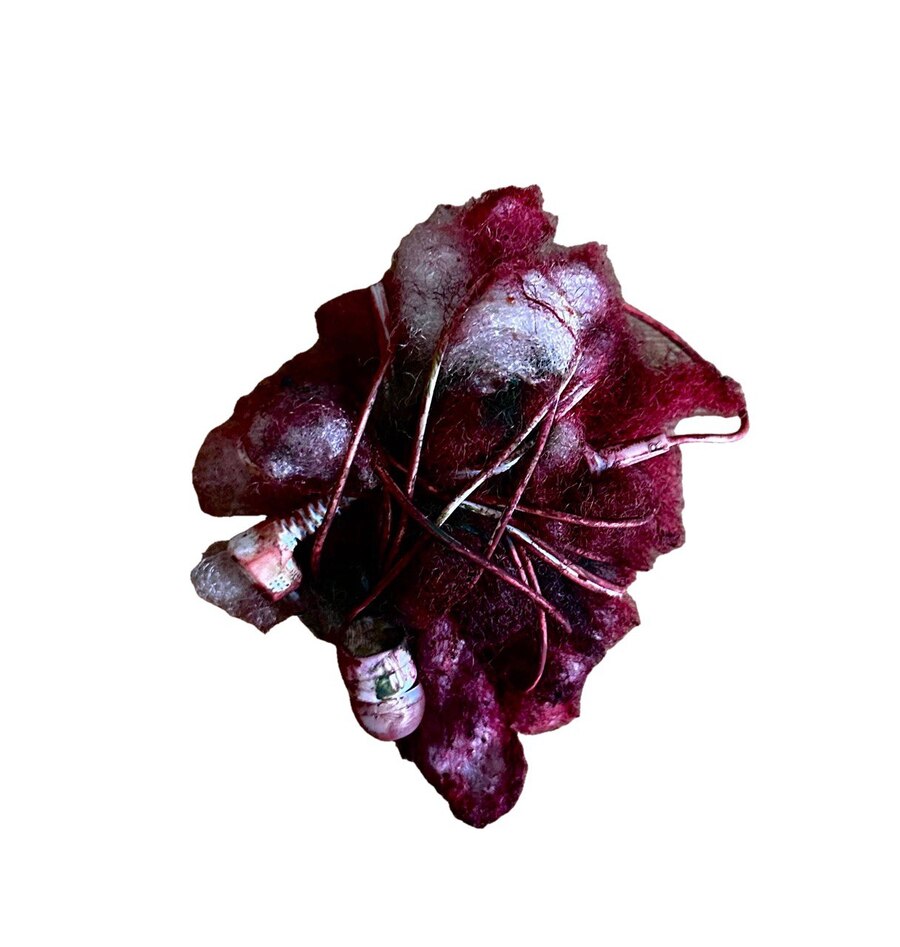
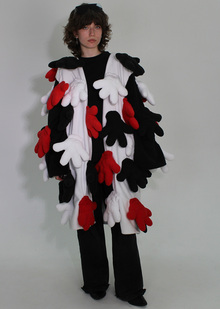
Илья Кузнецов создал проект «Лихие розыгрыши», который исследует историю шуток Микки Мауса с подростками и детьми. Проект включает тексты, съёмки, принты и текстильные эксперименты, раскрывающие контекст старых розыгрышей.
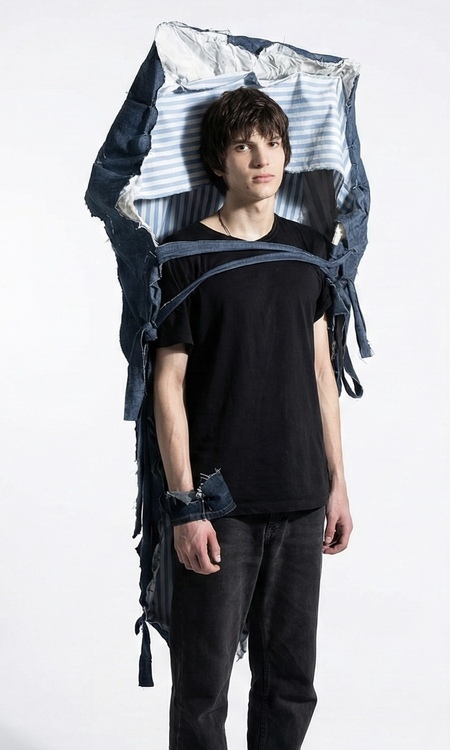
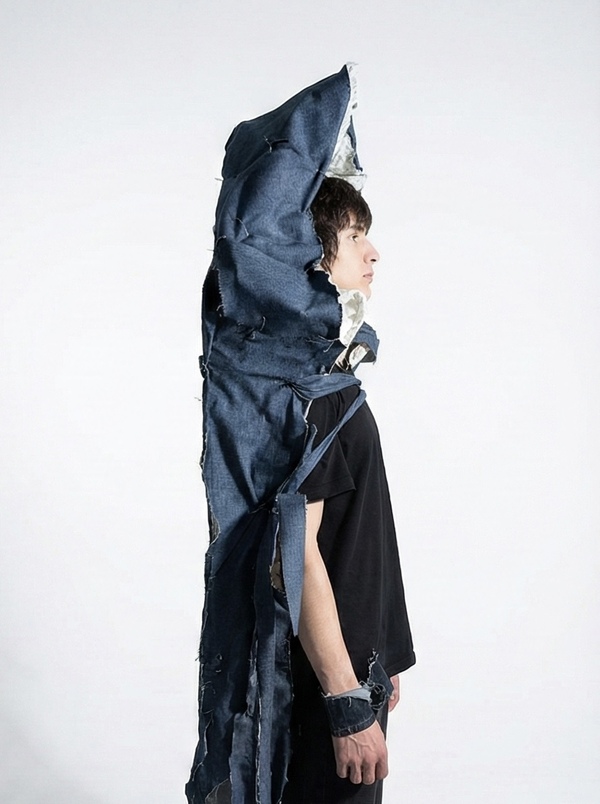
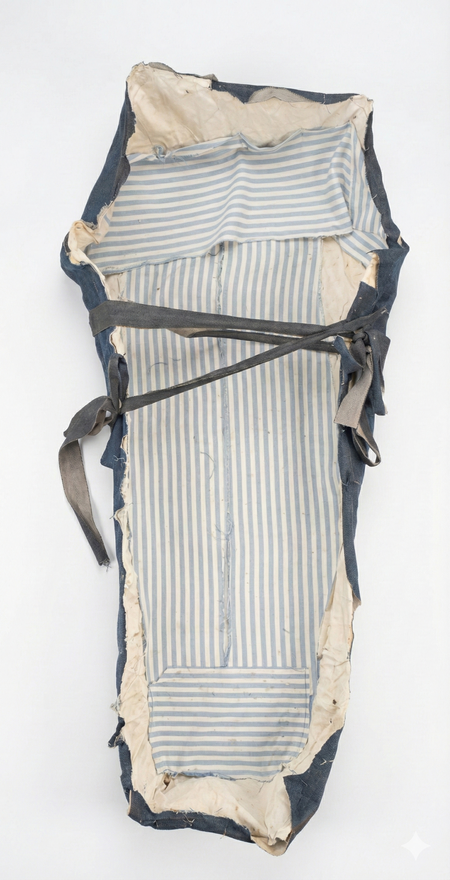
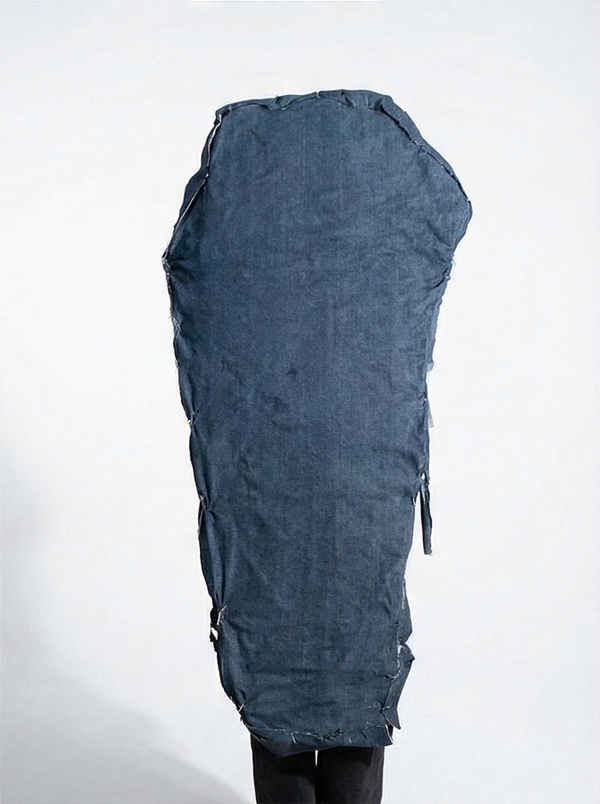
Лика Ширыкалова создала проект «Создано временем», в котором объединила элементы мастерской Константина Бранкузи в единое художественное пространство. Проект включает тексты и материалы, раскрывающие идею мастерской как автопортрета, созданного временем и пространством.
Елена Кошелап создала проект «Someone Else», посвящённый важности наблюдательности и личной ответственности в предотвращении преступлений. Проект включает анализ психологических явлений, таких как эффект свидетеля и диффузия ответственности, подтверждающих влияние активной позиции человека на безопасность окружающих.
pro.deziiign
Цифровая платформа для создания презентаций. Инновационный онлайн-конструктор, где каждый может эффектно показать свой проект, предложение или образовательный курс.
Press space bar to start a drag.
When dragging you can use the arrow keys to move the item around and escape to cancel.
Some screen readers may require you to be in focus mode or to use your pass through key
Press space bar to start a drag.
When dragging you can use the arrow keys to move the item around and escape to cancel.
Some screen readers may require you to be in focus mode or to use your pass through key
Press space bar to start a drag.
When dragging you can use the arrow keys to move the item around and escape to cancel.
Some screen readers may require you to be in focus mode or to use your pass through key
Press space bar to start a drag.
When dragging you can use the arrow keys to move the item around and escape to cancel.
Some screen readers may require you to be in focus mode or to use your pass through key
Press space bar to start a drag.
When dragging you can use the arrow keys to move the item around and escape to cancel.
Some screen readers may require you to be in focus mode or to use your pass through key
Press space bar to start a drag.
When dragging you can use the arrow keys to move the item around and escape to cancel.
Some screen readers may require you to be in focus mode or to use your pass through key
Press space bar to start a drag.
When dragging you can use the arrow keys to move the item around and escape to cancel.
Some screen readers may require you to be in focus mode or to use your pass through key
Press space bar to start a drag.
When dragging you can use the arrow keys to move the item around and escape to cancel.
Some screen readers may require you to be in focus mode or to use your pass through key
Press space bar to start a drag.
When dragging you can use the arrow keys to move the item around and escape to cancel.
Some screen readers may require you to be in focus mode or to use your pass through key
Press space bar to start a drag.
When dragging you can use the arrow keys to move the item around and escape to cancel.
Some screen readers may require you to be in focus mode or to use your pass through key
Press space bar to start a drag.
When dragging you can use the arrow keys to move the item around and escape to cancel.
Some screen readers may require you to be in focus mode or to use your pass through key
Press space bar to start a drag.
When dragging you can use the arrow keys to move the item around and escape to cancel.
Some screen readers may require you to be in focus mode or to use your pass through key
Press space bar to start a drag.
When dragging you can use the arrow keys to move the item around and escape to cancel.
Some screen readers may require you to be in focus mode or to use your pass through key
Press space bar to start a drag.
When dragging you can use the arrow keys to move the item around and escape to cancel.
Some screen readers may require you to be in focus mode or to use your pass through key
Press space bar to start a drag.
When dragging you can use the arrow keys to move the item around and escape to cancel.
Some screen readers may require you to be in focus mode or to use your pass through key