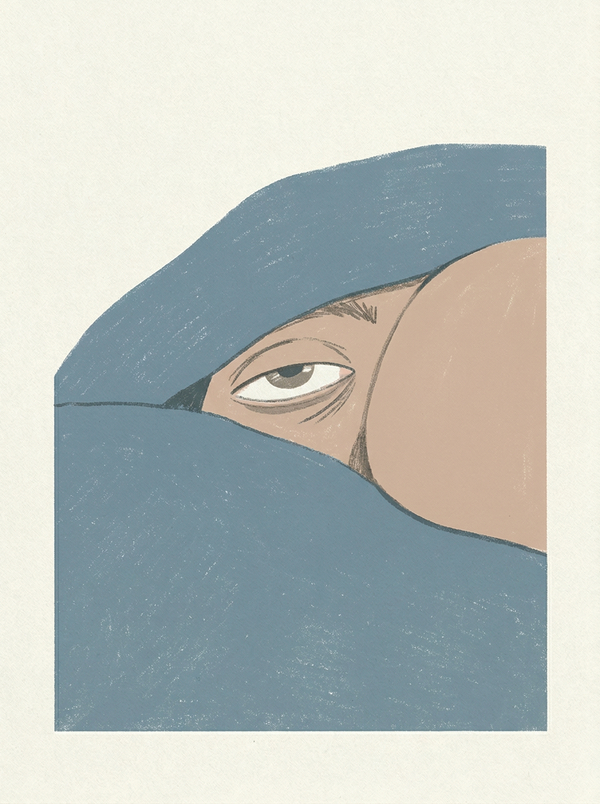
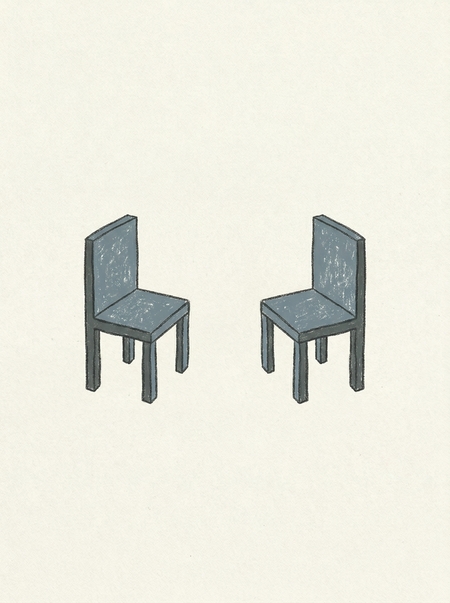
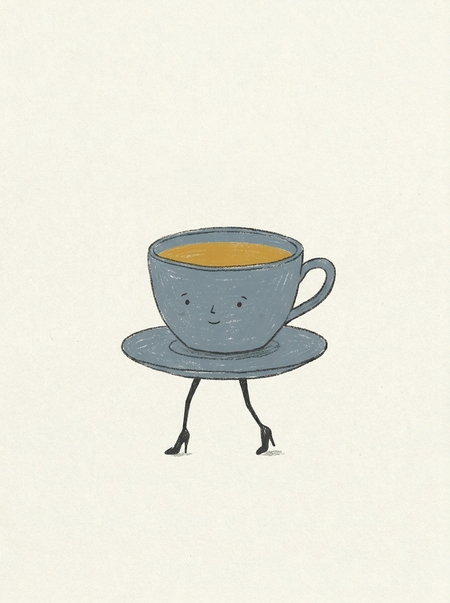
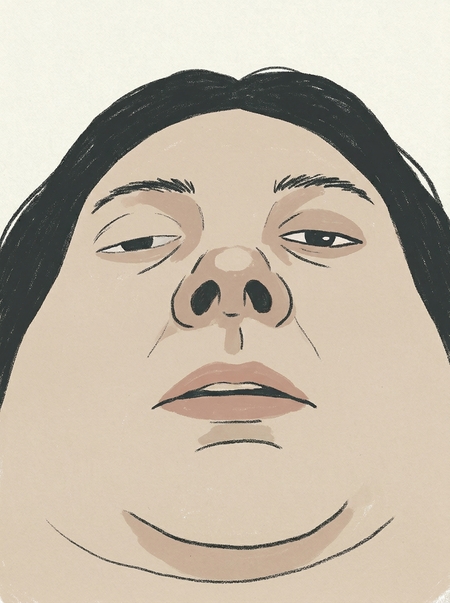
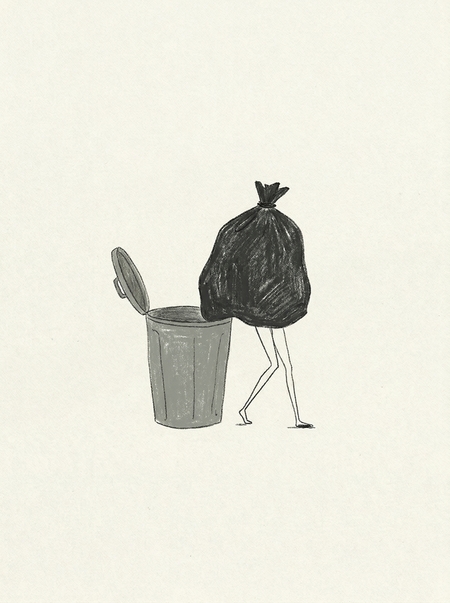
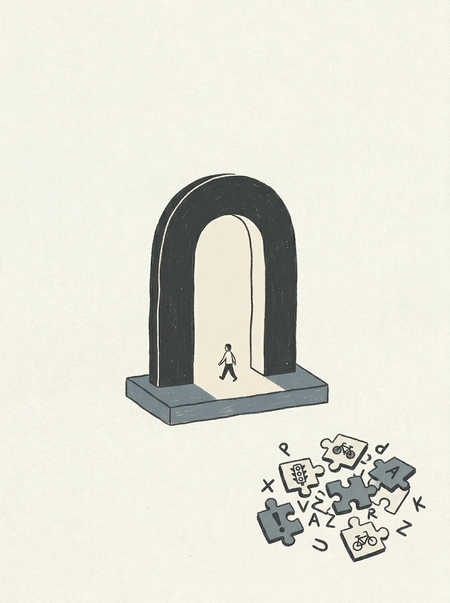
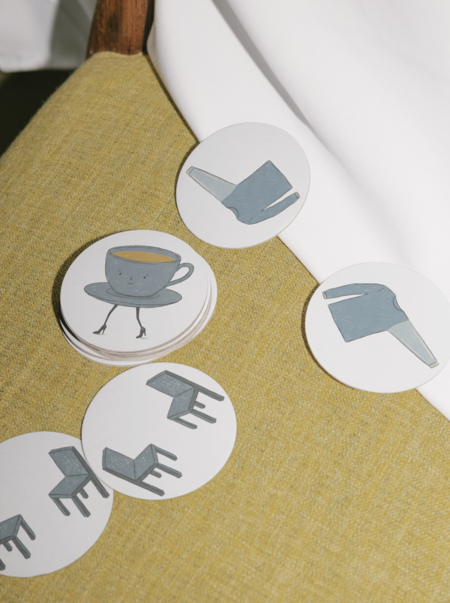
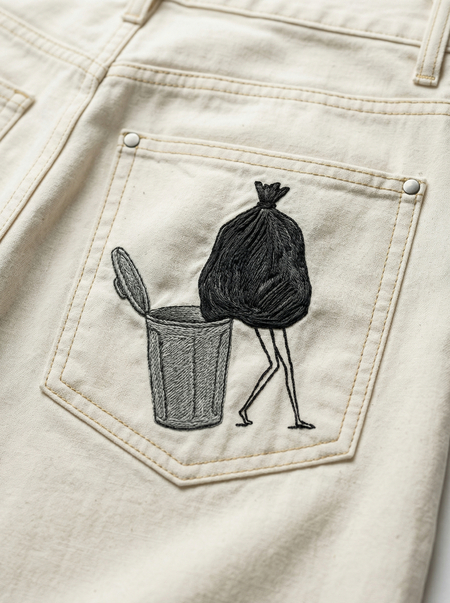
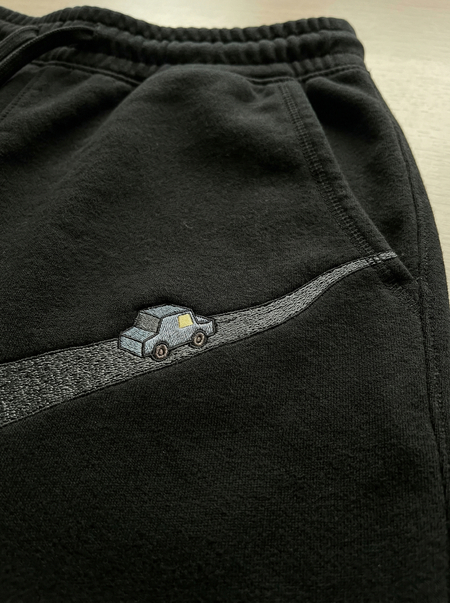
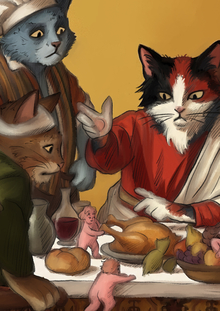
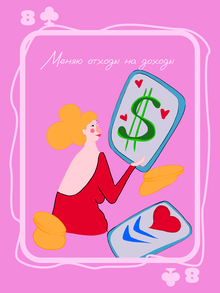
«Ничего страшного» — серия открыток о редких моментах цифрового и бытового облегчения, когда не происходит ничего плохого: не приходит лишнее сообщение, не зависает загрузка, не выскакивает капча, не заканчивается память.
Отсутствие проблемы = повод для праздника
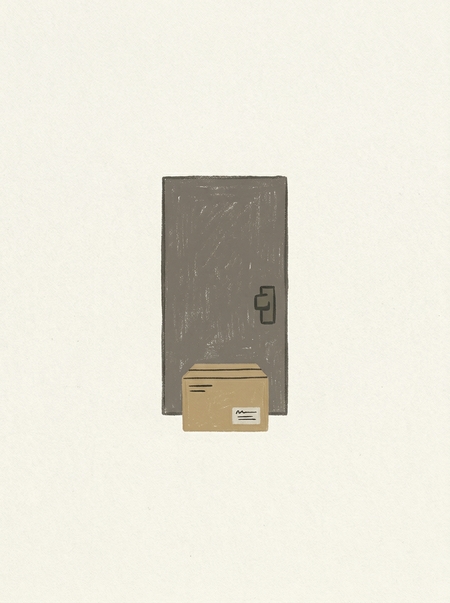
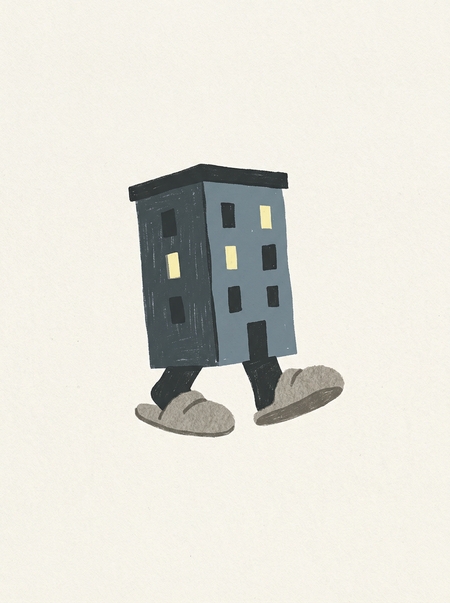
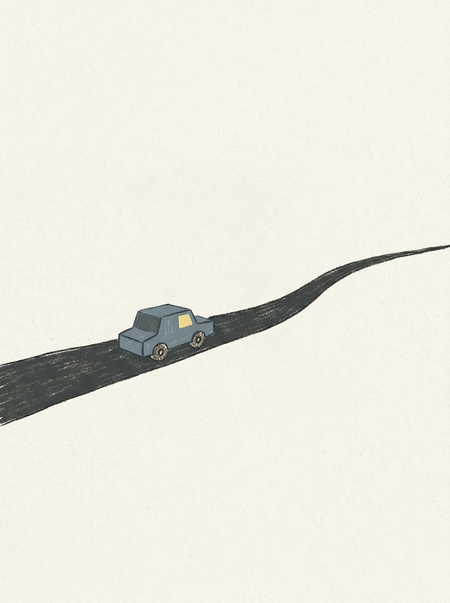
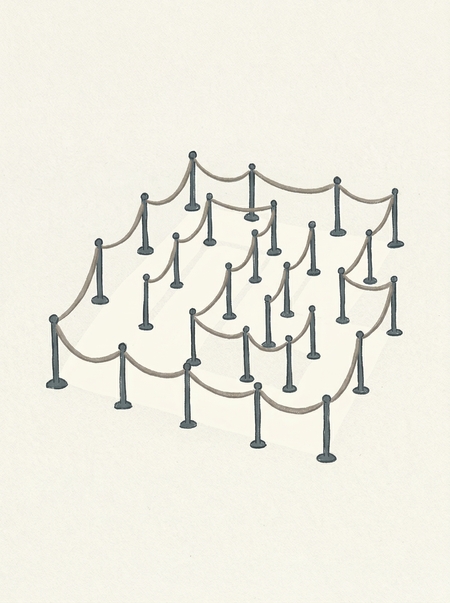
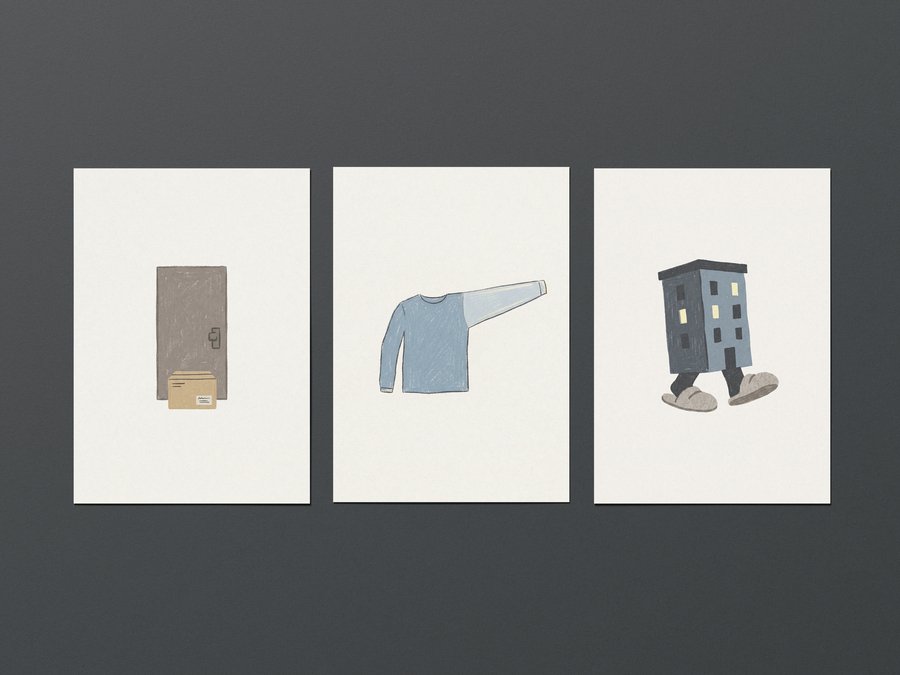
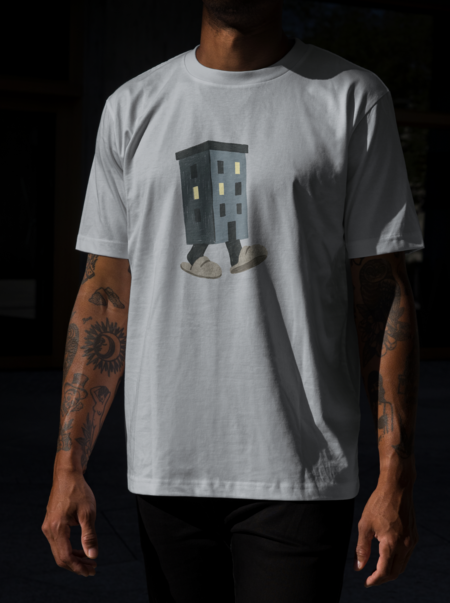
С днем доставки «оставить у двери» без звонка! / С днем тихих соседей!
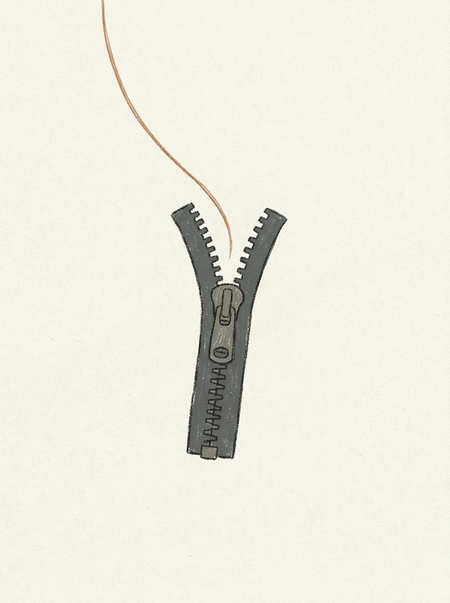
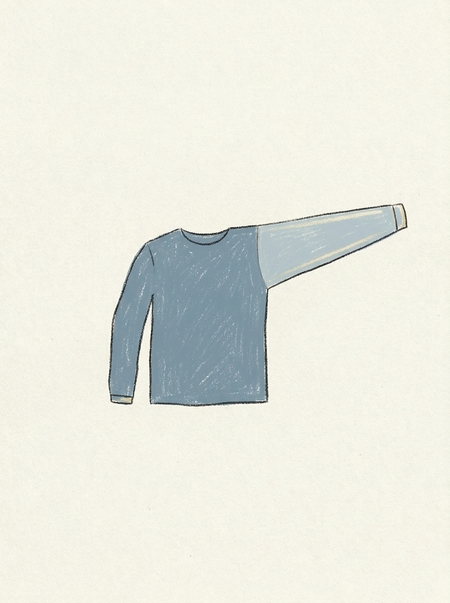
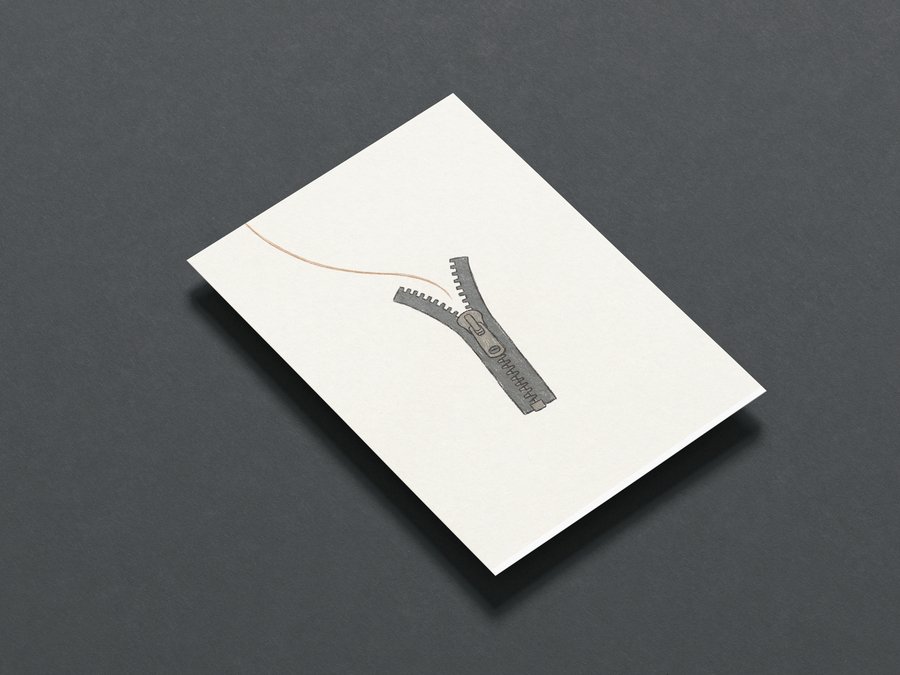
С днем волос, не попавших в молнию! / С днем идеально вывернутого рукава!
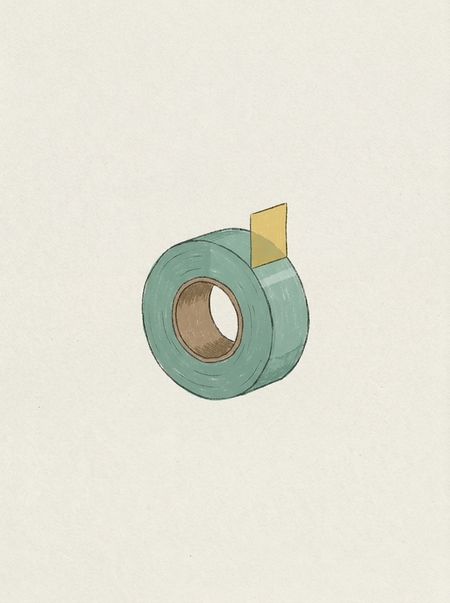
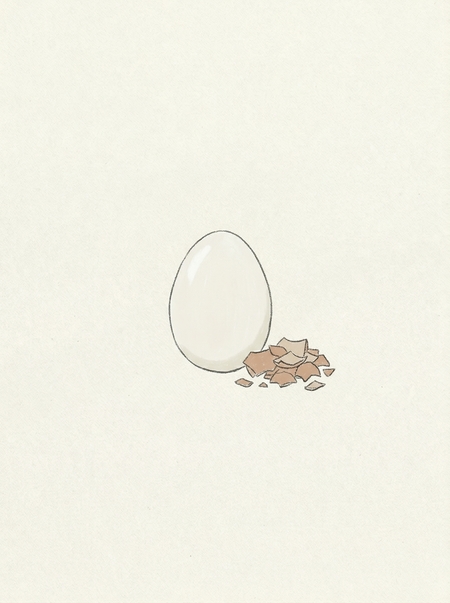
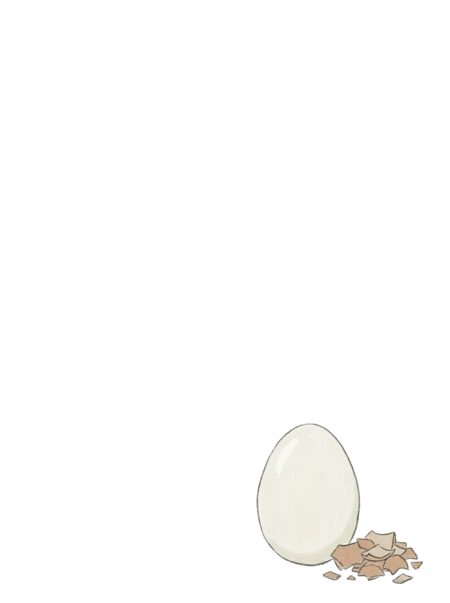
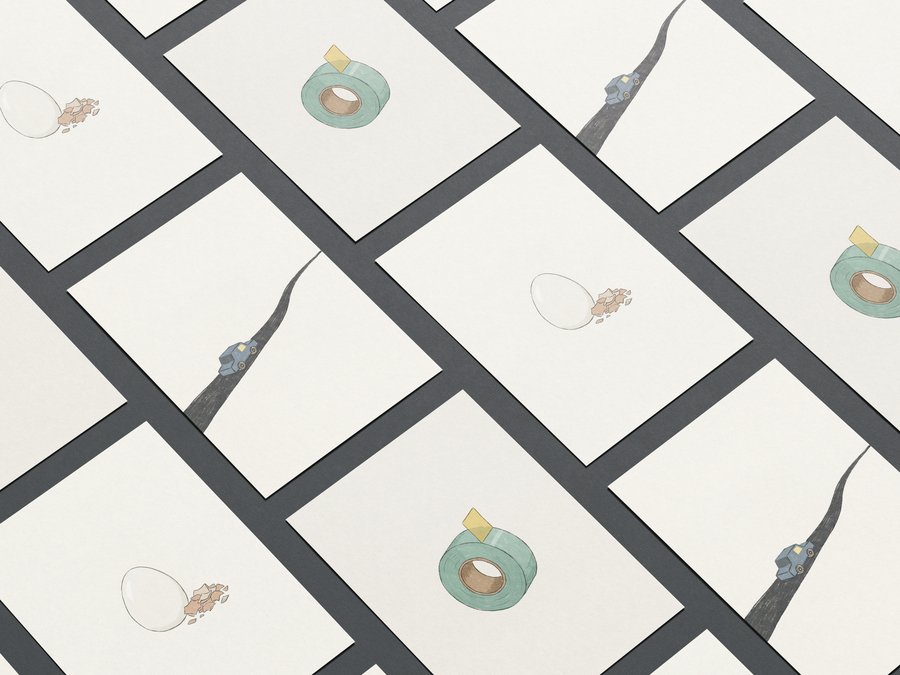
С днем, когда нашел край у скотча сразу! / С днем идеально очищенного яйца!
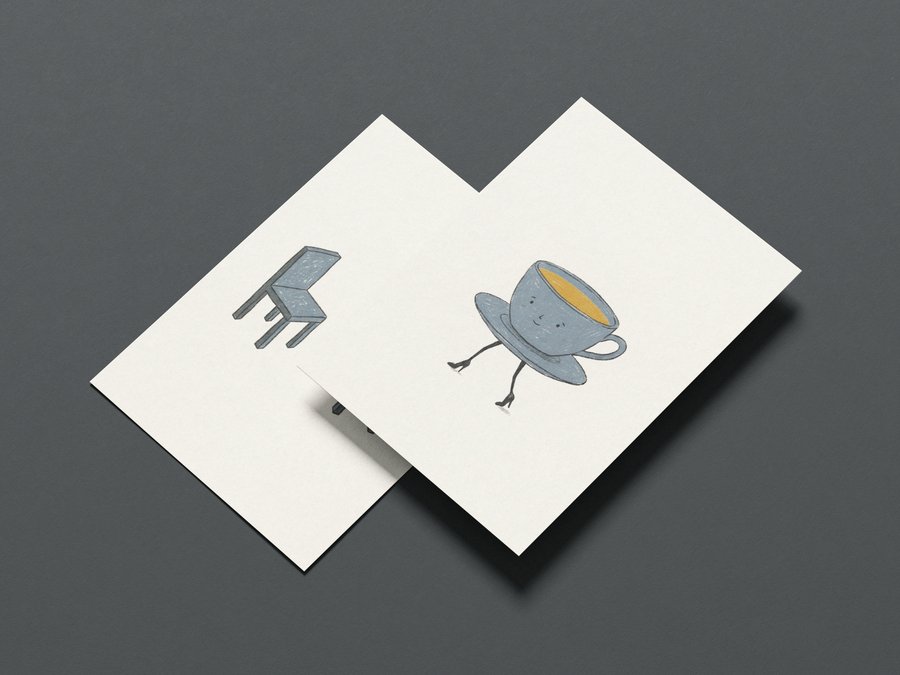
С днем без отмен! / С днем непролитой кружки!
С днем без включенной фронталки! / С днём нерассыпавшегося мусора!
Цифровая платформа для создания презентаций. Инновационный онлайн-конструктор, где каждый может эффектно показать свой проект, предложение или образовательный курс.
Press space bar to start a drag.
When dragging you can use the arrow keys to move the item around and escape to cancel.
Some screen readers may require you to be in focus mode or to use your pass through key
Press space bar to start a drag.
When dragging you can use the arrow keys to move the item around and escape to cancel.
Some screen readers may require you to be in focus mode or to use your pass through key
Press space bar to start a drag.
When dragging you can use the arrow keys to move the item around and escape to cancel.
Some screen readers may require you to be in focus mode or to use your pass through key
Press space bar to start a drag.
When dragging you can use the arrow keys to move the item around and escape to cancel.
Some screen readers may require you to be in focus mode or to use your pass through key
Press space bar to start a drag.
When dragging you can use the arrow keys to move the item around and escape to cancel.
Some screen readers may require you to be in focus mode or to use your pass through key
Press space bar to start a drag.
When dragging you can use the arrow keys to move the item around and escape to cancel.
Some screen readers may require you to be in focus mode or to use your pass through key
Press space bar to start a drag.
When dragging you can use the arrow keys to move the item around and escape to cancel.
Some screen readers may require you to be in focus mode or to use your pass through key
Press space bar to start a drag.
When dragging you can use the arrow keys to move the item around and escape to cancel.
Some screen readers may require you to be in focus mode or to use your pass through key
Press space bar to start a drag.
When dragging you can use the arrow keys to move the item around and escape to cancel.
Some screen readers may require you to be in focus mode or to use your pass through key