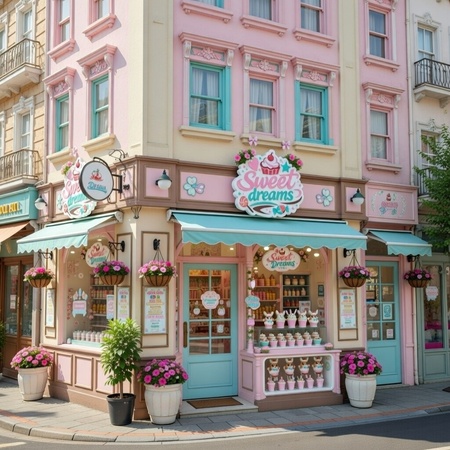
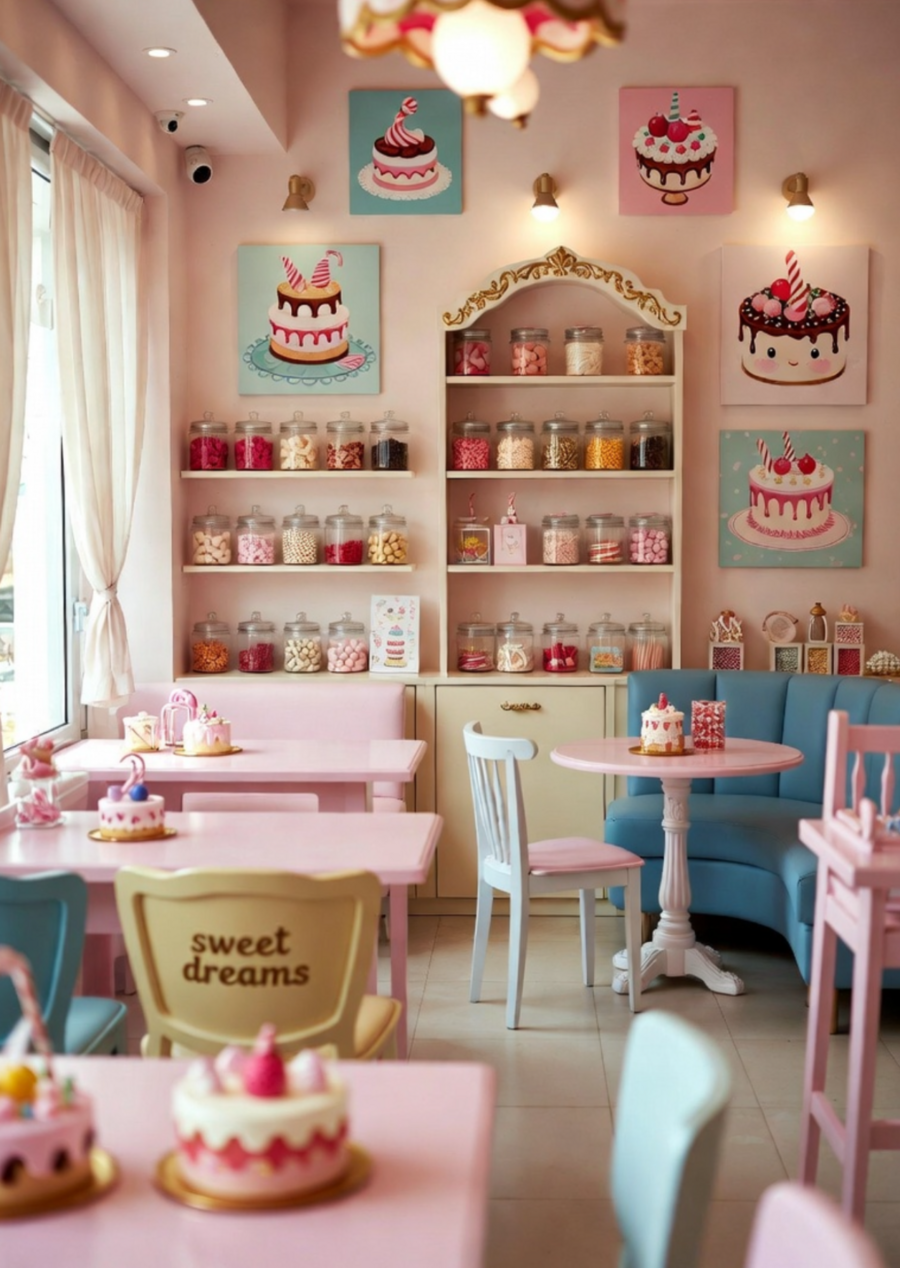
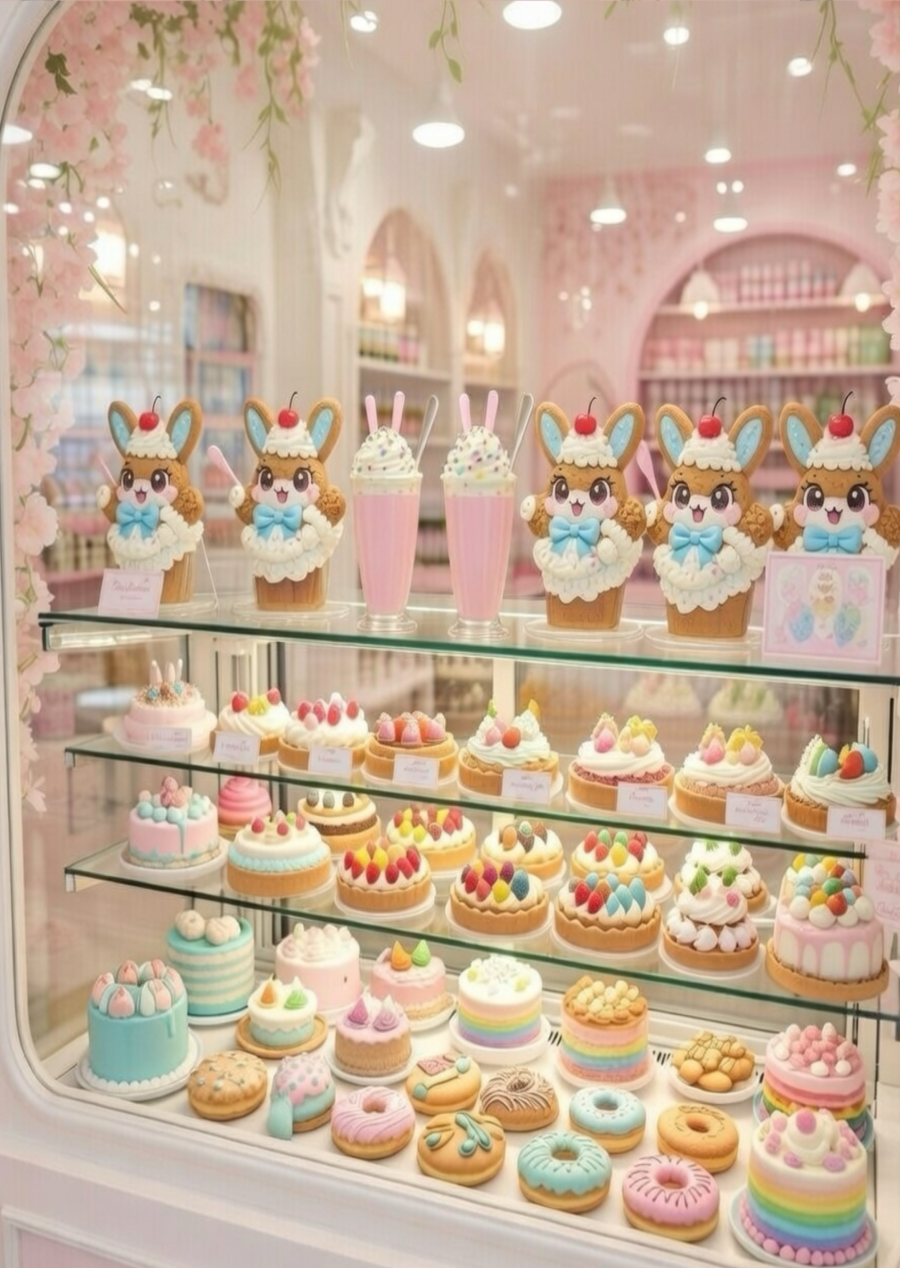
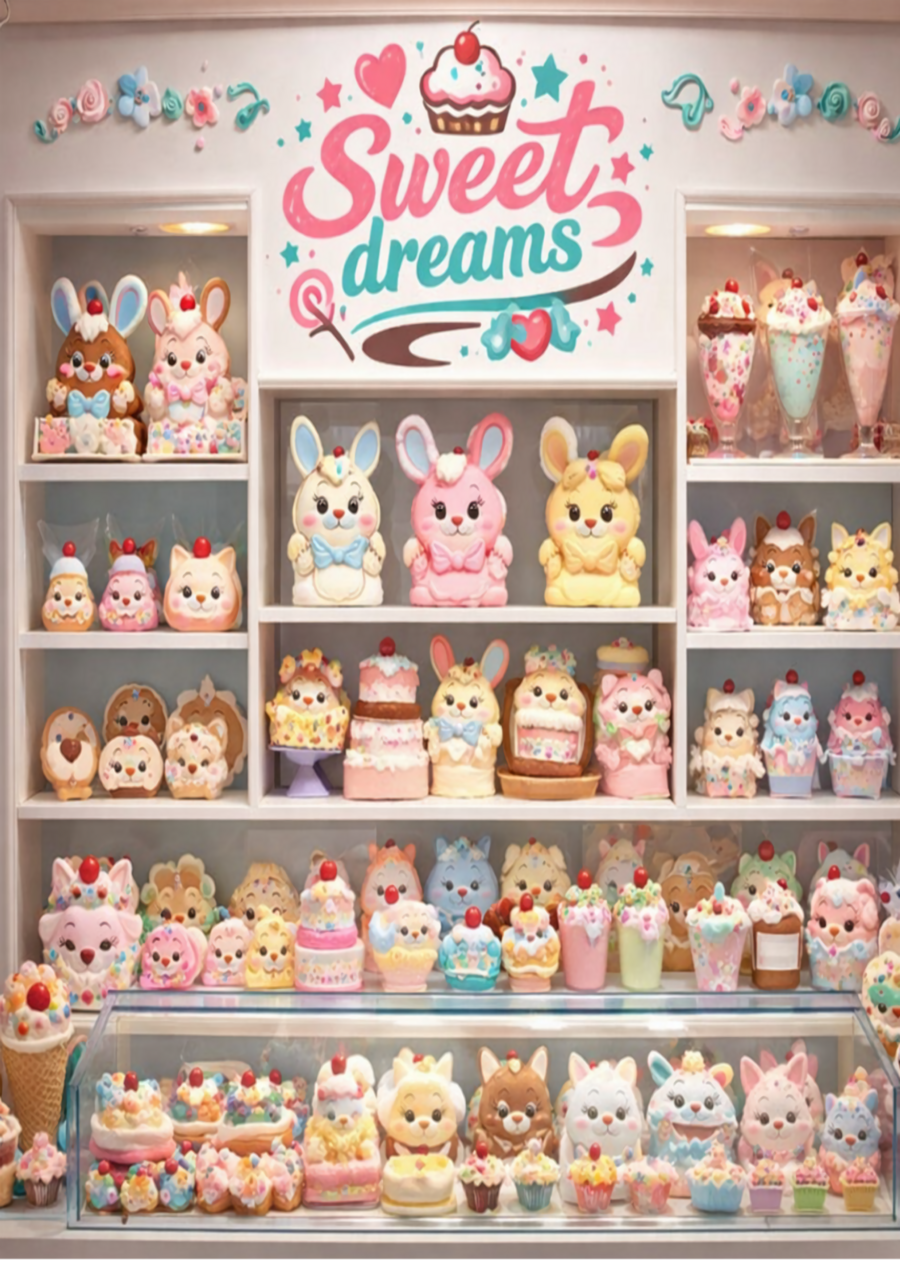
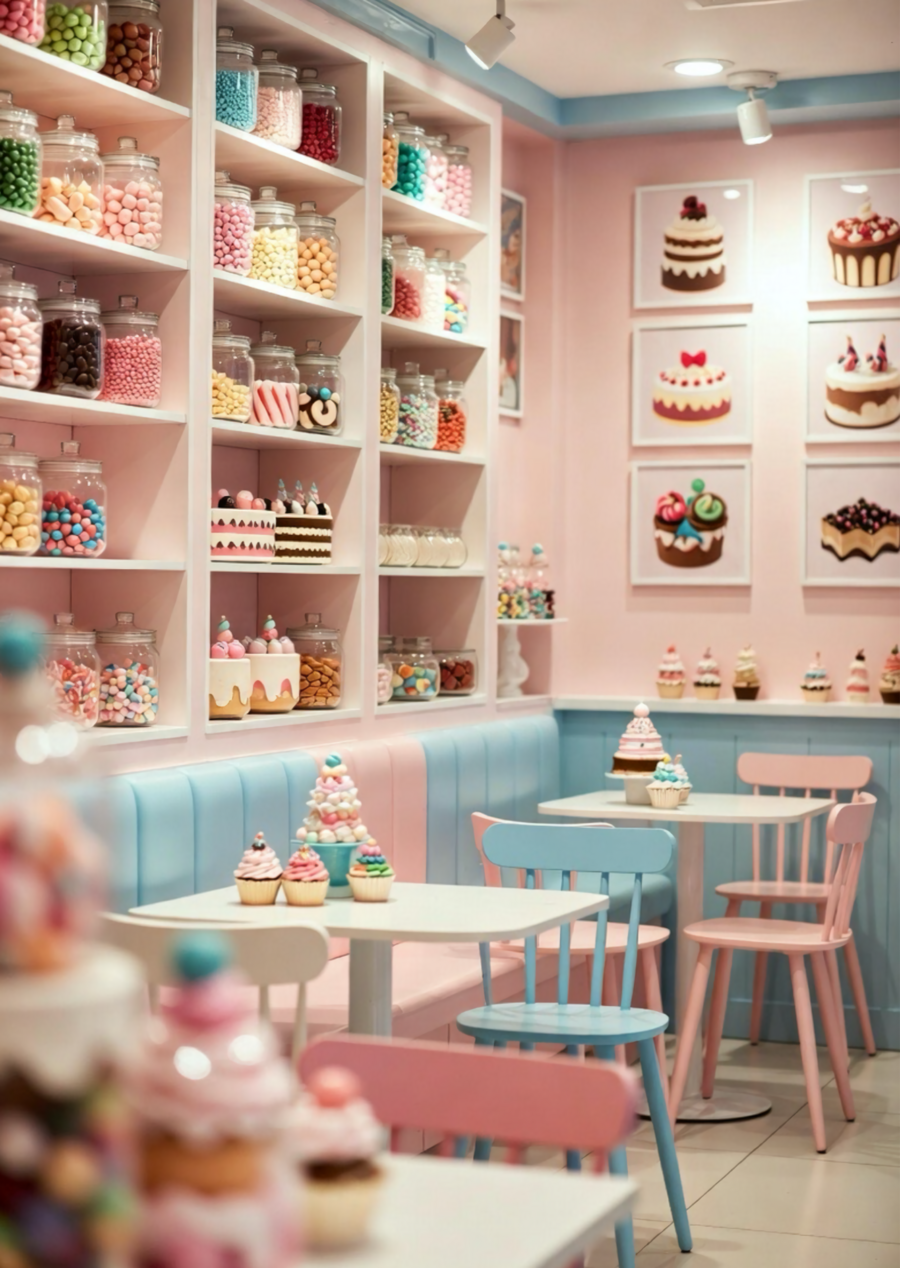
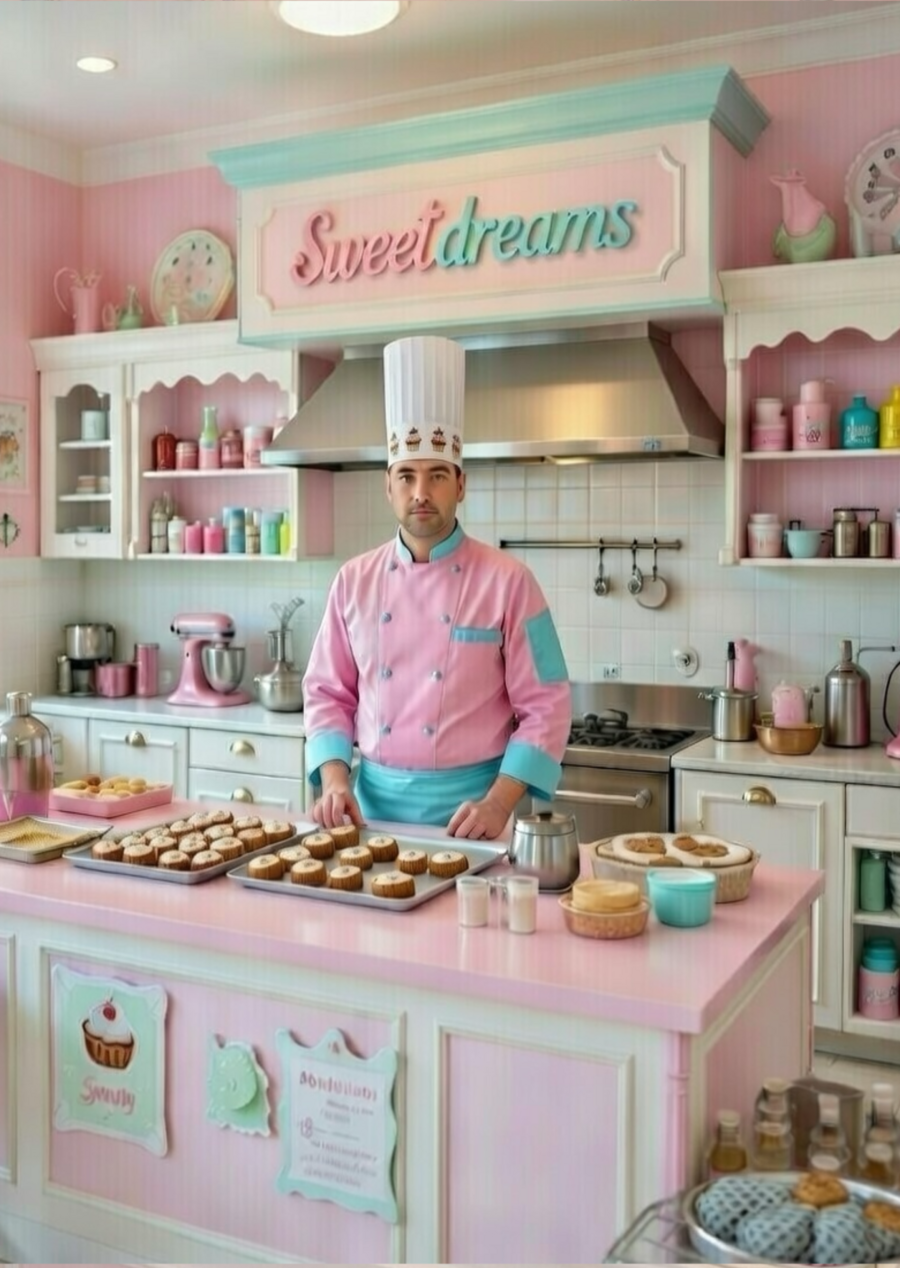
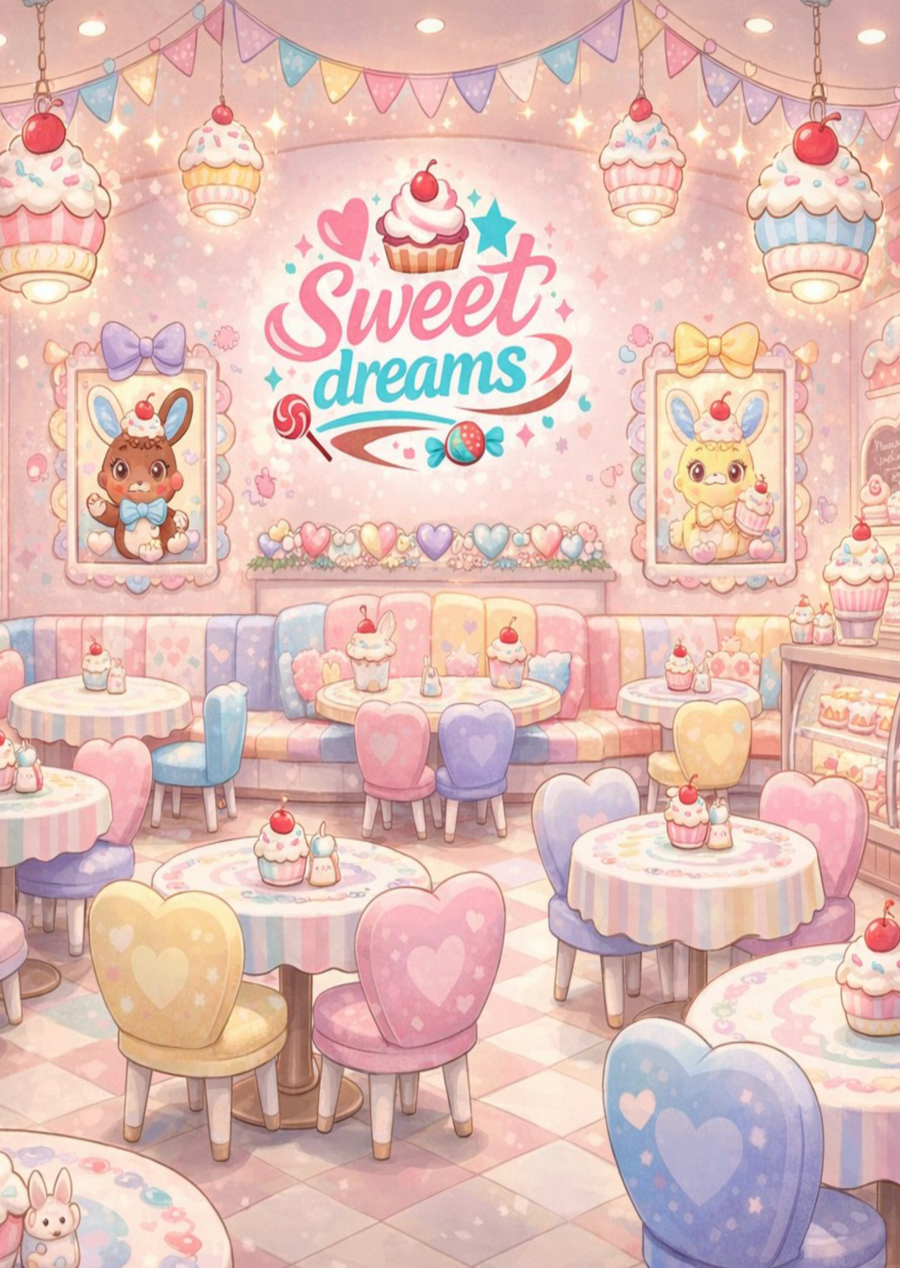
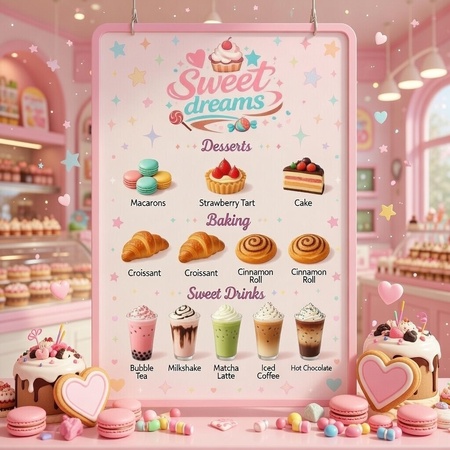
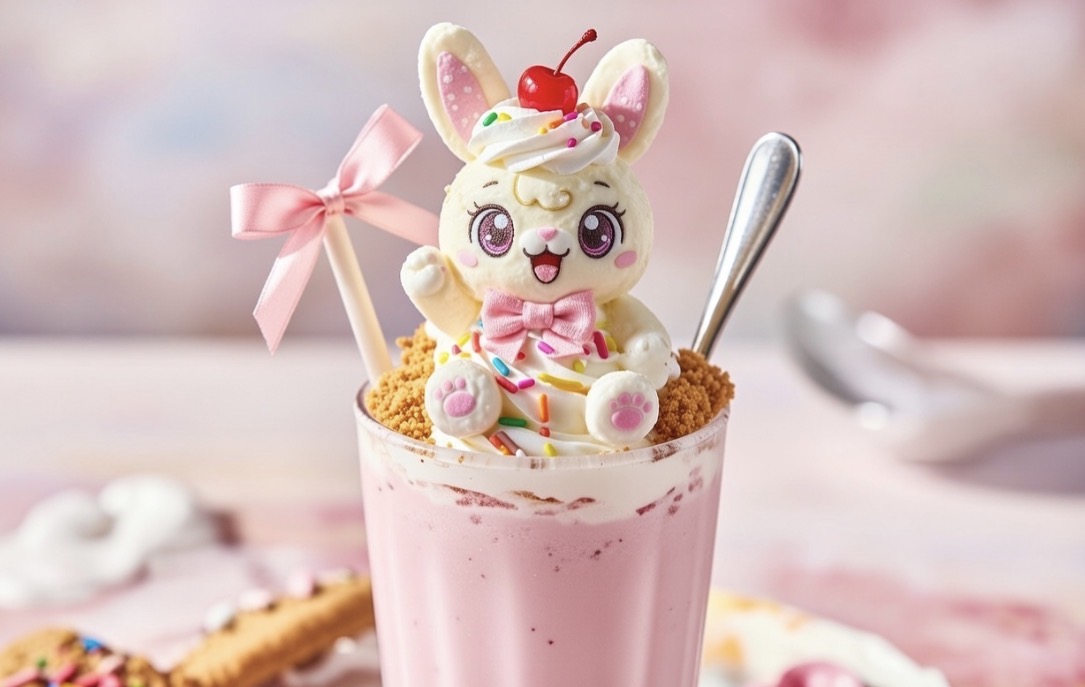
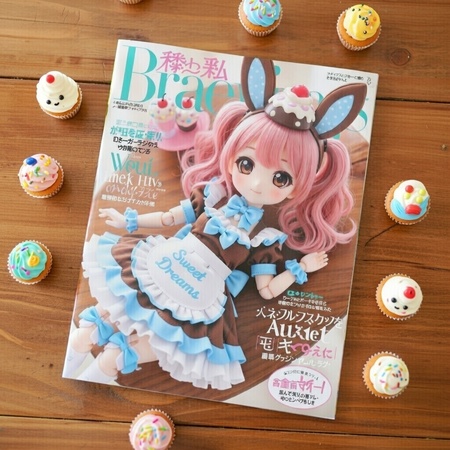
Sweet Dreams — волшебное пространство, где сладость сливается с мечтами. Наше кафе — уголок добрых сказок и приятных грёз, где аромат свежеиспеченных булочек и нежнейших пирогов превращается в лучшие моменты вашего дня. Мы создаём уют, в котором каждому хочется задержаться подольше, наслаждаясь вкусом детства и тепла настоящего дома. Здесь рождаются улыбки и наполняются сердца радостью.
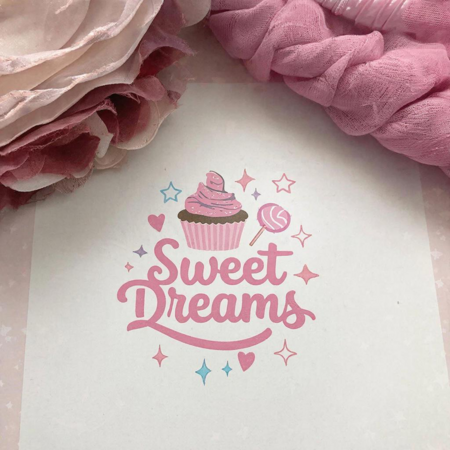
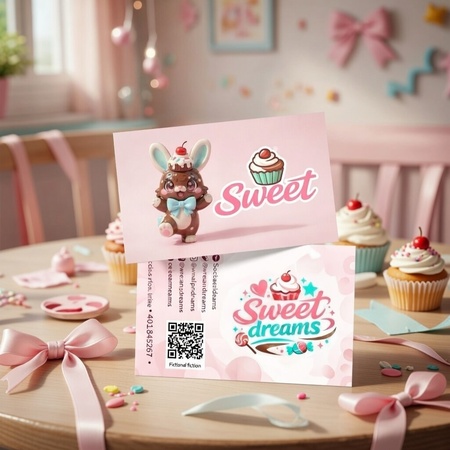
Логотип кафе-пекарни «Sweet Dreams» выполнен в милом и сказочном стиле. В центре изображен кекс с розовой глазурью и вишенкой, окруженный сердечками и звездами. Название «Sweet Dreams» написано крупными буквами, где «Sweet» выполнено в розовом цвете, а «Dreams» — в голубом. Внизу расположены конфета и лента, добавляющие логотипу игривости и уюта.
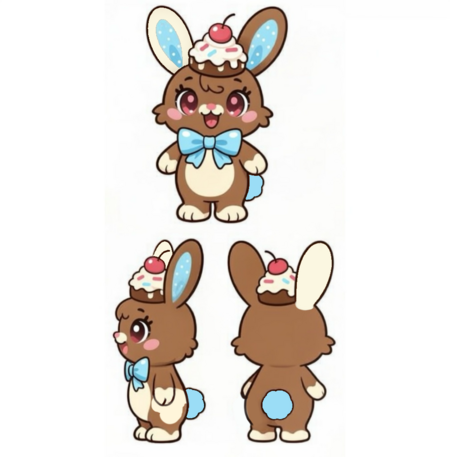
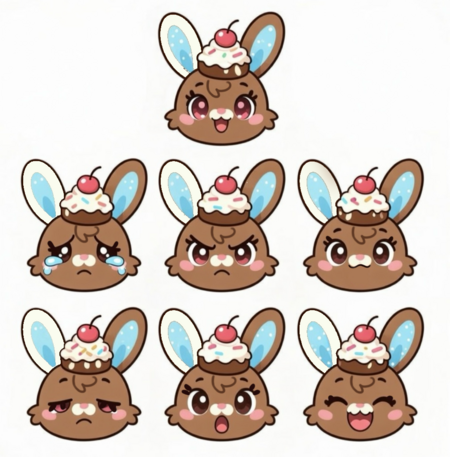
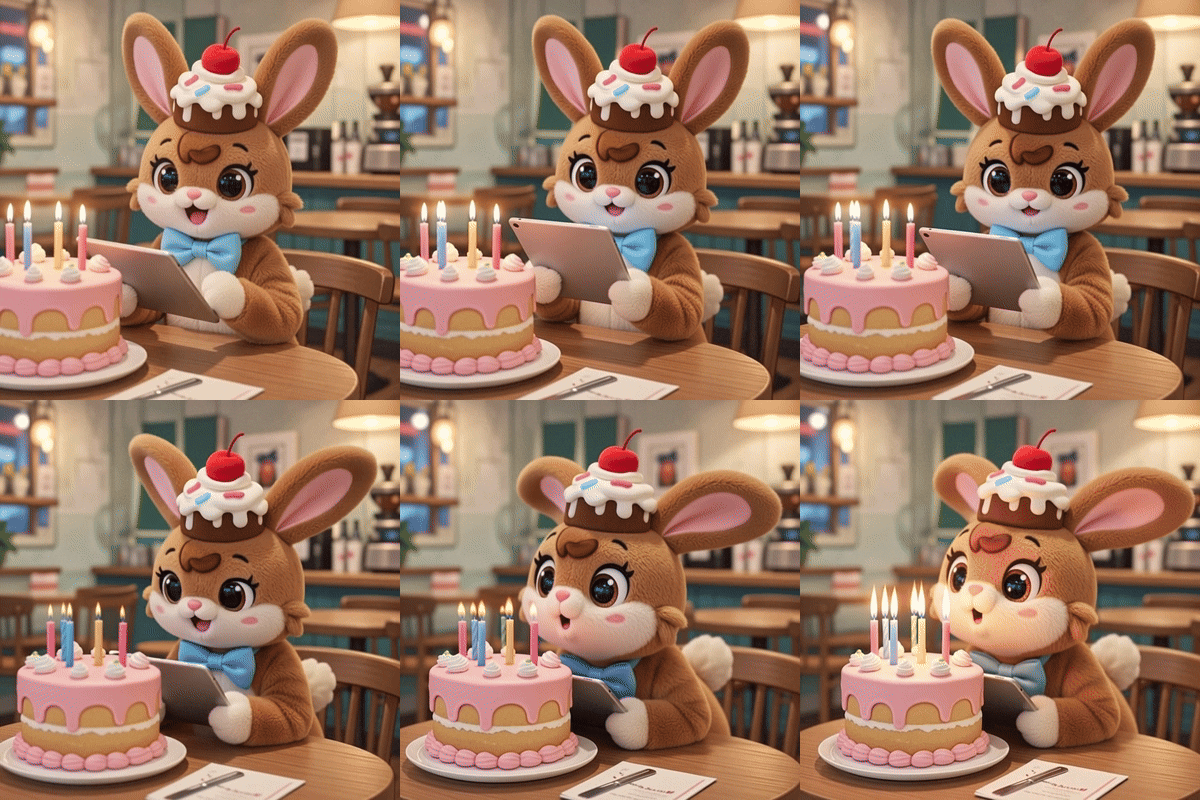
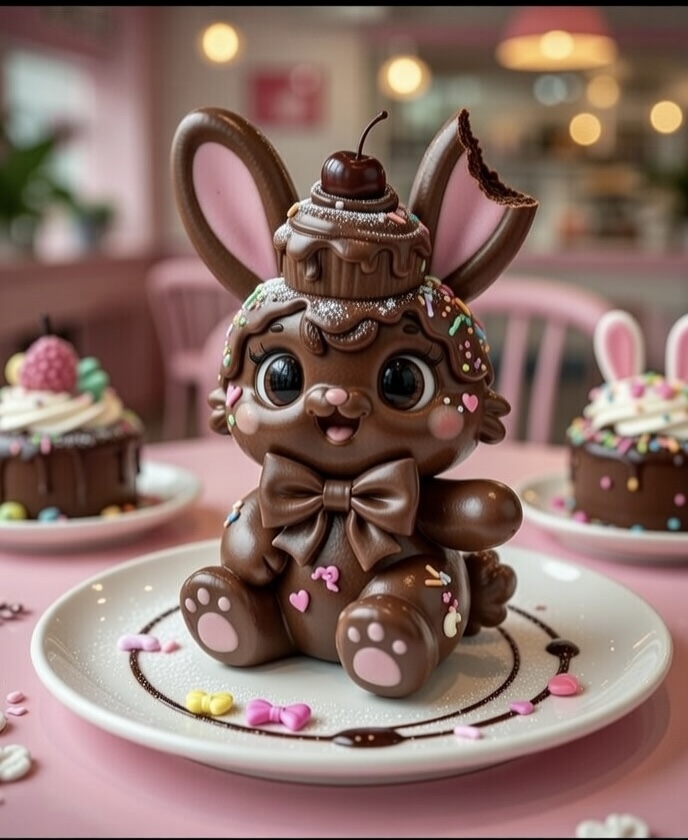
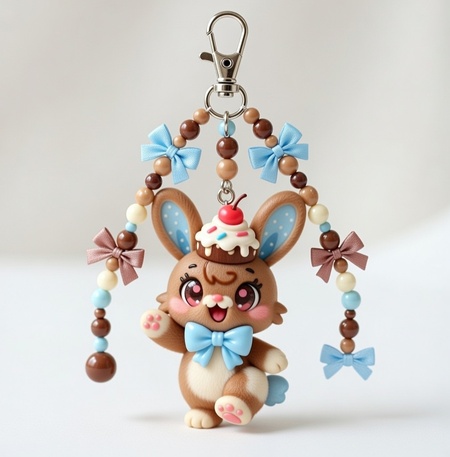
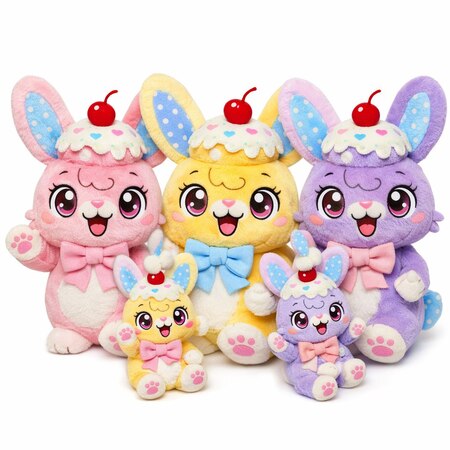
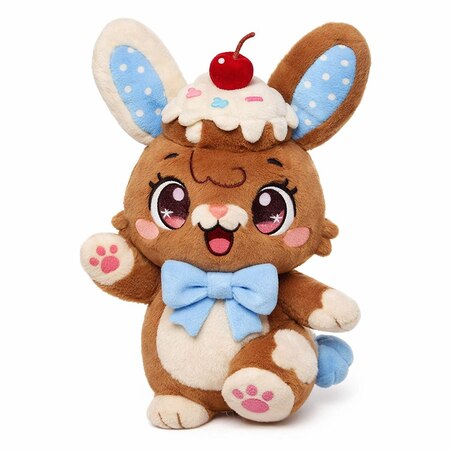
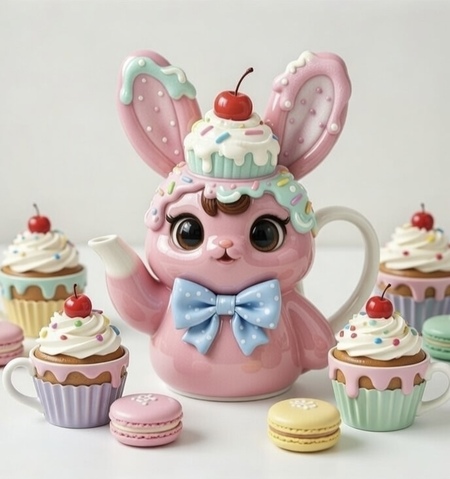
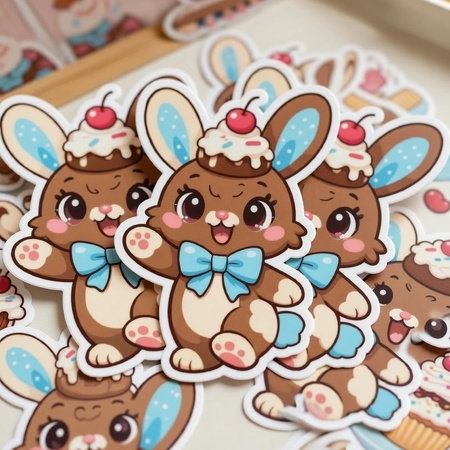
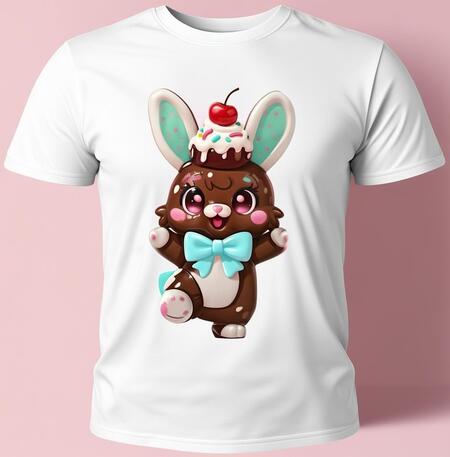
маскот
«Dreamy Bunny»
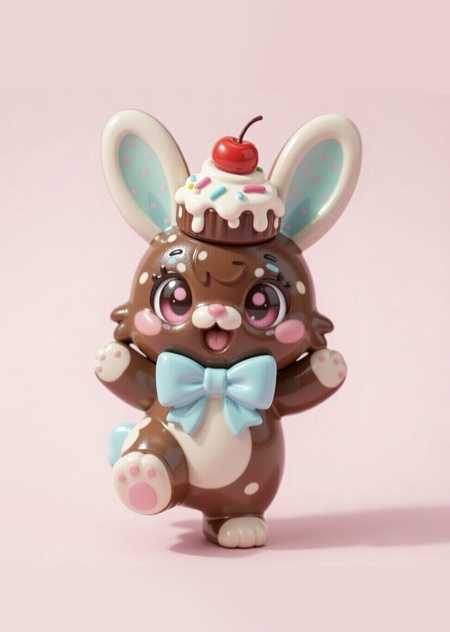
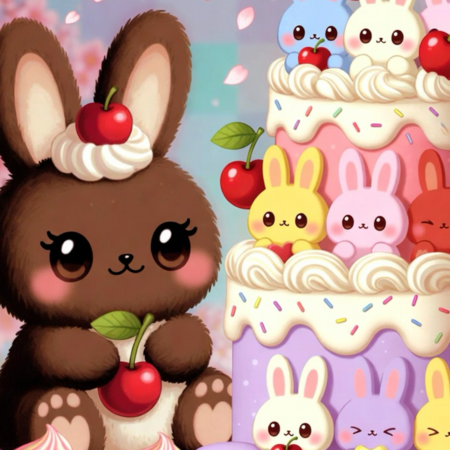
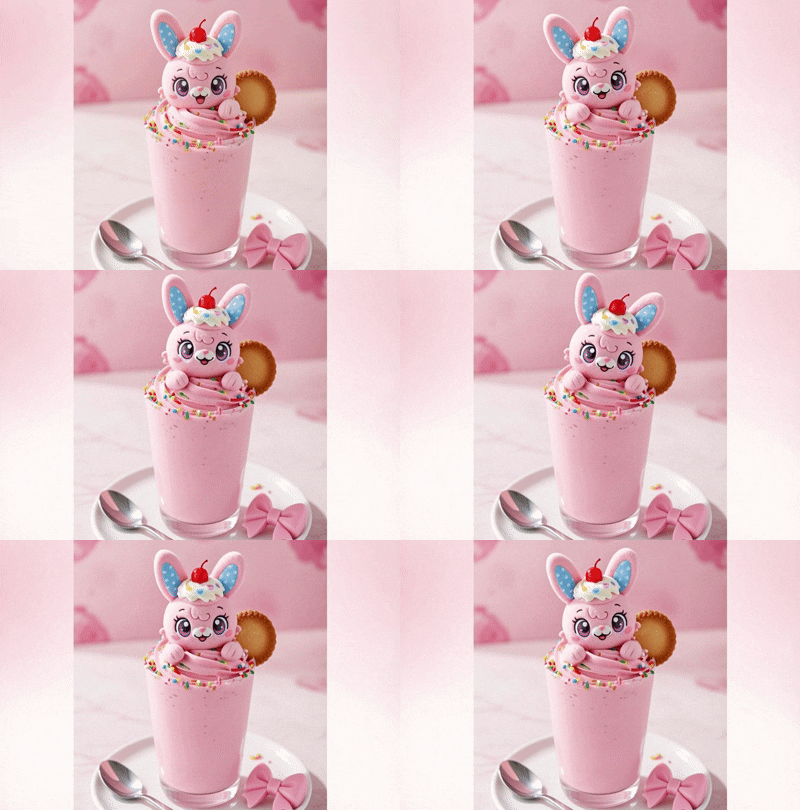
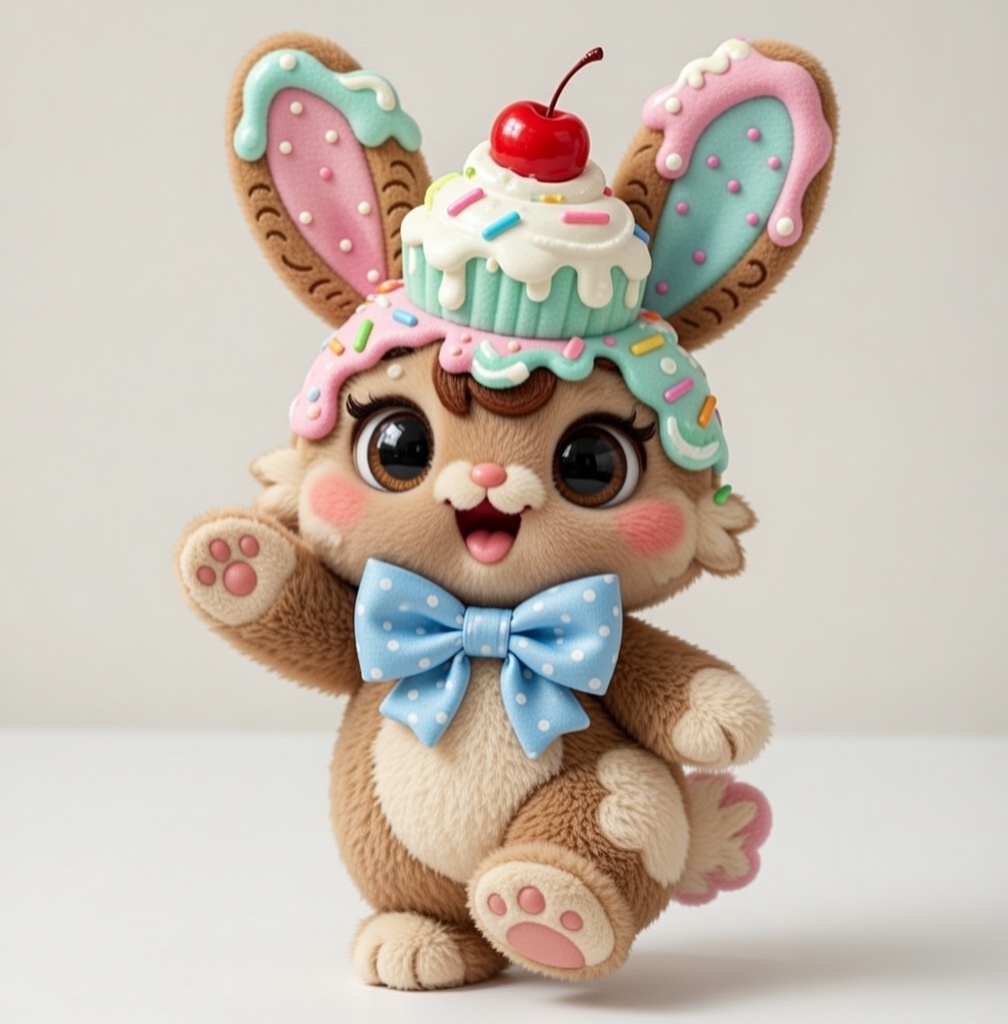
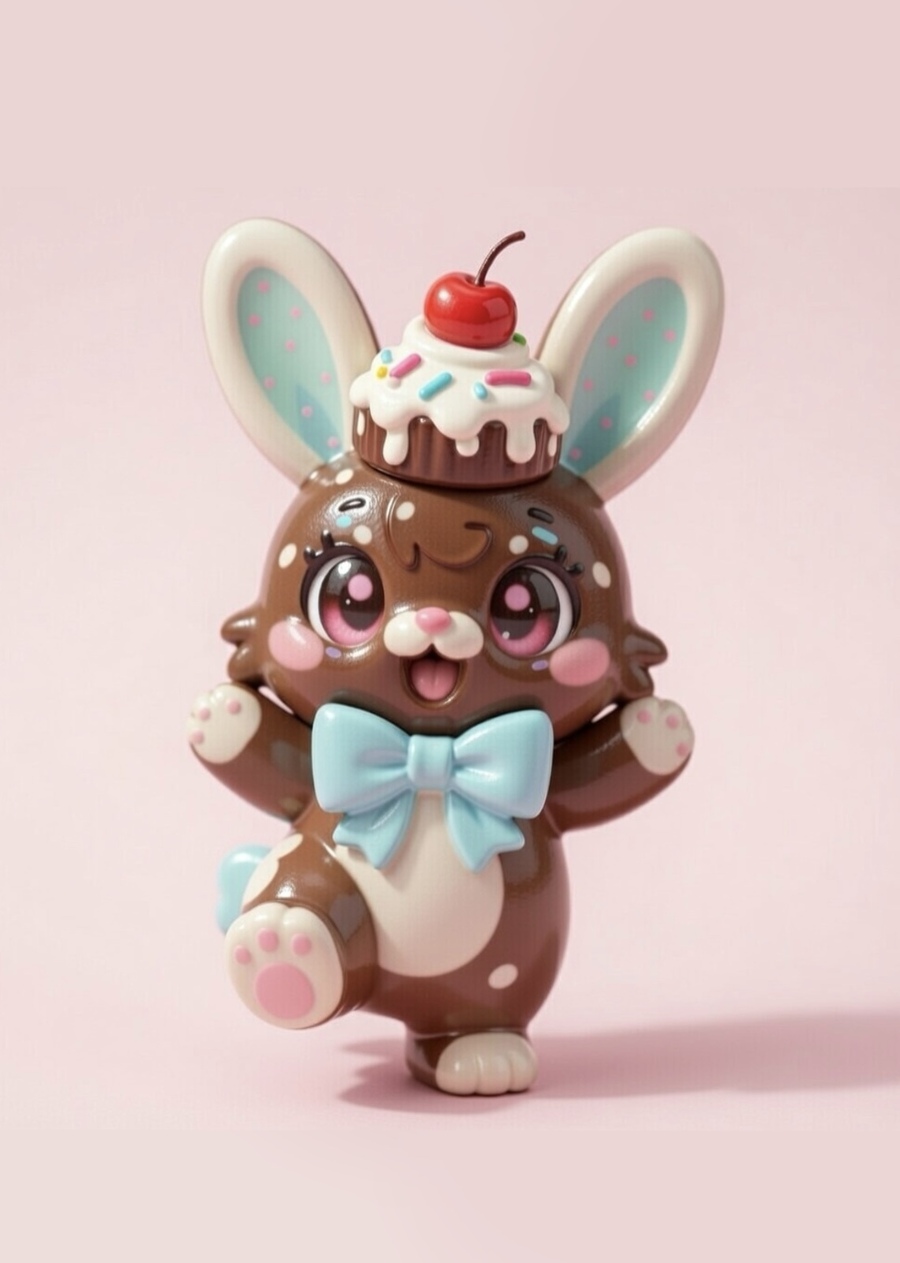
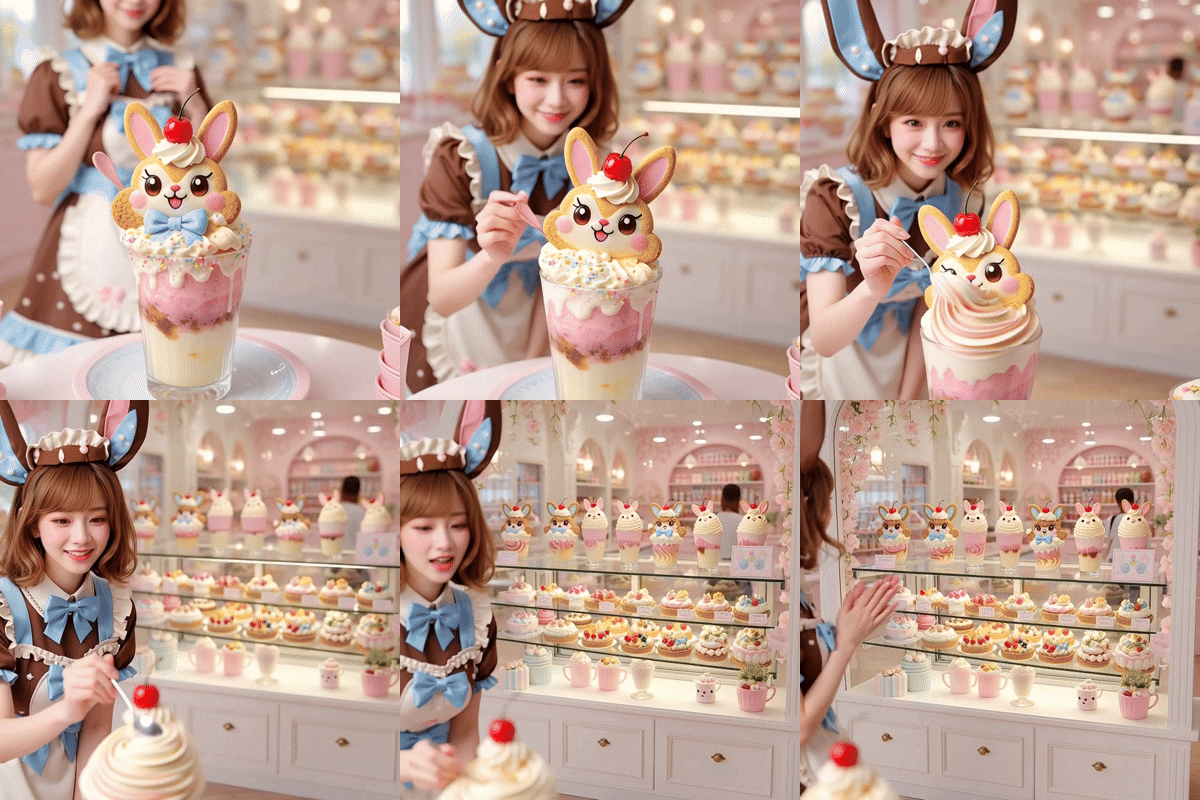
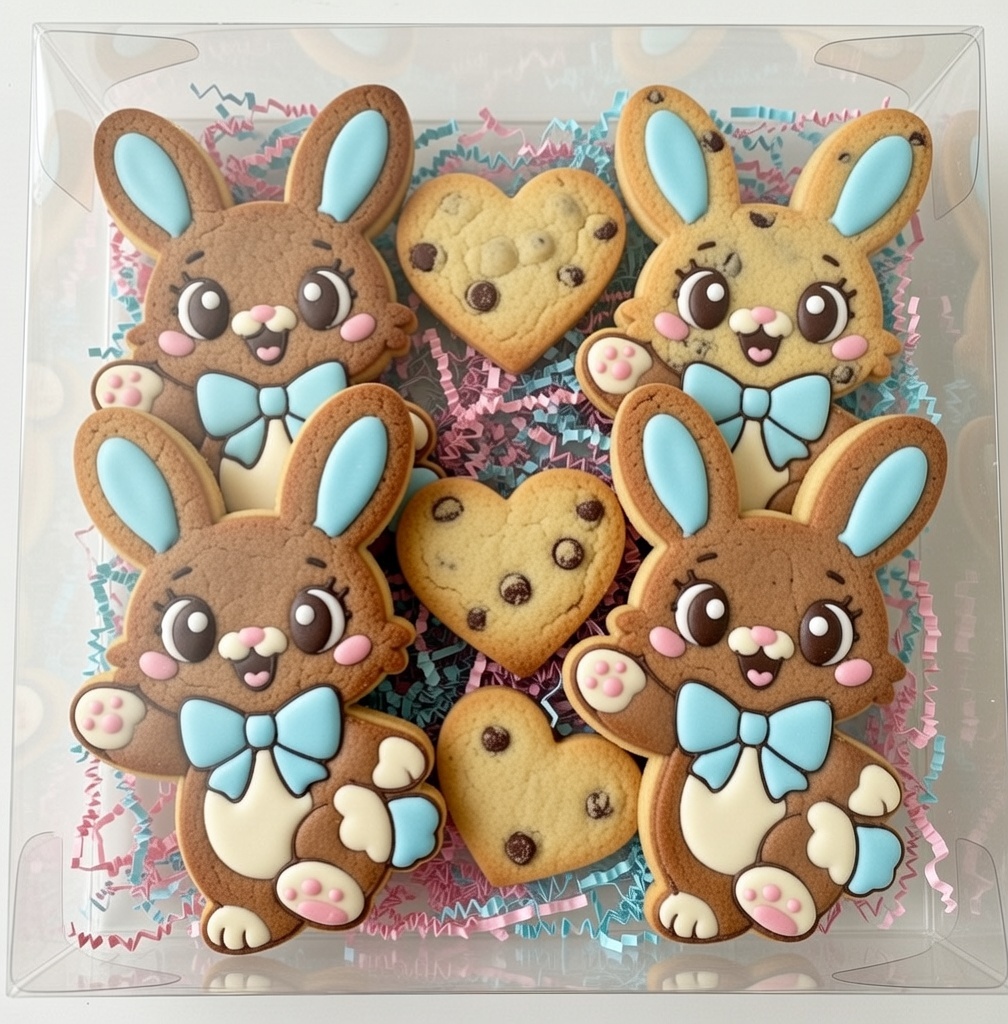
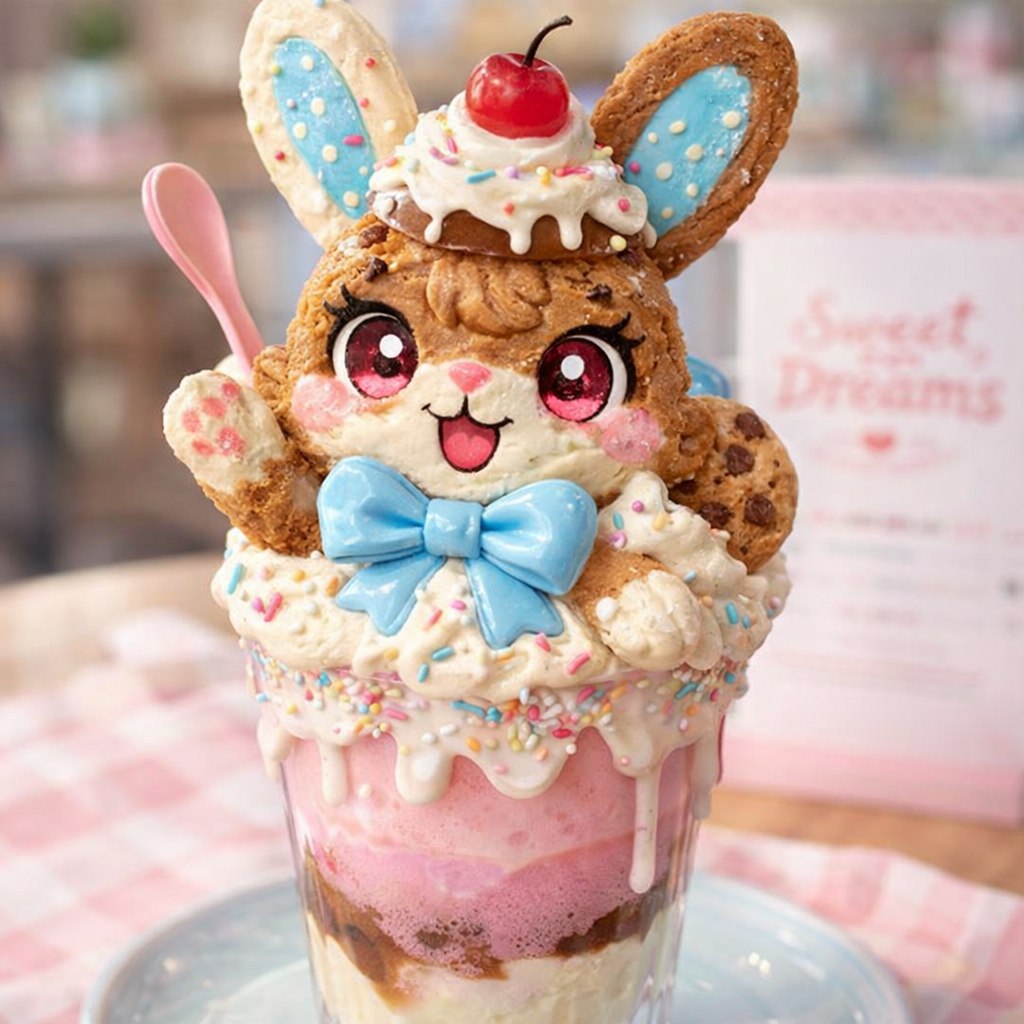
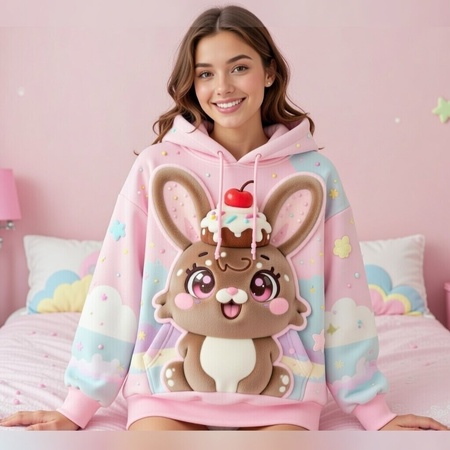
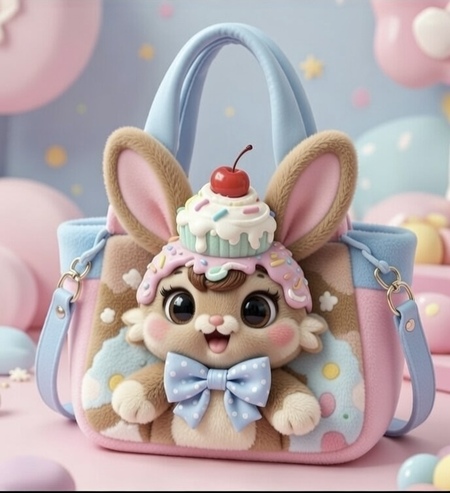
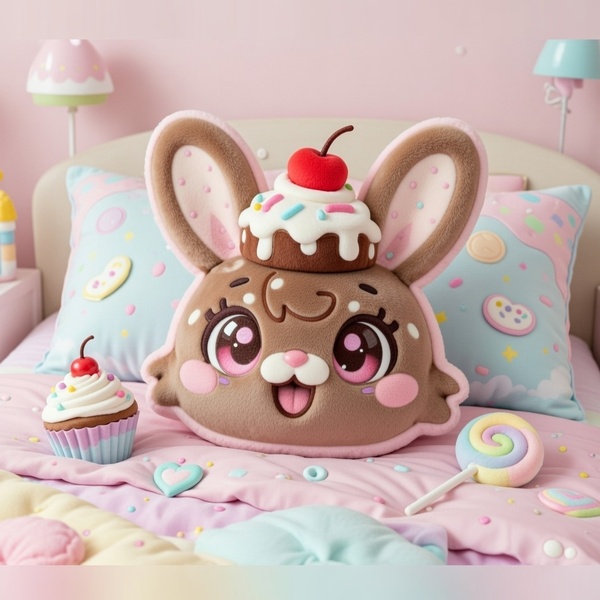
Маскот «Sweet Dreams» — это энергичный и торопливый кролик, который всегда в движении. Он обожает печь тортики и с удовольствием экспериментирует с новыми рецептами. Несмотря на свою активность, он быстро устает и засыпает, как только находит тихое место. Его большие глаза и розовые щечки придают ему особенно милый и привлекательный вид. Кролик символизирует уют, сладость и добрые мечты, что идеально соответствует атмосфере кафе.
0
0
0
0
0
1/2
Фирменные
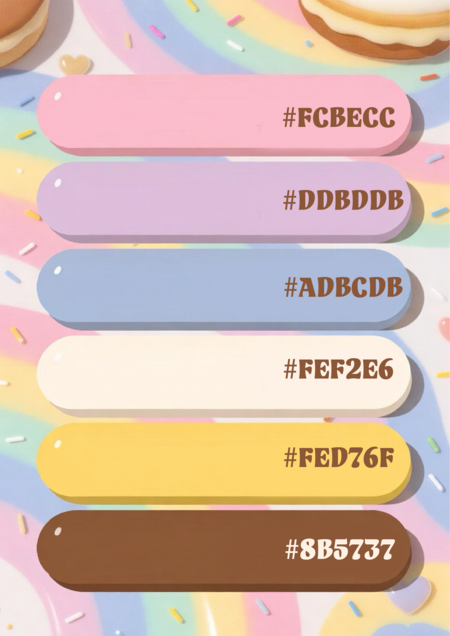
шрифт и цвета
Исходный размер 4100x2654
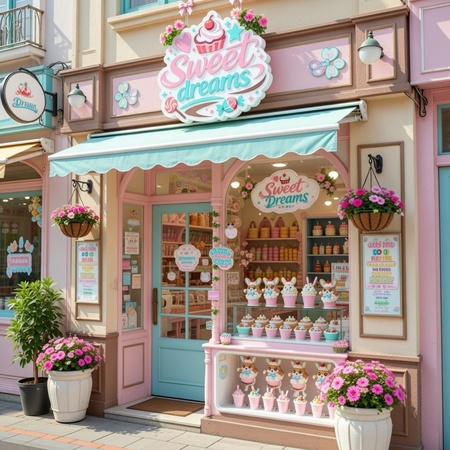
внешний вид
кафе
0
0
0
0
0
0
0
0
0
0
0
0
0
0
0
1/7
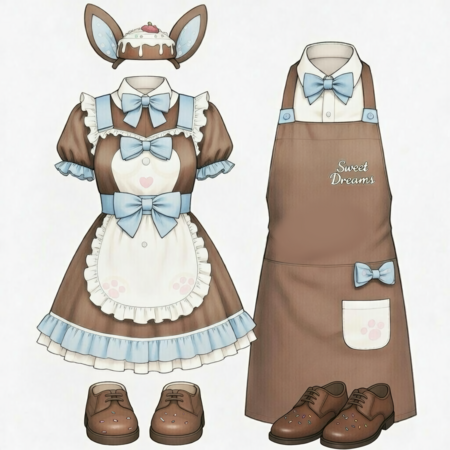
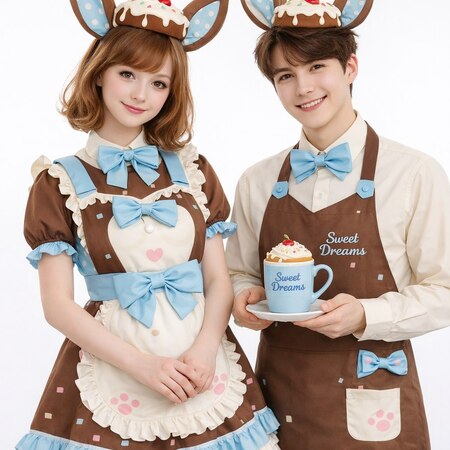
Форма сотрудника
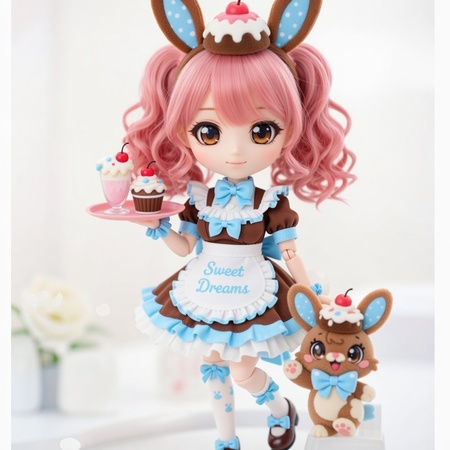
Форма сотрудников кафе «Sweet Dreams» включает следующие элементы:
Фартук: Коричневый фартук с голубыми и розовыми акцентами, карманами с отпечатками лапок и большим голубым бантом.
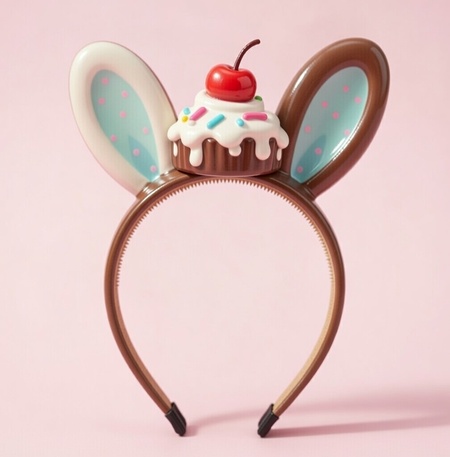
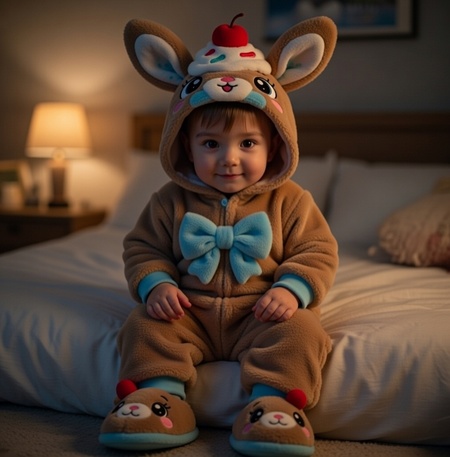
Шапочка: Шапочка в виде кекса с глазурью и вишенкой, подчеркивающая сладкую тематику кафе.
Рубашка: Белая рубашка с голубыми пуговицами, создающая контраст и завершенность образа.
Эта форма создает дружелюбную и уютную атмосферу, соответствующую концепции кафе «Sweet Dreams».
Татьяна Шмелева и Анжелика Ахметова создали брендирование для кафе “Sweet Dreams”, включая логотип, маскота и фирменный стиль. Проект включает детализированный описания элементов брендинга, таких как логотип с кексом и сердечками, а также форму сотрудников в сладкой тематике.
Максим Фролов создал бренд уличной одежды ReWear, используя апсайкл-метод для переработки старых материалов. Проект включает в себя визуальную концепцию, основанную на палитре пустыни Атакама и идеях устойчивого дизайна.
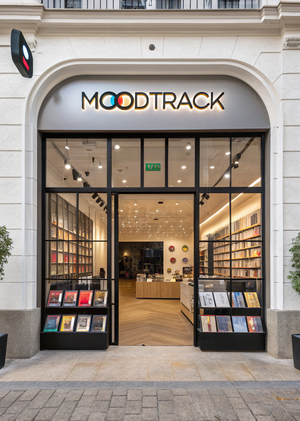
Валерия Давлетшина создала ребрендинг бренда Moodtrack, предлагающего плейлисты для эмоциональной рефлексии. Проект включает систему координат эмоций, представленную визуально через орбиты и цвета, что подчёркивает взаимосвязь чувств.
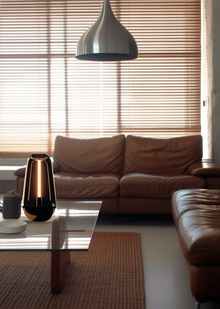
Юлия Архипова создала лампы Rhythmic, которые создают идеальную рабочую атмосферу с помощью адаптивного освещения и генеративного звука. Проект включает визуальную идентичность, разработанную с использованием Midjourney, ChatGPT и Recraft, включая логотип и графические материалы.
pro.deziiign
Цифровая платформа для создания презентаций. Инновационный онлайн-конструктор, где каждый может эффектно показать свой проект, предложение или образовательный курс.
Press space bar to start a drag.
When dragging you can use the arrow keys to move the item around and escape to cancel.
Some screen readers may require you to be in focus mode or to use your pass through key
Press space bar to start a drag.
When dragging you can use the arrow keys to move the item around and escape to cancel.
Some screen readers may require you to be in focus mode or to use your pass through key
Press space bar to start a drag.
When dragging you can use the arrow keys to move the item around and escape to cancel.
Some screen readers may require you to be in focus mode or to use your pass through key
Press space bar to start a drag.
When dragging you can use the arrow keys to move the item around and escape to cancel.
Some screen readers may require you to be in focus mode or to use your pass through key
Press space bar to start a drag.
When dragging you can use the arrow keys to move the item around and escape to cancel.
Some screen readers may require you to be in focus mode or to use your pass through key
Press space bar to start a drag.
When dragging you can use the arrow keys to move the item around and escape to cancel.
Some screen readers may require you to be in focus mode or to use your pass through key
Press space bar to start a drag.
When dragging you can use the arrow keys to move the item around and escape to cancel.
Some screen readers may require you to be in focus mode or to use your pass through key
Press space bar to start a drag.
When dragging you can use the arrow keys to move the item around and escape to cancel.
Some screen readers may require you to be in focus mode or to use your pass through key
Press space bar to start a drag.
When dragging you can use the arrow keys to move the item around and escape to cancel.
Some screen readers may require you to be in focus mode or to use your pass through key
Press space bar to start a drag.
When dragging you can use the arrow keys to move the item around and escape to cancel.
Some screen readers may require you to be in focus mode or to use your pass through key
Press space bar to start a drag.
When dragging you can use the arrow keys to move the item around and escape to cancel.
Some screen readers may require you to be in focus mode or to use your pass through key
Press space bar to start a drag.
When dragging you can use the arrow keys to move the item around and escape to cancel.
Some screen readers may require you to be in focus mode or to use your pass through key
Press space bar to start a drag.
When dragging you can use the arrow keys to move the item around and escape to cancel.
Some screen readers may require you to be in focus mode or to use your pass through key
Press space bar to start a drag.
When dragging you can use the arrow keys to move the item around and escape to cancel.
Some screen readers may require you to be in focus mode or to use your pass through key
Press space bar to start a drag.
When dragging you can use the arrow keys to move the item around and escape to cancel.
Some screen readers may require you to be in focus mode or to use your pass through key
Press space bar to start a drag.
When dragging you can use the arrow keys to move the item around and escape to cancel.
Some screen readers may require you to be in focus mode or to use your pass through key