Работа разделена два блока:
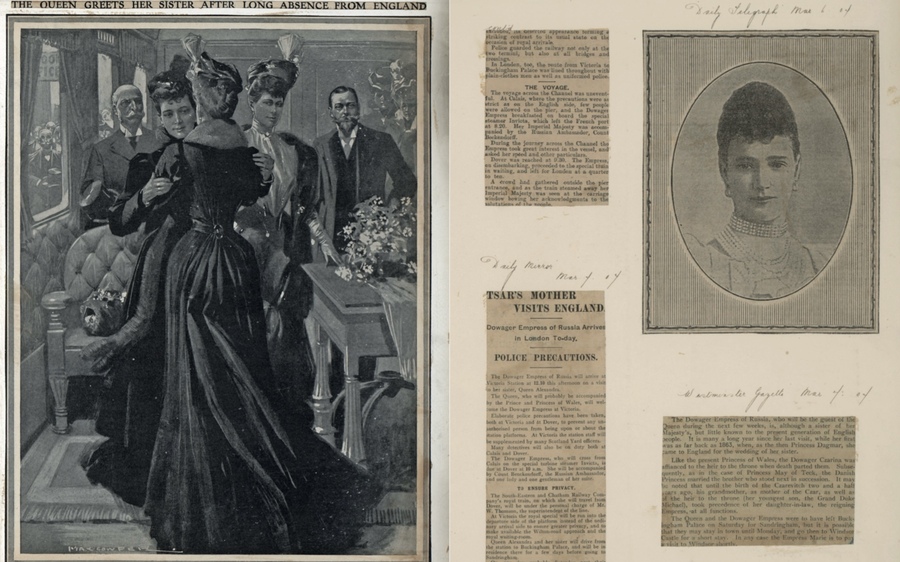
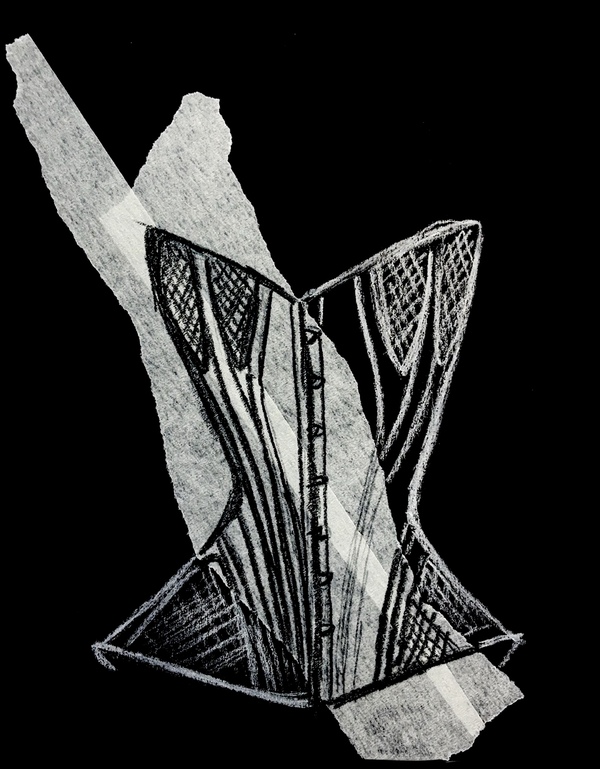
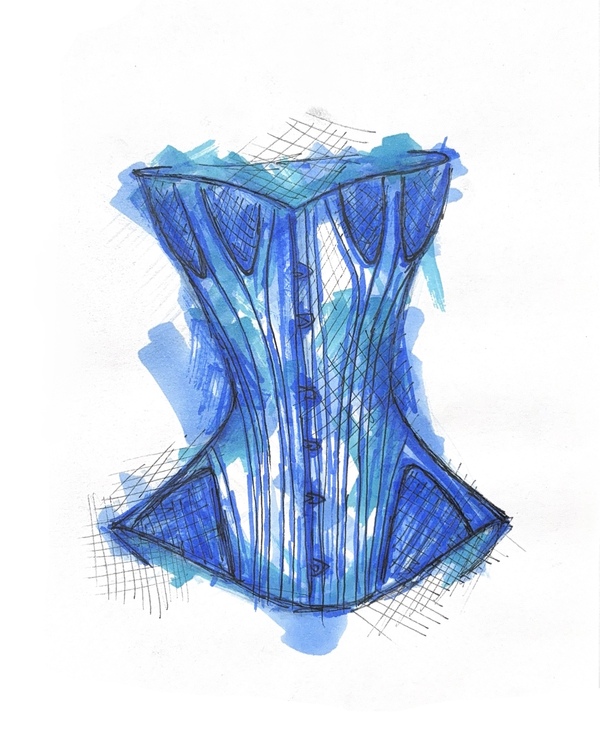
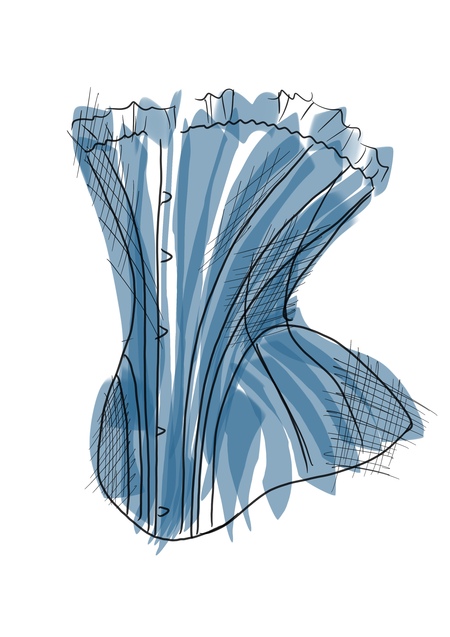
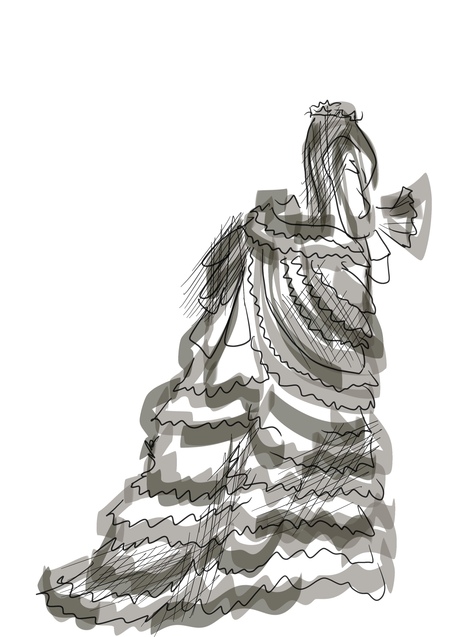
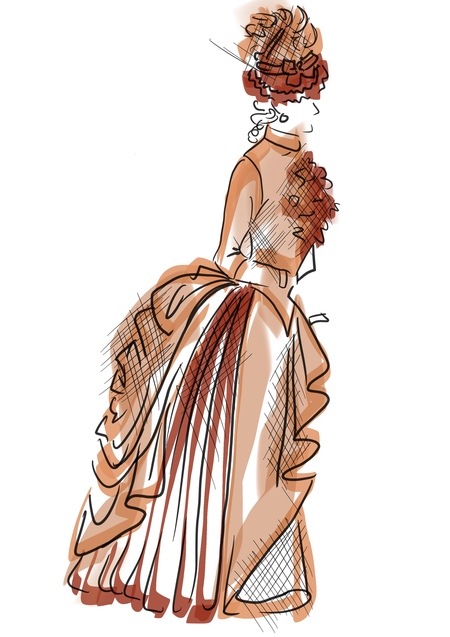
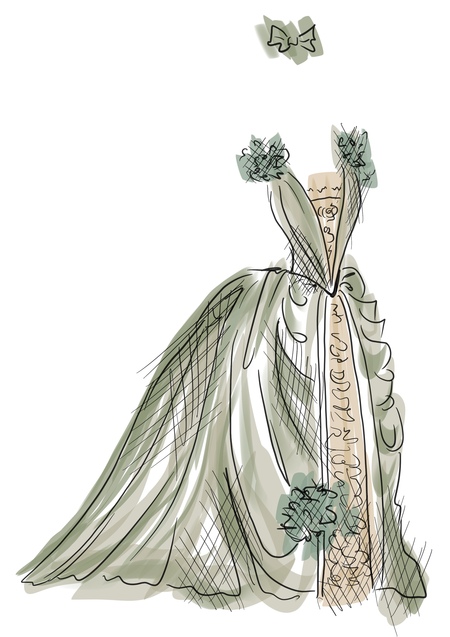
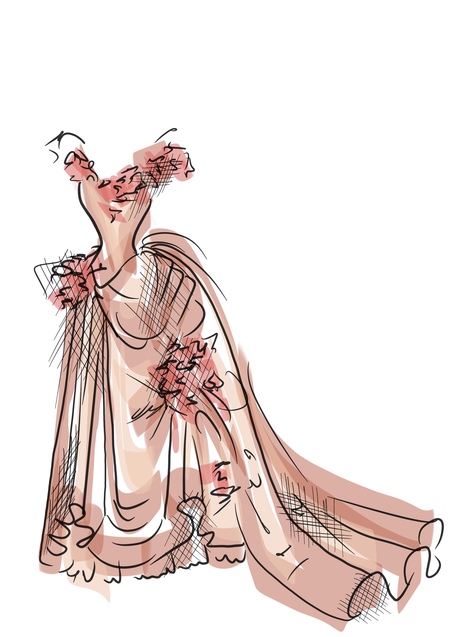
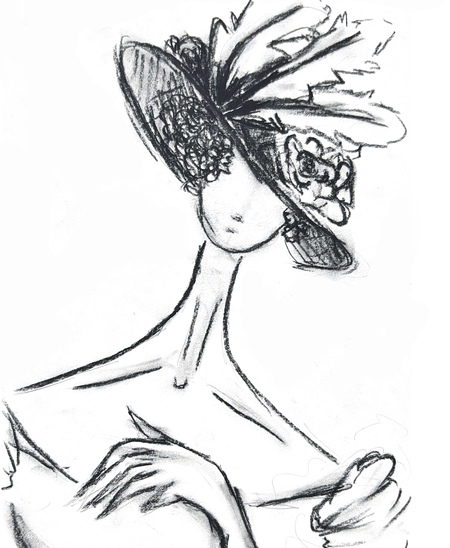
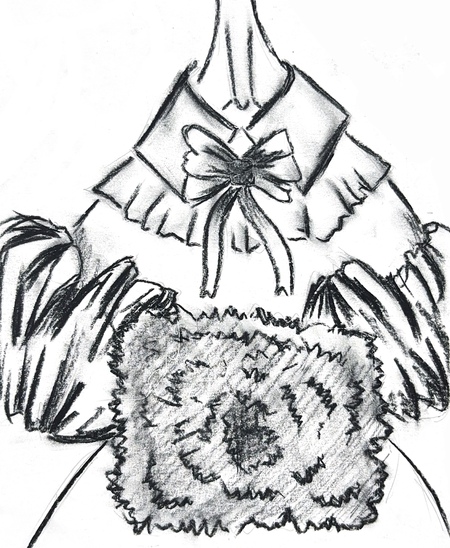
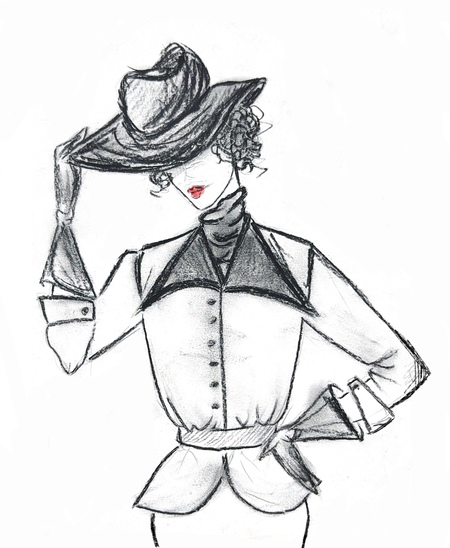
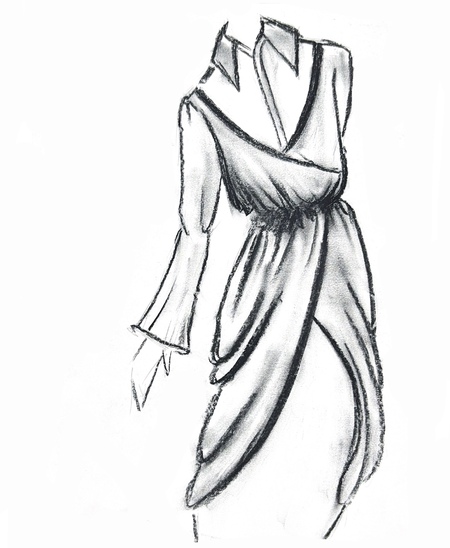
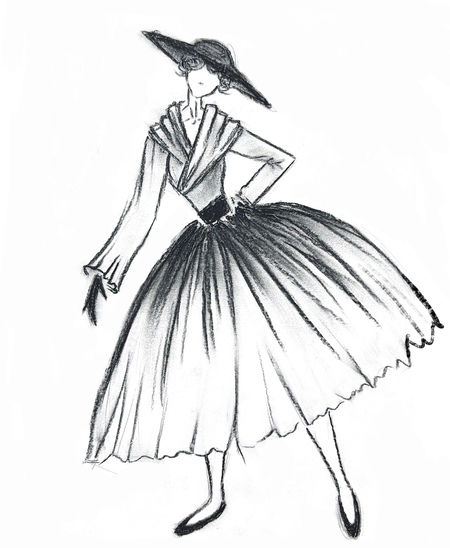
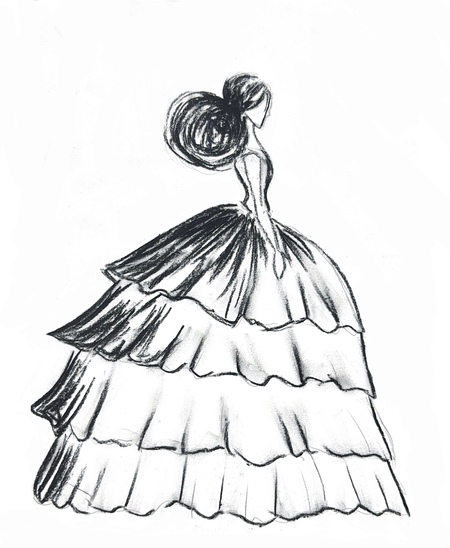
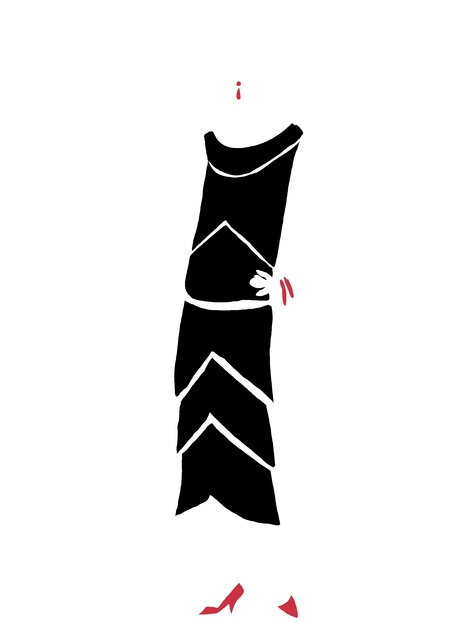
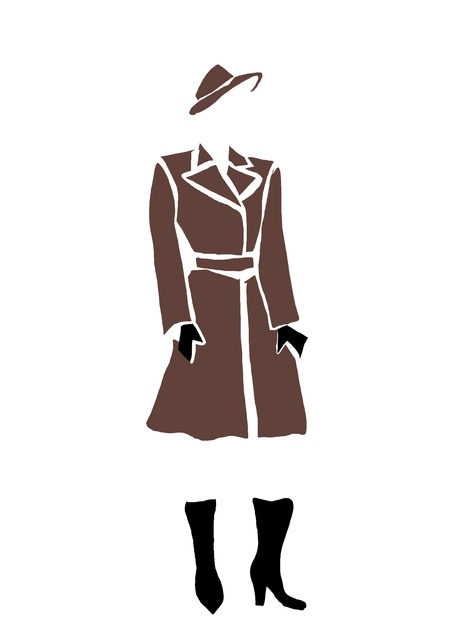
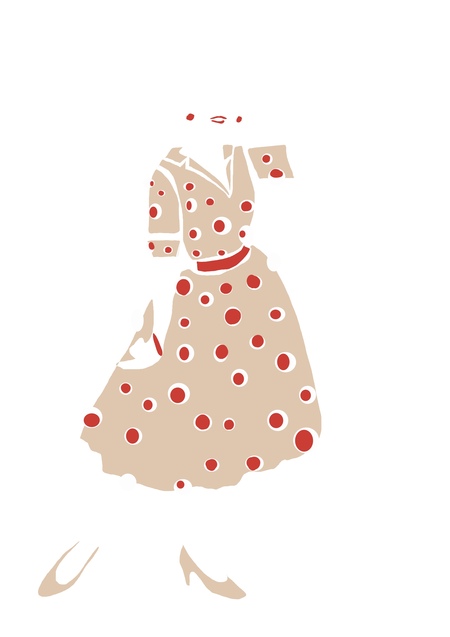
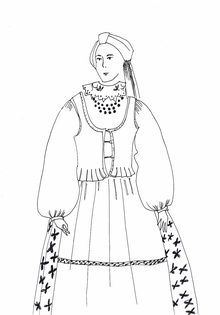
1-й блок направлен на изучение и прорисовку
костюма или предмета костюма по КП
в различных графических приемах, стилях, идеях
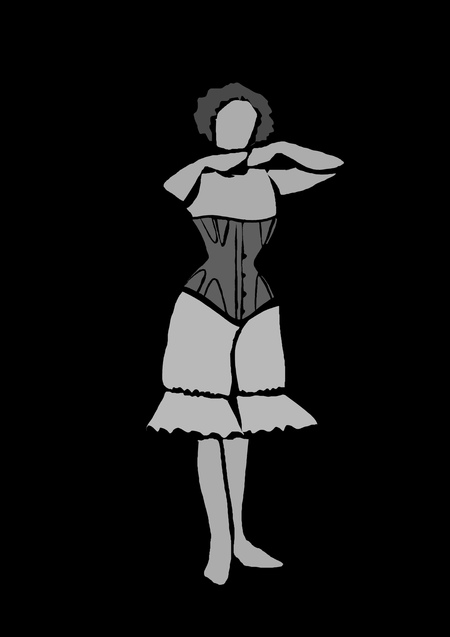
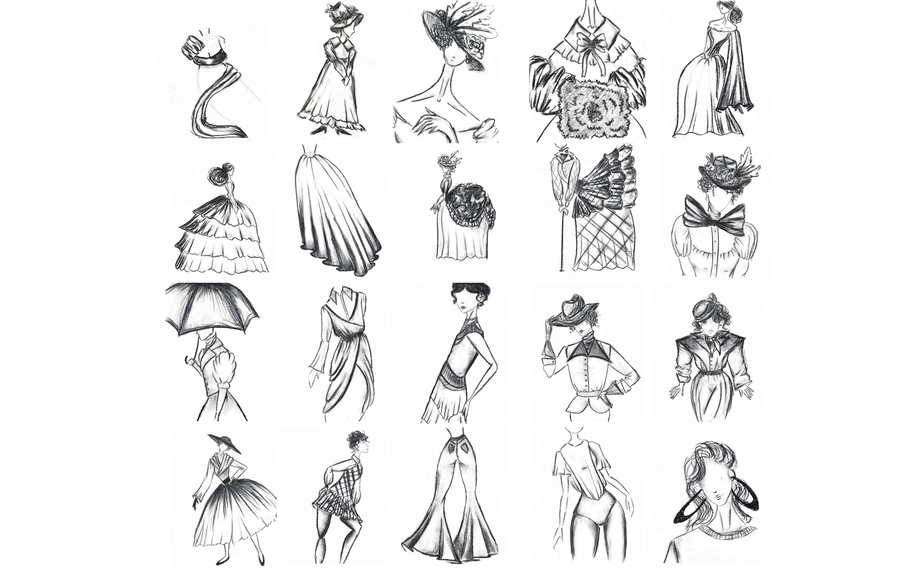
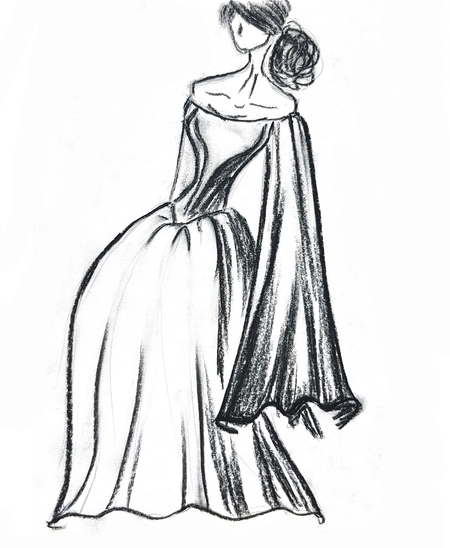
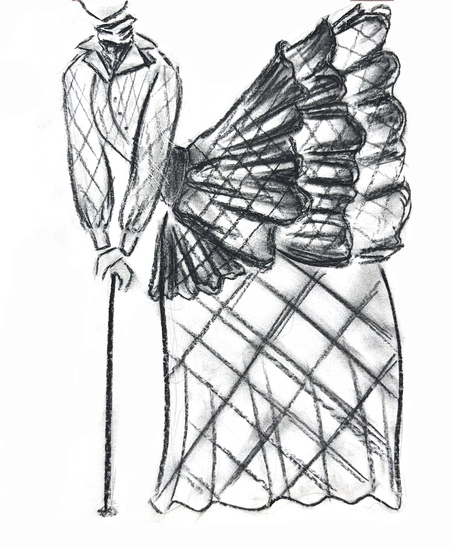
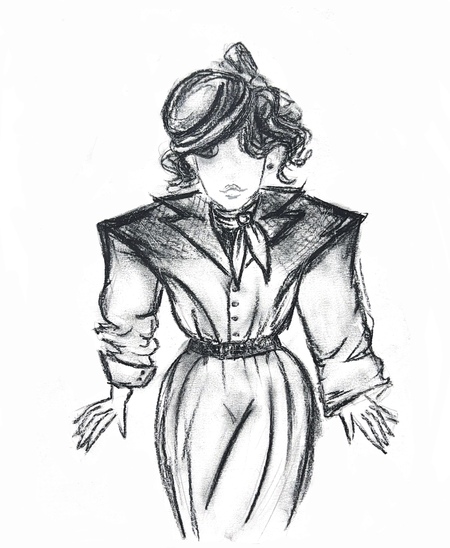
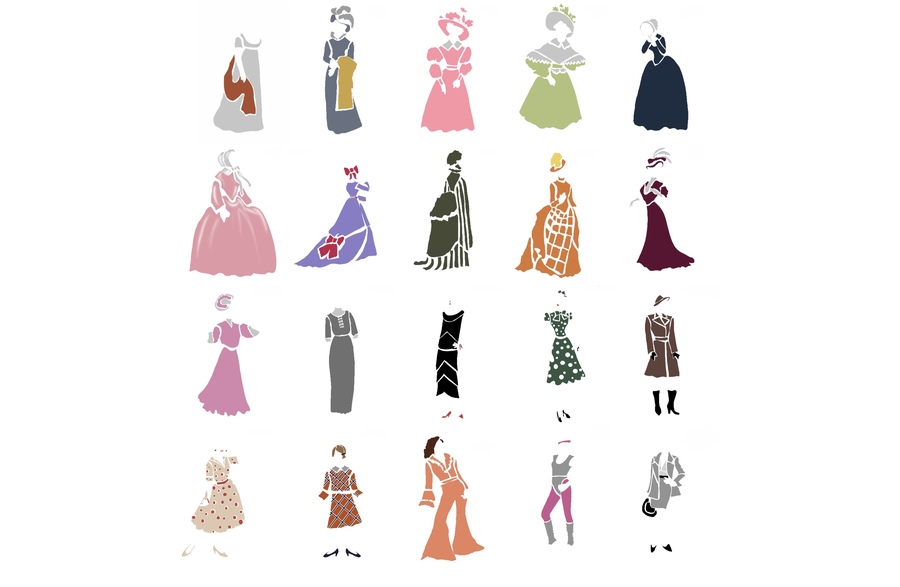
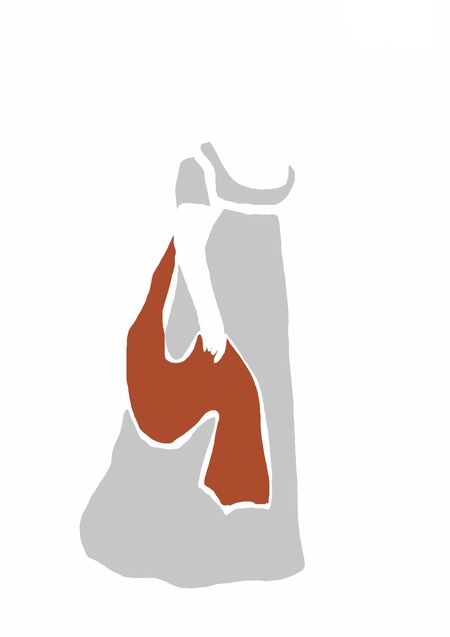
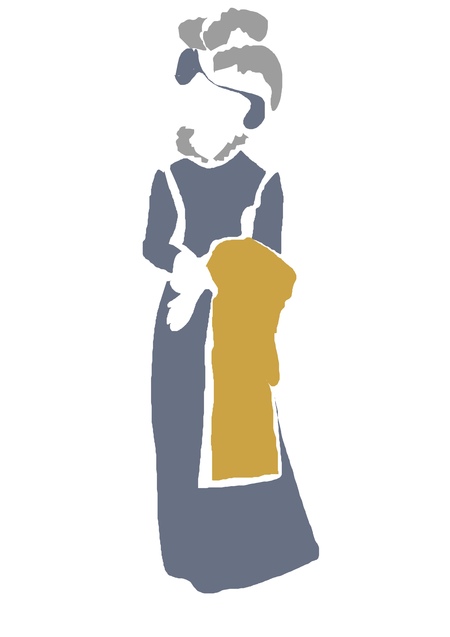
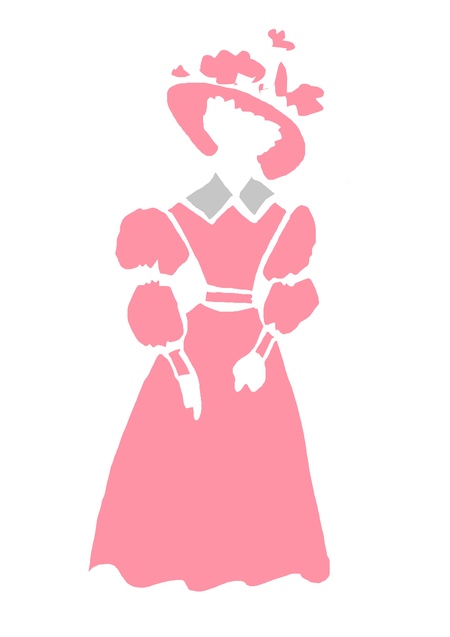
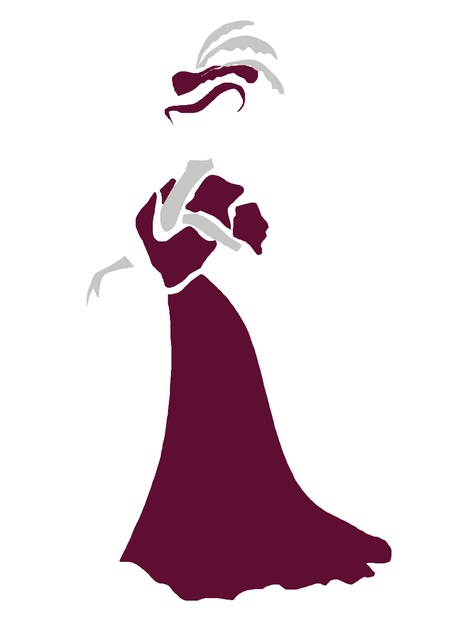
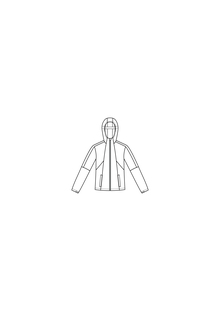
2-й блок направлен на изучение силуэтов
и о сновных характерных элементов костюма
1800–1990 гг.
Александра Мартюничева создала проект, посвящённый историческому костюму, включающий в себя графические исследования и прорисовки элементов одежды разных эпох. Проект состоит из двух блоков, в которых рассматриваются костюмы и их элементы с 1800 по 1990 год, а также разнообразные графические подходы к их изображению.
Вероника Пашкина создала образовательный материал по истории костюма с 1800 по 1990 год. Проект включает в себя анализ силуэтов и элементов костюма, а также графические исследования на основе исторических примеров.
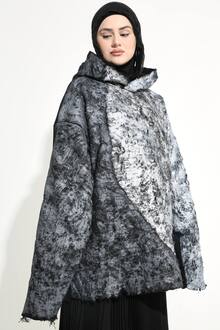
Автор Айсель Аскерова создала текст под названием «Dark side of the moon», посвящённый философскому размышлению о двойственности света и тени. Проект включает цитату Гёте и размышления о том, как яркость света усиливает глубину теней, используя образ Луны как метафору человеческой природы.
pro.deziiign
Цифровая платформа для создания презентаций. Инновационный онлайн-конструктор, где каждый может эффектно показать свой проект, предложение или образовательный курс.
Press space bar to start a drag.
When dragging you can use the arrow keys to move the item around and escape to cancel.
Some screen readers may require you to be in focus mode or to use your pass through key
Press space bar to start a drag.
When dragging you can use the arrow keys to move the item around and escape to cancel.
Some screen readers may require you to be in focus mode or to use your pass through key
Press space bar to start a drag.
When dragging you can use the arrow keys to move the item around and escape to cancel.
Some screen readers may require you to be in focus mode or to use your pass through key
Press space bar to start a drag.
When dragging you can use the arrow keys to move the item around and escape to cancel.
Some screen readers may require you to be in focus mode or to use your pass through key
Press space bar to start a drag.
When dragging you can use the arrow keys to move the item around and escape to cancel.
Some screen readers may require you to be in focus mode or to use your pass through key
Press space bar to start a drag.
When dragging you can use the arrow keys to move the item around and escape to cancel.
Some screen readers may require you to be in focus mode or to use your pass through key
Press space bar to start a drag.
When dragging you can use the arrow keys to move the item around and escape to cancel.
Some screen readers may require you to be in focus mode or to use your pass through key
Press space bar to start a drag.
When dragging you can use the arrow keys to move the item around and escape to cancel.
Some screen readers may require you to be in focus mode or to use your pass through key
Press space bar to start a drag.
When dragging you can use the arrow keys to move the item around and escape to cancel.
Some screen readers may require you to be in focus mode or to use your pass through key
Press space bar to start a drag.
When dragging you can use the arrow keys to move the item around and escape to cancel.
Some screen readers may require you to be in focus mode or to use your pass through key
Press space bar to start a drag.
When dragging you can use the arrow keys to move the item around and escape to cancel.
Some screen readers may require you to be in focus mode or to use your pass through key
Press space bar to start a drag.
When dragging you can use the arrow keys to move the item around and escape to cancel.
Some screen readers may require you to be in focus mode or to use your pass through key
Press space bar to start a drag.
When dragging you can use the arrow keys to move the item around and escape to cancel.
Some screen readers may require you to be in focus mode or to use your pass through key