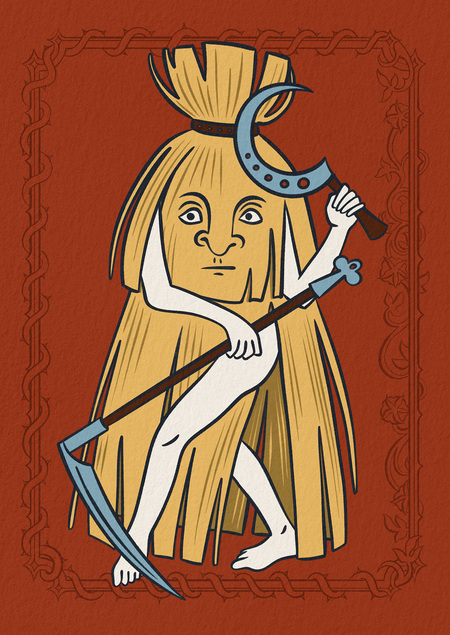
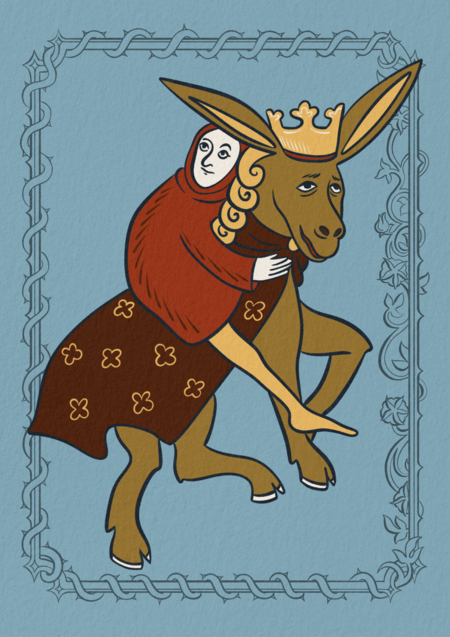
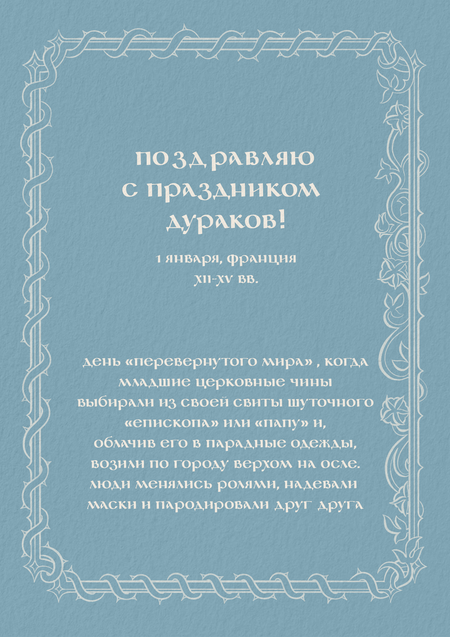
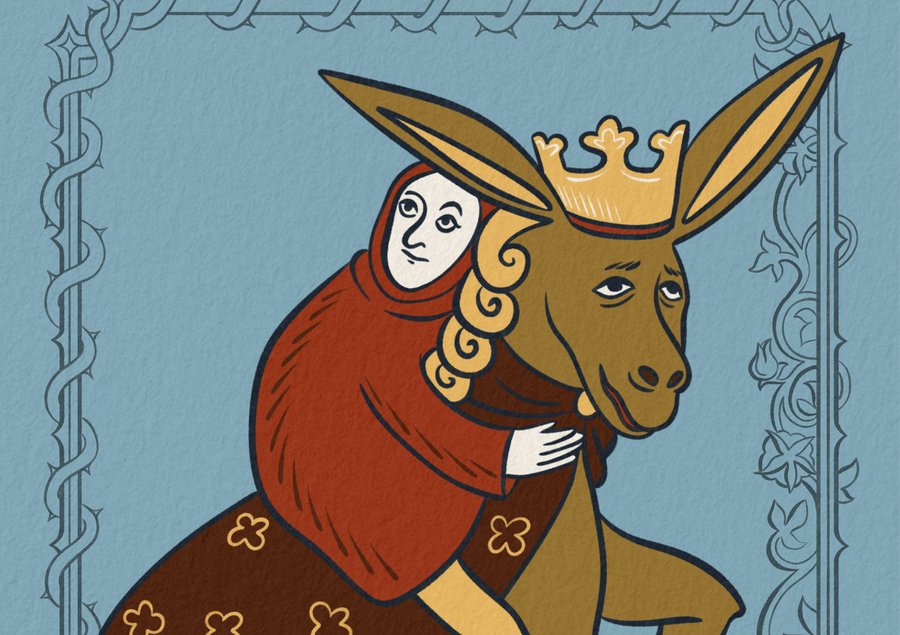
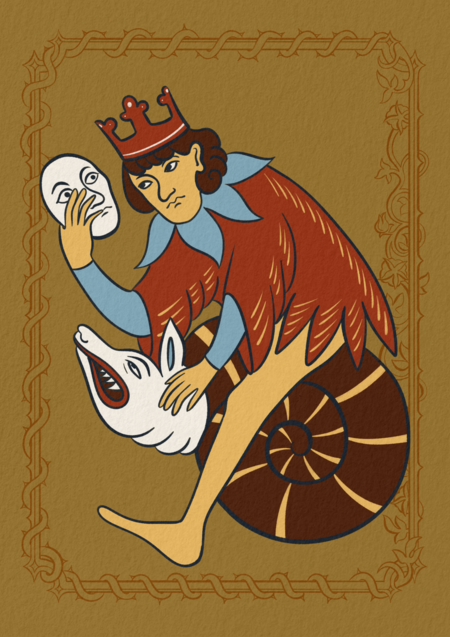
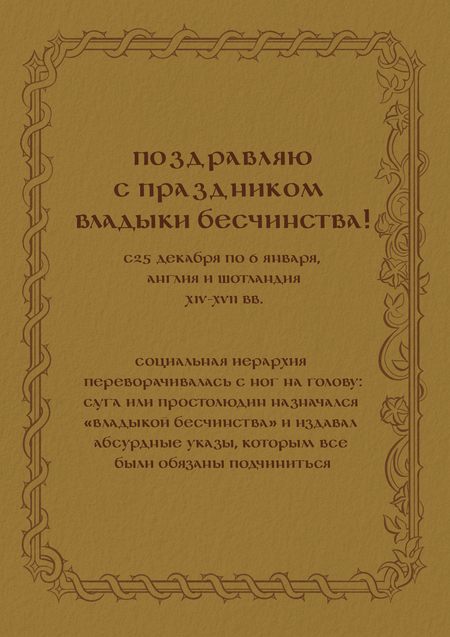
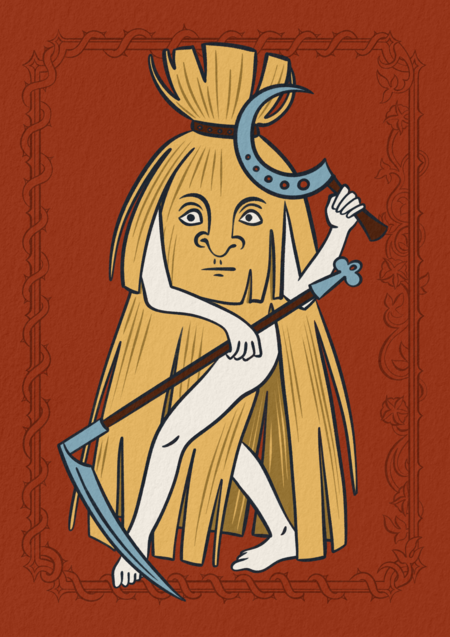
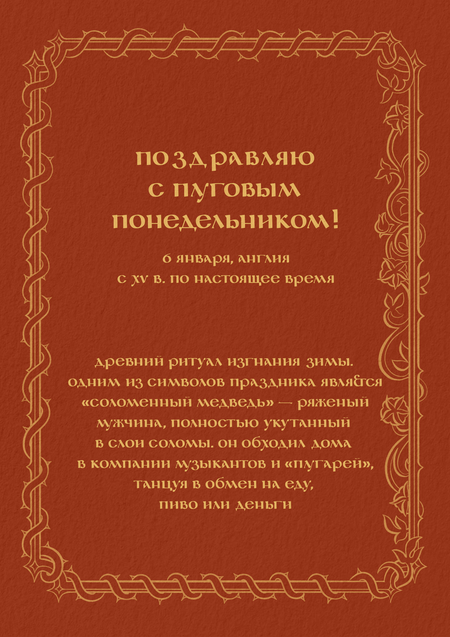
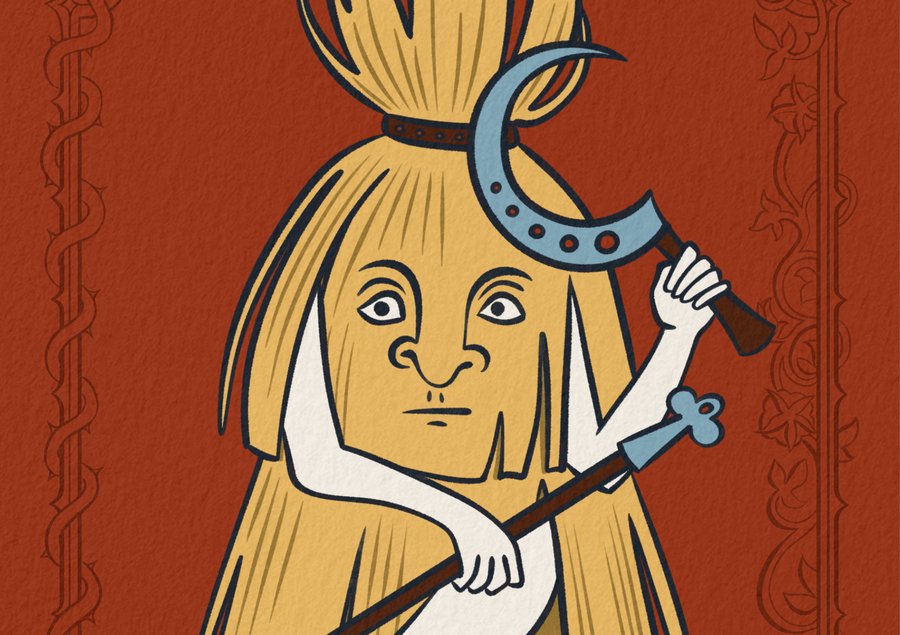
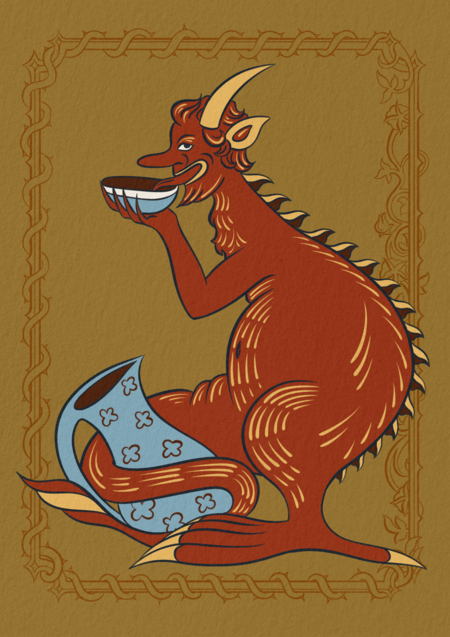
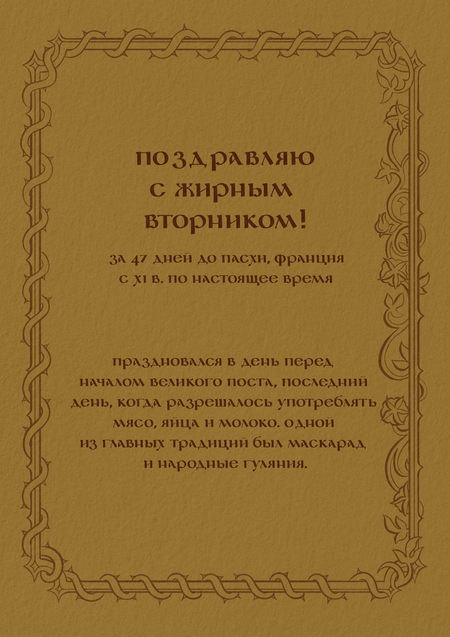
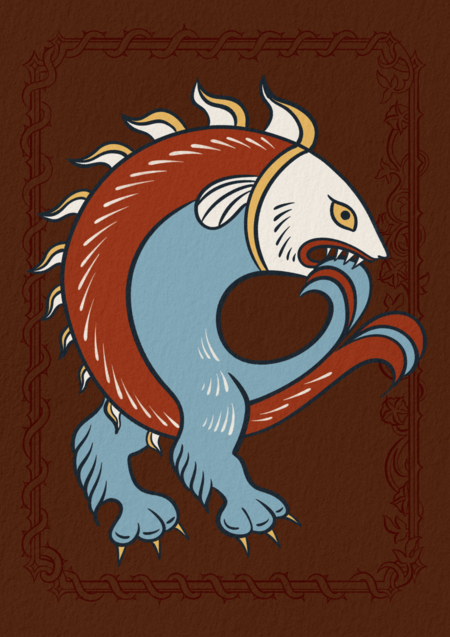
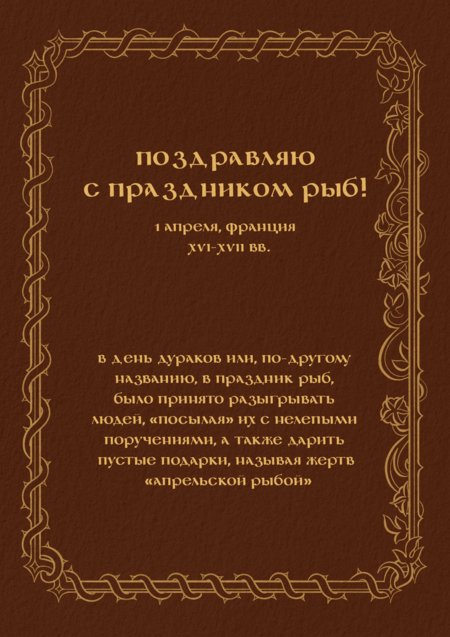
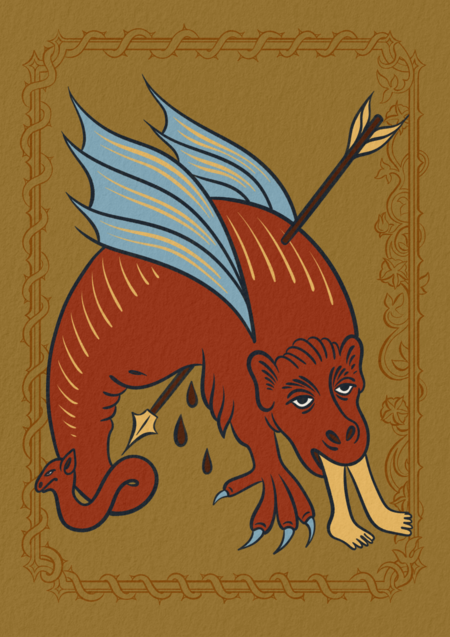
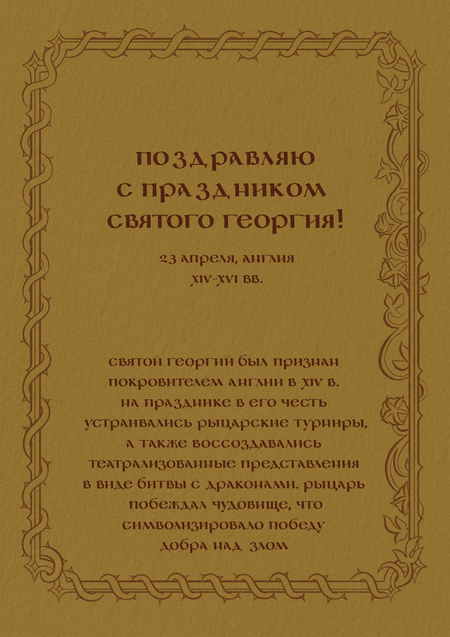
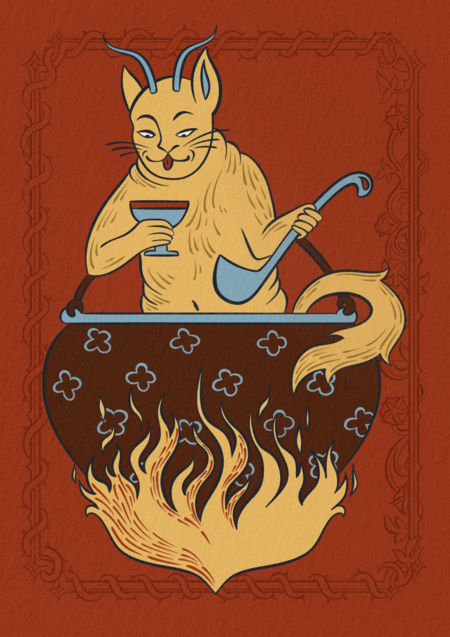
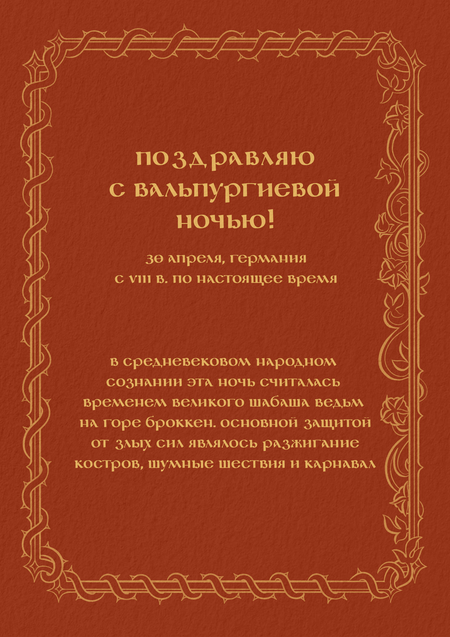
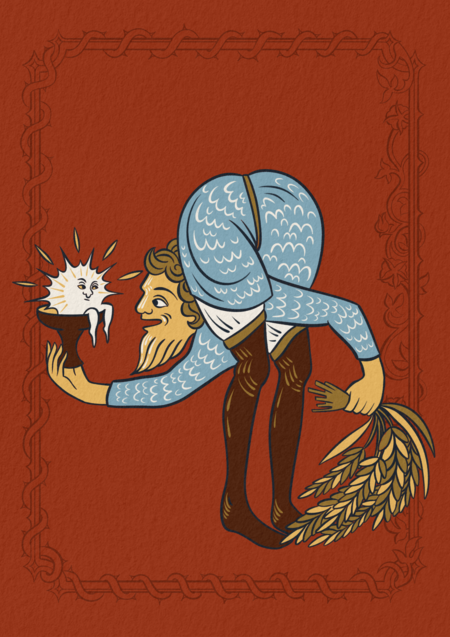
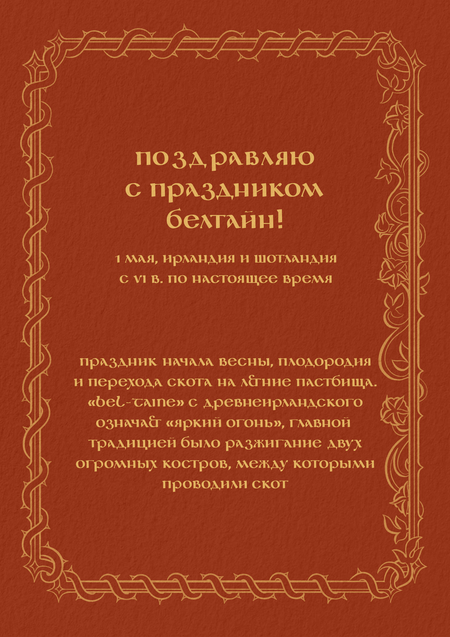
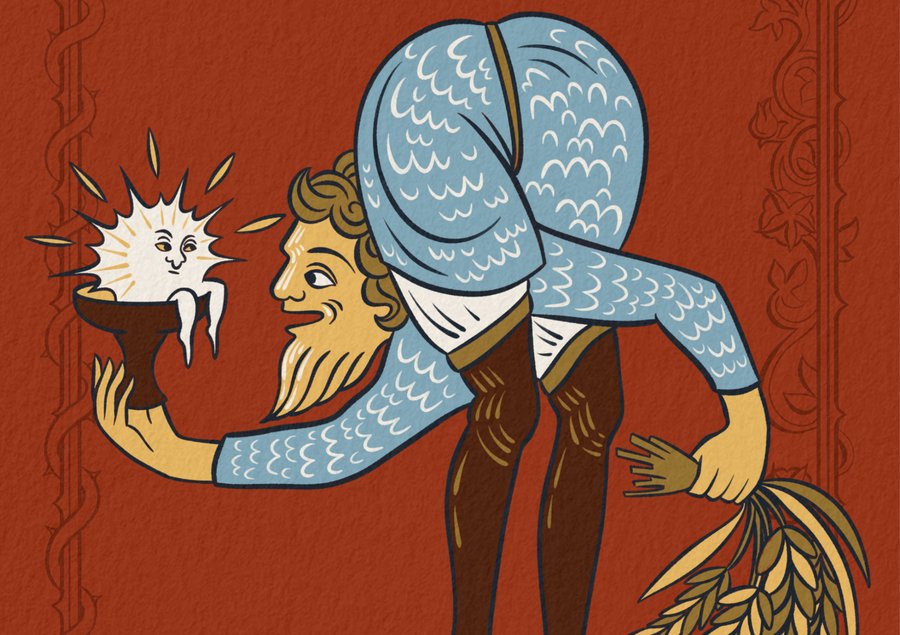
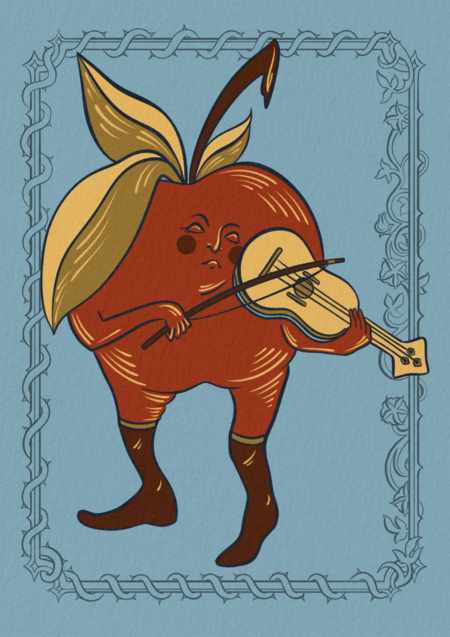
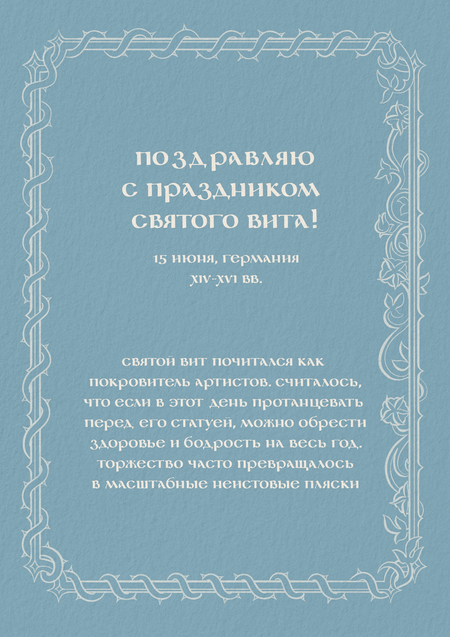
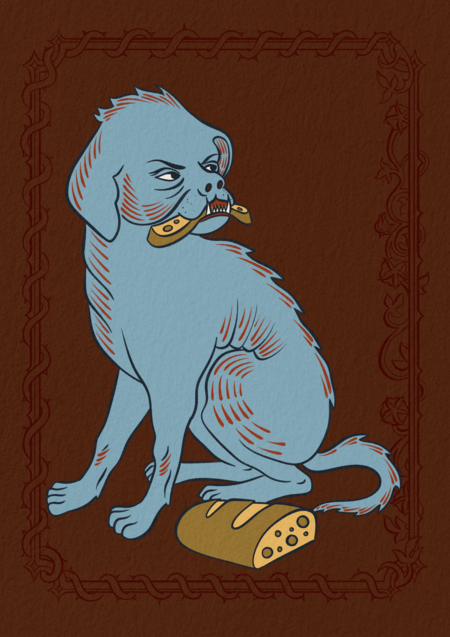
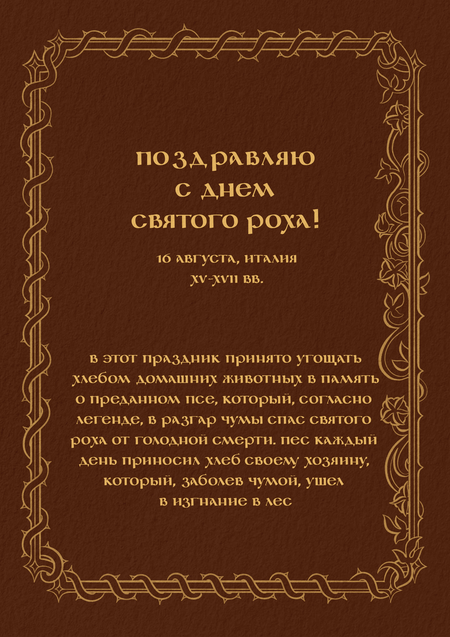
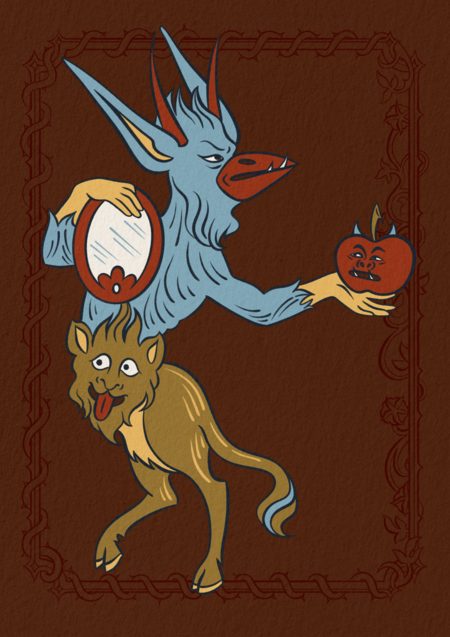
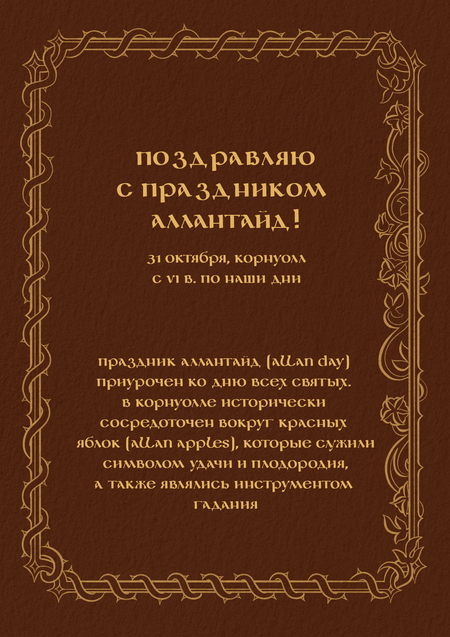
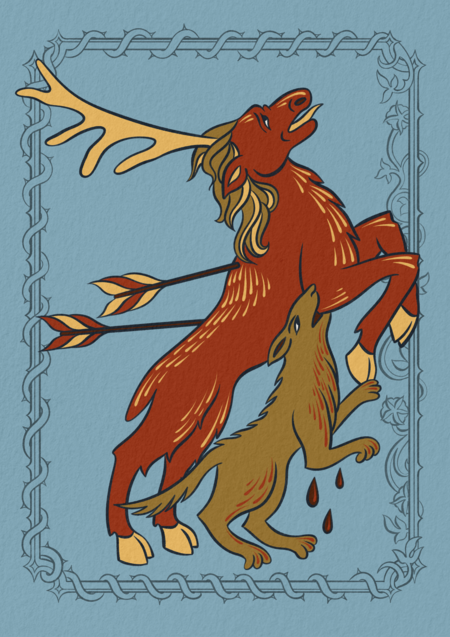
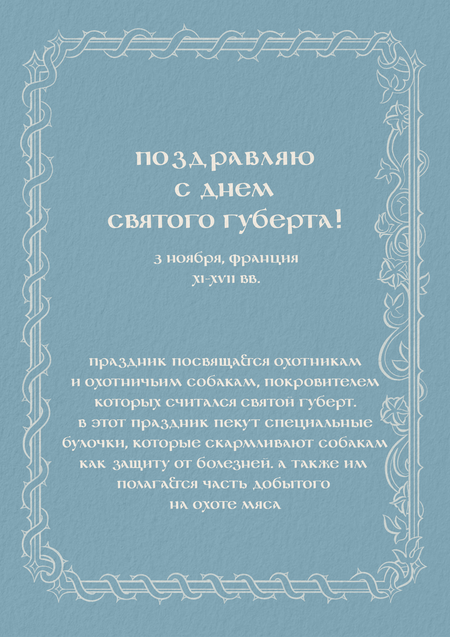
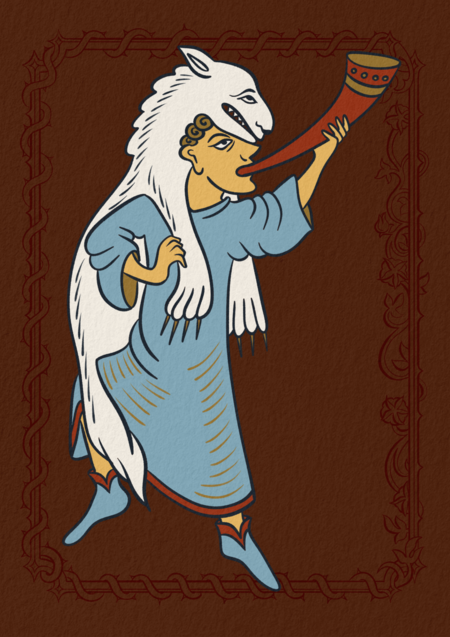
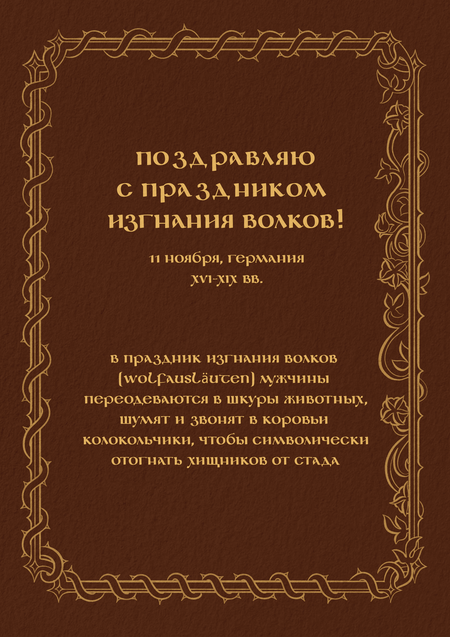
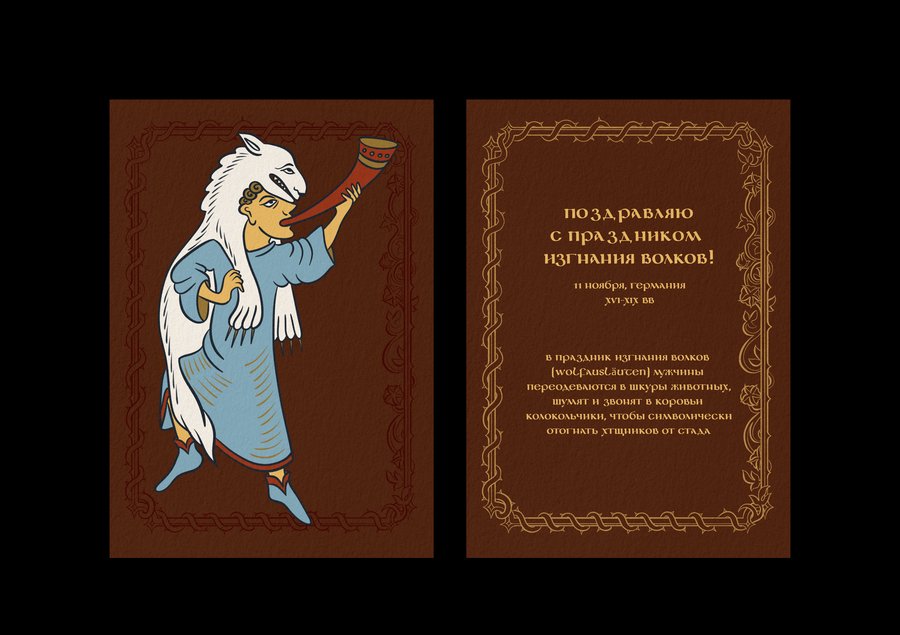
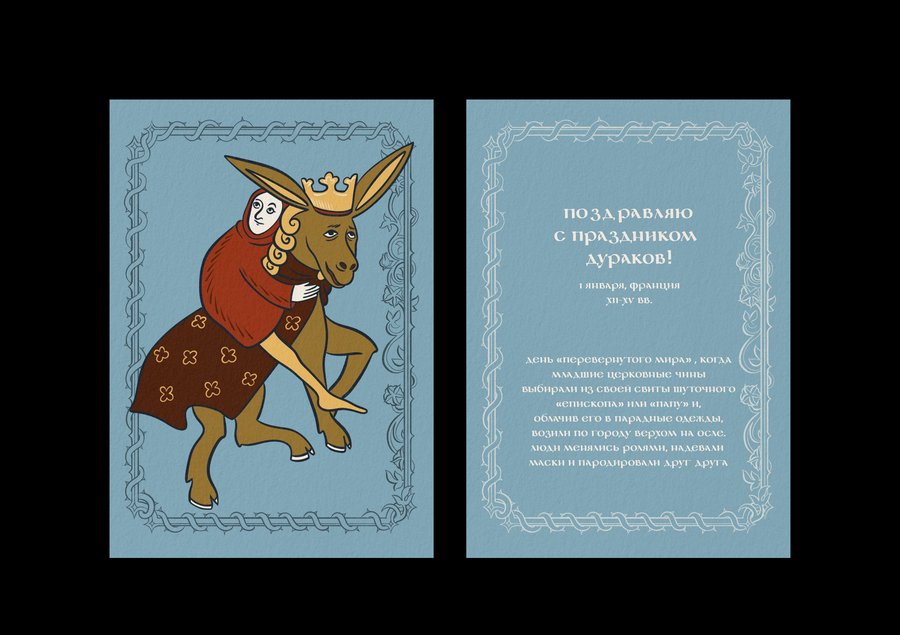
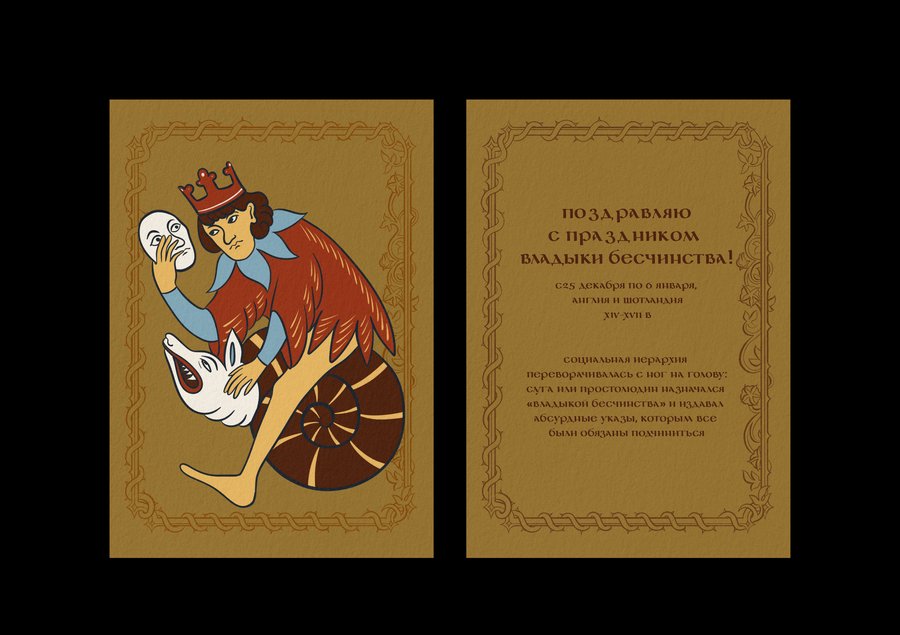
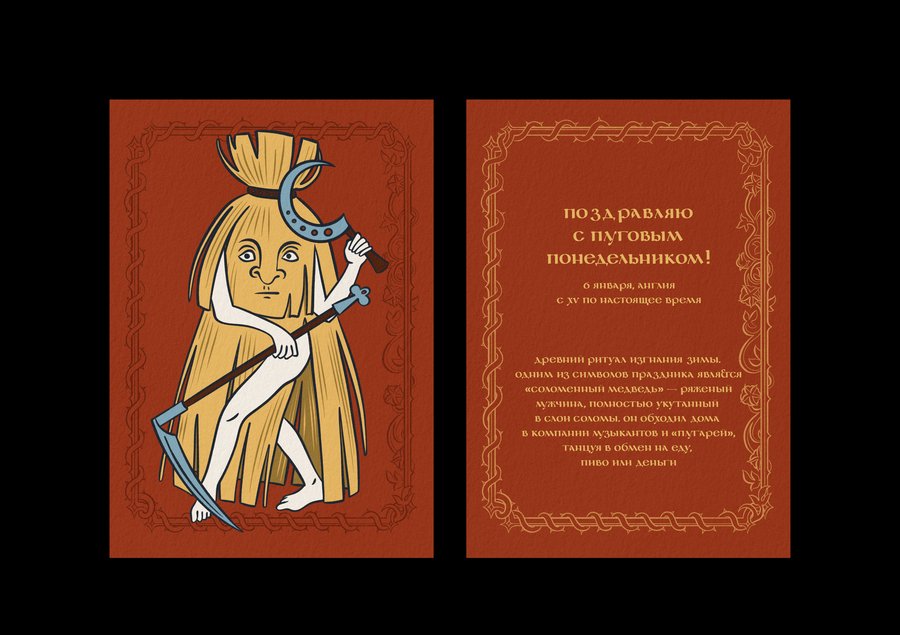
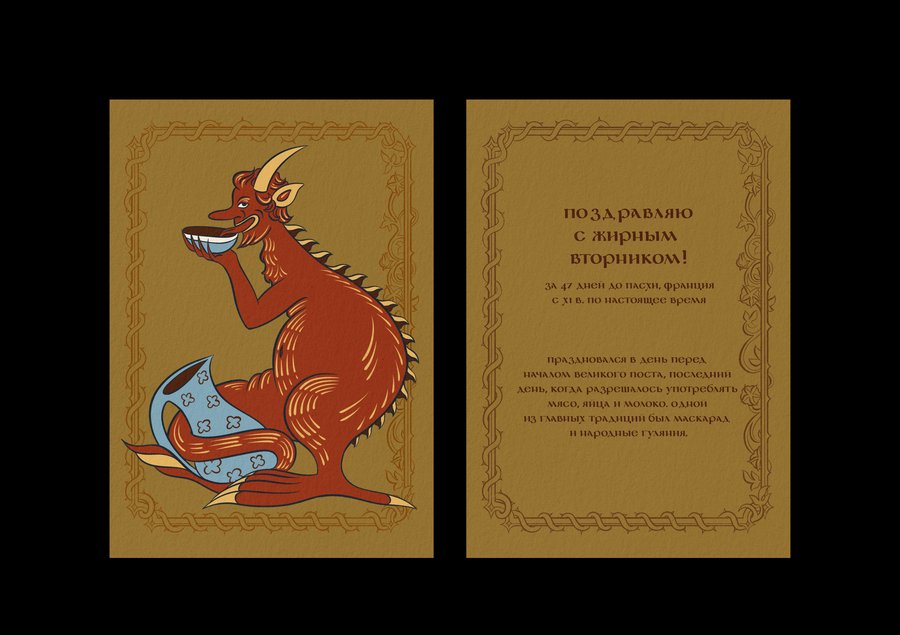
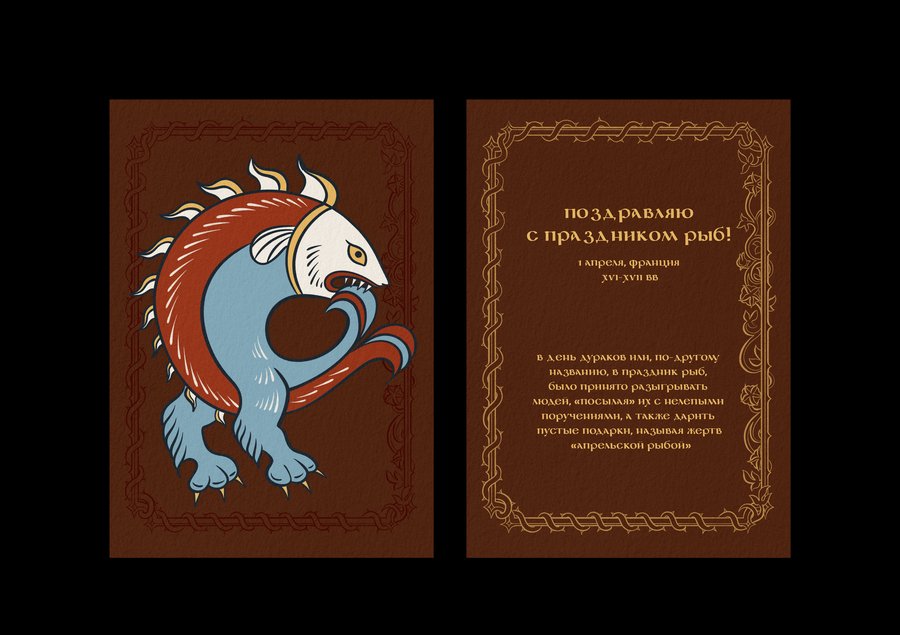
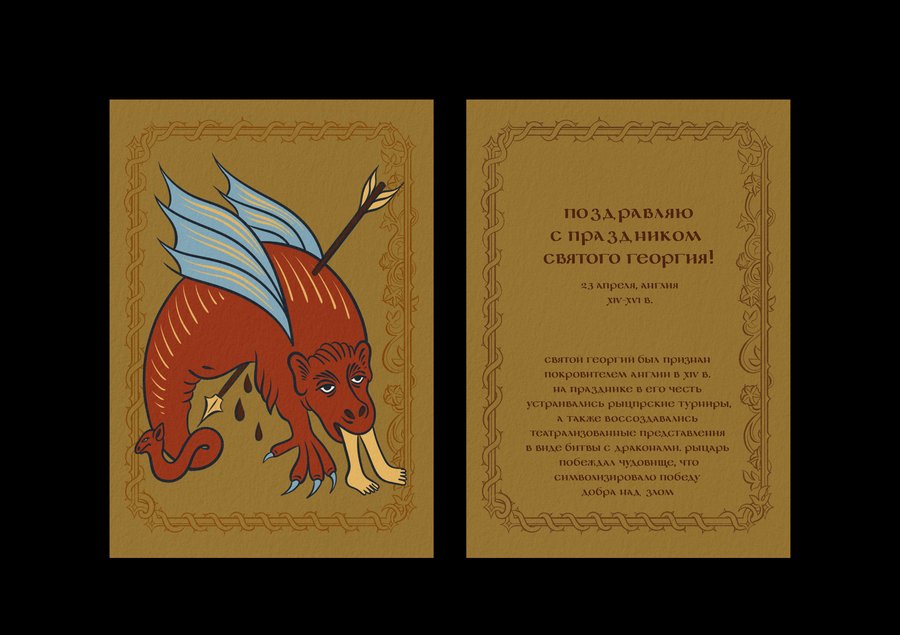
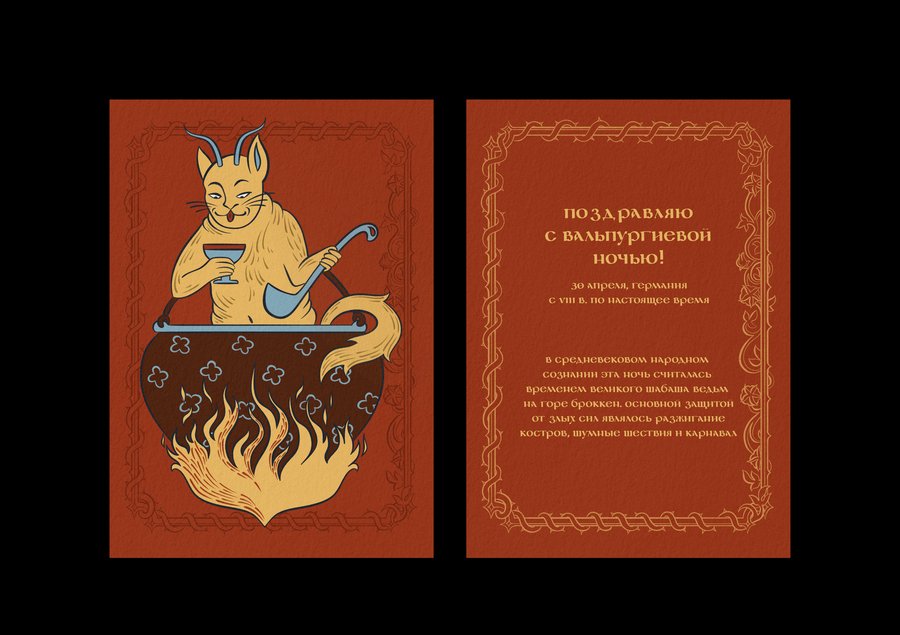
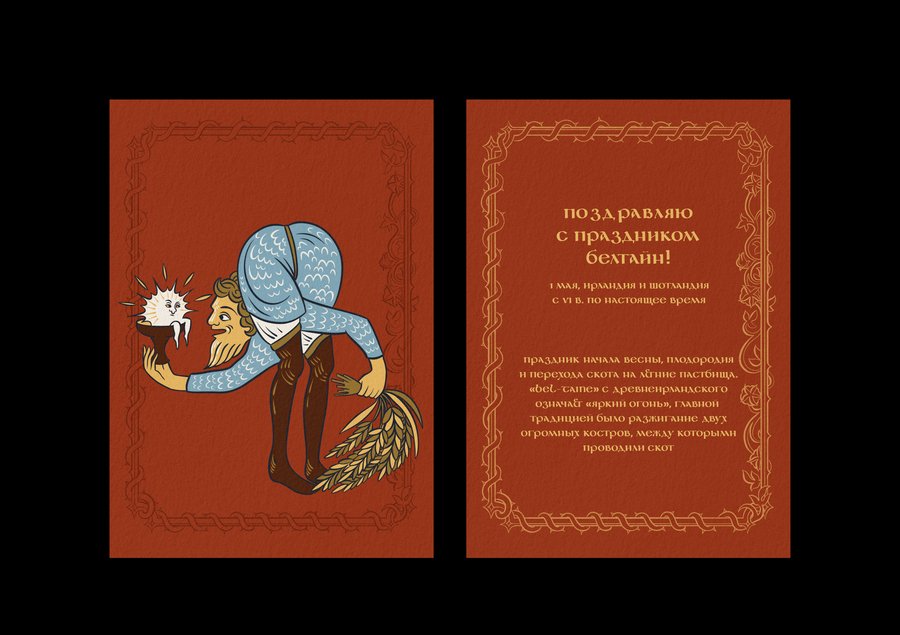
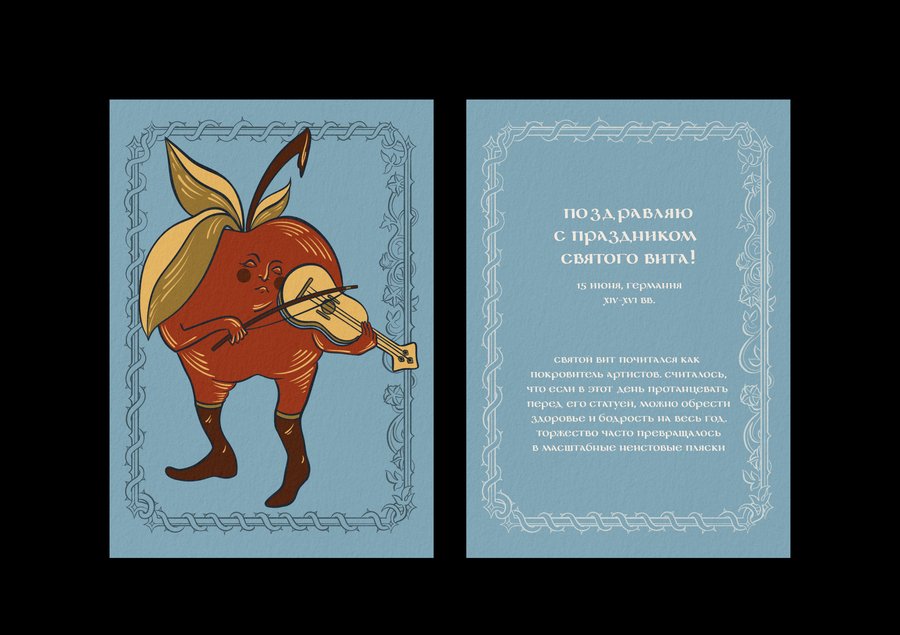
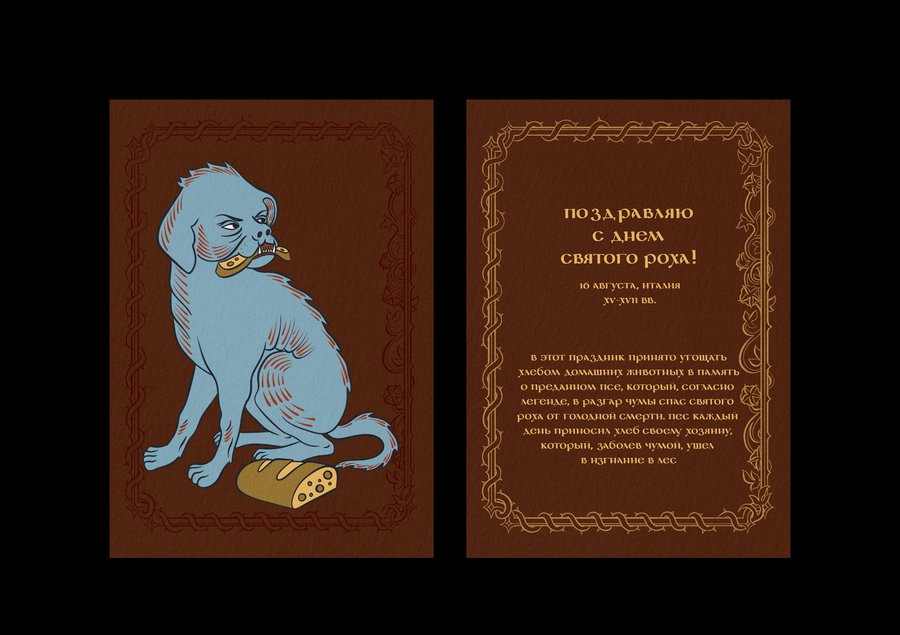
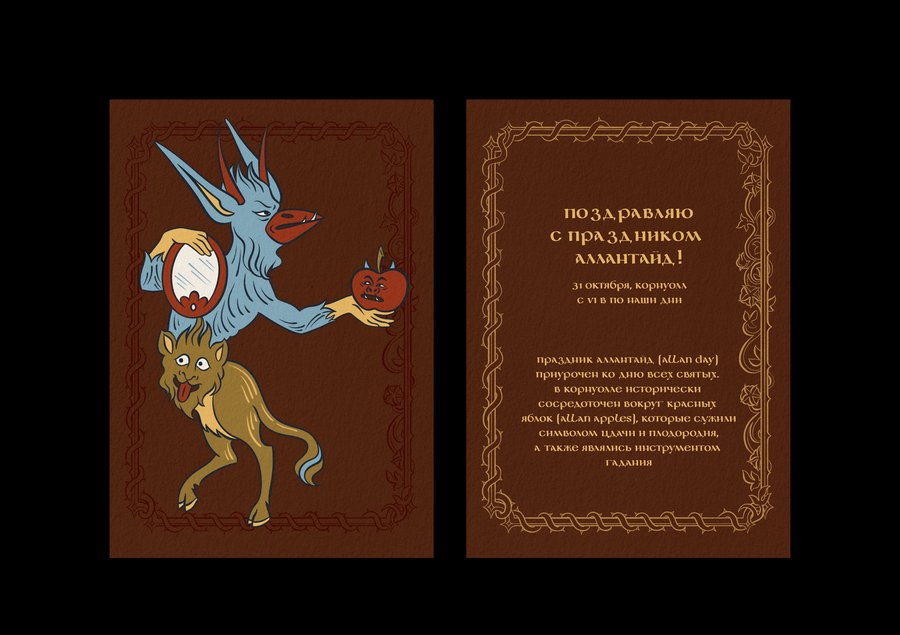
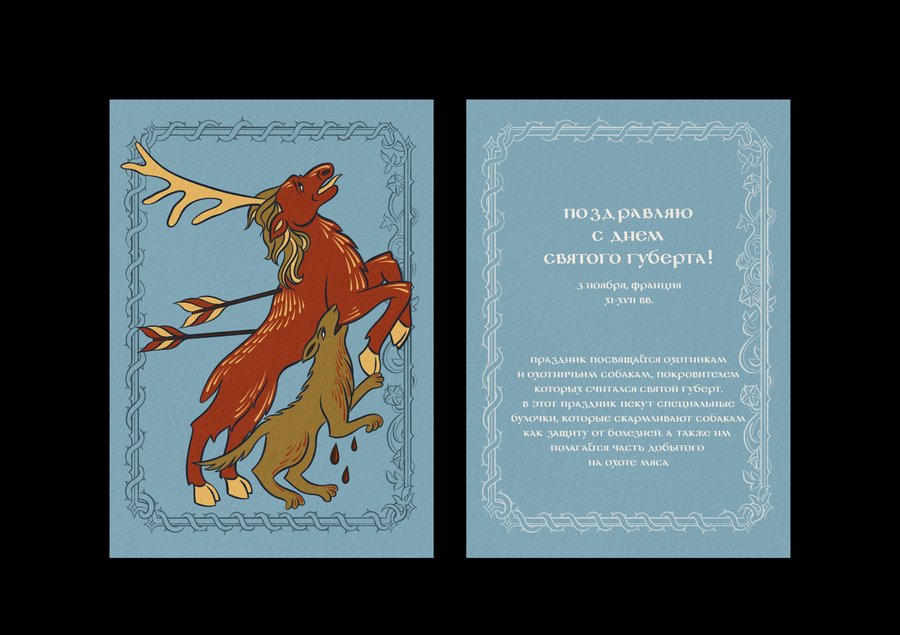
Каждый средневековый праздник — удивительное и неповторимое явление, отражающее дух давно ушедшего времени. Я собрала 13 наиболее колоритных средневековых праздников и нарисовала к ним иллюстрации на основе старых фресок. Так получился набор открыток, призванный разбавить серые будни отголосками ярких средневековых празнований
Анна Большакова создала набор открыток с иллюстрациями 13 средневековых праздников, основанными на старых фресках. Проект включает в себя тексты и изображения, описывающие уникальные особенности каждого из отобранных праздников.
Владислава Клейменова создала серию открыток формата А5 под названием «На опушке». Каждая открытка в этой серии связана с уникальным напитком и посвящена лесной тематике, включая ягоды и зверей.
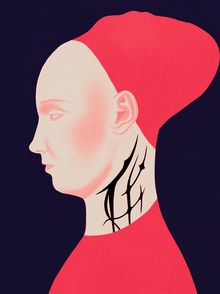
Наталья Бриман создала илюстрацию для тату студии, сочетающую эстетику кватроченто с брутальными татуировками. Проект включает в себя тексты и заголовки, посвящённые концепции и носителям татуировок в средневековье.
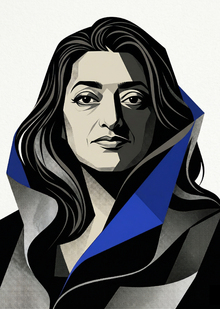
Элана Кармокова создала серию из шести лаконичных портретов великих творцов, посвящённых иконам архитектуры и дизайна. Каждый портрет использует жёсткую геометрию и уникальную цветовую палитру для отражения индивидуальности персонажа.
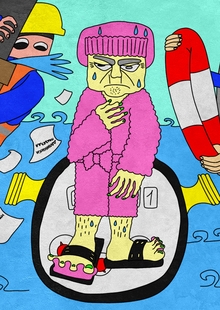
Анна Самотеева создала текст для ЖЭК «Теплее, чем кажется», который пытается быть человечной и работать с жителями в сложных ситуациях. Проект представляет собой пастиш, написанный с акцентом на эмоциональную связь между службой и квартирантами.
pro.deziiign
Цифровая платформа для создания презентаций. Инновационный онлайн-конструктор, где каждый может эффектно показать свой проект, предложение или образовательный курс.
Press space bar to start a drag.
When dragging you can use the arrow keys to move the item around and escape to cancel.
Some screen readers may require you to be in focus mode or to use your pass through key
Press space bar to start a drag.
When dragging you can use the arrow keys to move the item around and escape to cancel.
Some screen readers may require you to be in focus mode or to use your pass through key
Press space bar to start a drag.
When dragging you can use the arrow keys to move the item around and escape to cancel.
Some screen readers may require you to be in focus mode or to use your pass through key
Press space bar to start a drag.
When dragging you can use the arrow keys to move the item around and escape to cancel.
Some screen readers may require you to be in focus mode or to use your pass through key
Press space bar to start a drag.
When dragging you can use the arrow keys to move the item around and escape to cancel.
Some screen readers may require you to be in focus mode or to use your pass through key
Press space bar to start a drag.
When dragging you can use the arrow keys to move the item around and escape to cancel.
Some screen readers may require you to be in focus mode or to use your pass through key
Press space bar to start a drag.
When dragging you can use the arrow keys to move the item around and escape to cancel.
Some screen readers may require you to be in focus mode or to use your pass through key
Press space bar to start a drag.
When dragging you can use the arrow keys to move the item around and escape to cancel.
Some screen readers may require you to be in focus mode or to use your pass through key
Press space bar to start a drag.
When dragging you can use the arrow keys to move the item around and escape to cancel.
Some screen readers may require you to be in focus mode or to use your pass through key
Press space bar to start a drag.
When dragging you can use the arrow keys to move the item around and escape to cancel.
Some screen readers may require you to be in focus mode or to use your pass through key
Press space bar to start a drag.
When dragging you can use the arrow keys to move the item around and escape to cancel.
Some screen readers may require you to be in focus mode or to use your pass through key
Press space bar to start a drag.
When dragging you can use the arrow keys to move the item around and escape to cancel.
Some screen readers may require you to be in focus mode or to use your pass through key
Press space bar to start a drag.
When dragging you can use the arrow keys to move the item around and escape to cancel.
Some screen readers may require you to be in focus mode or to use your pass through key