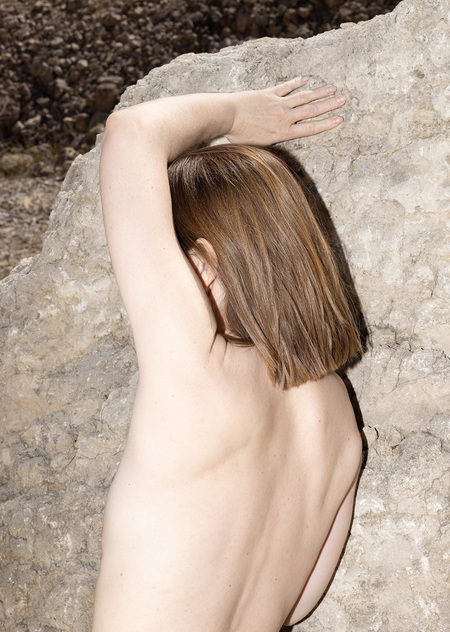
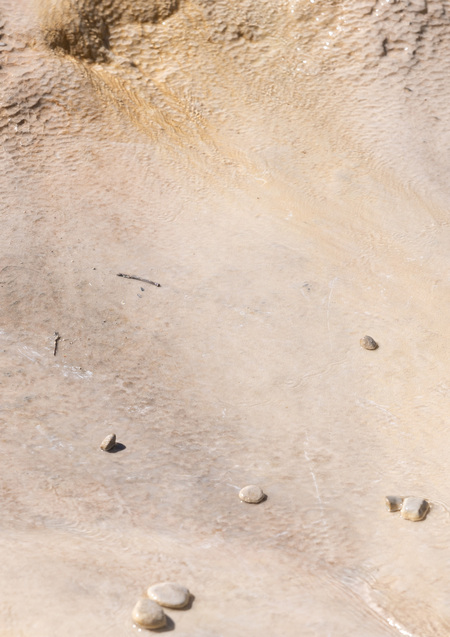
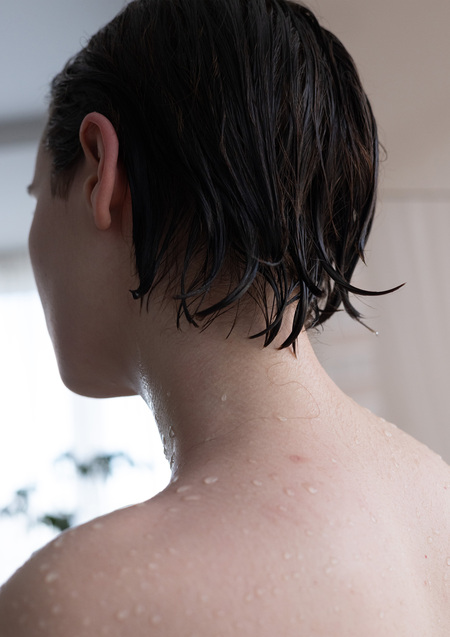
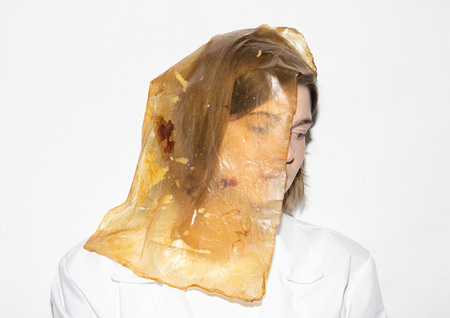
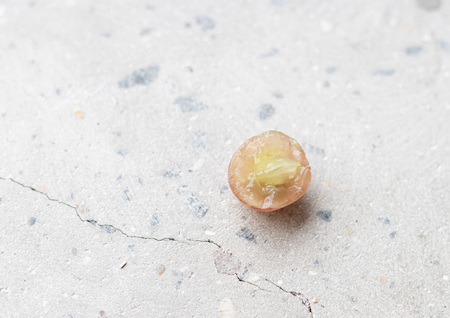
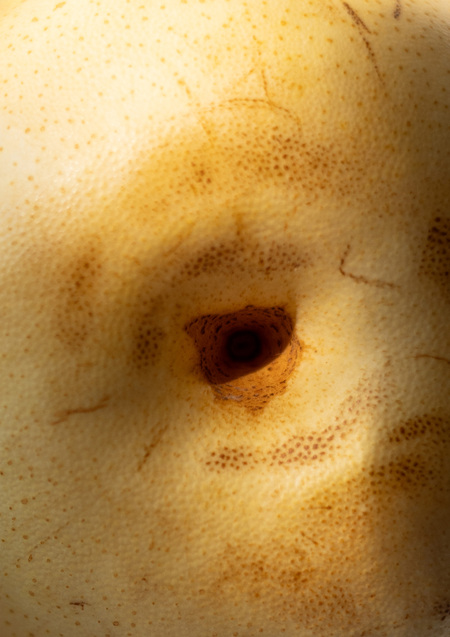
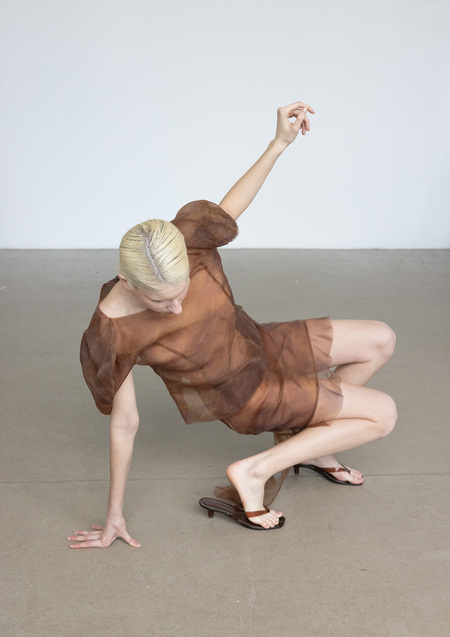
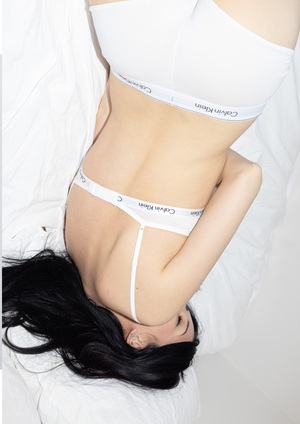
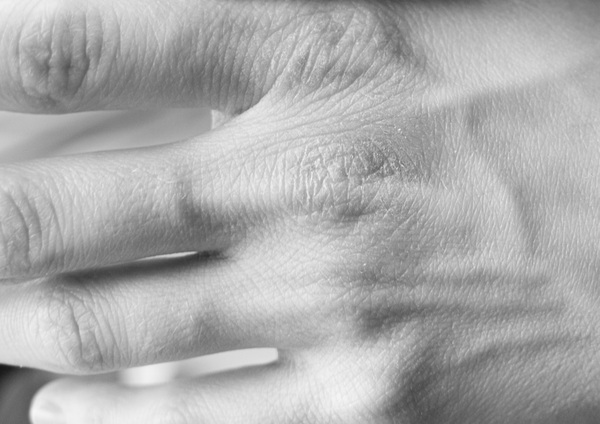
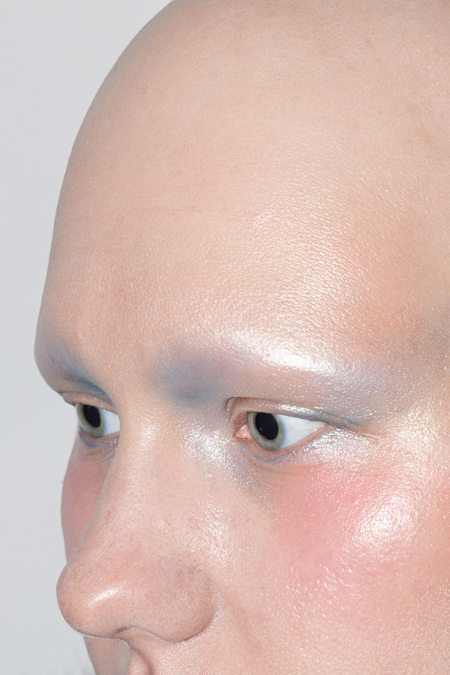
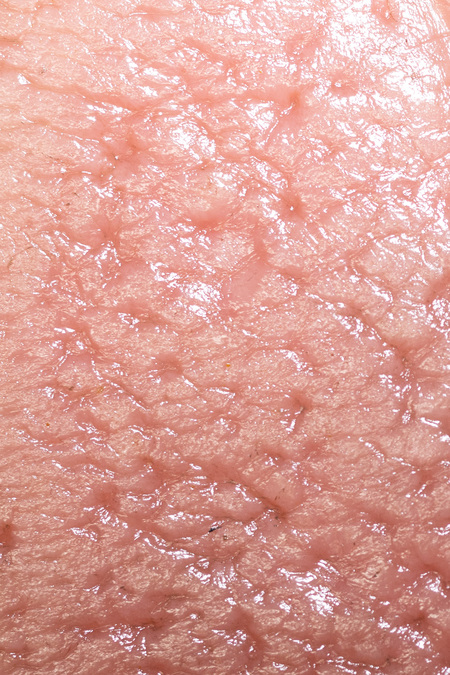
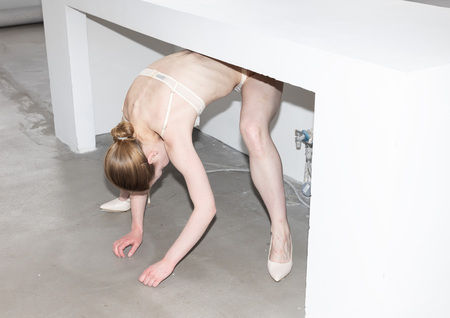
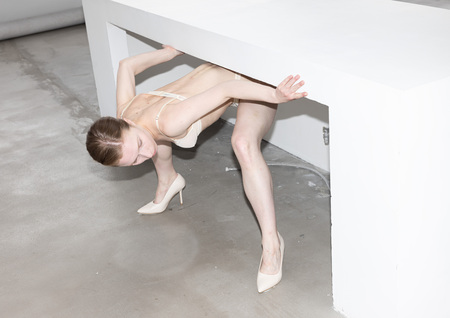
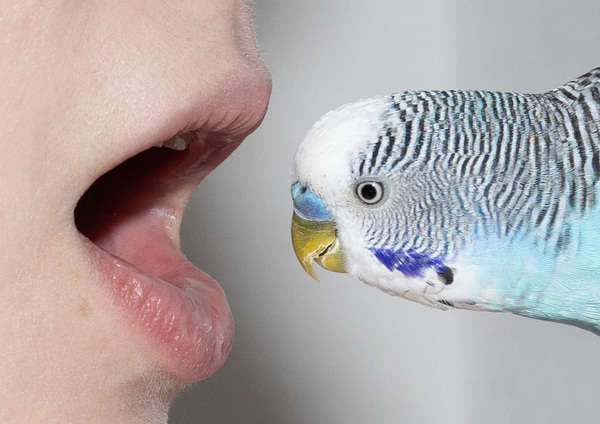
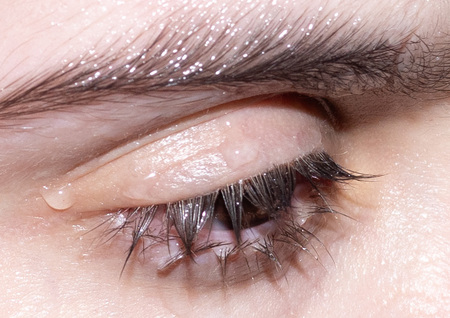
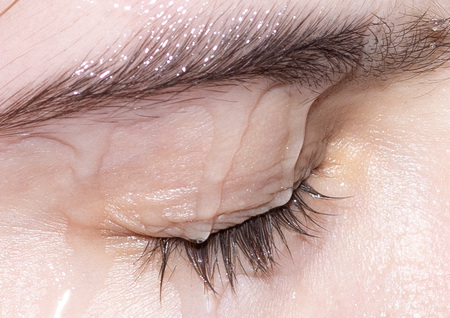
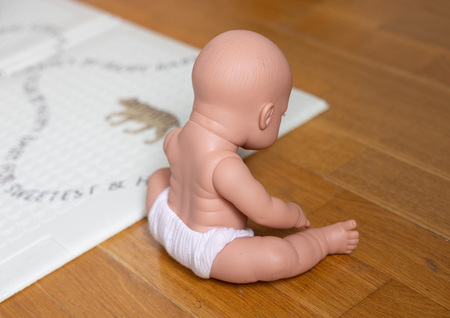
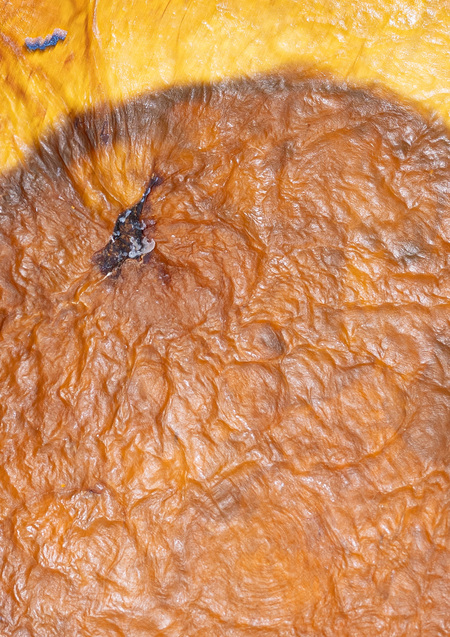
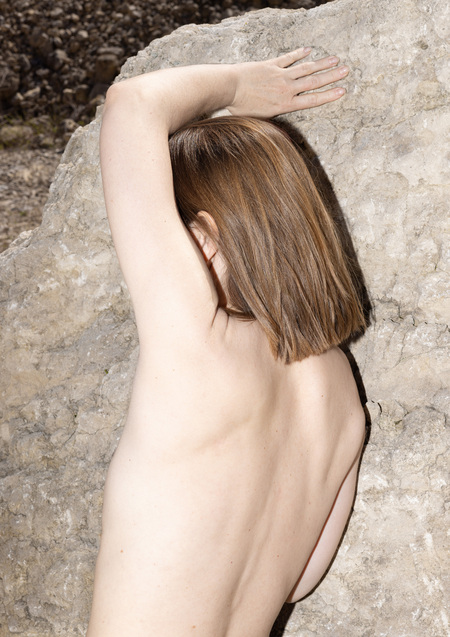
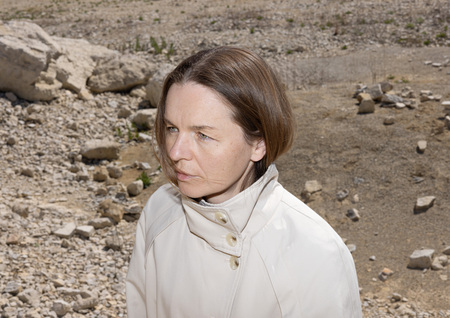
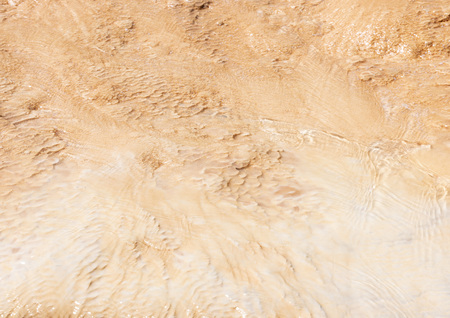
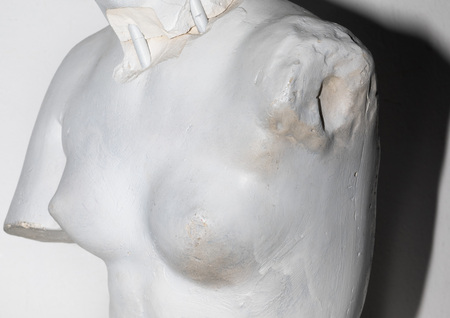
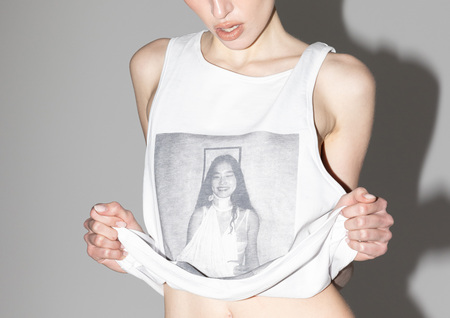
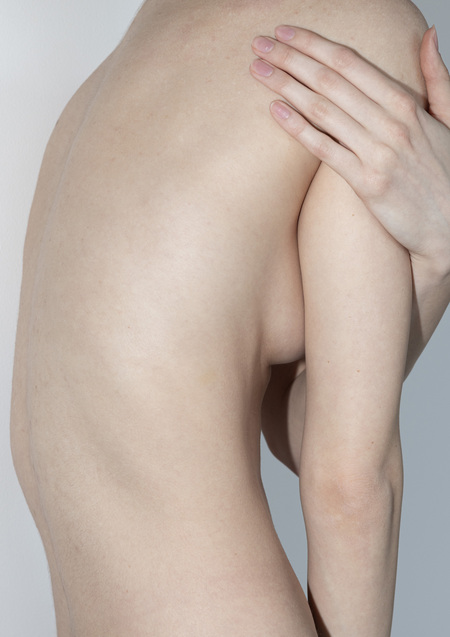
Проект посвящен ощущению себя как женщины в современном мире. Его главная тема — давление социальных стереотипов, всего, что воплощено в моде разрушающего аутентичность женщин, сводящего неповторимую внешность к набору коммерциализованных шаблонов. Нормированные черты лица, идеализированное качество тела — внедренный в общественное сознание стандарт, который приводит к унижению реальных женщин как мужчинами, так и самими женщинами.
Другая тема проекта — материнство, естественная, природная способность женского организма, влекущая за собой базовые телесные изменения. Оно тоже способно быть сюжетом моды, оставаясь при этом индивидуальной проблемой, актом принятия своей глубинной сущности.
С помощью фотографии я исследую мир страхов, напряжения, восхищения и трепета перед своим личным женским опытом — настоящим, прошлым и будущим. Визуализация опыта материнства других, раскрытие собственной женственности, самореализация через одежду, через объектные метафоры становится действием, столь необходимым многим молодым женщинам.
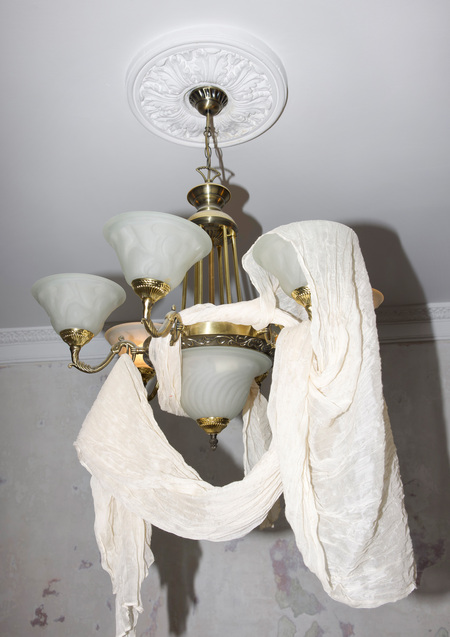
Фотограф Дэя Шамрай создала проект «Venus in Gloom», в котором изображает Венеру в мрачной атмосфере и призрачных тканях. Проект представляет собой серию снимков, где женственность воспринимается как хрупкая и растворяющаяся во мраке.
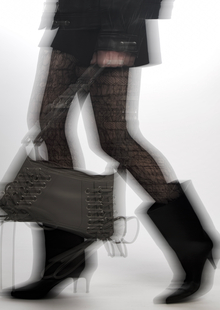
Ольга Головкина создала фотопроект «Мимо», исследующий современное состояние человека в условиях ускоренного ритма жизни. Проект использует длинные выдержки и смазанные изображения, чтобы визуально передать незаметность людей в быстром потоке.
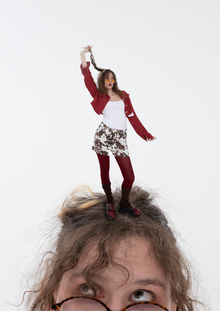
Анна Яковлева создала проект, исследующий конфликт между социальным и подлинным я в виде визуального диалога двух версий человека. Проект представлен в формате поста с текстом, описывающим внутреннюю борьбу и эмоциональную чистоту через образ взаимодействия взрослого и маленького героя.
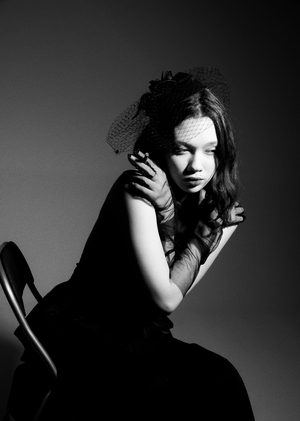
Капитолина Королева создала фотосерию «Внутри света», исследующую внутреннее состояние через свет и пространство. Проект основывается на эстетике Ирвина Пенна, но акцентирует внимание на уязвимости образа вместо строгости кадра.
pro.deziiign
Цифровая платформа для создания презентаций. Инновационный онлайн-конструктор, где каждый может эффектно показать свой проект, предложение или образовательный курс.
Press space bar to start a drag.
When dragging you can use the arrow keys to move the item around and escape to cancel.
Some screen readers may require you to be in focus mode or to use your pass through key
Press space bar to start a drag.
When dragging you can use the arrow keys to move the item around and escape to cancel.
Some screen readers may require you to be in focus mode or to use your pass through key
Press space bar to start a drag.
When dragging you can use the arrow keys to move the item around and escape to cancel.
Some screen readers may require you to be in focus mode or to use your pass through key
Press space bar to start a drag.
When dragging you can use the arrow keys to move the item around and escape to cancel.
Some screen readers may require you to be in focus mode or to use your pass through key
Press space bar to start a drag.
When dragging you can use the arrow keys to move the item around and escape to cancel.
Some screen readers may require you to be in focus mode or to use your pass through key
Press space bar to start a drag.
When dragging you can use the arrow keys to move the item around and escape to cancel.
Some screen readers may require you to be in focus mode or to use your pass through key
Press space bar to start a drag.
When dragging you can use the arrow keys to move the item around and escape to cancel.
Some screen readers may require you to be in focus mode or to use your pass through key
Press space bar to start a drag.
When dragging you can use the arrow keys to move the item around and escape to cancel.
Some screen readers may require you to be in focus mode or to use your pass through key
Press space bar to start a drag.
When dragging you can use the arrow keys to move the item around and escape to cancel.
Some screen readers may require you to be in focus mode or to use your pass through key
Press space bar to start a drag.
When dragging you can use the arrow keys to move the item around and escape to cancel.
Some screen readers may require you to be in focus mode or to use your pass through key
Press space bar to start a drag.
When dragging you can use the arrow keys to move the item around and escape to cancel.
Some screen readers may require you to be in focus mode or to use your pass through key
Press space bar to start a drag.
When dragging you can use the arrow keys to move the item around and escape to cancel.
Some screen readers may require you to be in focus mode or to use your pass through key
Press space bar to start a drag.
When dragging you can use the arrow keys to move the item around and escape to cancel.
Some screen readers may require you to be in focus mode or to use your pass through key
Press space bar to start a drag.
When dragging you can use the arrow keys to move the item around and escape to cancel.
Some screen readers may require you to be in focus mode or to use your pass through key