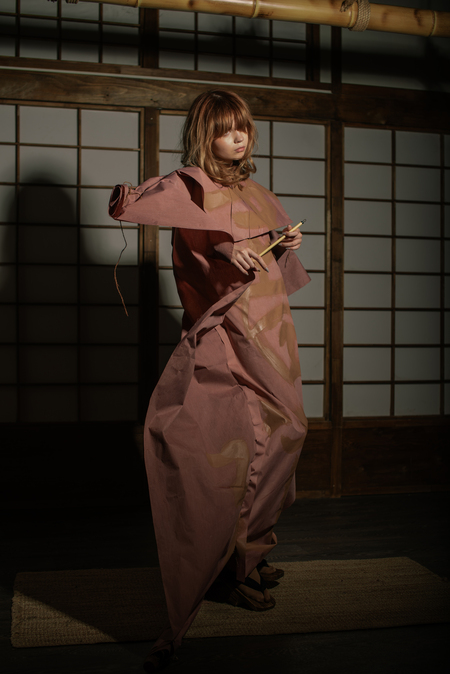
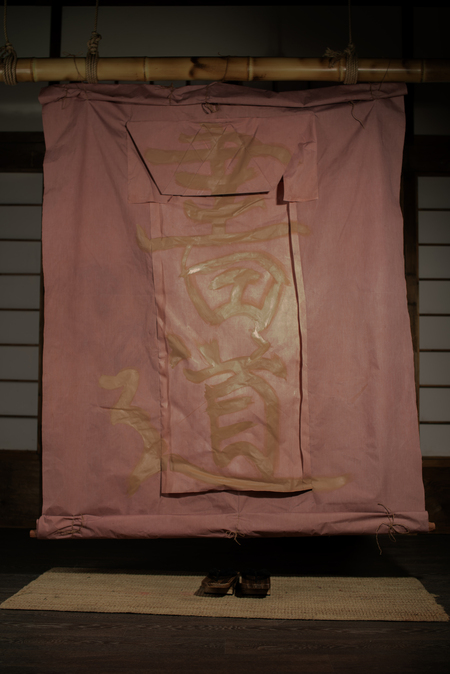
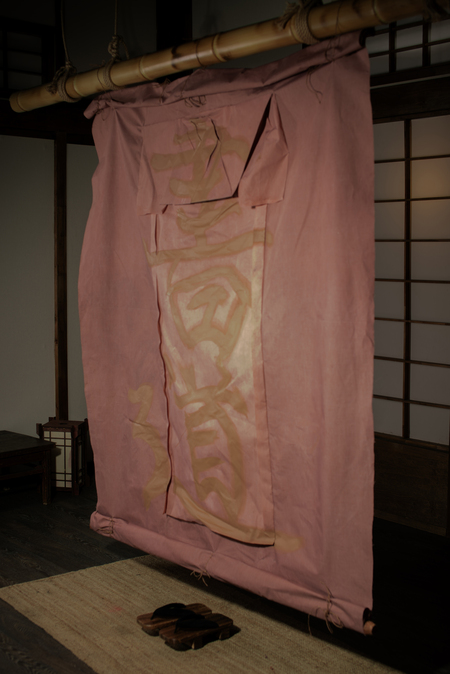
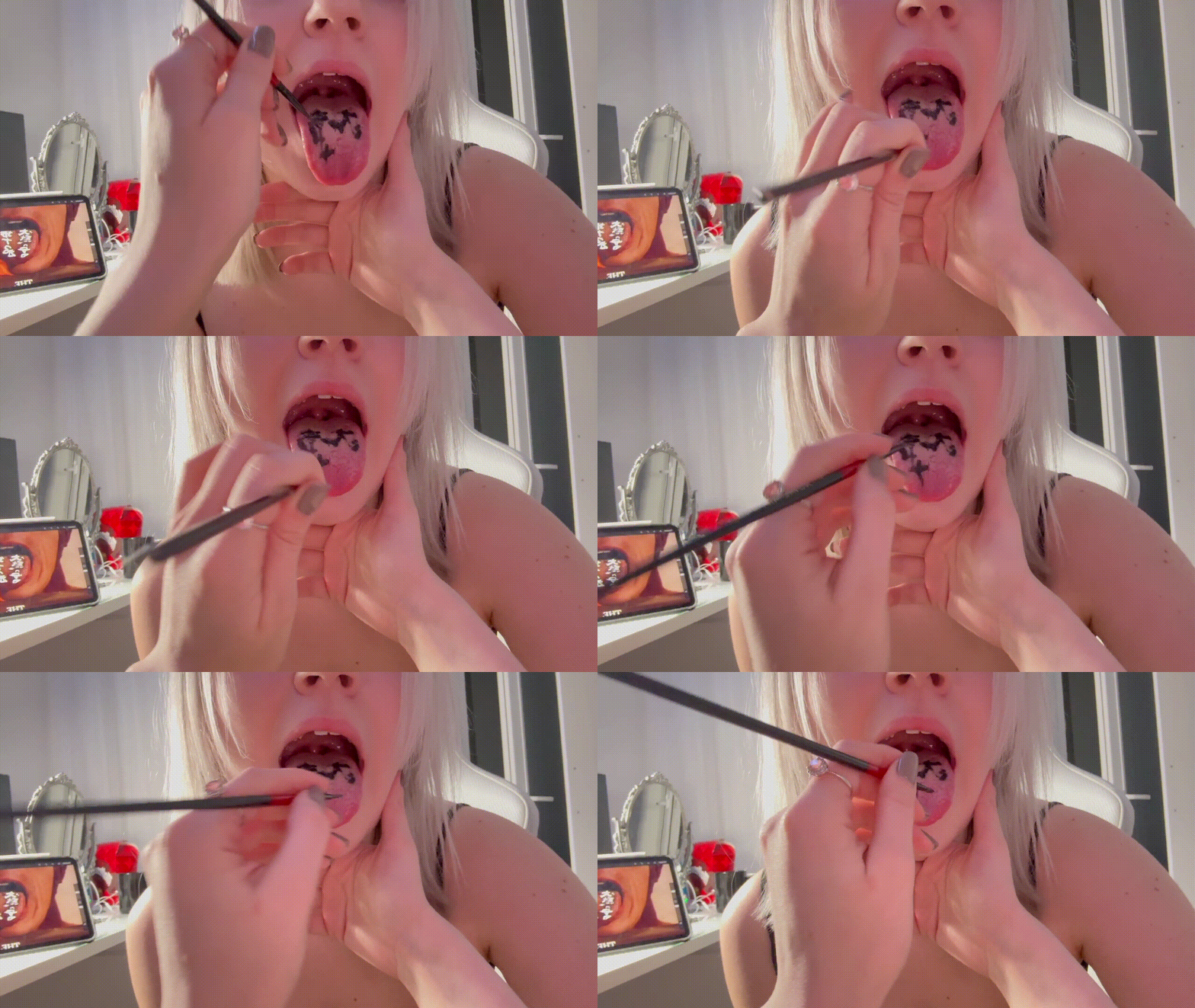
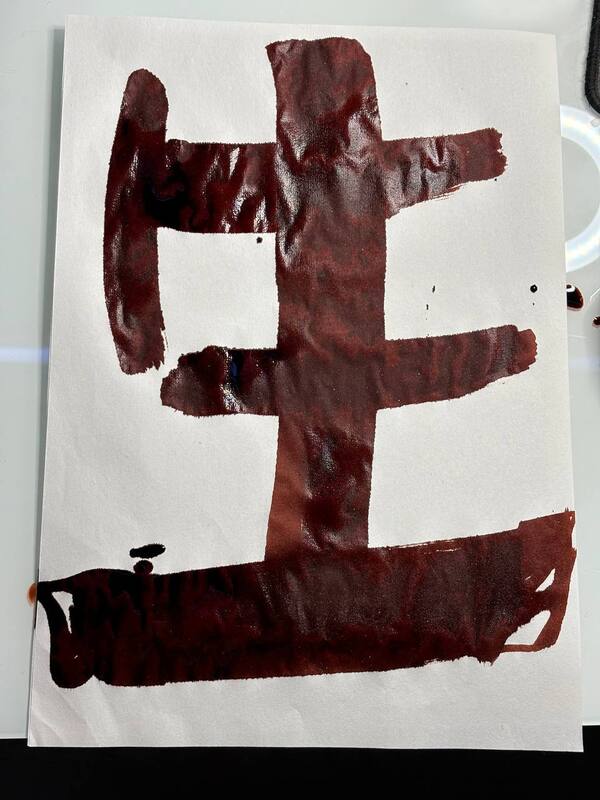
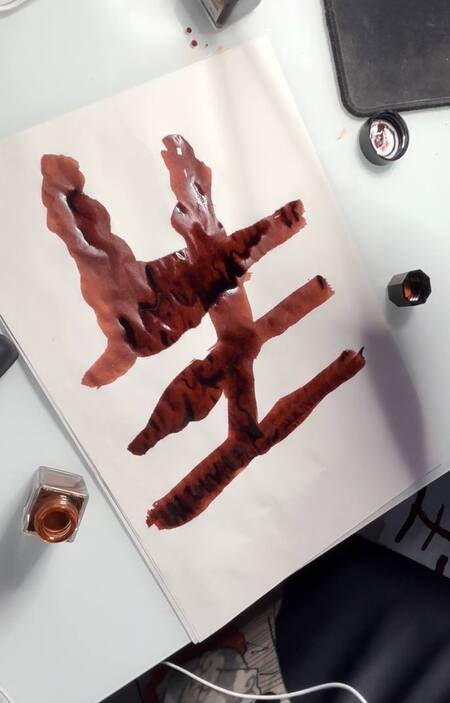
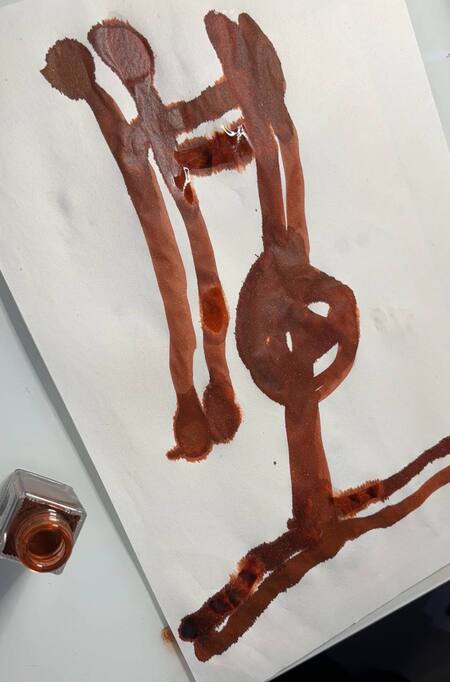
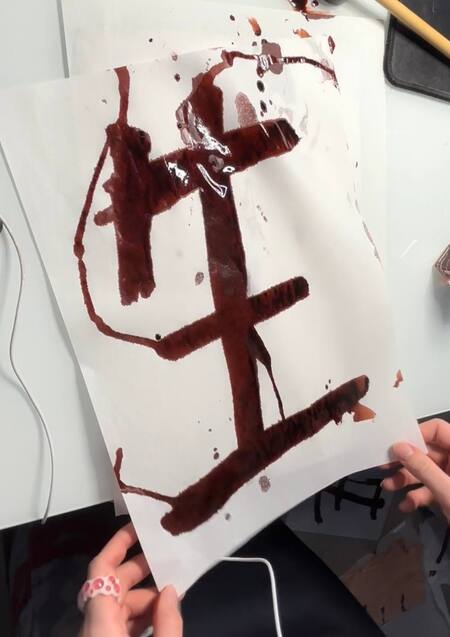
Японская каллиграфия (яп. 書道 Сёдо, «Путь письма») — одна из форм каллиграфии, возникшая на основе китайской каллиграфии.
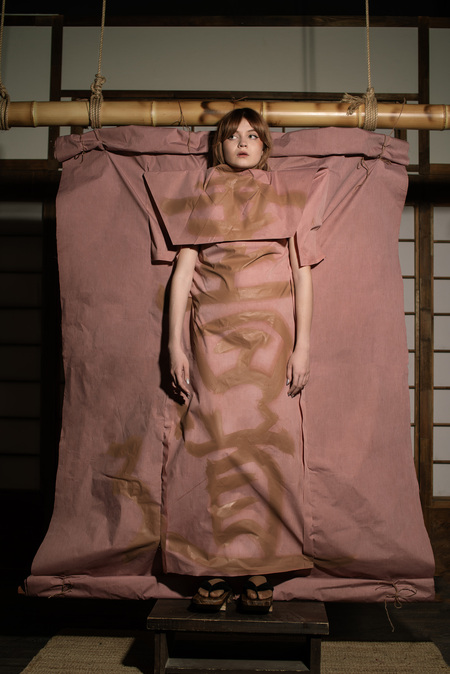
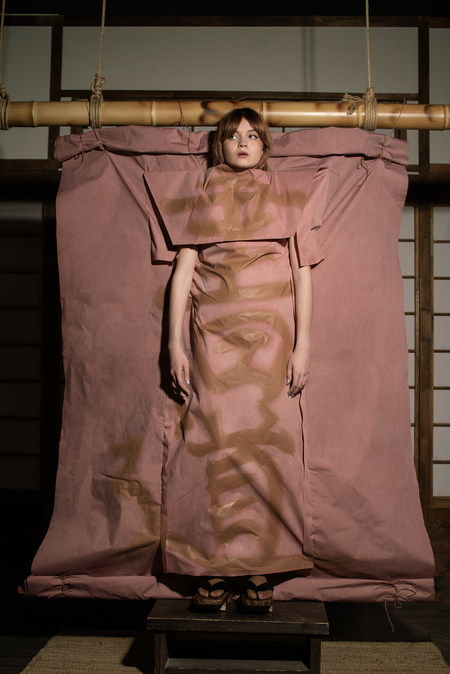
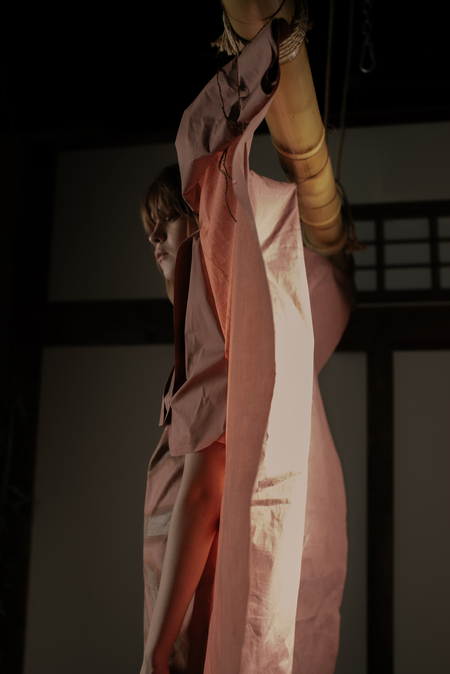
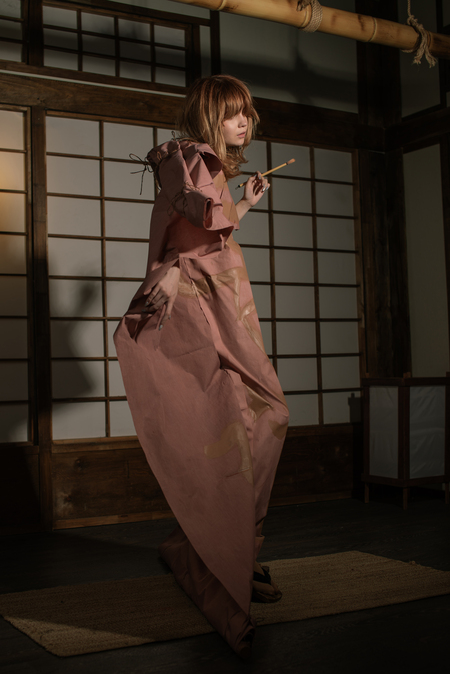
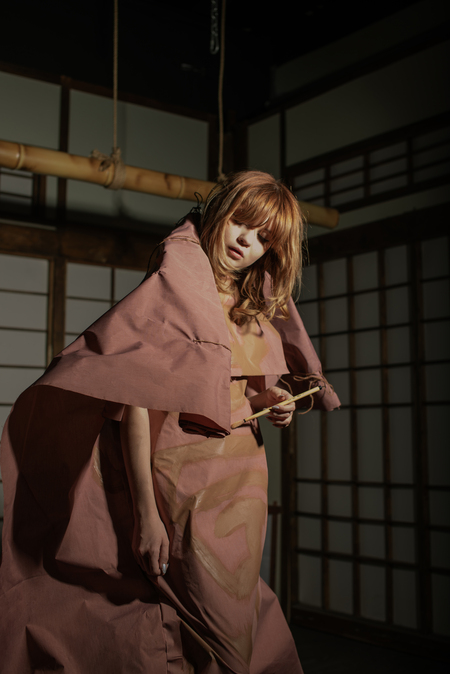
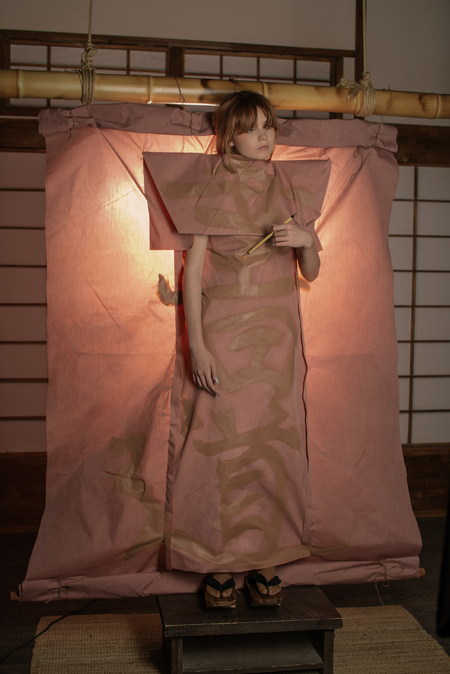
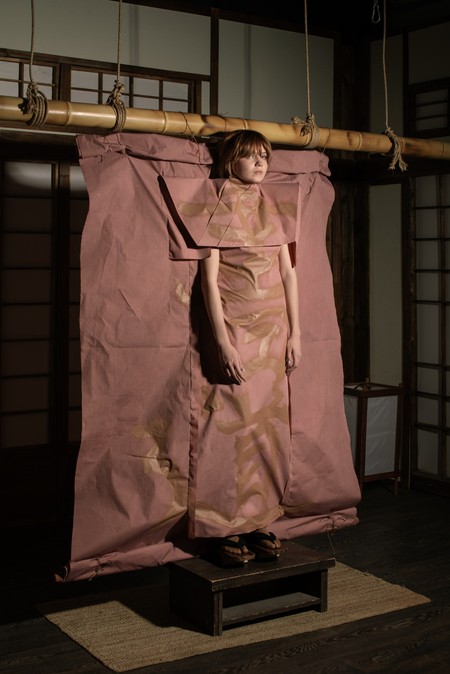
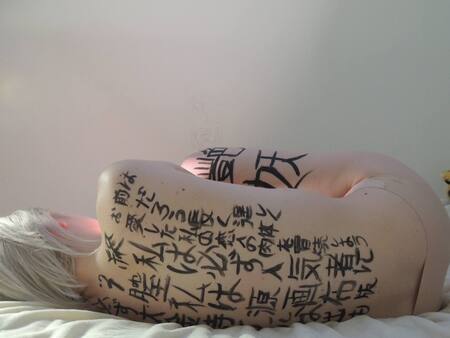
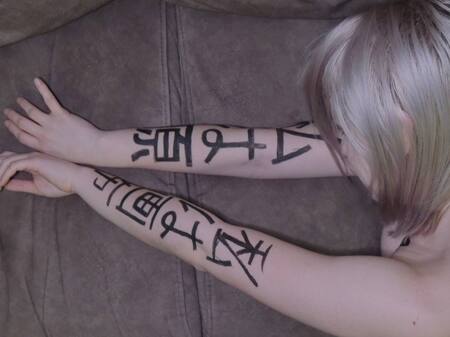
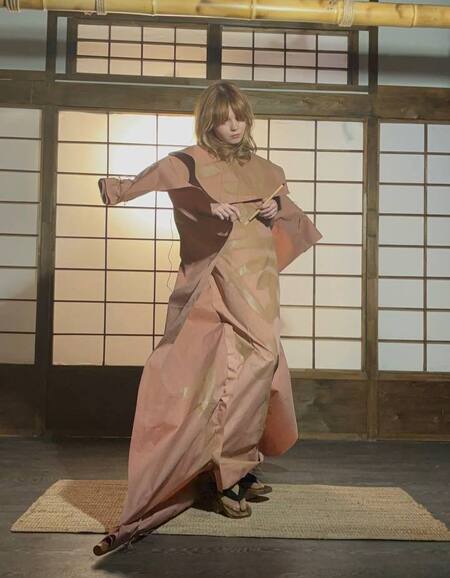
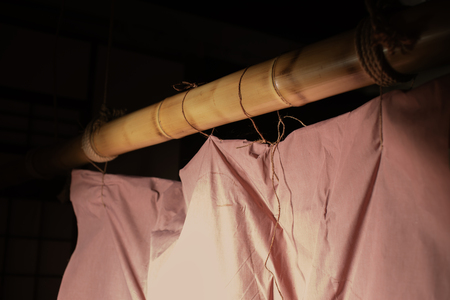
Проект «SHODO» вдохновлён работами художника Накадзимы Хироюки, наиболее известным своей современной интерпретацией японской каллиграфии.
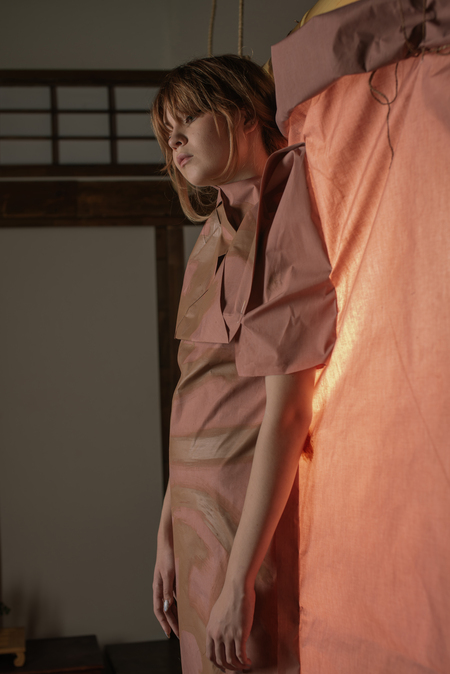
Изделие отражает крепкую взаимосвязь художника со своим творением.
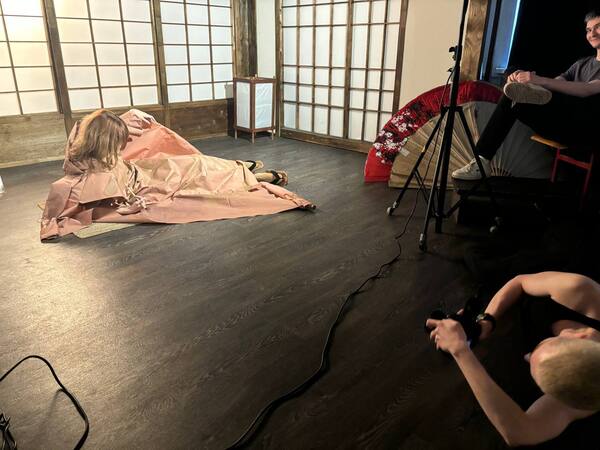
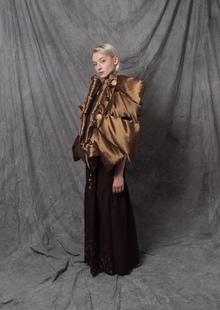
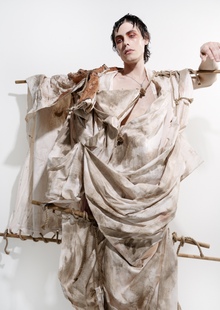
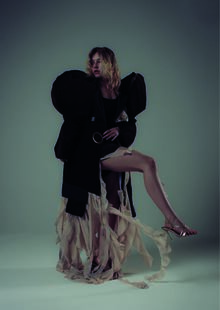
Валерия Никитина создала проект SHODO, посвящённый японской каллиграфии и её современной интерпретации. Проект включает тексты и фотографии, отражающие связь художника с его творением и вдохновлённые работами Накадзимы Хироюки.
Анастасия Езеева создала проект «I TAN TO BE SEEN», посвящённый японскому подвижнику гангуро-гяру стильной молодёжи. Проект включает тексты, описывающие сознательное нарушение традиционных канонов японской красоты этими девушками.
Раяна Агаева создала проект «Women after the silence», исследующий влияние трагедии на озере Ньос на роль женщин в обществе. Проект представляет собой статью, описывающую, как катастрофа привела к трансформации женщин в лидеров и носителей памяти в посткатастрофных условиях.
Полина Коломоец создала проект «Restless Sail», вдохновлённый инсталляцией со старыми корабельными парусами и их метафорой человеческой судьбы. Проект включает в себя тексты и фотографии, отражающие тему внутреннего беспокойства и эмоциональной эволюции через образ паруса.
Автор Екатерина Лысенко создала текст для проекта «Fragments of a dream», рассказывающий о потере и внутреннем обновлении после трагедии. Проект представляет собой литературное произведение, в котором главная героиня возвращается в прошлое, чтобы найти силы для будущего.
pro.deziiign
Цифровая платформа для создания презентаций. Инновационный онлайн-конструктор, где каждый может эффектно показать свой проект, предложение или образовательный курс.
Press space bar to start a drag.
When dragging you can use the arrow keys to move the item around and escape to cancel.
Some screen readers may require you to be in focus mode or to use your pass through key
Press space bar to start a drag.
When dragging you can use the arrow keys to move the item around and escape to cancel.
Some screen readers may require you to be in focus mode or to use your pass through key
Press space bar to start a drag.
When dragging you can use the arrow keys to move the item around and escape to cancel.
Some screen readers may require you to be in focus mode or to use your pass through key
Press space bar to start a drag.
When dragging you can use the arrow keys to move the item around and escape to cancel.
Some screen readers may require you to be in focus mode or to use your pass through key
Press space bar to start a drag.
When dragging you can use the arrow keys to move the item around and escape to cancel.
Some screen readers may require you to be in focus mode or to use your pass through key
Press space bar to start a drag.
When dragging you can use the arrow keys to move the item around and escape to cancel.
Some screen readers may require you to be in focus mode or to use your pass through key
Press space bar to start a drag.
When dragging you can use the arrow keys to move the item around and escape to cancel.
Some screen readers may require you to be in focus mode or to use your pass through key
Press space bar to start a drag.
When dragging you can use the arrow keys to move the item around and escape to cancel.
Some screen readers may require you to be in focus mode or to use your pass through key
Press space bar to start a drag.
When dragging you can use the arrow keys to move the item around and escape to cancel.
Some screen readers may require you to be in focus mode or to use your pass through key