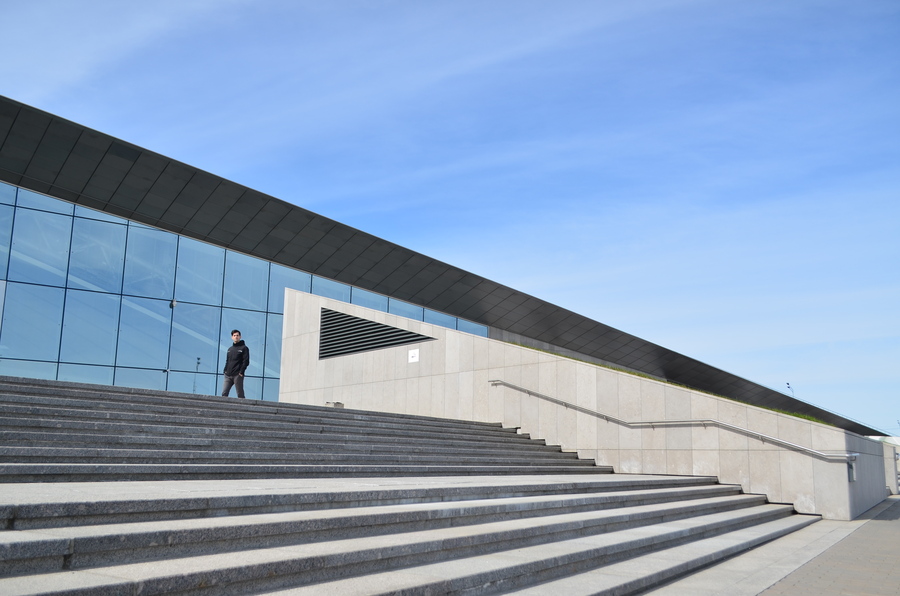
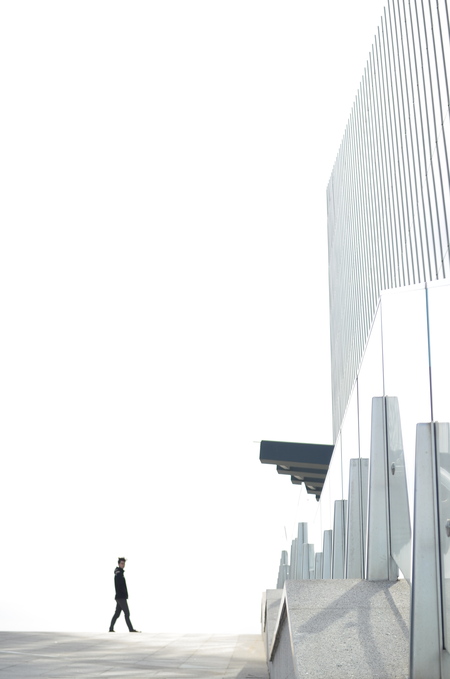
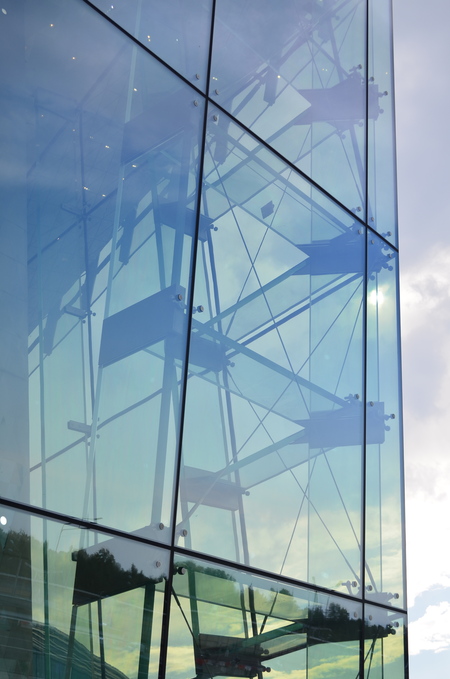
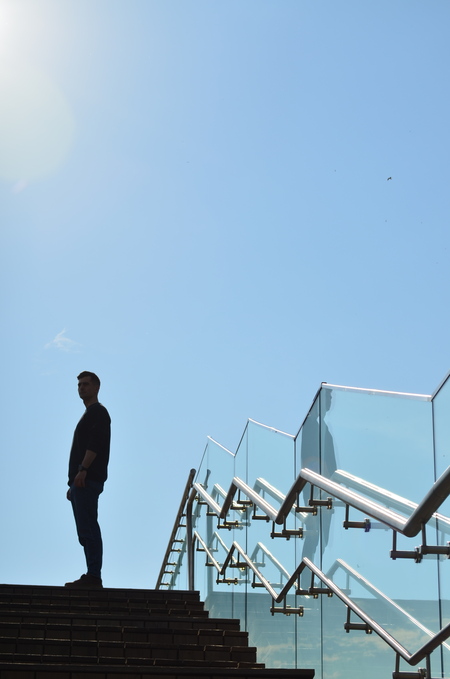
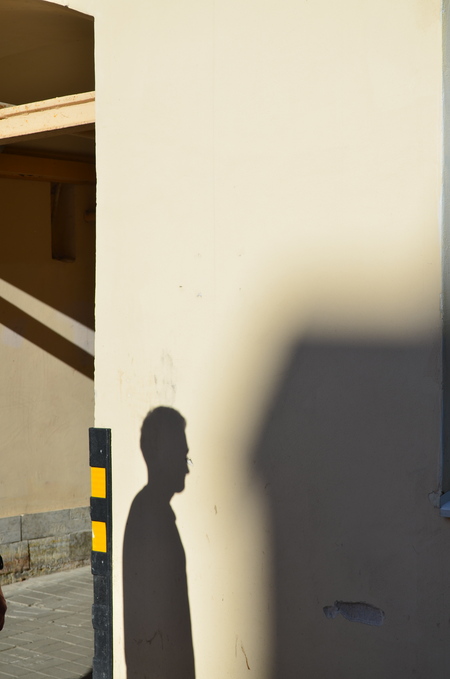
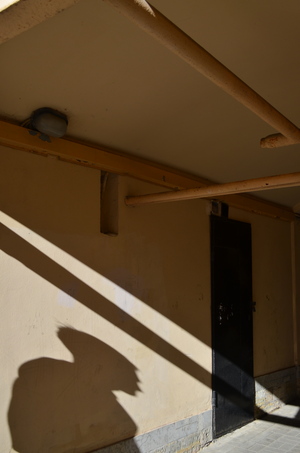
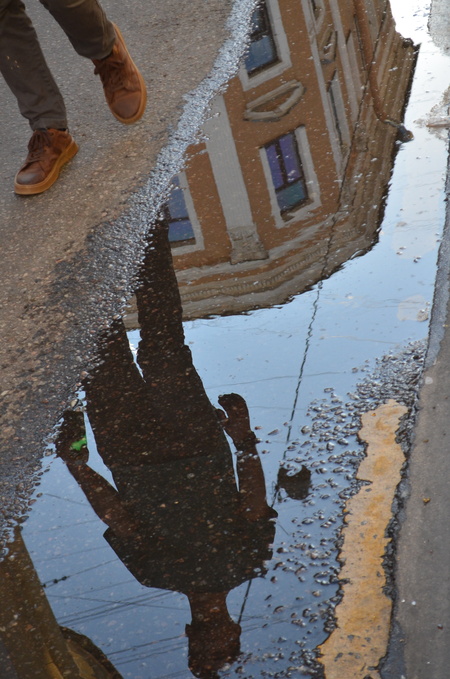
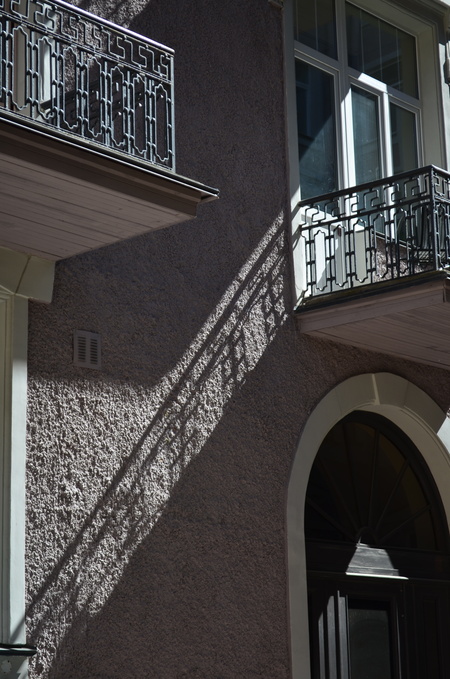
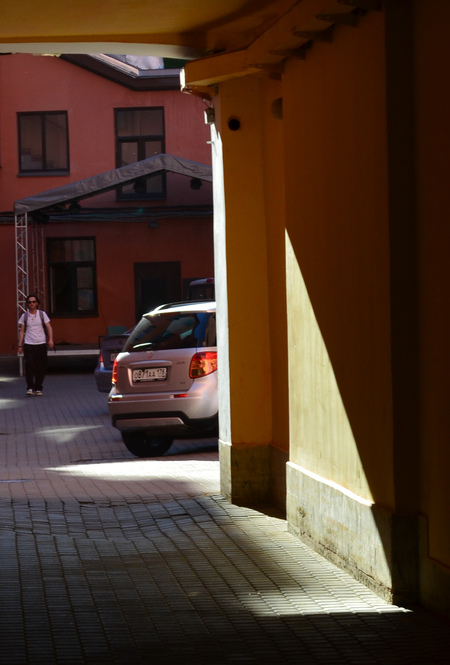
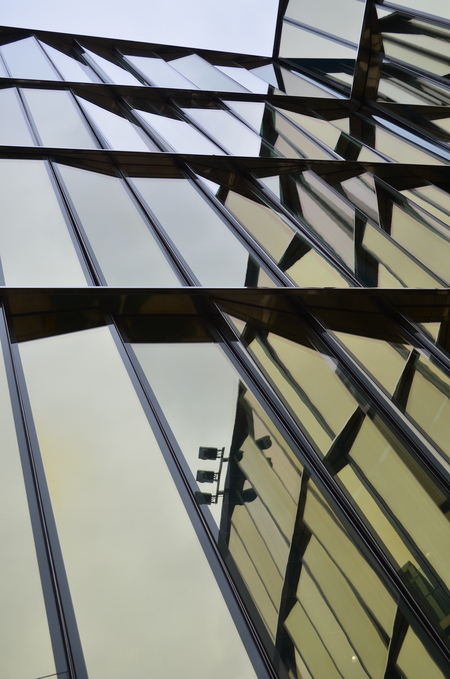
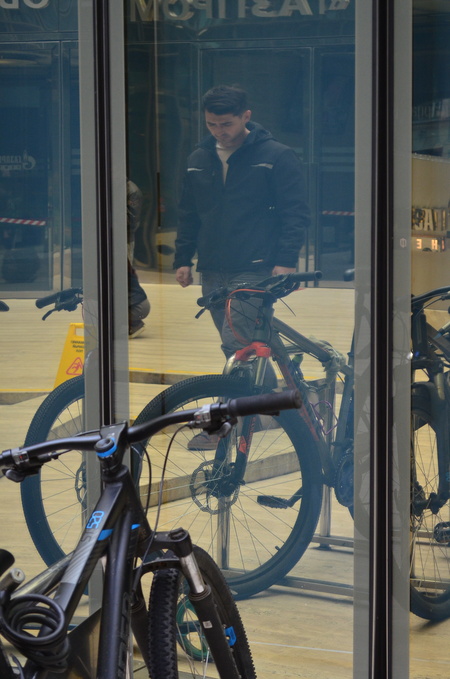
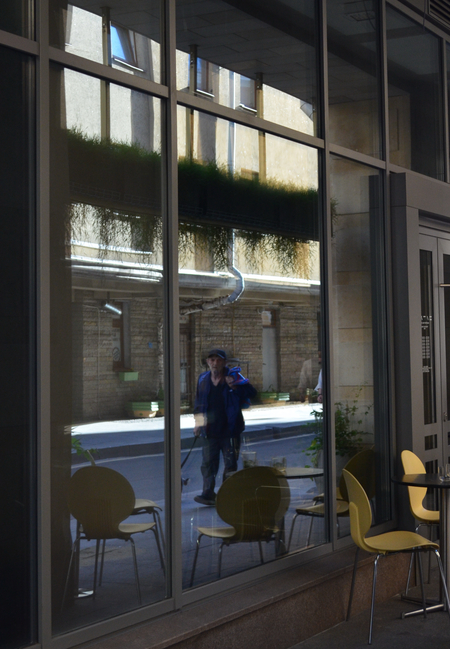
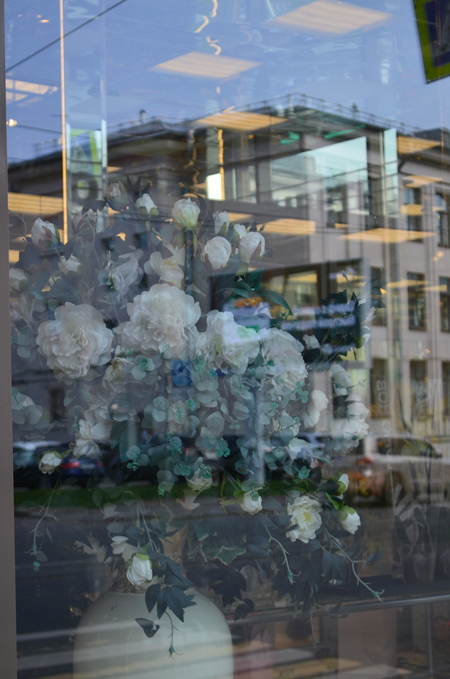
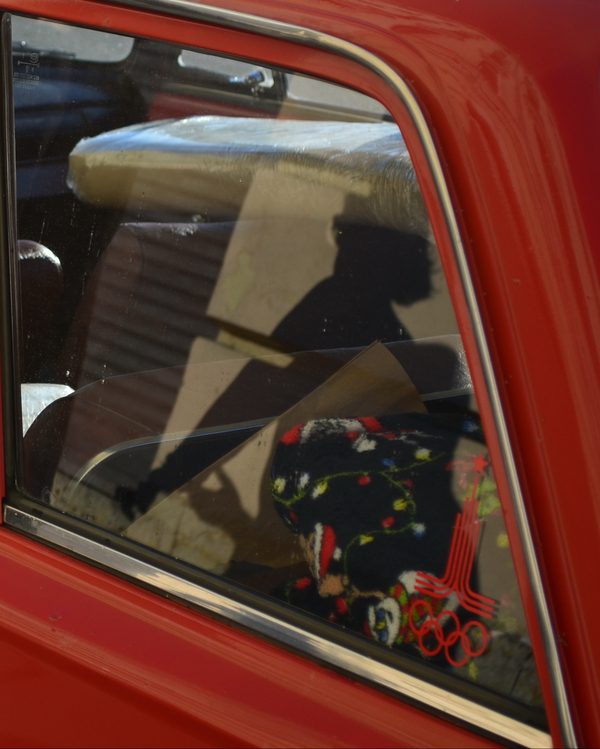
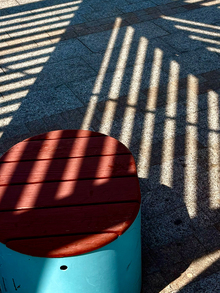
«Диалог с пространством» — это серия о взаимодействии человека и архитектуры.
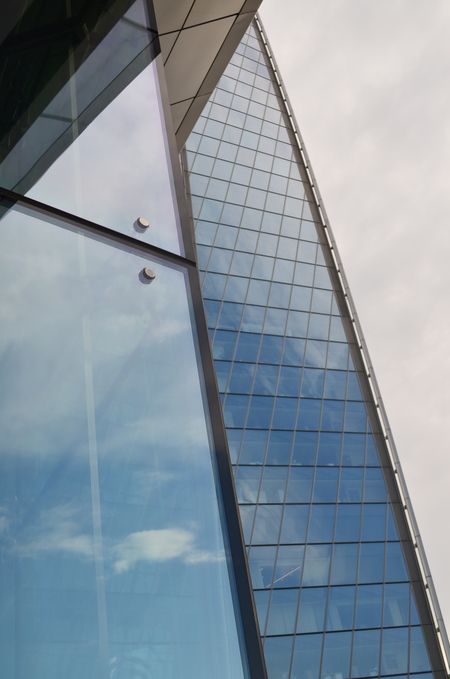
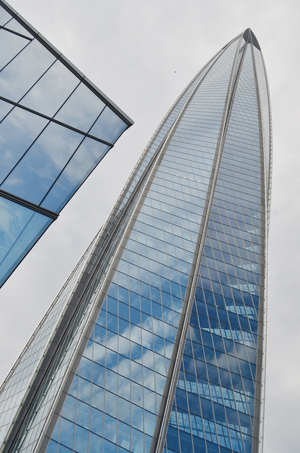
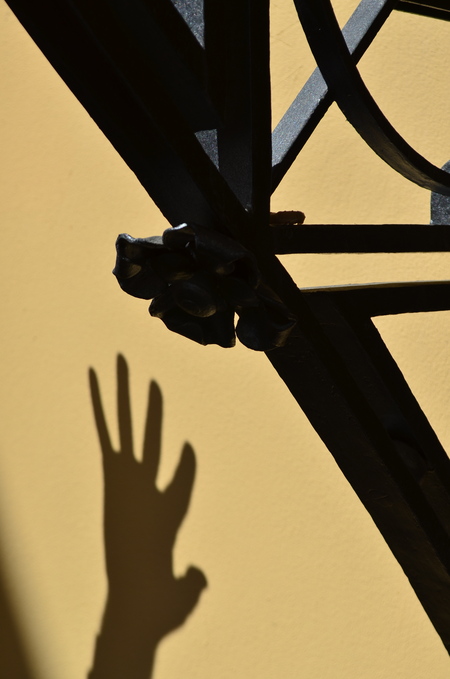
Она рассказывает о том, как привычная городская среда меняется, если смотреть на неё через детали, линии и неожиданные ракурсы. Фрагменты зданий превращаются в самостоятельные визуальные образы, где внимание сосредоточено на ритме, свете и форме.
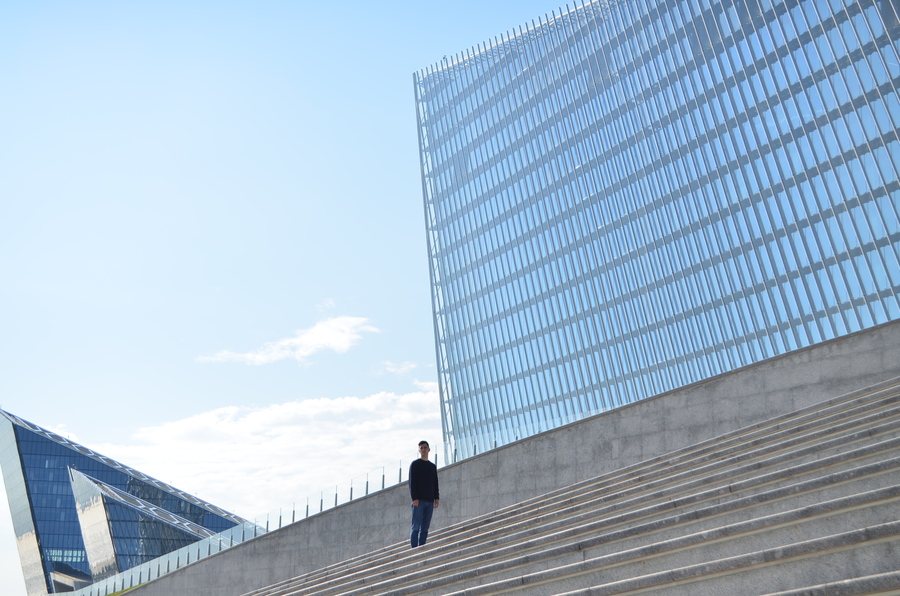
Человек в этой серии не противопоставлен окружающей среде, а становится частью её структуры, вписывается в линии и объёмы, поддерживает их ритм своим присутствием. Иногда фигура едва заметна, но именно она помогает почувствовать масштаб пространства и оживляет его.
«Диалог с пространством» — тихий, почти незаметный диалог, в котором строгая геометрия сочетается с живым человеческим присутствием, это попытка услышать тишину архитектуры
и найти в ней отражение человеческого присутствия.
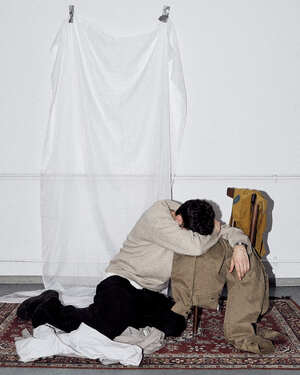
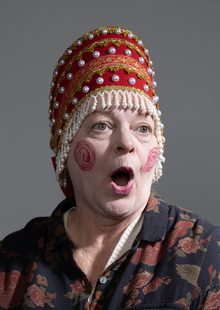
Автор Анастасия Александрова создала проект в формате текста, посвящённый портретам своих бабушек и их образам как масок старости. Проект включает описание двух этапов съёмки: «маска» как общий образ и проявление личности как архетипа.
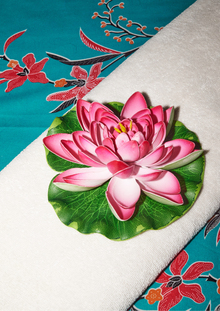
Василиса Василькова создала документальный проект о тайском массаже как части тайской культуры. Проект фокусируется на том, как массаж отражает ментальность тайцев — их доброту, внимание и уважение, а также жёсткий характер.
pro.deziiign
Цифровая платформа для создания презентаций. Инновационный онлайн-конструктор, где каждый может эффектно показать свой проект, предложение или образовательный курс.
Press space bar to start a drag.
When dragging you can use the arrow keys to move the item around and escape to cancel.
Some screen readers may require you to be in focus mode or to use your pass through key
Press space bar to start a drag.
When dragging you can use the arrow keys to move the item around and escape to cancel.
Some screen readers may require you to be in focus mode or to use your pass through key
Press space bar to start a drag.
When dragging you can use the arrow keys to move the item around and escape to cancel.
Some screen readers may require you to be in focus mode or to use your pass through key
Press space bar to start a drag.
When dragging you can use the arrow keys to move the item around and escape to cancel.
Some screen readers may require you to be in focus mode or to use your pass through key
Press space bar to start a drag.
When dragging you can use the arrow keys to move the item around and escape to cancel.
Some screen readers may require you to be in focus mode or to use your pass through key
Press space bar to start a drag.
When dragging you can use the arrow keys to move the item around and escape to cancel.
Some screen readers may require you to be in focus mode or to use your pass through key
Press space bar to start a drag.
When dragging you can use the arrow keys to move the item around and escape to cancel.
Some screen readers may require you to be in focus mode or to use your pass through key
Press space bar to start a drag.
When dragging you can use the arrow keys to move the item around and escape to cancel.
Some screen readers may require you to be in focus mode or to use your pass through key
Press space bar to start a drag.
When dragging you can use the arrow keys to move the item around and escape to cancel.
Some screen readers may require you to be in focus mode or to use your pass through key
Press space bar to start a drag.
When dragging you can use the arrow keys to move the item around and escape to cancel.
Some screen readers may require you to be in focus mode or to use your pass through key
Press space bar to start a drag.
When dragging you can use the arrow keys to move the item around and escape to cancel.
Some screen readers may require you to be in focus mode or to use your pass through key
Press space bar to start a drag.
When dragging you can use the arrow keys to move the item around and escape to cancel.
Some screen readers may require you to be in focus mode or to use your pass through key
Press space bar to start a drag.
When dragging you can use the arrow keys to move the item around and escape to cancel.
Some screen readers may require you to be in focus mode or to use your pass through key
Press space bar to start a drag.
When dragging you can use the arrow keys to move the item around and escape to cancel.
Some screen readers may require you to be in focus mode or to use your pass through key
Press space bar to start a drag.
When dragging you can use the arrow keys to move the item around and escape to cancel.
Some screen readers may require you to be in focus mode or to use your pass through key