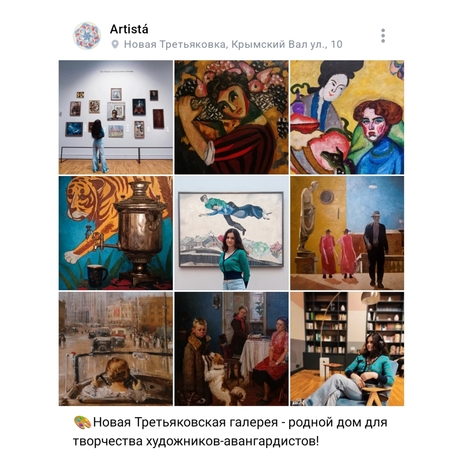
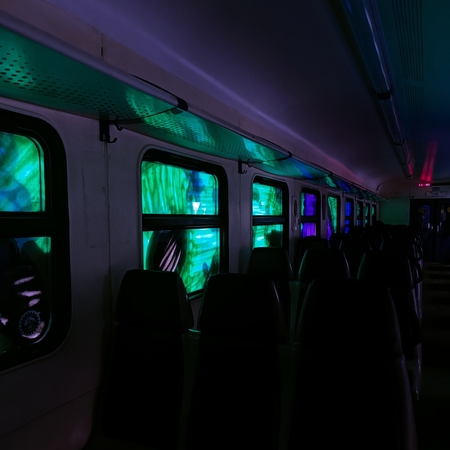
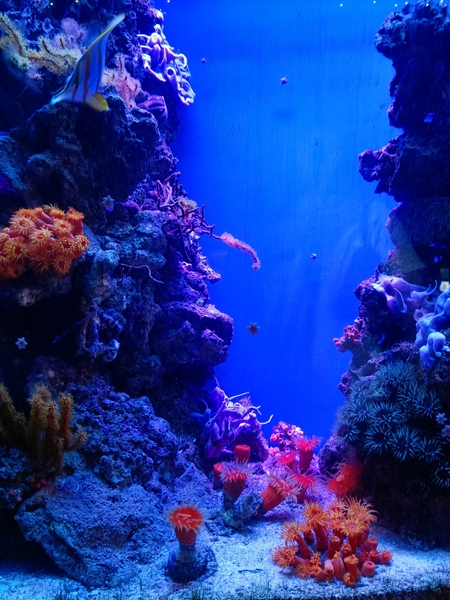
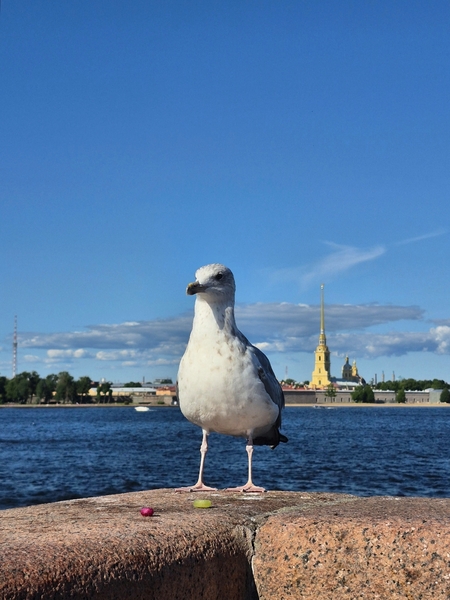
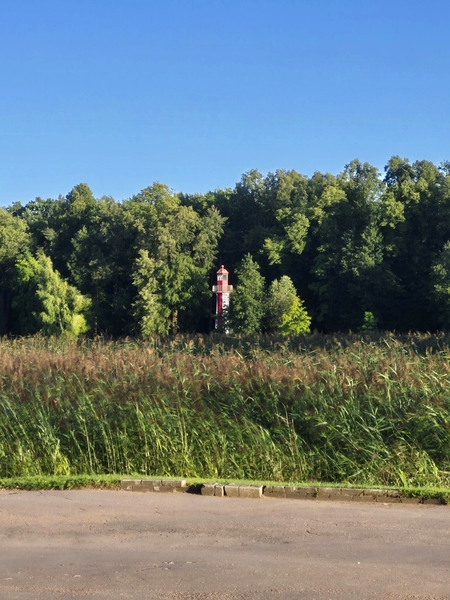
Artistá (с исп. художница) — авторский мобильный фотопроект и творческая платформа на базе сообщества «ВКонтакте», объединяющая визуальную практику, культурную навигацию и генерацию творческих идей. Проект ведётся одним автором и функционирует, как публичный дневник наблюдения, исследования и вдохновения.
Концепция
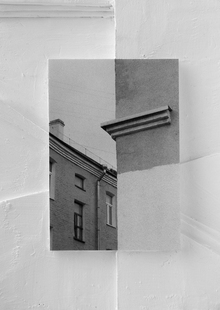
Artistá строится на одном убеждении: способность художественно видеть — это навык, а не талант. И этот навык тренируется везде: на улице по дороге домой, в музейном зале, в момент, когда ты решаешь не просто посмотреть, а сделать.
Исходный размер 2560x1920
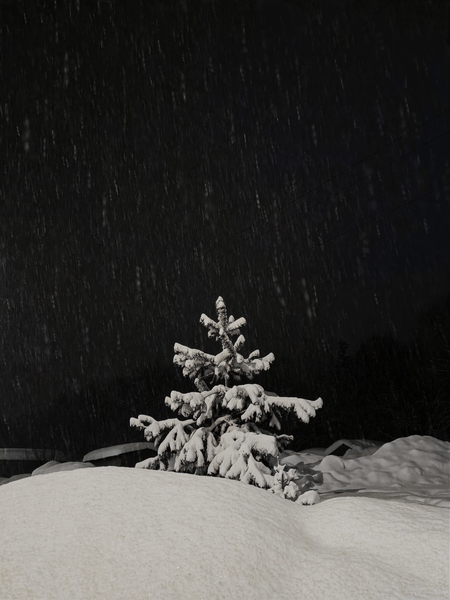
Только мобильная съёмка, без ИИ, без профессиональной оптики. Проект фиксирует красоту, существующую в текущий момент времени. Порой, в один миг.
Структура
Artistá включает три направления, работающие как единая система:
Начиная с 1-го курса университета я решила попробовать себя в фотографии. И за это время было снято более 30 студенческих и, впоследствии, рабочих мероприятий. В основном я занималась репортажной съемкой, а также на некоторых проектах на фотозонах.
«Золотое кольцо — это не только памятники прошлого и архитектурные символы России. Это города, где история продолжается каждый день. В этих местах древние храмы соседствуют с обычной жизнью: люди работают, дети играют, мастера сохраняют ремёсла, а старые улицы хранят следы времени. Эта серия — попытка увидеть не открытку, а живое пространство, где прошлое и настоящее существуют рядом».
Цифровая платформа для создания презентаций. Инновационный онлайн-конструктор, где каждый может эффектно показать свой проект, предложение или образовательный курс.
Press space bar to start a drag.
When dragging you can use the arrow keys to move the item around and escape to cancel.
Some screen readers may require you to be in focus mode or to use your pass through key
Press space bar to start a drag.
When dragging you can use the arrow keys to move the item around and escape to cancel.
Some screen readers may require you to be in focus mode or to use your pass through key
Press space bar to start a drag.
When dragging you can use the arrow keys to move the item around and escape to cancel.
Some screen readers may require you to be in focus mode or to use your pass through key
Press space bar to start a drag.
When dragging you can use the arrow keys to move the item around and escape to cancel.
Some screen readers may require you to be in focus mode or to use your pass through key
Press space bar to start a drag.
When dragging you can use the arrow keys to move the item around and escape to cancel.
Some screen readers may require you to be in focus mode or to use your pass through key
Press space bar to start a drag.
When dragging you can use the arrow keys to move the item around and escape to cancel.
Some screen readers may require you to be in focus mode or to use your pass through key
Press space bar to start a drag.
When dragging you can use the arrow keys to move the item around and escape to cancel.
Some screen readers may require you to be in focus mode or to use your pass through key
Press space bar to start a drag.
When dragging you can use the arrow keys to move the item around and escape to cancel.
Some screen readers may require you to be in focus mode or to use your pass through key
Press space bar to start a drag.
When dragging you can use the arrow keys to move the item around and escape to cancel.
Some screen readers may require you to be in focus mode or to use your pass through key
Press space bar to start a drag.
When dragging you can use the arrow keys to move the item around and escape to cancel.
Some screen readers may require you to be in focus mode or to use your pass through key
Press space bar to start a drag.
When dragging you can use the arrow keys to move the item around and escape to cancel.
Some screen readers may require you to be in focus mode or to use your pass through key
Press space bar to start a drag.
When dragging you can use the arrow keys to move the item around and escape to cancel.
Some screen readers may require you to be in focus mode or to use your pass through key
Press space bar to start a drag.
When dragging you can use the arrow keys to move the item around and escape to cancel.
Some screen readers may require you to be in focus mode or to use your pass through key