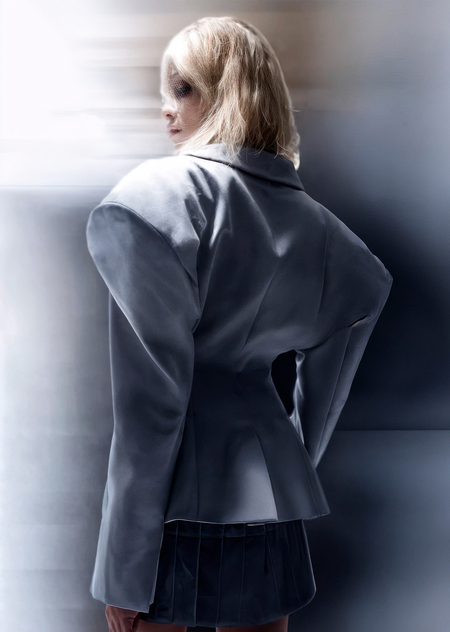
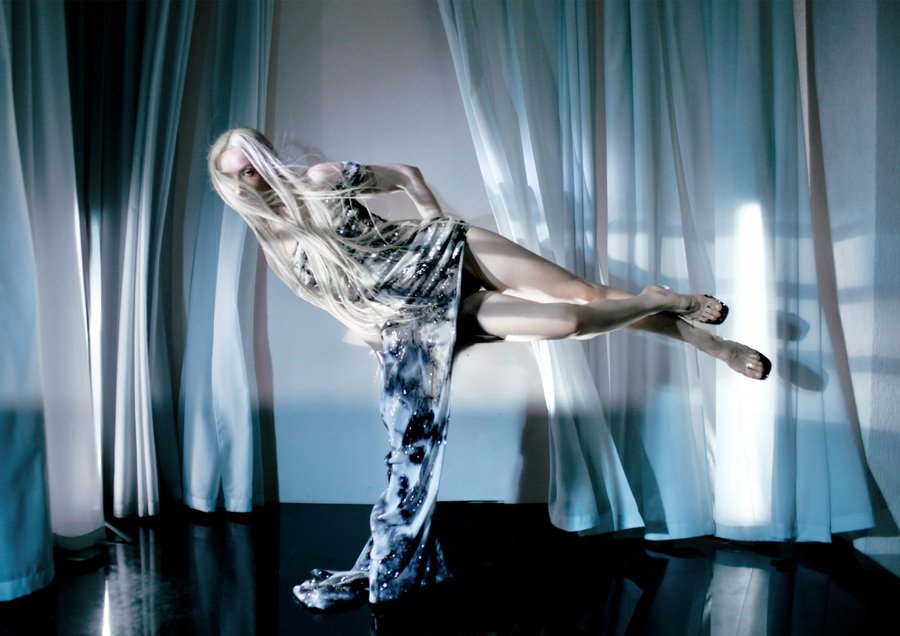
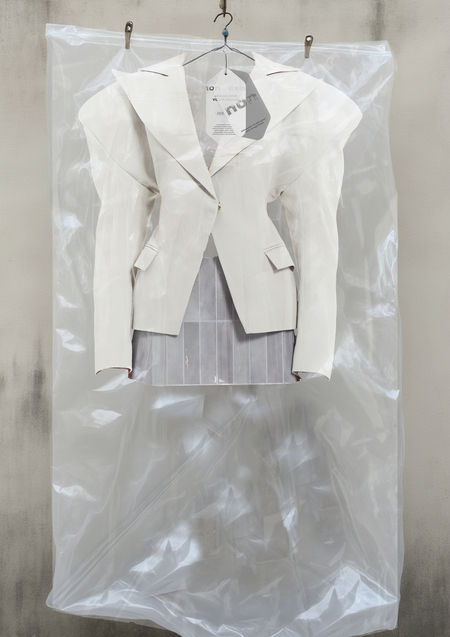
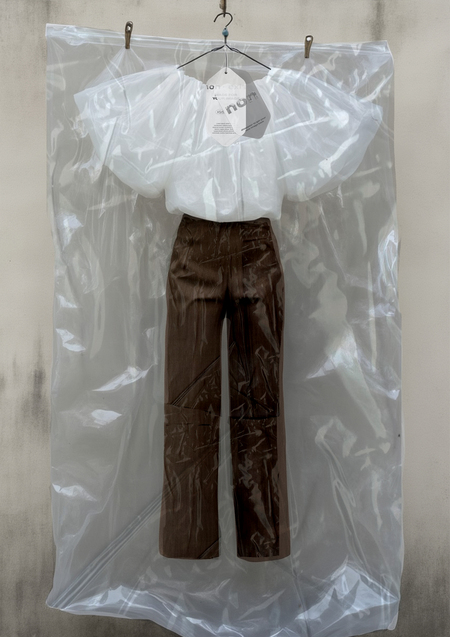
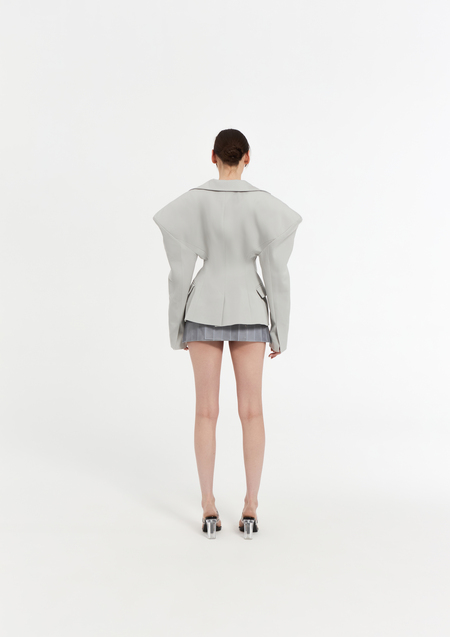
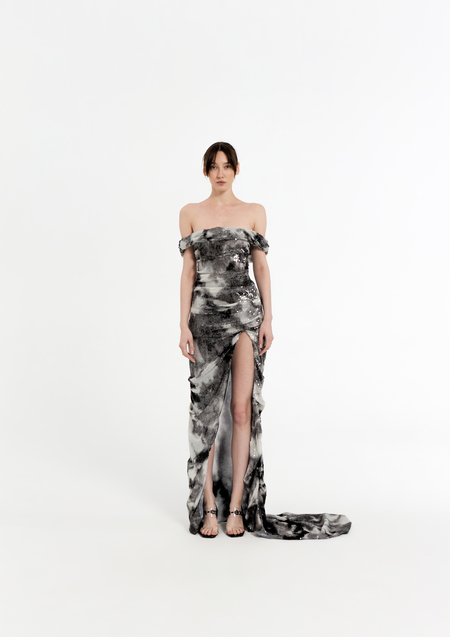
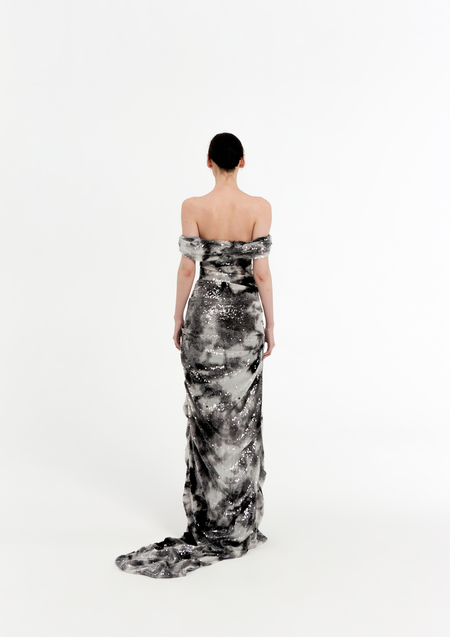
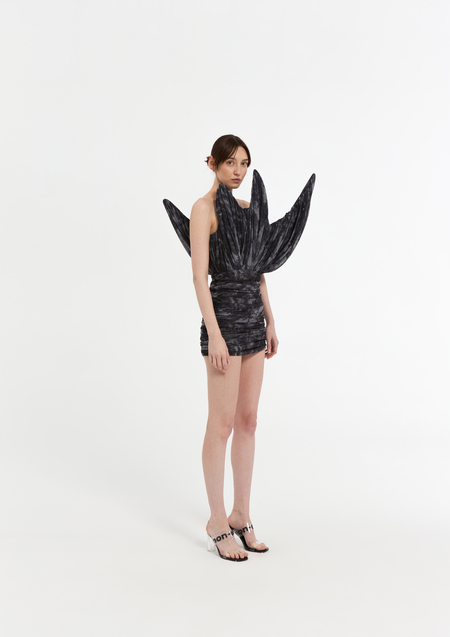
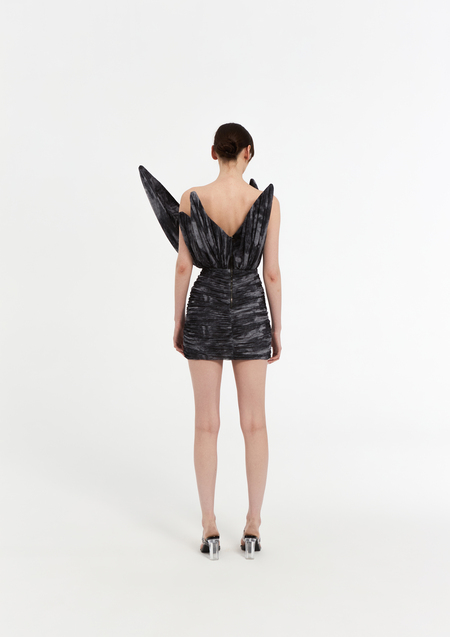
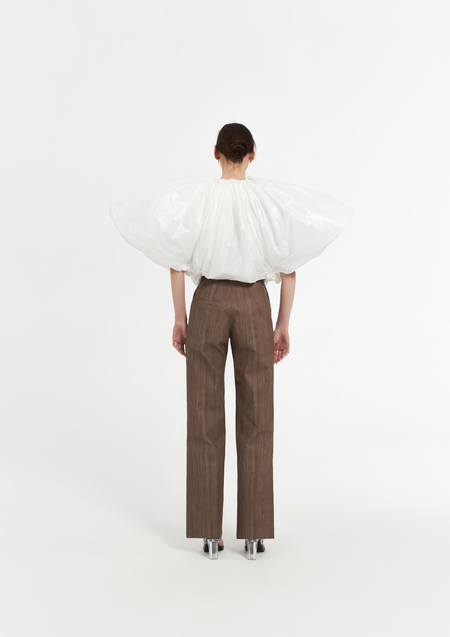
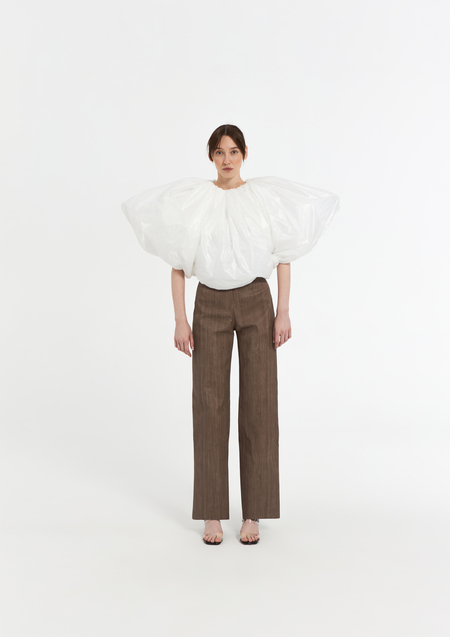
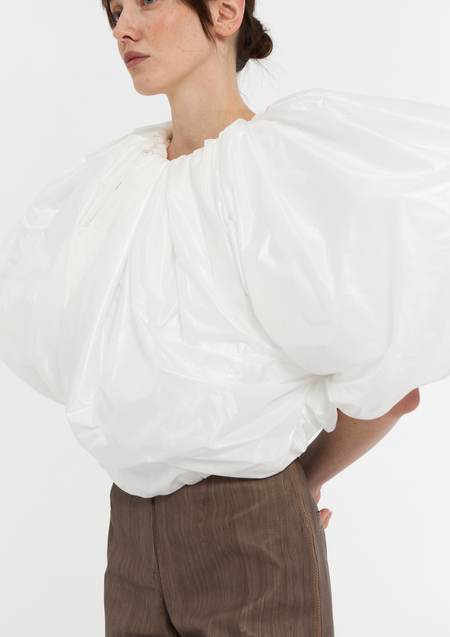
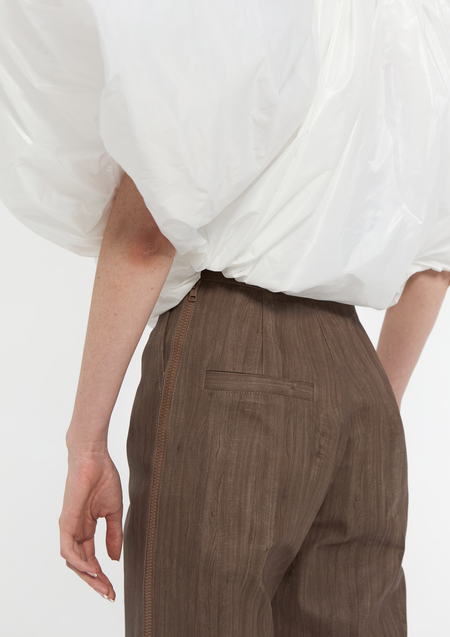
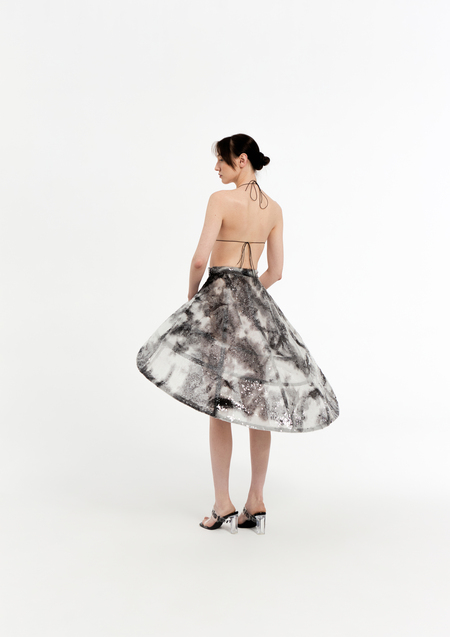
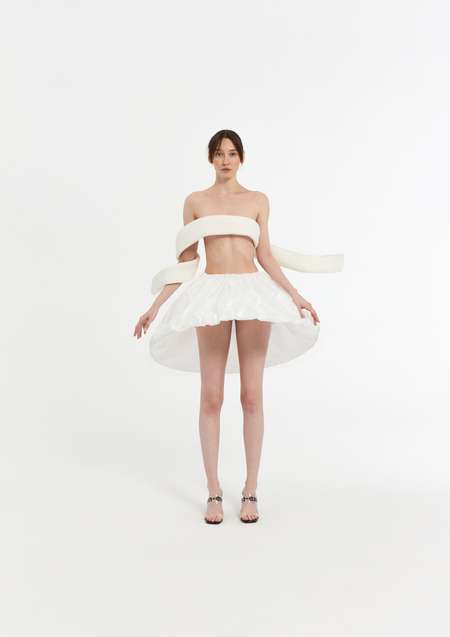
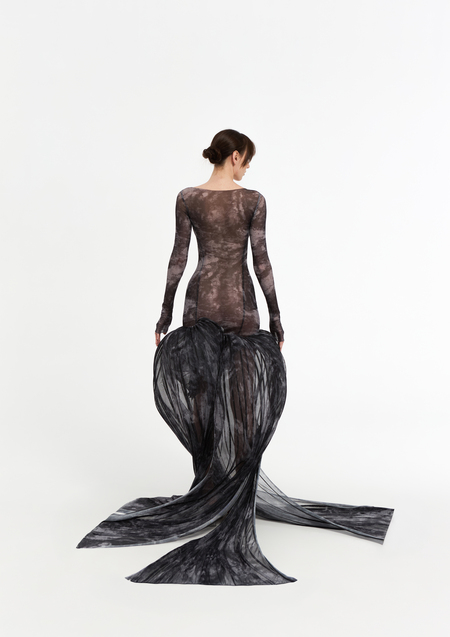
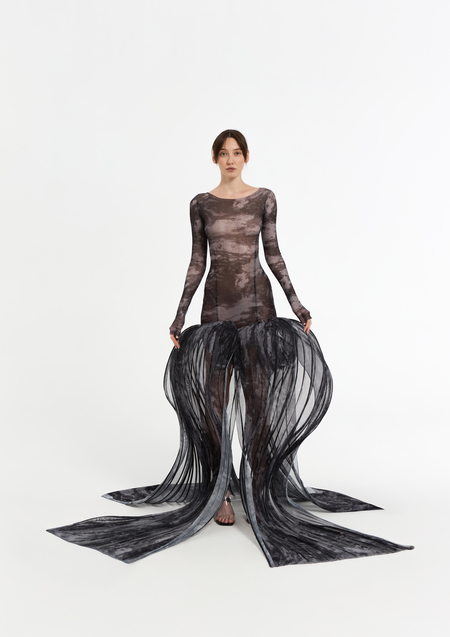
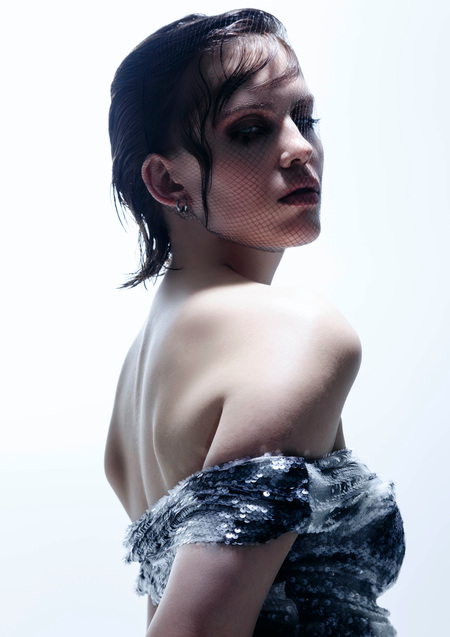
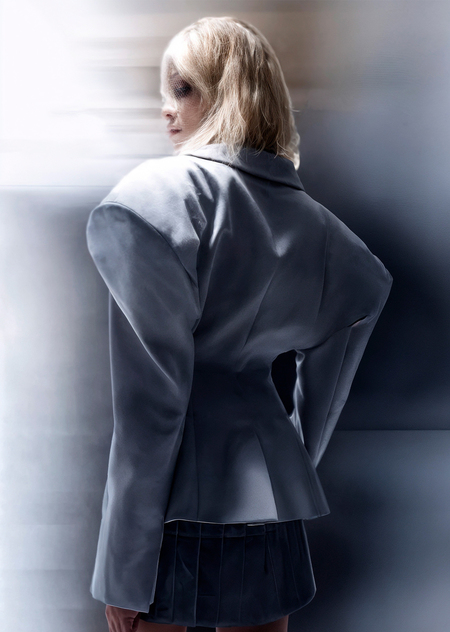
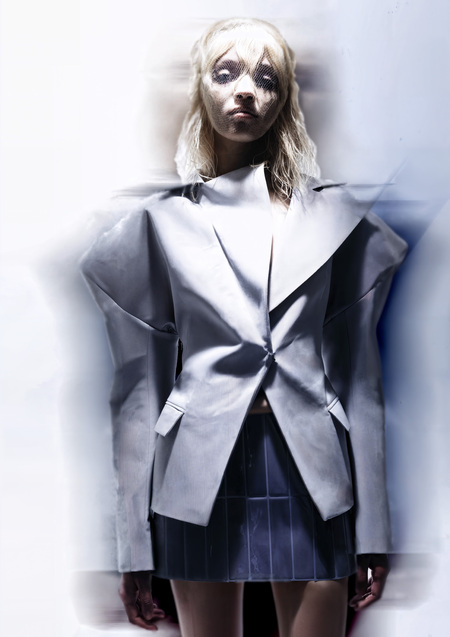
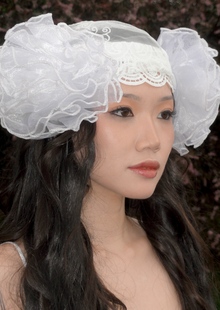
NON — EXISTENCE — это бренд сценической / кутюрной одежды премиум-класса.
Его эстетика строится на грани между видимым
и неуловимым, где одежда становится пространством — эфемерным, структурным, существующим только в моменте.
Это оболочка для артистов, созданная для проявления и растворения на сцене.
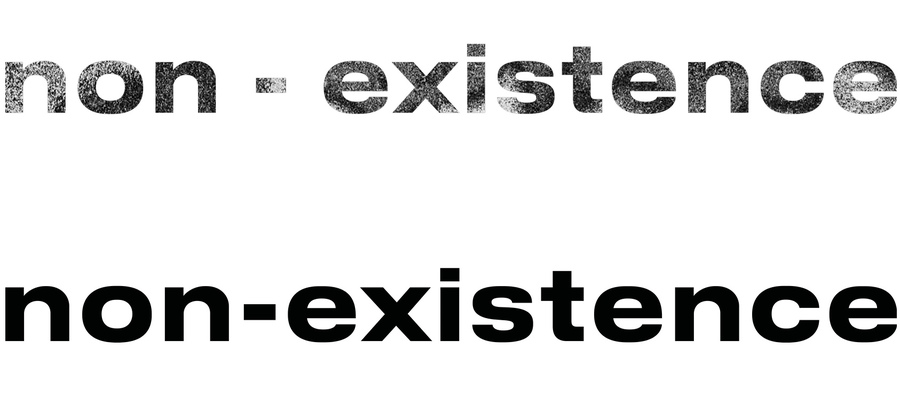
Бренд NON — EXISTENCE. Разработка платформы и коллекции для бренда.
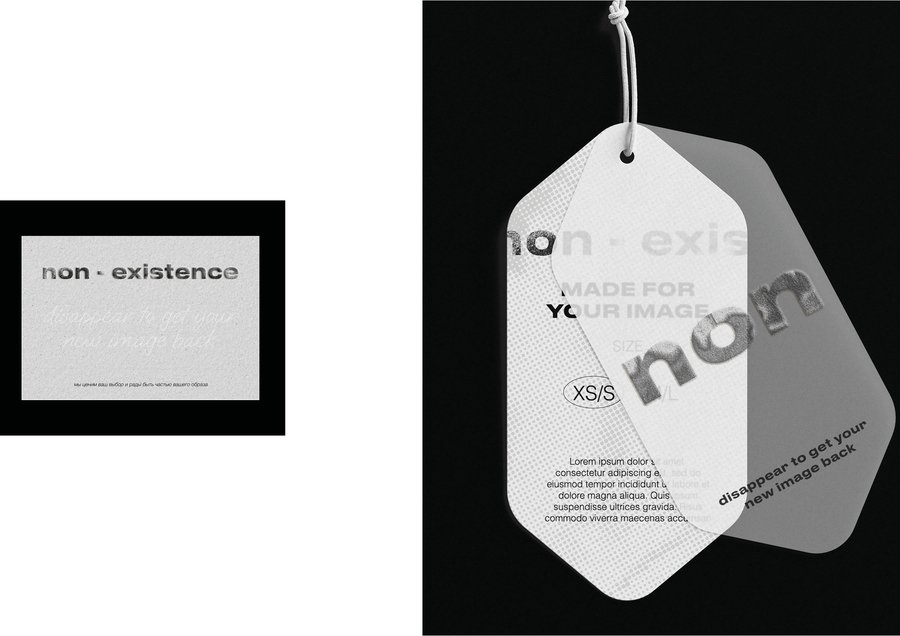
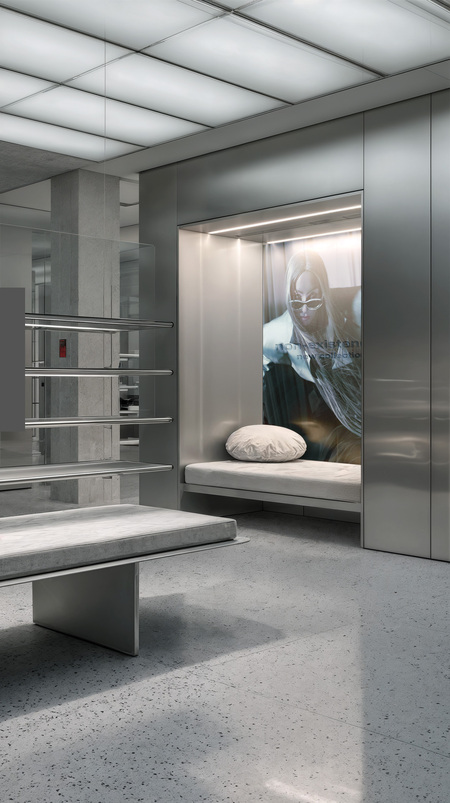
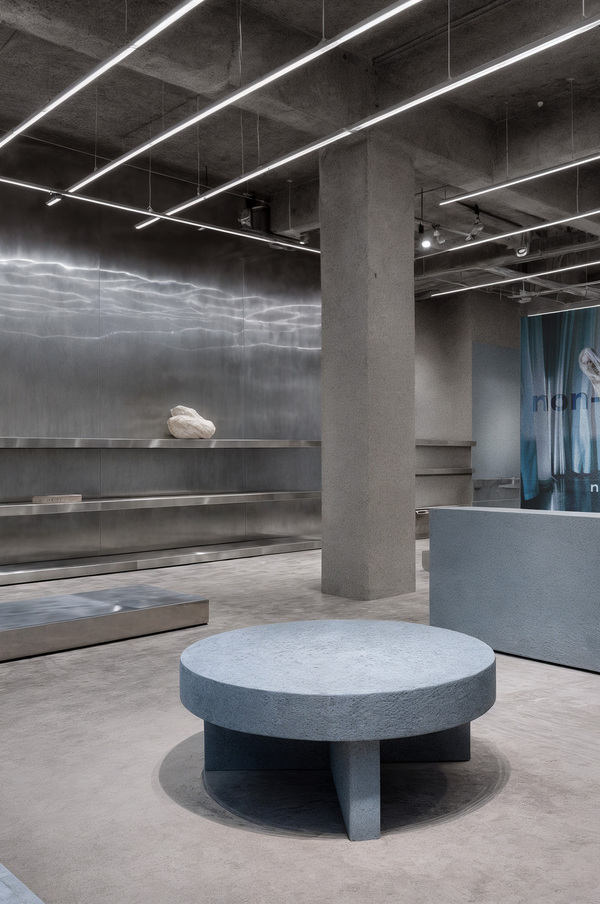
Кристина Щербатых создала платформу и коллекцию для бренда NON - EXISTENCE. Проект включает в себя разработку брендинга, бутика, поп-апа, лукбука и кампании для премиум-сценической одежды.
Автор Елизавета Кузина и Калимат Гапизова создали текст и визуальный проект, описывающий эмоции после вечеринки в стиле модного клуба и рассвета на улицах города. Проект включает в себя текст и фотографии, передающие настроение героини на грани между ночью и утром с акцентом на живую, почти документальную атмосферу.
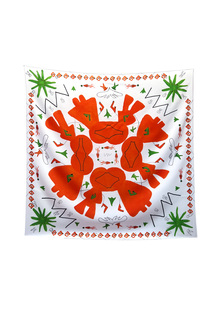
Анастасия Черкасская создала платок «И3» как элемент серии тканых произведений, отражающих коммуникации между людьми. Проект включает в себя четыре платка, выполненных в виде живописных акриловых полотен, напечатанных на ткани.
Полина Илюхина создала концепцию бренда NEPTUNO, объединяющую эстетику интимности и откровенности через тактильные материалы и визуальные метафоры. Проект включает в себя коллекцию купальников и пляжных комплектов, вдохновлённых мифологией водных существ и передающих динамику между прошлым и настоящим.
pro.deziiign
Цифровая платформа для создания презентаций. Инновационный онлайн-конструктор, где каждый может эффектно показать свой проект, предложение или образовательный курс.
Press space bar to start a drag.
When dragging you can use the arrow keys to move the item around and escape to cancel.
Some screen readers may require you to be in focus mode or to use your pass through key
Press space bar to start a drag.
When dragging you can use the arrow keys to move the item around and escape to cancel.
Some screen readers may require you to be in focus mode or to use your pass through key
Press space bar to start a drag.
When dragging you can use the arrow keys to move the item around and escape to cancel.
Some screen readers may require you to be in focus mode or to use your pass through key
Press space bar to start a drag.
When dragging you can use the arrow keys to move the item around and escape to cancel.
Some screen readers may require you to be in focus mode or to use your pass through key
Press space bar to start a drag.
When dragging you can use the arrow keys to move the item around and escape to cancel.
Some screen readers may require you to be in focus mode or to use your pass through key
Press space bar to start a drag.
When dragging you can use the arrow keys to move the item around and escape to cancel.
Some screen readers may require you to be in focus mode or to use your pass through key
Press space bar to start a drag.
When dragging you can use the arrow keys to move the item around and escape to cancel.
Some screen readers may require you to be in focus mode or to use your pass through key
Press space bar to start a drag.
When dragging you can use the arrow keys to move the item around and escape to cancel.
Some screen readers may require you to be in focus mode or to use your pass through key
Press space bar to start a drag.
When dragging you can use the arrow keys to move the item around and escape to cancel.
Some screen readers may require you to be in focus mode or to use your pass through key
Press space bar to start a drag.
When dragging you can use the arrow keys to move the item around and escape to cancel.
Some screen readers may require you to be in focus mode or to use your pass through key
Press space bar to start a drag.
When dragging you can use the arrow keys to move the item around and escape to cancel.
Some screen readers may require you to be in focus mode or to use your pass through key
Press space bar to start a drag.
When dragging you can use the arrow keys to move the item around and escape to cancel.
Some screen readers may require you to be in focus mode or to use your pass through key
Press space bar to start a drag.
When dragging you can use the arrow keys to move the item around and escape to cancel.
Some screen readers may require you to be in focus mode or to use your pass through key