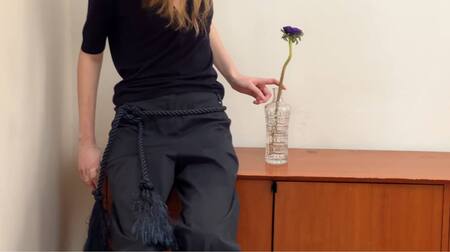
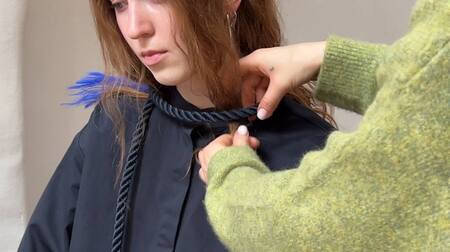
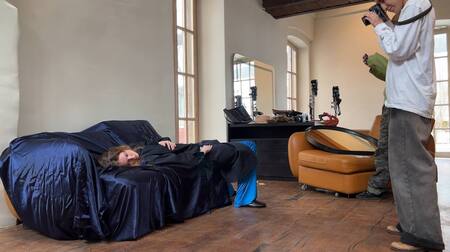
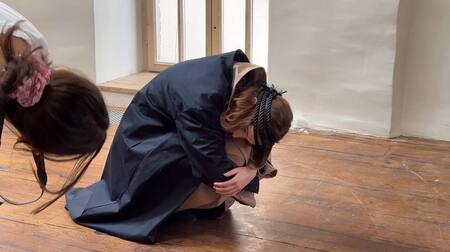
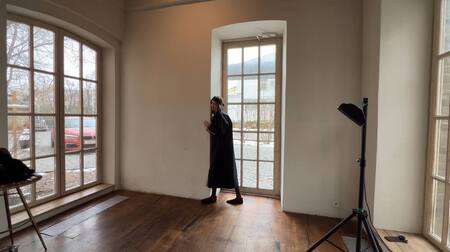
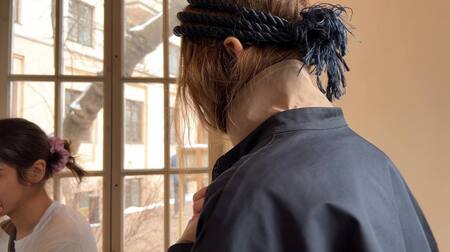
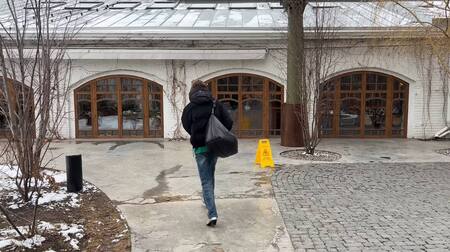
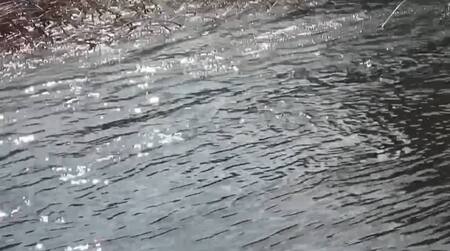
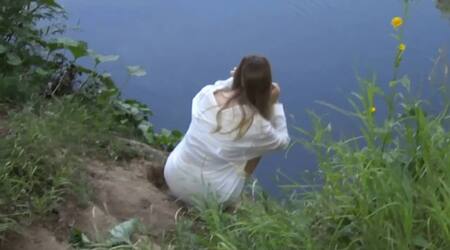
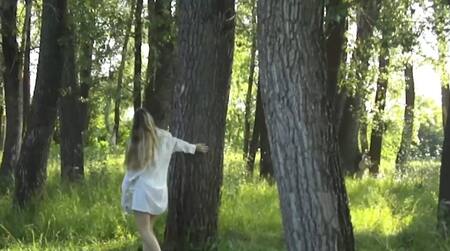
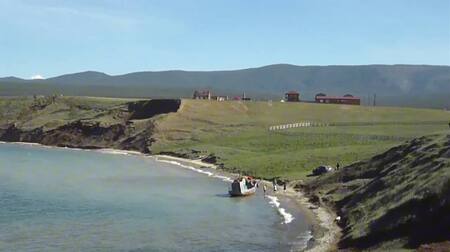
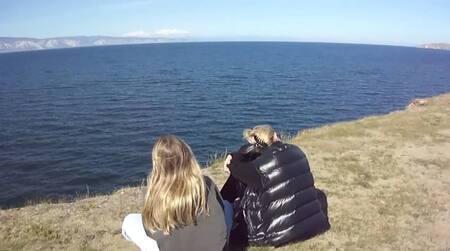
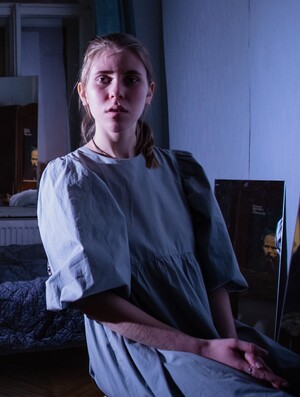
документация фэшн-съемки совместно созданной студентами разных направлений школы дизайна.
кадры
Loading...
ВРЕМЯ
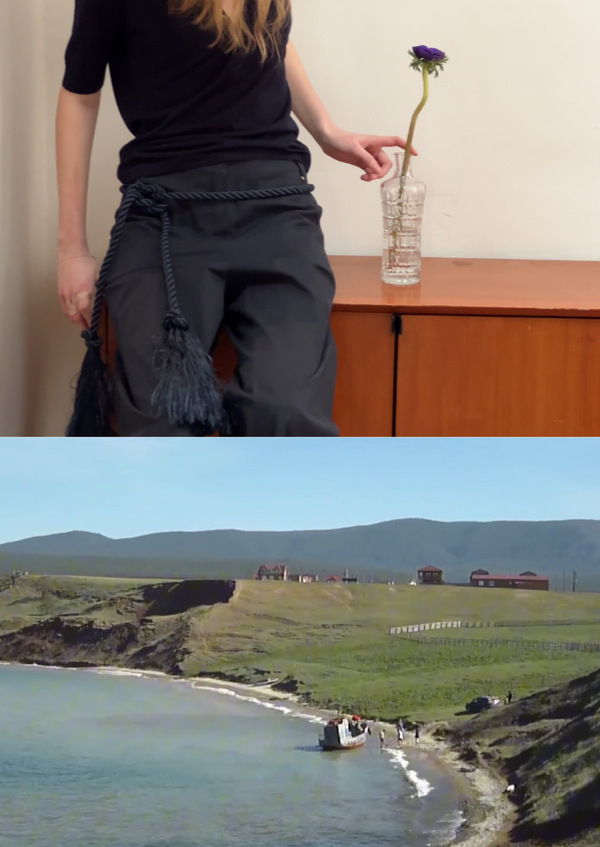
работа является личным переживанием о важности прошлого и его неизбежной связи с настоящим.
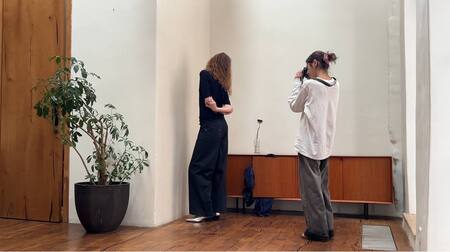
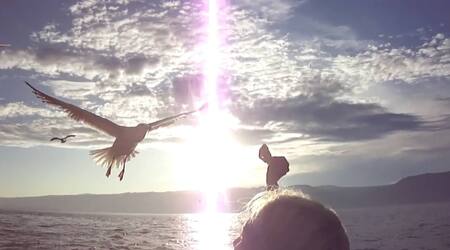
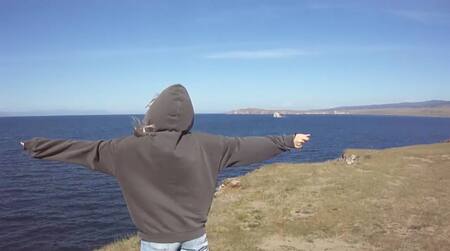
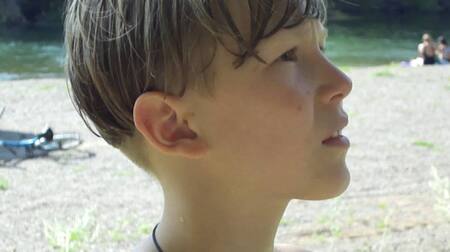
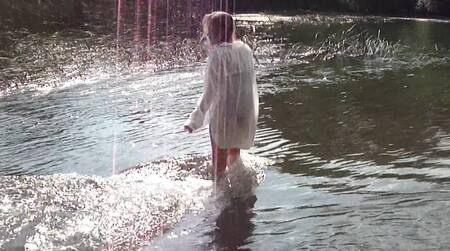
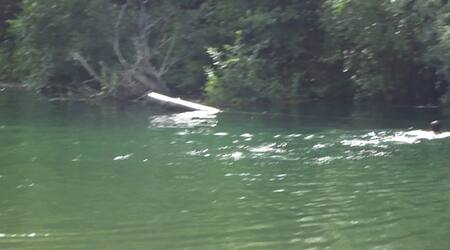
это архивные кадры объединенные одним временным отрезком и переживаниями героя.
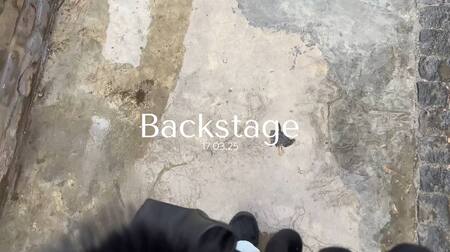
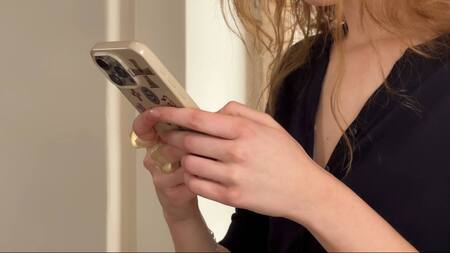
Анастасия Пальчикова создала документальную работу «Backstage// ВРЕМЯ», объединяющую архивные кадры фэшн-съёмок студентов школы дизайна. Проект представляет собой личное переживание, связывающее прошлое и настоящее через временные отрезки и эмоции героя.
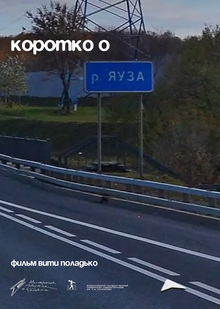
Витя Поладько создал подкаст «Коротко о Яузе», в котором рассказывает о пути реки от истока до устья. Проект включает в себя(found-footage) научпоп-рассказ о знакомых московских местах вдоль Яузы.
Цифровая платформа для создания презентаций. Инновационный онлайн-конструктор, где каждый может эффектно показать свой проект, предложение или образовательный курс.
Press space bar to start a drag.
When dragging you can use the arrow keys to move the item around and escape to cancel.
Some screen readers may require you to be in focus mode or to use your pass through key
Press space bar to start a drag.
When dragging you can use the arrow keys to move the item around and escape to cancel.
Some screen readers may require you to be in focus mode or to use your pass through key
Press space bar to start a drag.
When dragging you can use the arrow keys to move the item around and escape to cancel.
Some screen readers may require you to be in focus mode or to use your pass through key
Press space bar to start a drag.
When dragging you can use the arrow keys to move the item around and escape to cancel.
Some screen readers may require you to be in focus mode or to use your pass through key
Press space bar to start a drag.
When dragging you can use the arrow keys to move the item around and escape to cancel.
Some screen readers may require you to be in focus mode or to use your pass through key
Press space bar to start a drag.
When dragging you can use the arrow keys to move the item around and escape to cancel.
Some screen readers may require you to be in focus mode or to use your pass through key
Press space bar to start a drag.
When dragging you can use the arrow keys to move the item around and escape to cancel.
Some screen readers may require you to be in focus mode or to use your pass through key
Press space bar to start a drag.
When dragging you can use the arrow keys to move the item around and escape to cancel.
Some screen readers may require you to be in focus mode or to use your pass through key
Press space bar to start a drag.
When dragging you can use the arrow keys to move the item around and escape to cancel.
Some screen readers may require you to be in focus mode or to use your pass through key
Press space bar to start a drag.
When dragging you can use the arrow keys to move the item around and escape to cancel.
Some screen readers may require you to be in focus mode or to use your pass through key