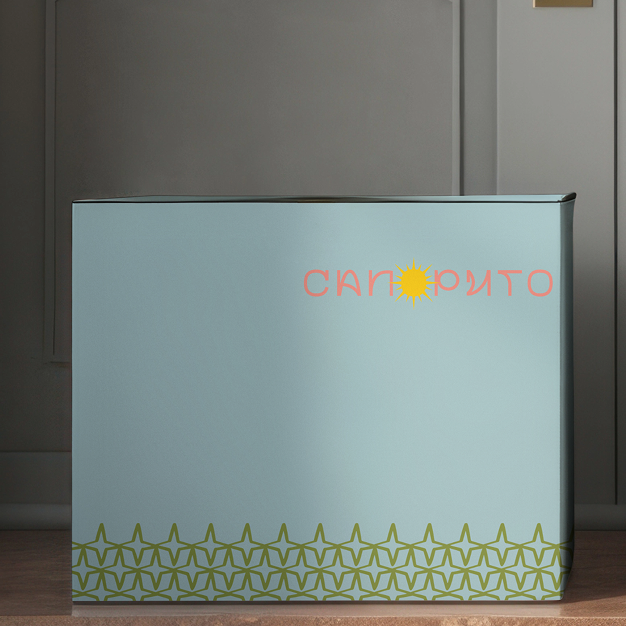
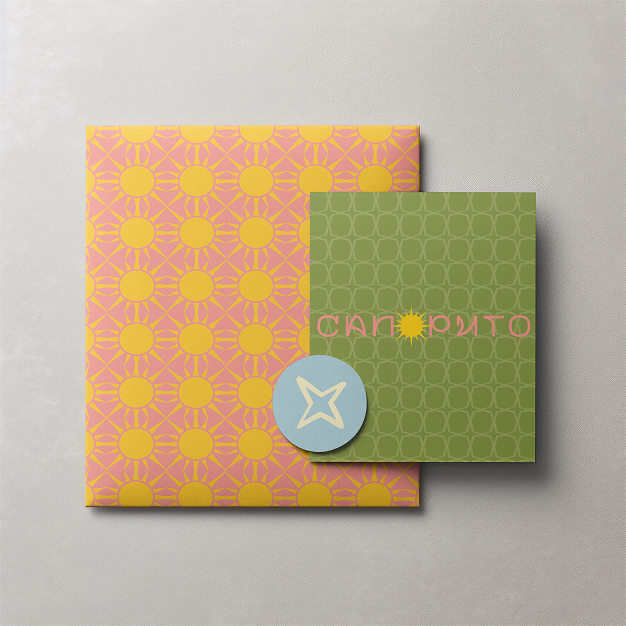
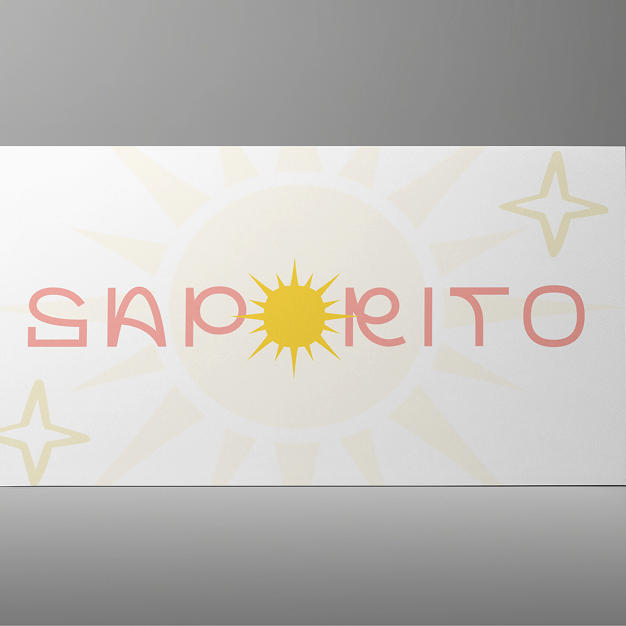
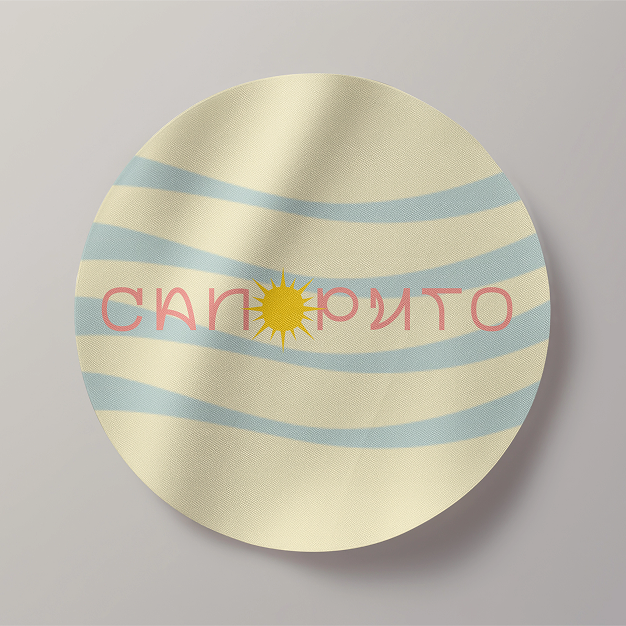
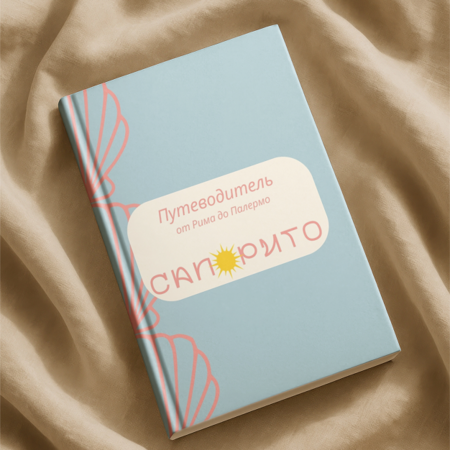
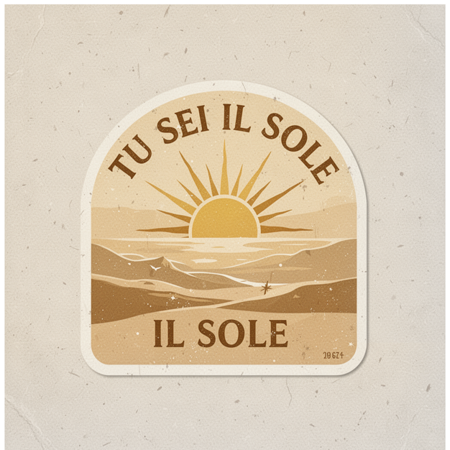
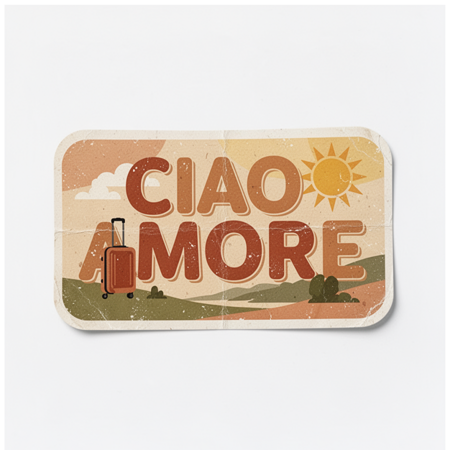
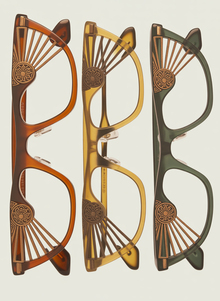
Бренд Saporito — название которого переводится с итальянского как «вкусный». Бренд родился из образа «жизни под солнцем». Это не просто эстетика, а особое состояние души: ощущение лёгкости, внутреннего тепла и безмятежности.
Saporito — «жизнь под солнцем»
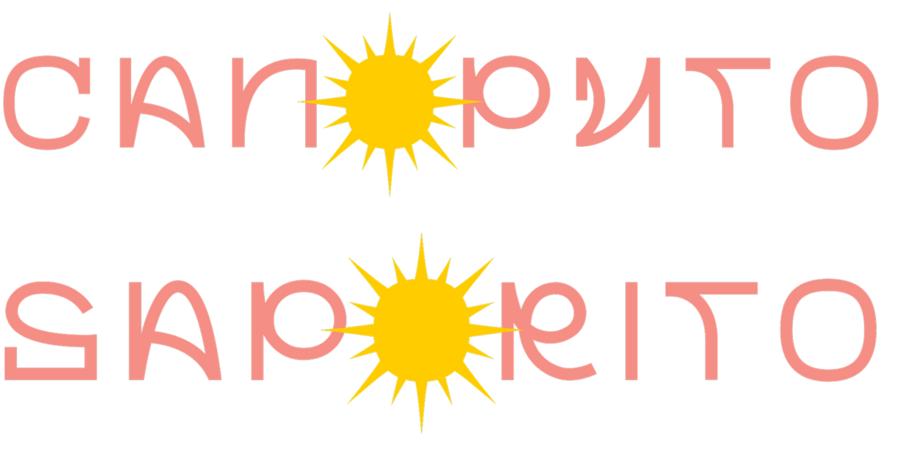
Логотип
Исходный размер 1805x918
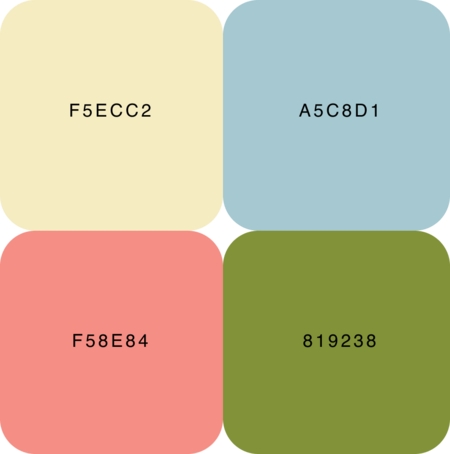
Основу палитры составляют:
солнечные оттенки
мягкие тёплые нейтралы
природные цвета
Основные элементы
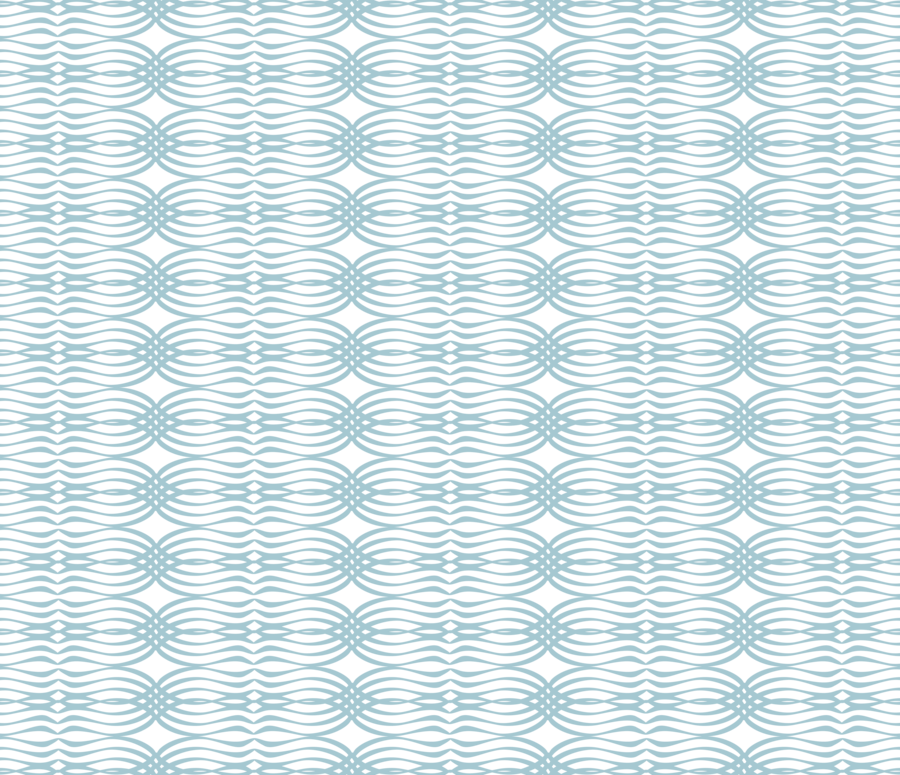
Волны
Путеводная звезда
Роза компаса
Хранитель волн
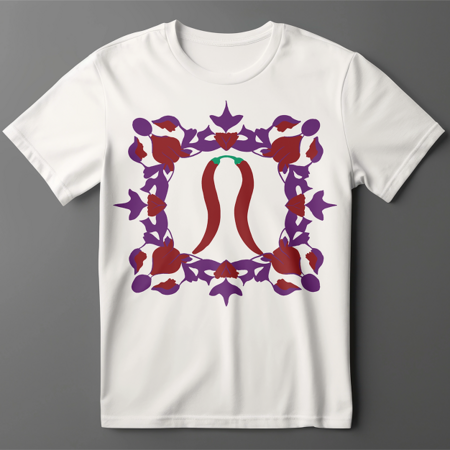
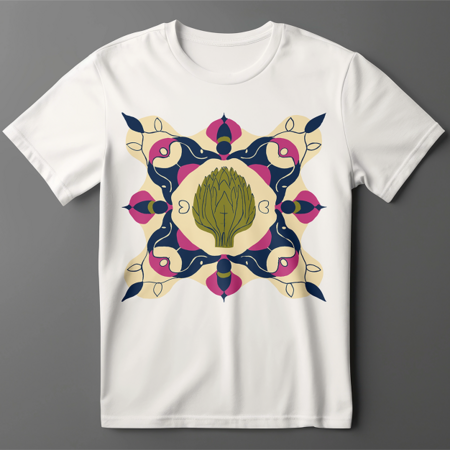
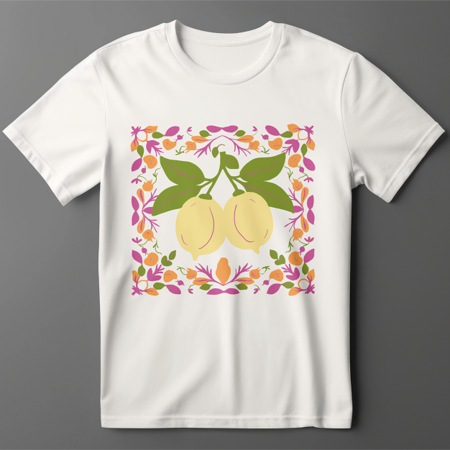
Рапорты
0
0
0
0
0
0
0
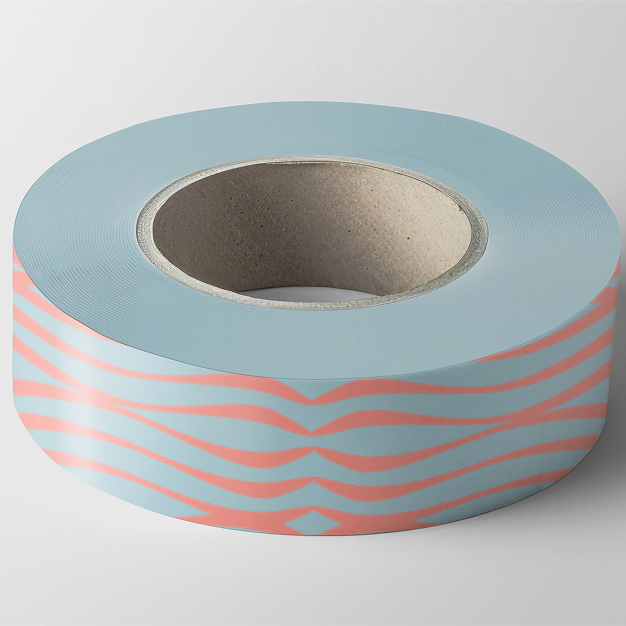
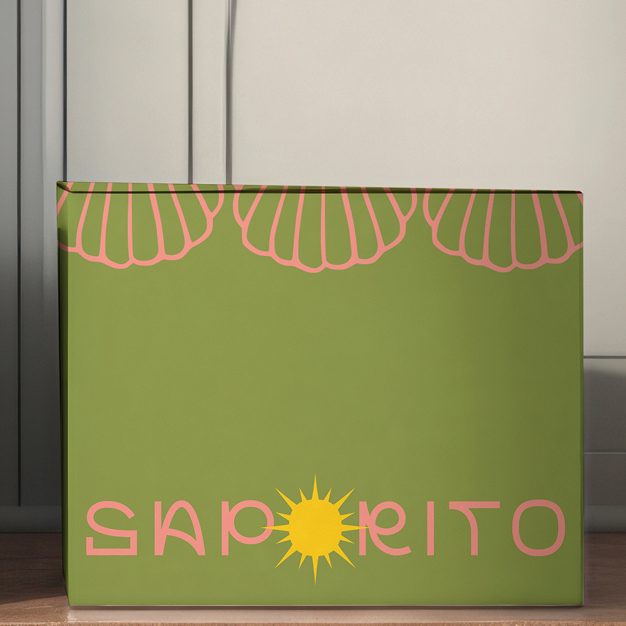
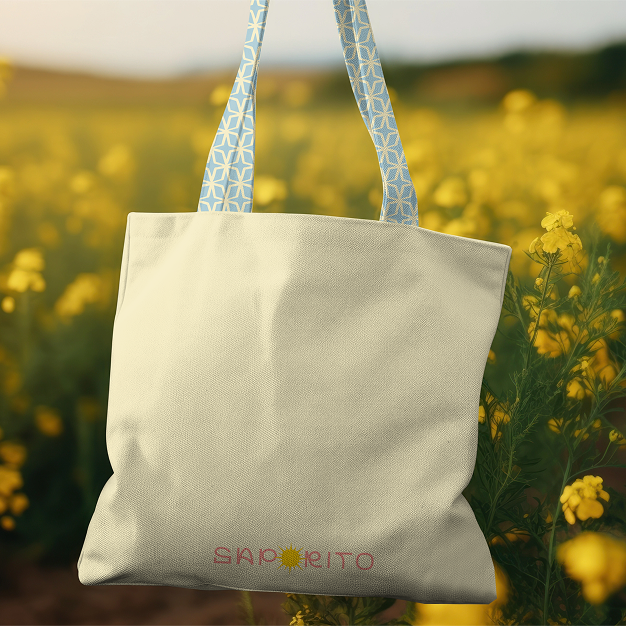
Варианты применения
0
0
0
0
0
0
0
0
0
0
0
0
0
0
0
0
0
Вариант оформления магазина
Коммуникация
Drop 1
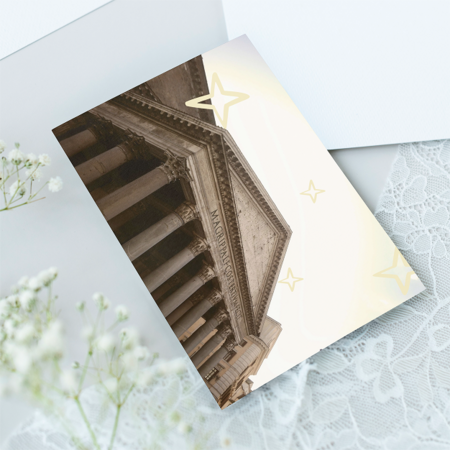
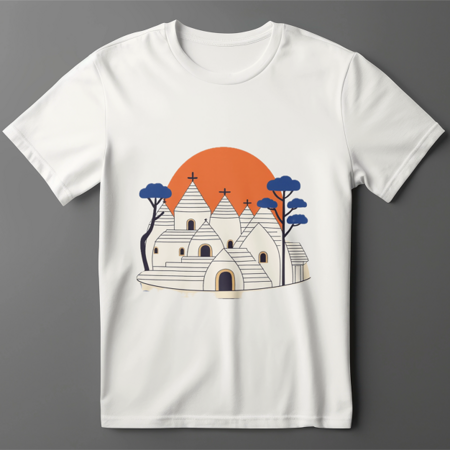
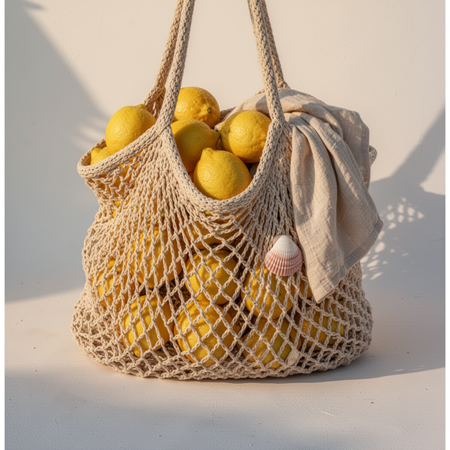
Италия — тёплый воздух, выгоревшие стены, ленивый полдень и ощущение, что можно никуда не спешить.
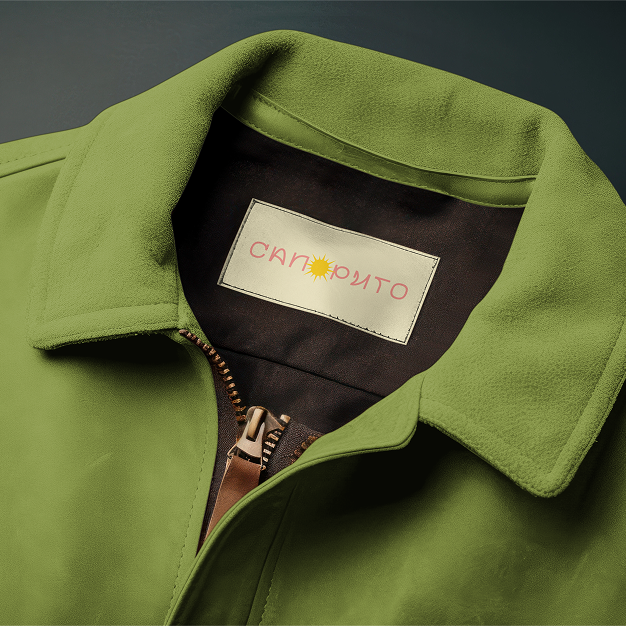
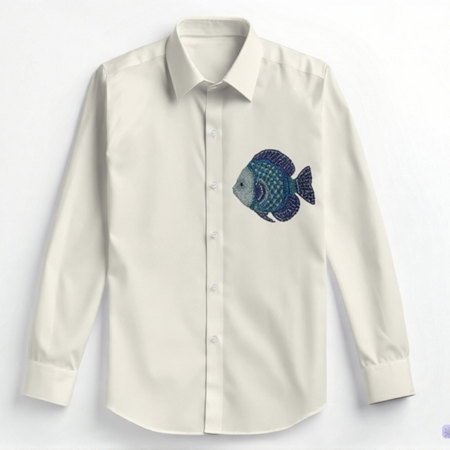
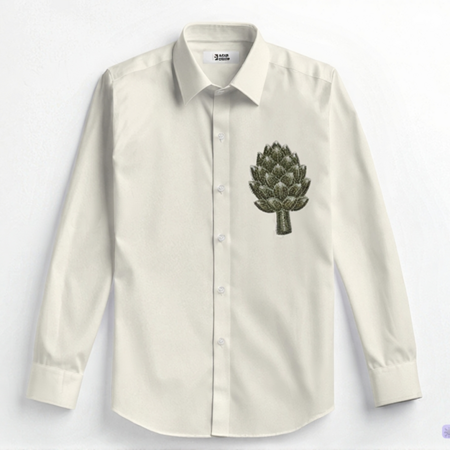
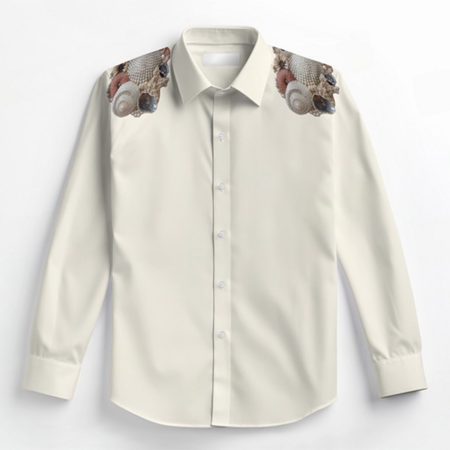
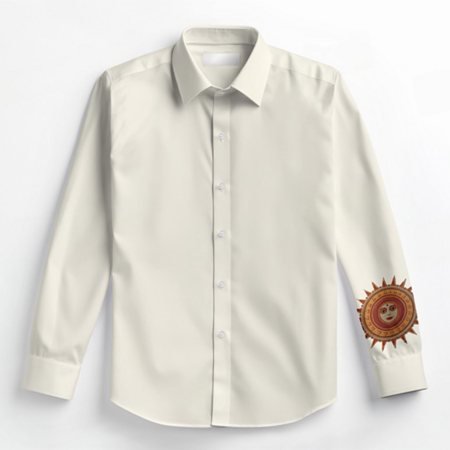
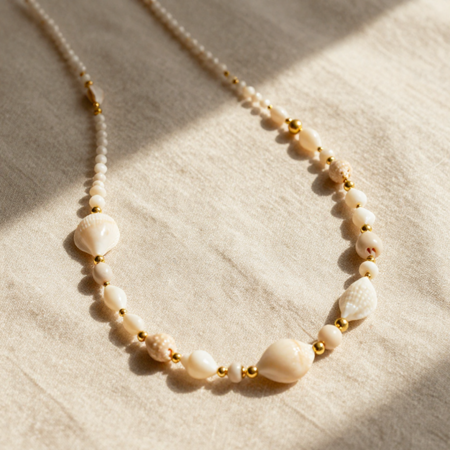
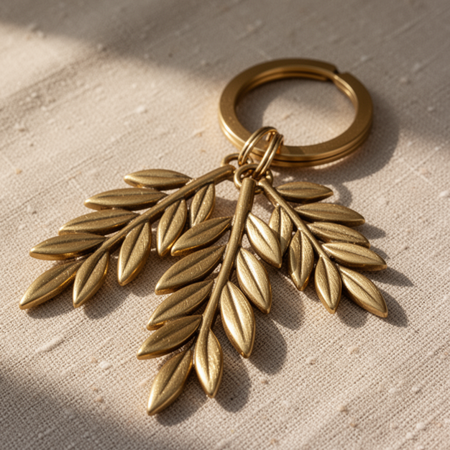
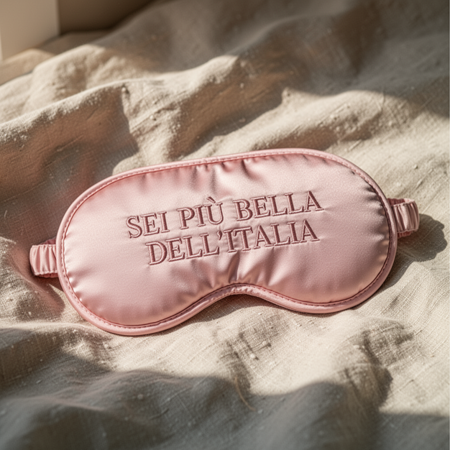
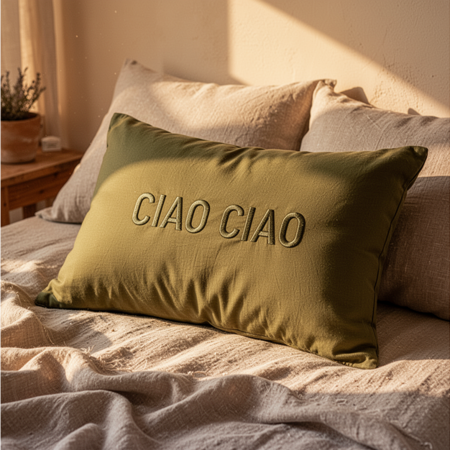
В основе коллекции лежат простые формы, тактильные ткани, выцветшие оттенки, будто вещи уже прожили одно счастливое лето.
Press space bar to start a drag.
When dragging you can use the arrow keys to move the item around and escape to cancel.
Some screen readers may require you to be in focus mode or to use your pass through key
Press space bar to start a drag.
When dragging you can use the arrow keys to move the item around and escape to cancel.
Some screen readers may require you to be in focus mode or to use your pass through key
Press space bar to start a drag.
When dragging you can use the arrow keys to move the item around and escape to cancel.
Some screen readers may require you to be in focus mode or to use your pass through key
Press space bar to start a drag.
When dragging you can use the arrow keys to move the item around and escape to cancel.
Some screen readers may require you to be in focus mode or to use your pass through key
Press space bar to start a drag.
When dragging you can use the arrow keys to move the item around and escape to cancel.
Some screen readers may require you to be in focus mode or to use your pass through key
Press space bar to start a drag.
When dragging you can use the arrow keys to move the item around and escape to cancel.
Some screen readers may require you to be in focus mode or to use your pass through key
Press space bar to start a drag.
When dragging you can use the arrow keys to move the item around and escape to cancel.
Some screen readers may require you to be in focus mode or to use your pass through key
Press space bar to start a drag.
When dragging you can use the arrow keys to move the item around and escape to cancel.
Some screen readers may require you to be in focus mode or to use your pass through key
Press space bar to start a drag.
When dragging you can use the arrow keys to move the item around and escape to cancel.
Some screen readers may require you to be in focus mode or to use your pass through key
Press space bar to start a drag.
When dragging you can use the arrow keys to move the item around and escape to cancel.
Some screen readers may require you to be in focus mode or to use your pass through key
Press space bar to start a drag.
When dragging you can use the arrow keys to move the item around and escape to cancel.
Some screen readers may require you to be in focus mode or to use your pass through key