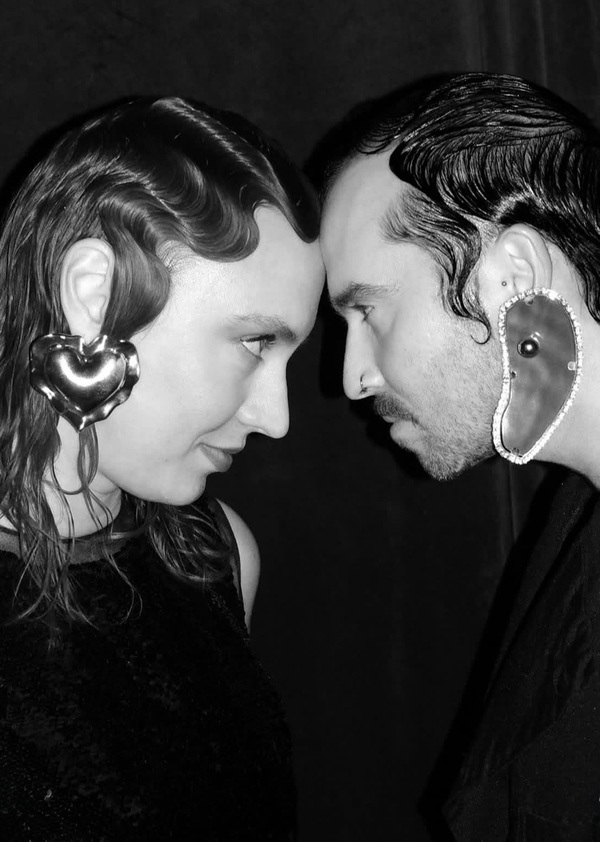
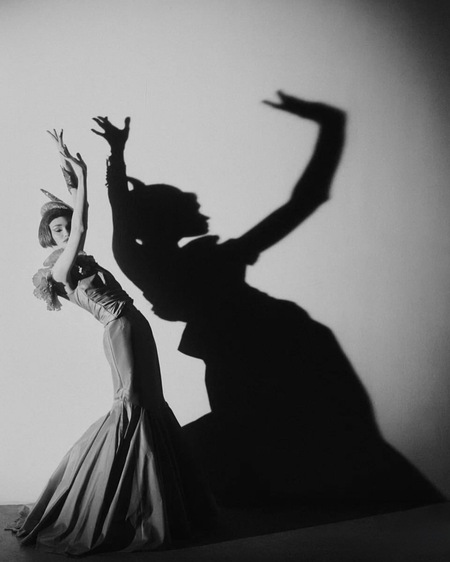
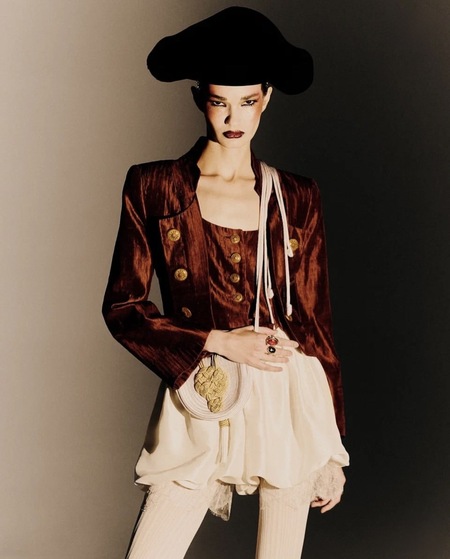
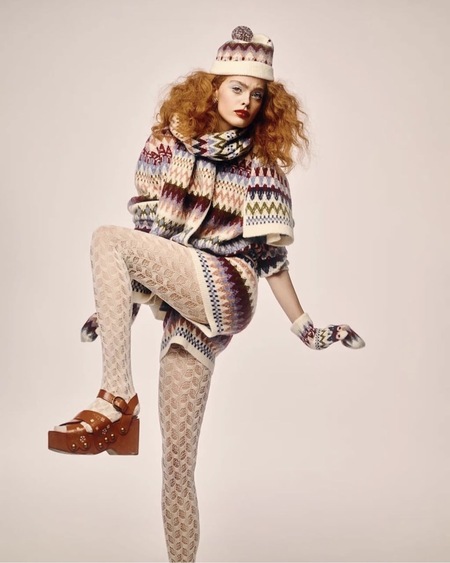
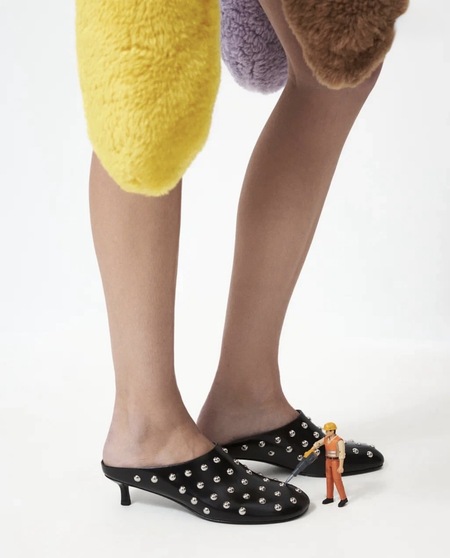
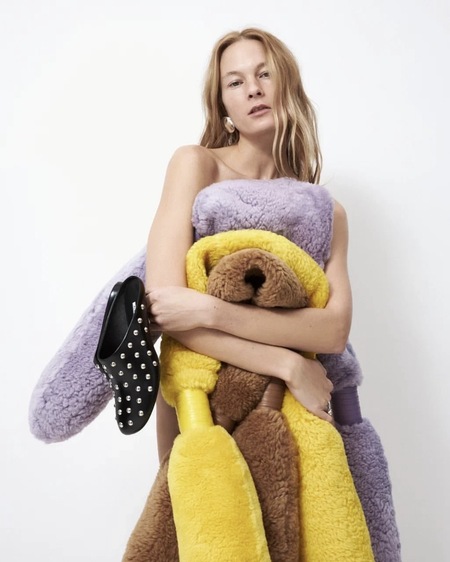
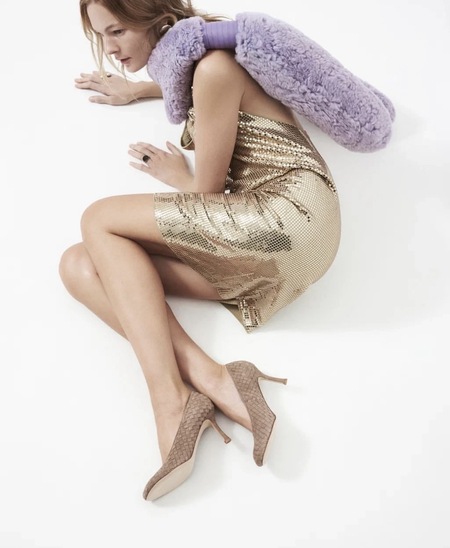
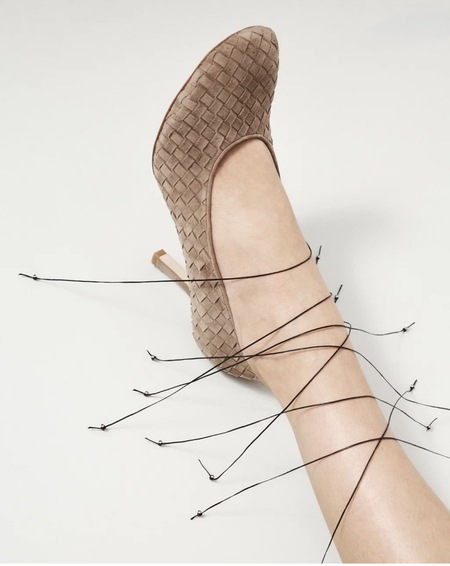
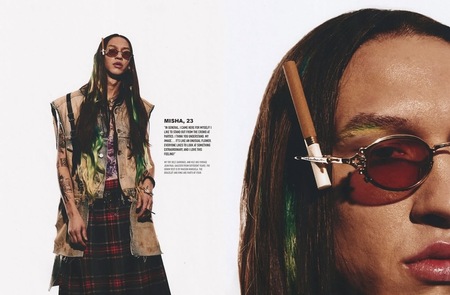
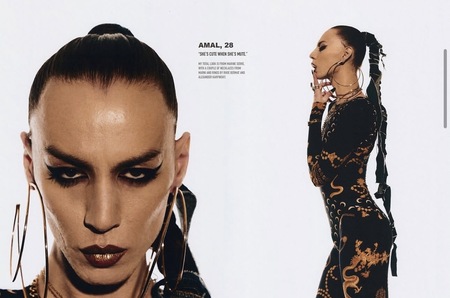
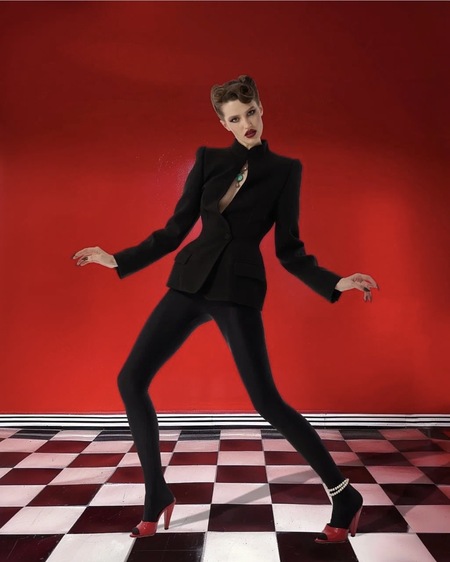
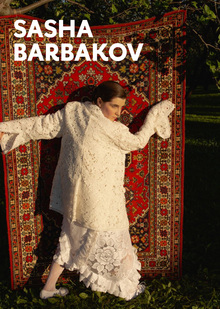
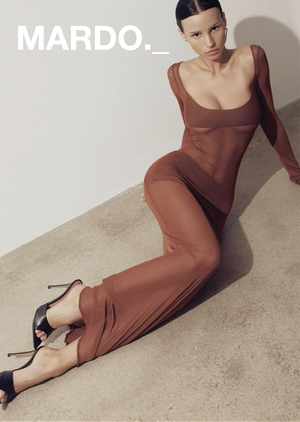
Миша и Китти — креативный дуэт стилистов из Москвы (Маша и Никита), работающий на стыке моды и искусства. Они известны своими концептуальными и провокационными образами для российских знаменитостей, в первую очередь Маши Миногаровой и Ксении Собчак
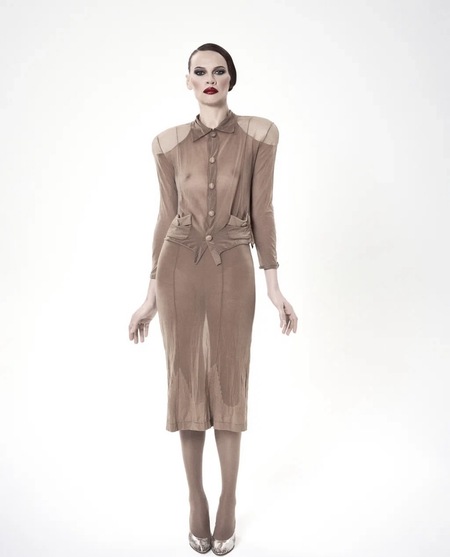
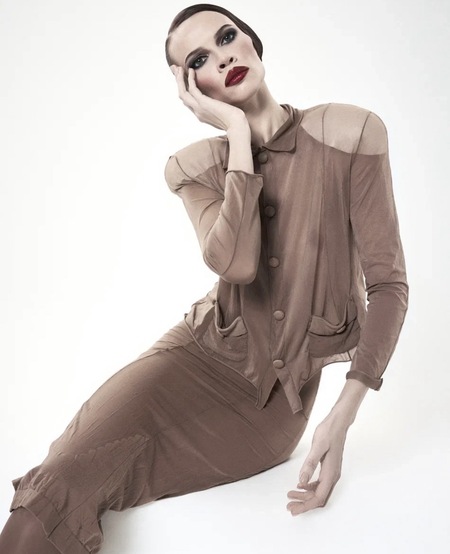
Mischa & Kitty x Maksim Chu
Styling: Mischa & Kitty/ Photography: Maksim Chu
Styling: Mischa & Kitty/ Photography: Maksim Chu
Styling: Mischa & Kitty/ Photography: Maksim Chu
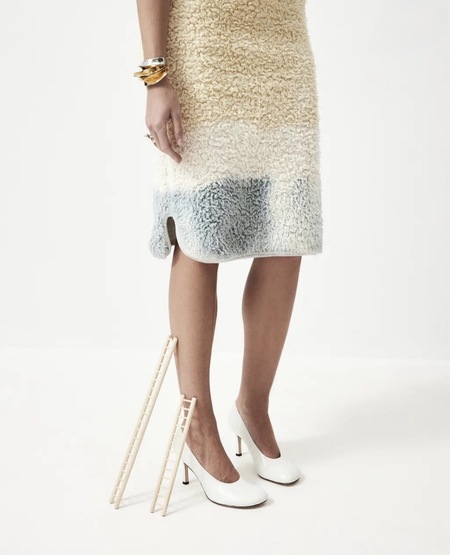
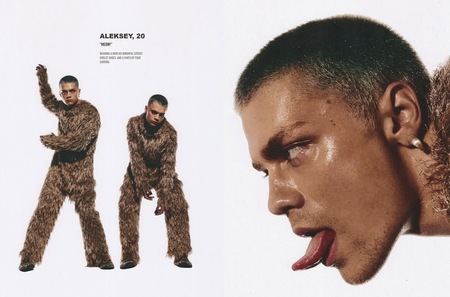
Стилистика дуэта строится на авангарде и театральности. Их образы часто выглядят как арт-объекты или персонажи, а не как утилитарная одежда
For Badlon Magazine
Styling: Mischa & Kitty/ Photography: Maksim Chu
Активно используются театрализованный макияж, преувеличенные формы и ощущение сценического образа
Styling: Mischa & Kitty/ Photography: Maksim Chu
Mischa & Kitty x Andrew Kirsanow
Styling: Mischa & Kitty/ Photography: Andrew Kirsanow
Styling: Mischa & Kitty/ Photography: Andrew Kirsanow
Styling: Mischa & Kitty/ Photography: Andrew Kirsanow
Одной из ключевых особенностей является наличие устойчивых визуальных кодов: в образах регулярно появляются кружевные колготки, сложные головные уборы, причёски с эффектом «мокрой волны», а также намеренно неудобная, нефункциональная обувь
Миша и Китти придерживаются максимализма: в их работах много цвета, контрастных и «некомфортных» сочетаний, отсутствует страх перед визуальной перегруженностью. Важную роль играют украшения — их всегда много, они массивные, многослойные и часто становятся смысловым центром образа
Press space bar to start a drag.
When dragging you can use the arrow keys to move the item around and escape to cancel.
Some screen readers may require you to be in focus mode or to use your pass through key
Press space bar to start a drag.
When dragging you can use the arrow keys to move the item around and escape to cancel.
Some screen readers may require you to be in focus mode or to use your pass through key
Press space bar to start a drag.
When dragging you can use the arrow keys to move the item around and escape to cancel.
Some screen readers may require you to be in focus mode or to use your pass through key
Press space bar to start a drag.
When dragging you can use the arrow keys to move the item around and escape to cancel.
Some screen readers may require you to be in focus mode or to use your pass through key
Press space bar to start a drag.
When dragging you can use the arrow keys to move the item around and escape to cancel.
Some screen readers may require you to be in focus mode or to use your pass through key
Press space bar to start a drag.
When dragging you can use the arrow keys to move the item around and escape to cancel.
Some screen readers may require you to be in focus mode or to use your pass through key
Press space bar to start a drag.
When dragging you can use the arrow keys to move the item around and escape to cancel.
Some screen readers may require you to be in focus mode or to use your pass through key
Press space bar to start a drag.
When dragging you can use the arrow keys to move the item around and escape to cancel.
Some screen readers may require you to be in focus mode or to use your pass through key
Press space bar to start a drag.
When dragging you can use the arrow keys to move the item around and escape to cancel.
Some screen readers may require you to be in focus mode or to use your pass through key
Press space bar to start a drag.
When dragging you can use the arrow keys to move the item around and escape to cancel.
Some screen readers may require you to be in focus mode or to use your pass through key
Press space bar to start a drag.
When dragging you can use the arrow keys to move the item around and escape to cancel.
Some screen readers may require you to be in focus mode or to use your pass through key
Press space bar to start a drag.
When dragging you can use the arrow keys to move the item around and escape to cancel.
Some screen readers may require you to be in focus mode or to use your pass through key
Press space bar to start a drag.
When dragging you can use the arrow keys to move the item around and escape to cancel.
Some screen readers may require you to be in focus mode or to use your pass through key
Press space bar to start a drag.
When dragging you can use the arrow keys to move the item around and escape to cancel.
Some screen readers may require you to be in focus mode or to use your pass through key
Press space bar to start a drag.
When dragging you can use the arrow keys to move the item around and escape to cancel.
Some screen readers may require you to be in focus mode or to use your pass through key
Press space bar to start a drag.
When dragging you can use the arrow keys to move the item around and escape to cancel.
Some screen readers may require you to be in focus mode or to use your pass through key
Press space bar to start a drag.
When dragging you can use the arrow keys to move the item around and escape to cancel.
Some screen readers may require you to be in focus mode or to use your pass through key
Press space bar to start a drag.
When dragging you can use the arrow keys to move the item around and escape to cancel.
Some screen readers may require you to be in focus mode or to use your pass through key