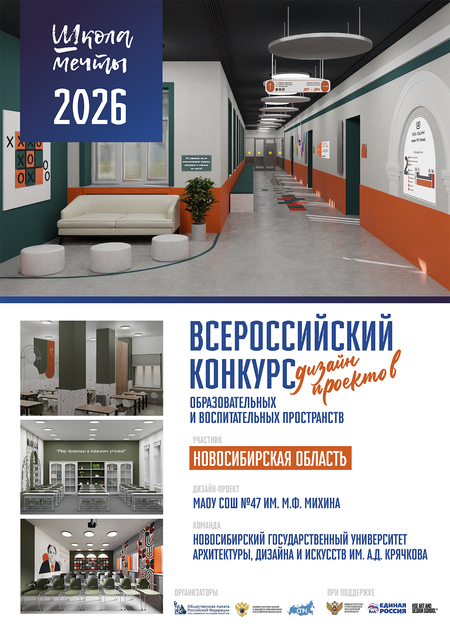
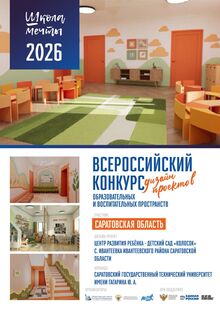
Проект выполнен группой студентов ФГБОУ ВО «Новосибирский государственный университет архитектуры, дизайна и искусств имени А. Д. Крячкова» («НГУАДИ»)
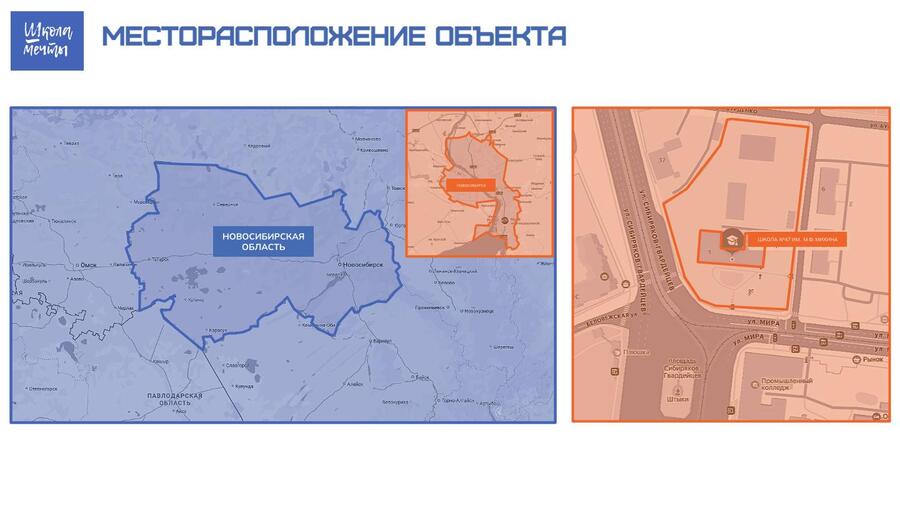
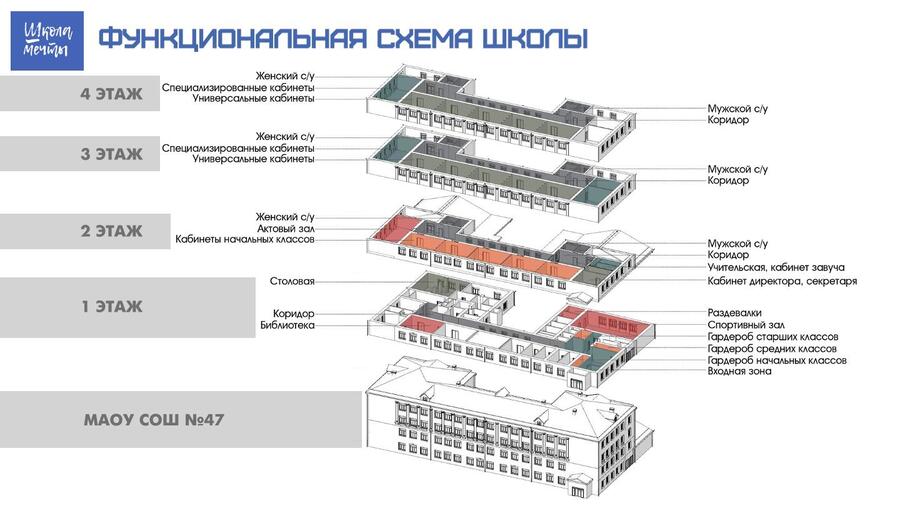
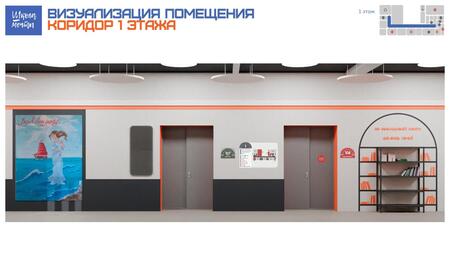
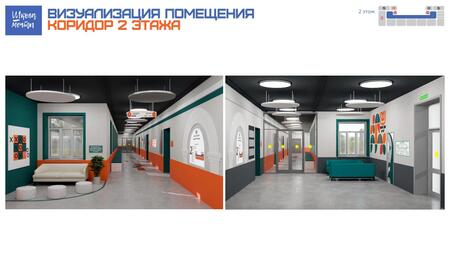
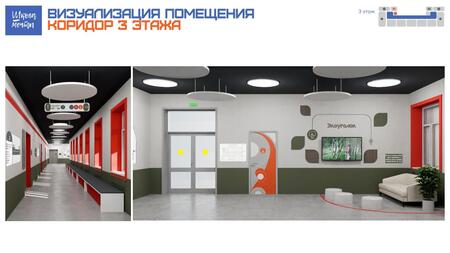
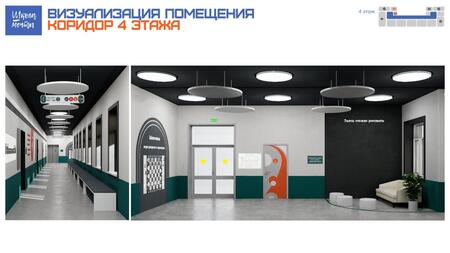
Проектируемый объект — Муниципальное автономное общеобразовательное учреждение города Новосибирска «Средняя общеобразовательная школа № 47 имени Михина Михаила Филипповича»
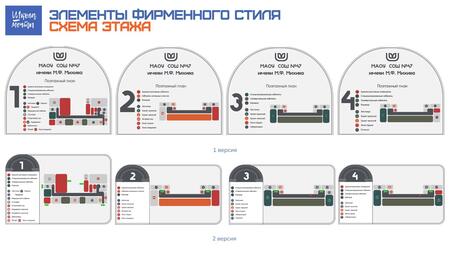
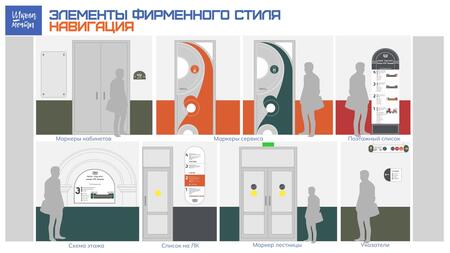
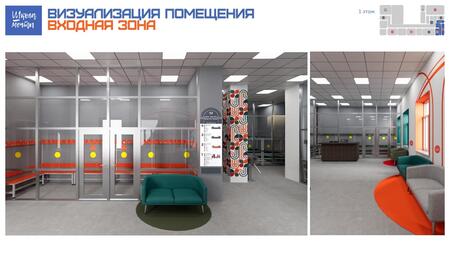
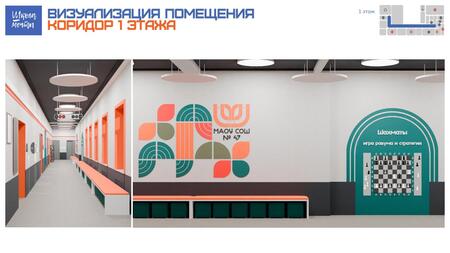
Лучшее решение фирменного стиля МАОУ СОШ № 47 им. М. Ф. Михина
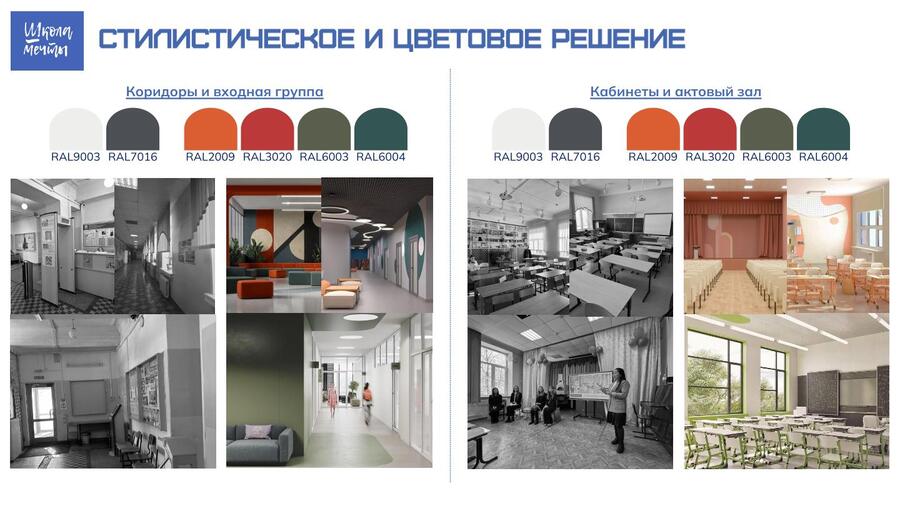
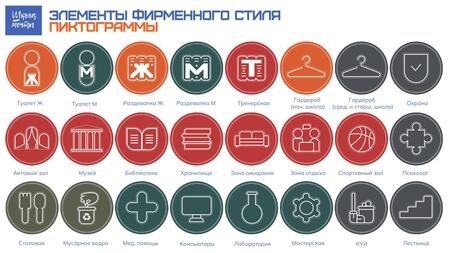
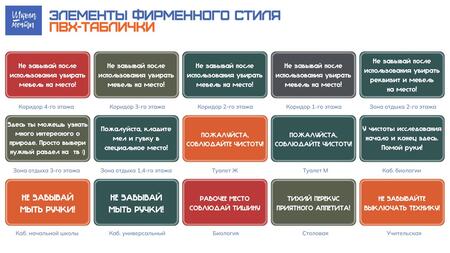
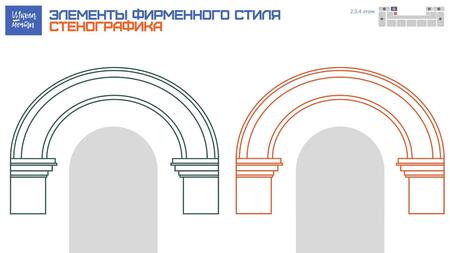
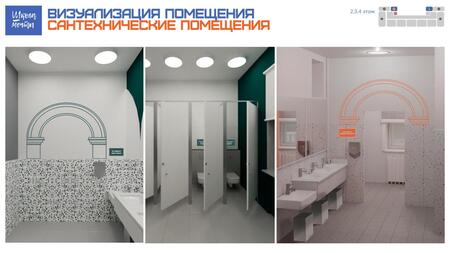
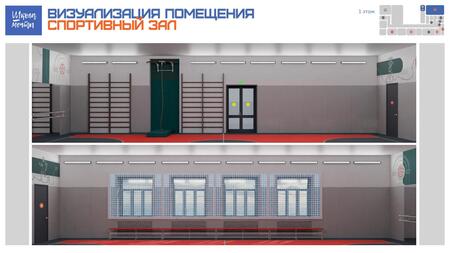
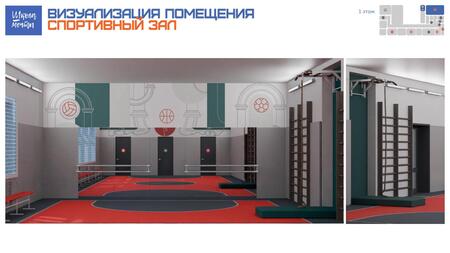
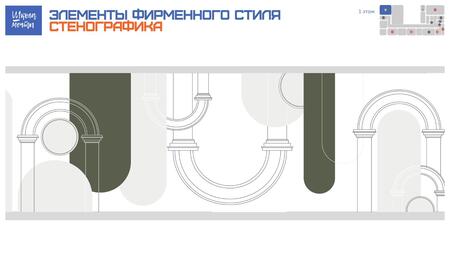
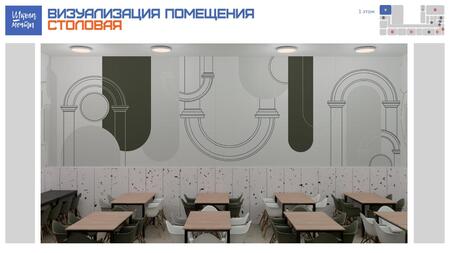
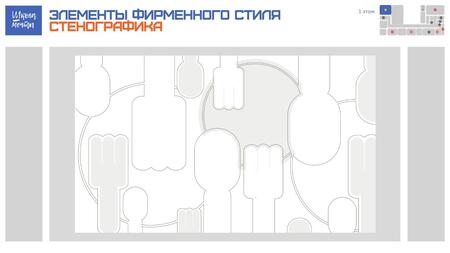
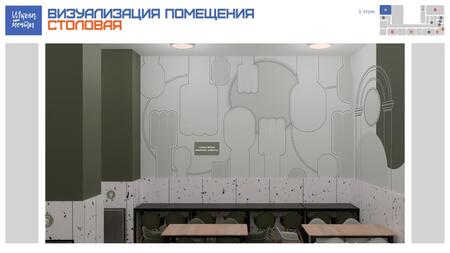
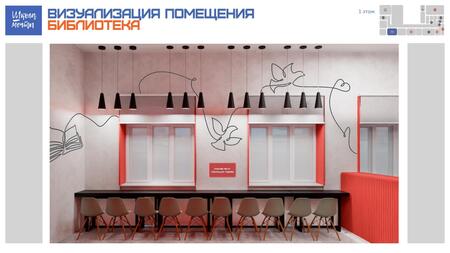
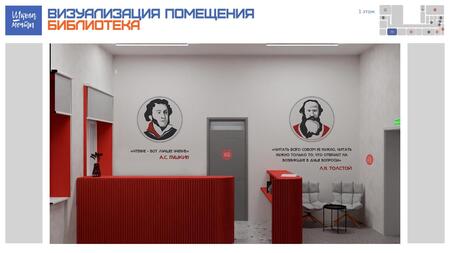
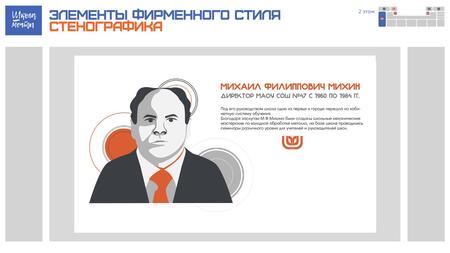
Ольга Якунина и Вероника Садохина разработали фирменный стиль для МАОУ СОШ № 47 им. М. Ф. Михина. Проект представляет собой учебную работу студентов НГУАДИ, включающую подробное описание решения фирменного стиля и его применения в различных помещениях школы.
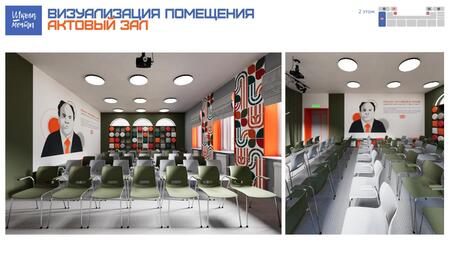
Валерия Павлова разработала концепцию актового зала МКОУ СОШ №4, предназначенного для различных мероприятий. Проект включает две сцены и вариации освещения, позволяющие адаптировать пространство под разные форматы использования.
Цифровая платформа для создания презентаций. Инновационный онлайн-конструктор, где каждый может эффектно показать свой проект, предложение или образовательный курс.
Press space bar to start a drag.
When dragging you can use the arrow keys to move the item around and escape to cancel.
Some screen readers may require you to be in focus mode or to use your pass through key
Press space bar to start a drag.
When dragging you can use the arrow keys to move the item around and escape to cancel.
Some screen readers may require you to be in focus mode or to use your pass through key
Press space bar to start a drag.
When dragging you can use the arrow keys to move the item around and escape to cancel.
Some screen readers may require you to be in focus mode or to use your pass through key
Press space bar to start a drag.
When dragging you can use the arrow keys to move the item around and escape to cancel.
Some screen readers may require you to be in focus mode or to use your pass through key
Press space bar to start a drag.
When dragging you can use the arrow keys to move the item around and escape to cancel.
Some screen readers may require you to be in focus mode or to use your pass through key
Press space bar to start a drag.
When dragging you can use the arrow keys to move the item around and escape to cancel.
Some screen readers may require you to be in focus mode or to use your pass through key
Press space bar to start a drag.
When dragging you can use the arrow keys to move the item around and escape to cancel.
Some screen readers may require you to be in focus mode or to use your pass through key
Press space bar to start a drag.
When dragging you can use the arrow keys to move the item around and escape to cancel.
Some screen readers may require you to be in focus mode or to use your pass through key
Press space bar to start a drag.
When dragging you can use the arrow keys to move the item around and escape to cancel.
Some screen readers may require you to be in focus mode or to use your pass through key
Press space bar to start a drag.
When dragging you can use the arrow keys to move the item around and escape to cancel.
Some screen readers may require you to be in focus mode or to use your pass through key
Press space bar to start a drag.
When dragging you can use the arrow keys to move the item around and escape to cancel.
Some screen readers may require you to be in focus mode or to use your pass through key
Press space bar to start a drag.
When dragging you can use the arrow keys to move the item around and escape to cancel.
Some screen readers may require you to be in focus mode or to use your pass through key